주요 콘텐츠로 건너뛰기

ACN Iris WG4K Key Pad Replacement

필요한 것

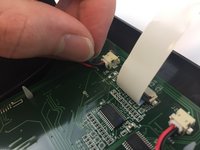
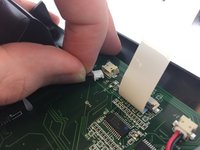
  1. ACN Iris WG4K Key Pad Replacement, Handset: 1 단계, 이미지 2개 중 1개 ACN Iris WG4K Key Pad Replacement, Handset: 1 단계, 이미지 2개 중 2개
    • Press upwards with your index finger on the 4P4C connector as shown in the image.

    • Pull the connector gently out of its socket.

  2. ACN Iris WG4K Key Pad Replacement, Lower Case: 2 단계, 이미지 1개 중 1개
    • Flip the main body of the video phone so that the bottom is facing up.

    • Use the Phillips #0 Screwdriver to remove the four Phillips head screws (6 mm) highlighted by the red circles.

  3. ACN Iris WG4K Key Pad Replacement: 3 단계, 이미지 2개 중 1개 ACN Iris WG4K Key Pad Replacement: 3 단계, 이미지 2개 중 2개
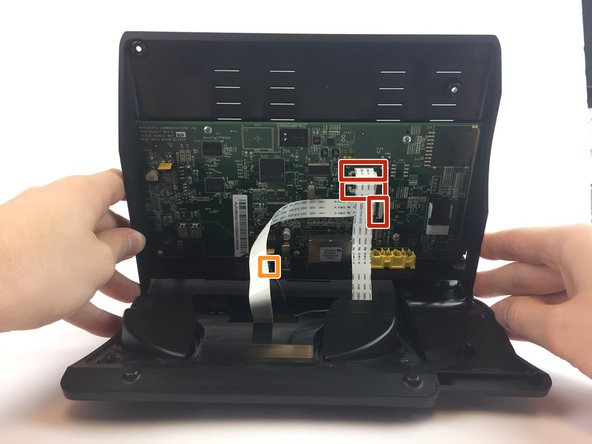
    • Lift the back case upwards to expose the inside components.

    • Red rectangles indicate the three ribbon cables.

    • The orange square indicates the blade connector.

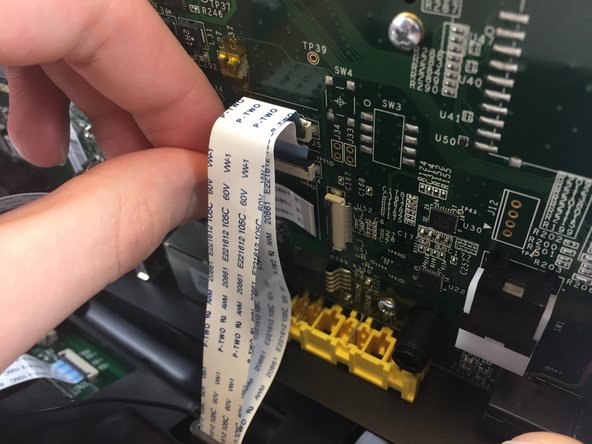
  4. ACN Iris WG4K Key Pad Replacement: 4 단계, 이미지 3개 중 1개 ACN Iris WG4K Key Pad Replacement: 4 단계, 이미지 3개 중 2개 ACN Iris WG4K Key Pad Replacement: 4 단계, 이미지 3개 중 3개
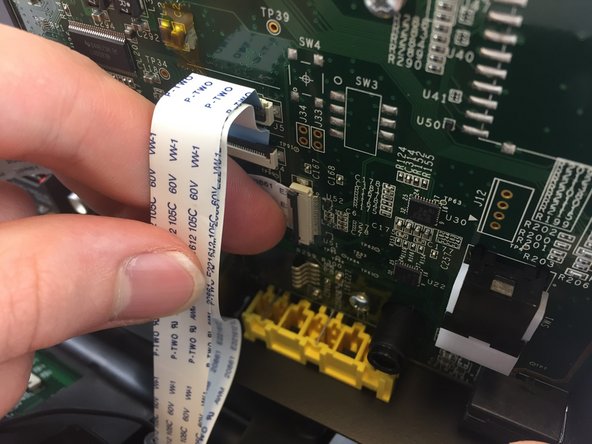
    • Disconnect the three ribbon cables from their insulation-displacement connectors by flipping up the black plastic clip.

    • Gently pull the ribbon cables out of their insulation-displacement connectors.

  5. ACN Iris WG4K Key Pad Replacement: 5 단계, 이미지 2개 중 1개 ACN Iris WG4K Key Pad Replacement: 5 단계, 이미지 2개 중 2개
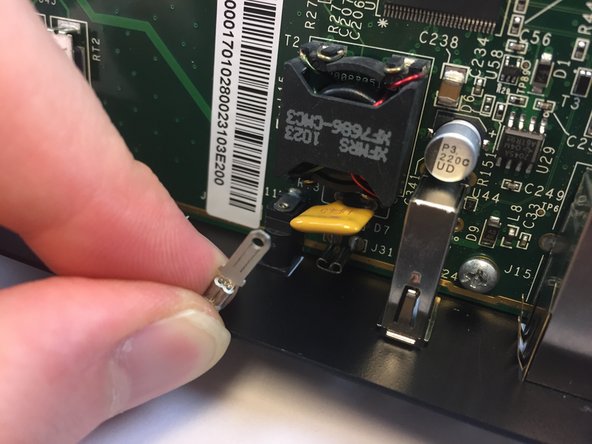
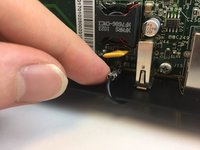
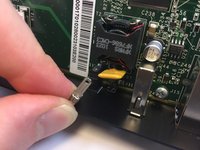
    • Disconnect the blade connector from the blade receptacle by gripping the exposed area of the blade connector.

    • Gently pull the blade connector out of the blade receptacle.

  6. ACN Iris WG4K Key Pad Replacement: 6 단계, 이미지 1개 중 1개
    • Gently lift up the lower case to separate it from the top case.

  7. ACN Iris WG4K Key Pad Replacement, Key Pad: 7 단계, 이미지 1개 중 1개
    • Use the Phillips #0 Screwdriver to remove the four Phillips head screws 6 mm highlighted by the red circles.

  8. ACN Iris WG4K Key Pad Replacement: 8 단계, 이미지 1개 중 1개
    • Gently lift up on the top case to separate it from the keypad/speaker panel.

  9. ACN Iris WG4K Key Pad Replacement: 9 단계, 이미지 2개 중 1개 ACN Iris WG4K Key Pad Replacement: 9 단계, 이미지 2개 중 2개
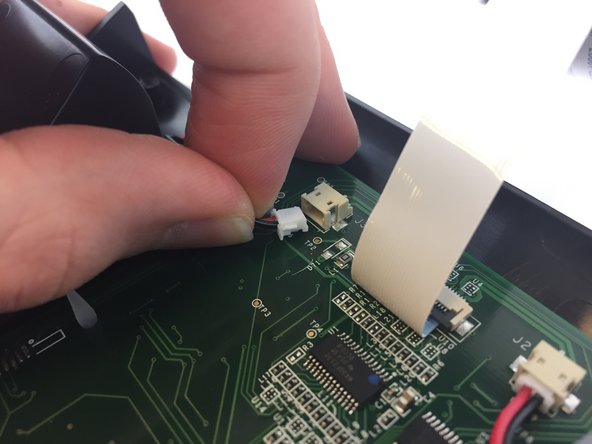
    • Disconnect the two white 2-pin JST connectors from the keypad/speaker circuit board by tugging gently until they are released.

  10. ACN Iris WG4K Key Pad Replacement: 10 단계, 이미지 1개 중 1개
    • Use the Philips screw driver to remove the four Phillips head screws 6 mm highlighted by the red circles.

결론

To reassemble your device, follow these instructions in reverse order.

다른 한 분이 해당 안내서를 완성하였습니다.

작성자

2다른 기여자 명과 함께

Itze Kenney

회원 가입일: 02/14/17

1,066 평판

안내서 9개를 작성함

USF Tampa, Team 20-4, Remmell Spring 2017 USF Tampa, Team 20-4, Remmell Spring 2017 회원

USFT-REMMELL-S17S20G4

4 회원들

안내서 20개를 작성함

0가이드 댓글

댓글 쓰기

조회 통계:

지난 24시간: 0

지난 7일: 3

지난 30일: 13

전체 시간: 286