주요 콘텐츠로 건너뛰기

ACN Iris WG4K Video Screen Replacement

필요한 것

  1. ACN Iris WG4K Video Screen Replacement, Handset: 1 단계, 이미지 2개 중 1개 ACN Iris WG4K Video Screen Replacement, Handset: 1 단계, 이미지 2개 중 2개
    • Press upwards with your index finger on the 4P4C connector as shown in the image.

    • Pull the connector gently out of its socket.

  2. ACN Iris WG4K Video Screen Replacement, Lower Case: 2 단계, 이미지 1개 중 1개
    • Flip the main body of the video phone so that the bottom is facing up.

    • Use the Phillips #0 Screwdriver to remove the four Phillips head screws (6 mm) highlighted by the red circles.

  3. ACN Iris WG4K Video Screen Replacement: 3 단계, 이미지 2개 중 1개 ACN Iris WG4K Video Screen Replacement: 3 단계, 이미지 2개 중 2개
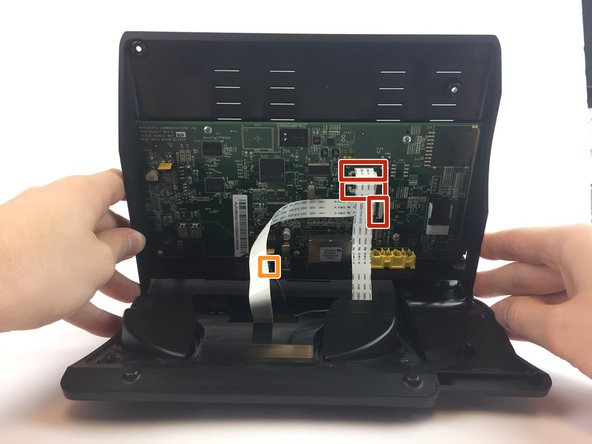
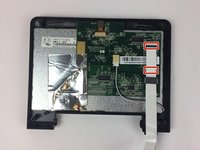
    • Lift the back case upwards to expose the inside components.

    • Red rectangles indicate the three ribbon cables.

    • The orange square indicates the blade connector.

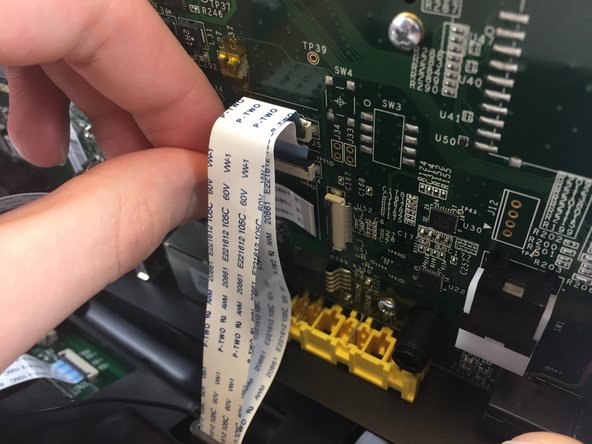
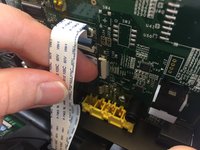
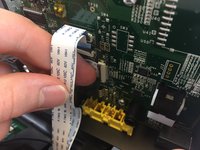
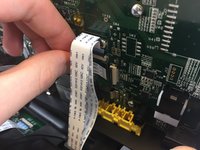
  4. ACN Iris WG4K Video Screen Replacement: 4 단계, 이미지 3개 중 1개 ACN Iris WG4K Video Screen Replacement: 4 단계, 이미지 3개 중 2개 ACN Iris WG4K Video Screen Replacement: 4 단계, 이미지 3개 중 3개
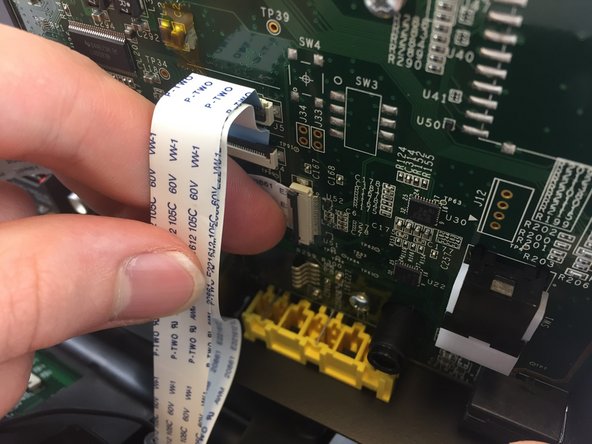
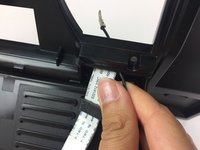
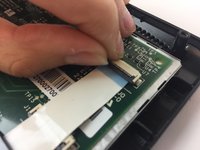
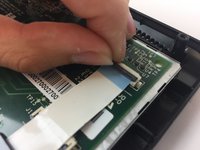
    • Disconnect the three ribbon cables from their insulation-displacement connectors by flipping up the black plastic clip.

    • Gently pull the ribbon cables out of their insulation-displacement connectors.

  5. ACN Iris WG4K Video Screen Replacement: 5 단계, 이미지 2개 중 1개 ACN Iris WG4K Video Screen Replacement: 5 단계, 이미지 2개 중 2개
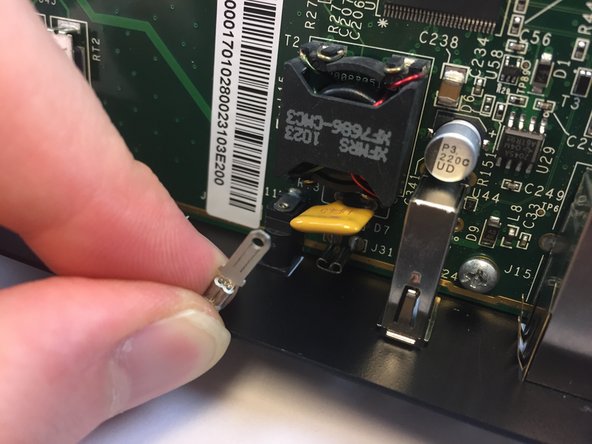
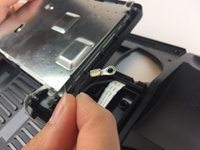
    • Disconnect the blade connector from the blade receptacle by gripping the exposed area of the blade connector.

    • Gently pull the blade connector out of the blade receptacle.

  6. ACN Iris WG4K Video Screen Replacement: 6 단계, 이미지 1개 중 1개
    • Gently lift up the lower case to separate it from the top case.

  7. ACN Iris WG4K Video Screen Replacement, Blade Connector: 7 단계, 이미지 1개 중 1개
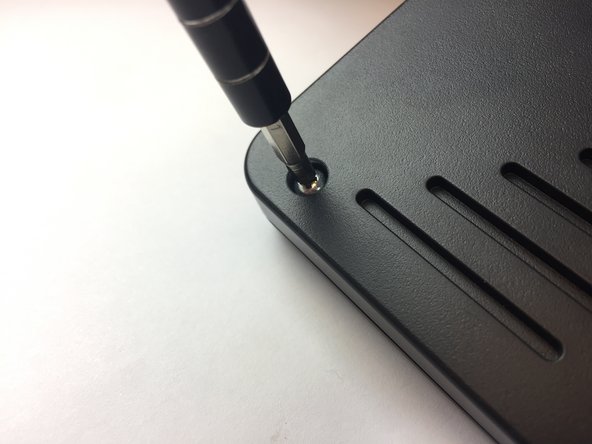
    • Use the Phillips #0 Screwdriver to remove the four Phillips head screws (6 mm) highlighted by the red circles.

  8. ACN Iris WG4K Video Screen Replacement: 8 단계, 이미지 1개 중 1개
    • Gently lift up on the upper case to separate it from the keypad/speaker panel.

  9. ACN Iris WG4K Video Screen Replacement: 9 단계, 이미지 1개 중 1개
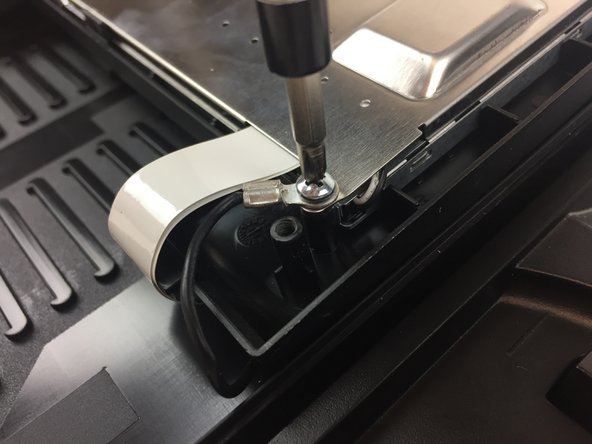
    • Use the Phillips #0 Screwdriver to remove the two Phillips head screws (5 mm) located on the upper case.

  10. ACN Iris WG4K Video Screen Replacement: 10 단계, 이미지 1개 중 1개
    • Rotate the top case 180 degrees so that the video screen is closest to you.

    • Lift up the bottom up so that it is perpendicular to the table (this helps you reach the two top screws).

    • The four Phillips head screws (6 mm) are highlighted by the red circles.

  11. ACN Iris WG4K Video Screen Replacement: 11 단계, 이미지 1개 중 1개
    • Use the Phillips #0 Screwdriver to remove the four Phillips head screws (6 mm).

  12. ACN Iris WG4K Video Screen Replacement: 12 단계, 이미지 1개 중 1개
    • Flip the top case so that the video screen is facing up.

  13. ACN Iris WG4K Video Screen Replacement: 13 단계, 이미지 1개 중 1개
    • Rotate the top case 180 degrees.

    • Gently lift up on the video screen and the blade and ribbon connector to give you more slack to work with.

  14. ACN Iris WG4K Video Screen Replacement: 14 단계, 이미지 1개 중 1개
    • Place the video screen face down to expose the two screws. The screws are indicated by the red circles.

  15. ACN Iris WG4K Video Screen Replacement: 15 단계, 이미지 2개 중 1개 ACN Iris WG4K Video Screen Replacement: 15 단계, 이미지 2개 중 2개
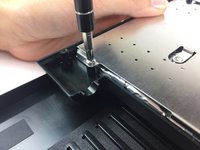
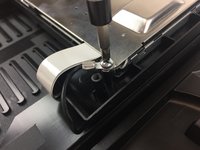
    • Use the Phillips #0 Screwdriver to remove the two Phillips head screws (6 mm)

  16. ACN Iris WG4K Video Screen Replacement: 16 단계, 이미지 2개 중 1개 ACN Iris WG4K Video Screen Replacement: 16 단계, 이미지 2개 중 2개
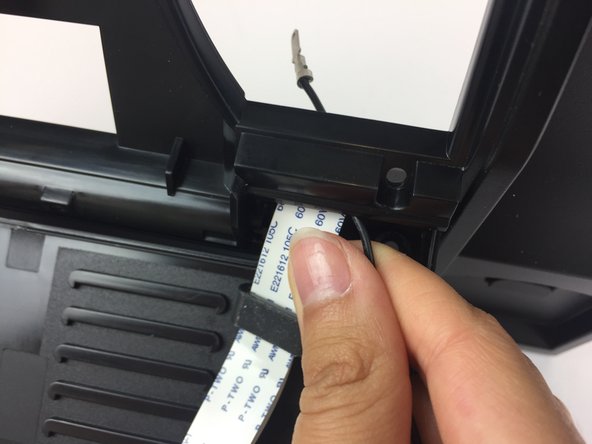
    • Pull the ribbon connector and blade connector through the top case.

  17. ACN Iris WG4K Video Screen Replacement, Video Screen Ribbon Cable: 17 단계, 이미지 1개 중 1개
    • Note that the video screen is no longer attached to the top case, place in on a flat surface.

    • Gently lift of the silver casing.

  18. ACN Iris WG4K Video Screen Replacement: 18 단계, 이미지 3개 중 1개 ACN Iris WG4K Video Screen Replacement: 18 단계, 이미지 3개 중 2개 ACN Iris WG4K Video Screen Replacement: 18 단계, 이미지 3개 중 3개
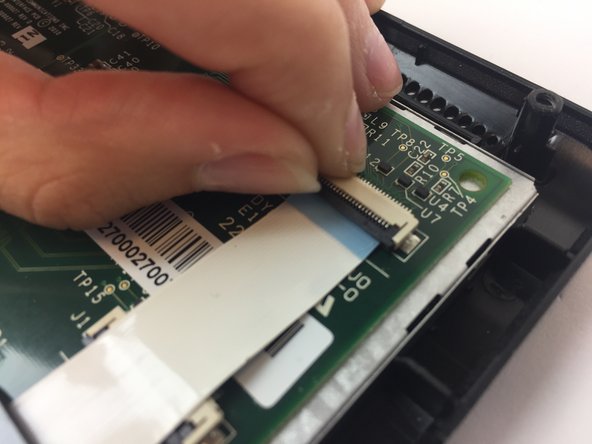
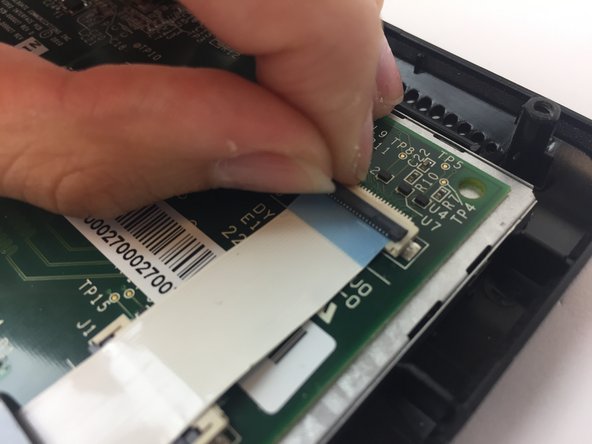
    • The two ribbon connectors are indicated by the red rectangles.

    • Disconnect the two ribbon cables from their insulation-displacement connectors by flipping up the black plastic clip.

    • Gently pull out the ribbon cables. Gently pull out the ribbon cables.

  19. ACN Iris WG4K Video Screen Replacement, Video Screen: 19 단계, 이미지 1개 중 1개
    • Gently lift the video screen out of its case.

결론

To reassemble your device, follow these instructions in reverse order.

다른 2명이 해당 안내서를 완성하였습니다.

작성자

2다른 기여자 명과 함께

Cason Fluharty

회원 가입일: 02/14/17

107 평판

안내서 1개를 작성함

USF Tampa, Team 20-4, Remmell Spring 2017 USF Tampa, Team 20-4, Remmell Spring 2017 회원

USFT-REMMELL-S17S20G4

4 회원들

안내서 20개를 작성함

0가이드 댓글

댓글 쓰기

조회 통계:

지난 24시간: 0

지난 7일: 1

지난 30일: 6

전체 시간: 330