소개
This repair guide will guide you through the steps to removing and replacing the power switch of your APS Tech 101629 CD-Drive.
First the external casing, and channel switch will need to be removed.
필요한 것
-
-
-
Pry all four of the plastic feet off the bottom of the enclosure using the iPod opening tool.
 FixBot에 문의하기
-
-
-
Unscrew the four screws previously covered by the feet with a Phillips #1 screwdriver.
-
-
-
Flip the device right side up.
-
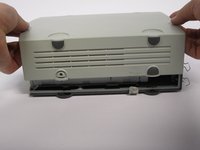
Gently slide the casing upwards and off the hard drive.
-
-
-
-
Flip device upside down again.
-
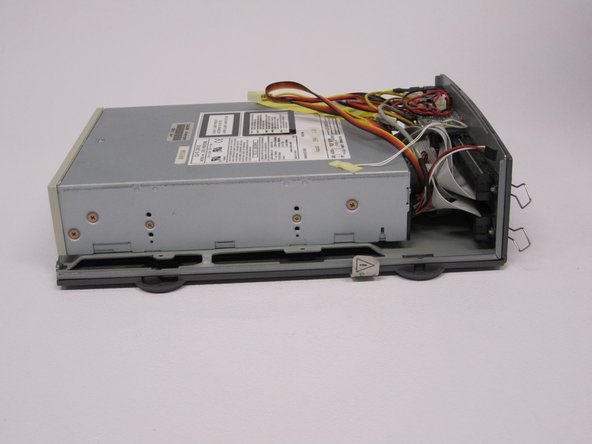
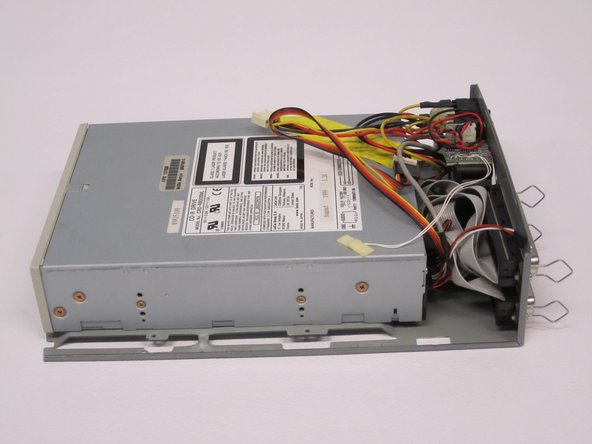
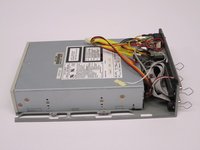
Gently pry the bottom gray casing away from the device.
-
-
-
Rotate so the back of the device is facing you.
-
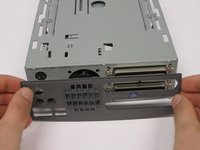
Gently pry the back casing away.
-
When the back casing is removed, the fan will become loose.
-
-
-
-
-
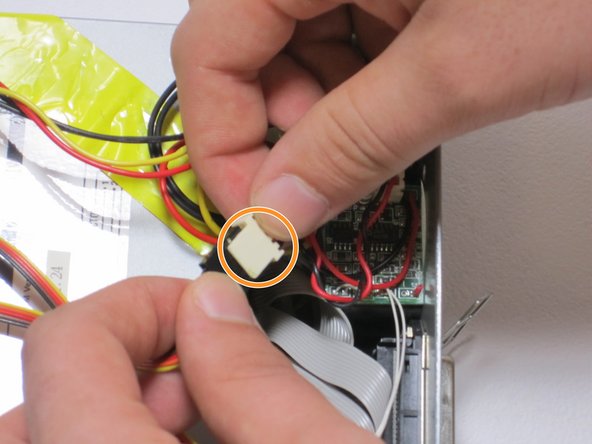
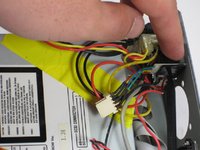
Find the conjoined ID cable wires that are colored black, orange, and yellow.
-
Lift white portion of cable wires to disconnect it.
-
-
-
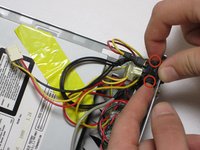
Using the spudger, depress the pressure holders at all four corners of the fan.
-
Take out the fan and its cords, by pulling it outward from its cavity within the device.
-
-
-
-
-
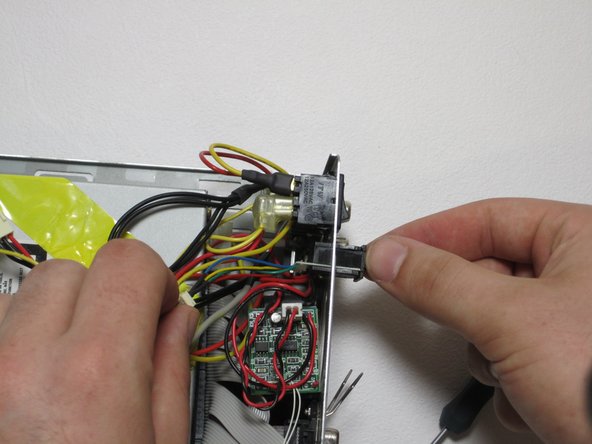
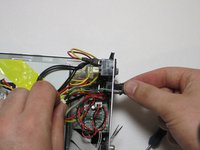
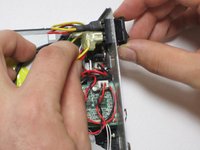
Depress 2 pressure holds on each side of the power switch.
-
Press out the back of the device.
-
-
-
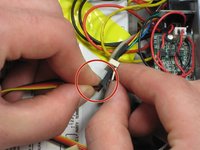
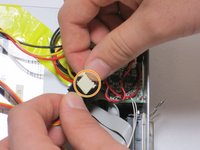
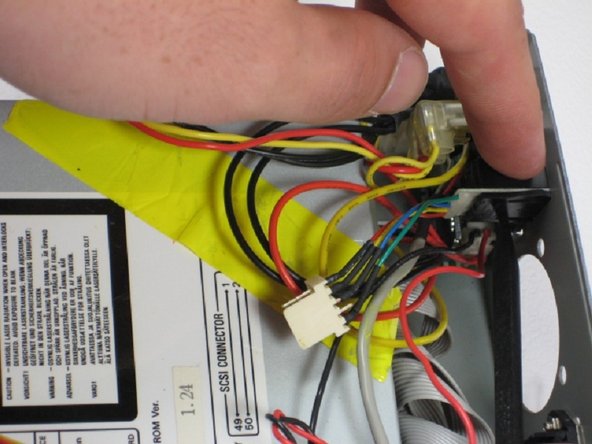
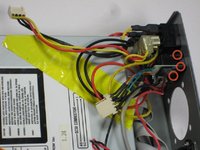
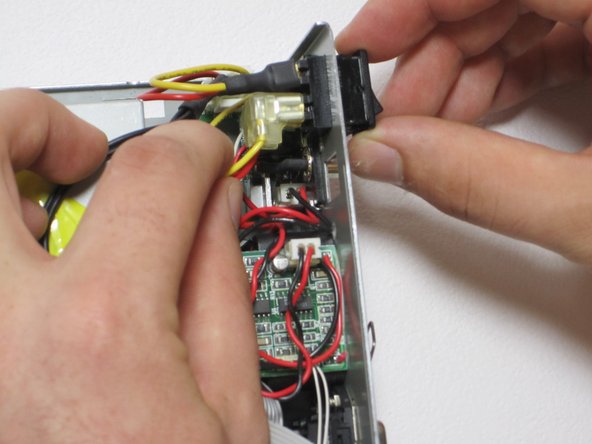
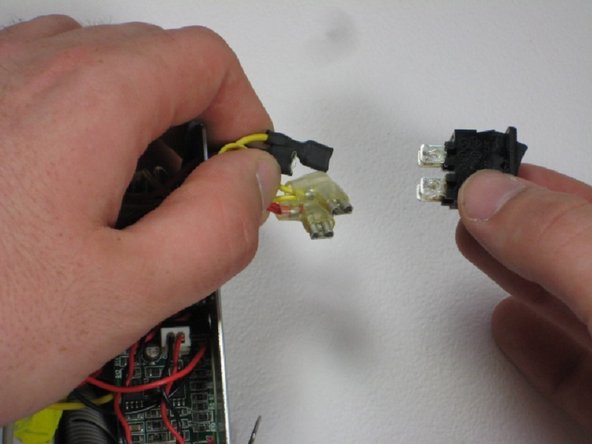
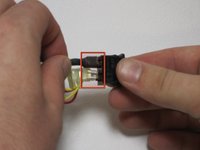
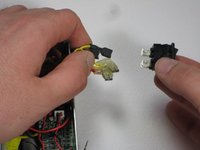
Remove all four 4 connections from the power switch.
-
Remember that the straight connections are on the far side, while the L-shaped connections are on the near side, and that both yellow connections are on top. This is helpful for reassembly.
-
-








To reassemble your device, follow these instructions in reverse order.

팀

Cal Poly, Team 24-60, Amido Spring 2011 Cal Poly, Team 24-60, Amido Spring 2011 회원
CPSU-AMIDO-S11S24G60
5 회원들
안내서 48개를 작성함
