주요 콘텐츠로 건너뛰기

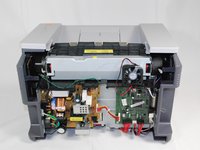
Accessing Samsung ML2510 Circuit Board

필요한 것

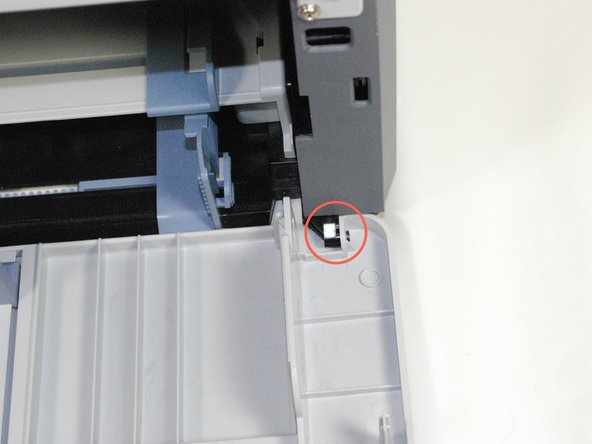
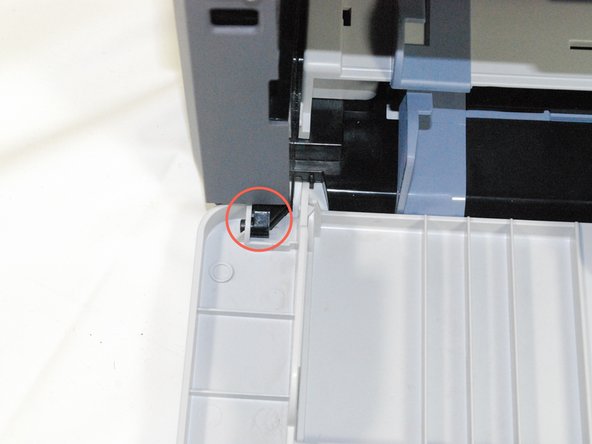
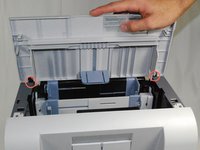
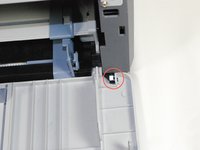
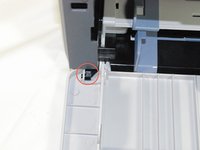
  1. Accessing Samsung ML2510 Circuit Board, Removing Samsung ML2510 Back Panel: 1 단계, 이미지 3개 중 1개 Accessing Samsung ML2510 Circuit Board, Removing Samsung ML2510 Back Panel: 1 단계, 이미지 3개 중 2개 Accessing Samsung ML2510 Circuit Board, Removing Samsung ML2510 Back Panel: 1 단계, 이미지 3개 중 3개
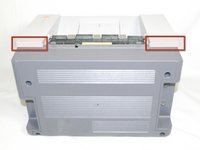
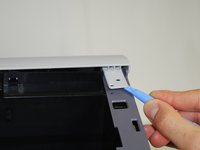
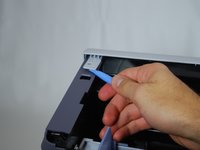
    • Remove the top hinged panel by taking out the pins at the bottom of this panel.

  2. Accessing Samsung ML2510 Circuit Board: 2 단계, 이미지 1개 중 1개
    • Using a Phillips #2 screwdriver, remove the four screws on the back of the printer.

  3. Accessing Samsung ML2510 Circuit Board: 3 단계, 이미지 3개 중 1개 Accessing Samsung ML2510 Circuit Board: 3 단계, 이미지 3개 중 2개 Accessing Samsung ML2510 Circuit Board: 3 단계, 이미지 3개 중 3개
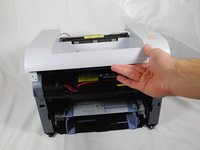
    • Gently lift the top panel while simultaneously pulling off the back panel.

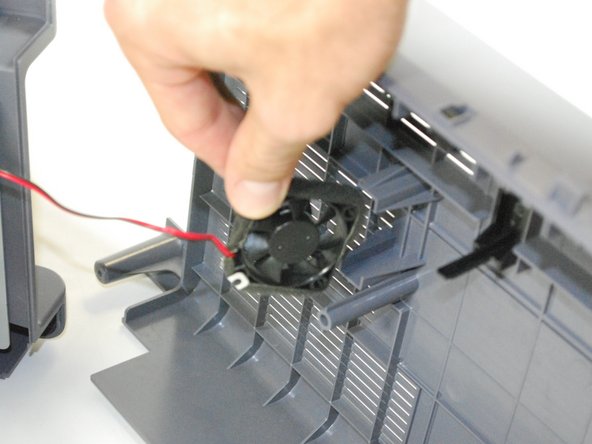
    • Before pulling out the back panel entirely, make sure to remove the rear cooling fan from its slot.

  4. Accessing Samsung ML2510 Circuit Board, Accessing Samsung ML2510 Circuit Board: 4 단계, 이미지 3개 중 1개 Accessing Samsung ML2510 Circuit Board, Accessing Samsung ML2510 Circuit Board: 4 단계, 이미지 3개 중 2개 Accessing Samsung ML2510 Circuit Board, Accessing Samsung ML2510 Circuit Board: 4 단계, 이미지 3개 중 3개
    • Remove the front panel by gently freeing the holes on the panel from the pegs attached to the main printer body one at a time. Make sure to remove the entire front panel, not just the flap on the paper tray.

  5. Accessing Samsung ML2510 Circuit Board: 5 단계, 이미지 1개 중 1개
    • Using a Phillips #2 screwdriver, remove the two 1" screws on the front face of the printer.

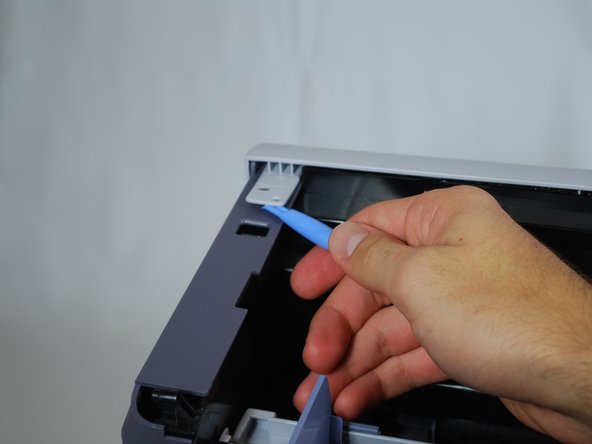
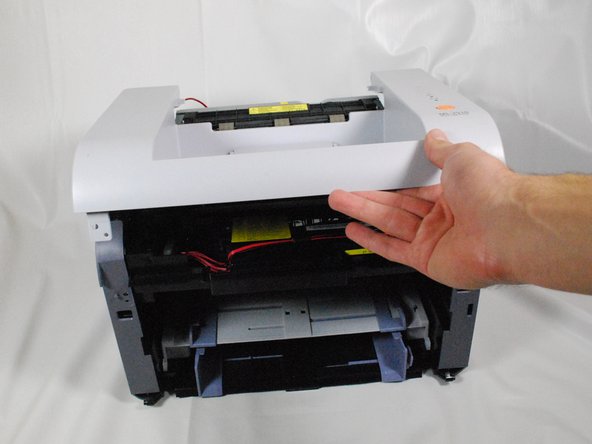
  6. Accessing Samsung ML2510 Circuit Board: 6 단계, 이미지 3개 중 1개 Accessing Samsung ML2510 Circuit Board: 6 단계, 이미지 3개 중 2개 Accessing Samsung ML2510 Circuit Board: 6 단계, 이미지 3개 중 3개
    • Using a plastic opening tool, gently lift one side of the top panel from its peg.

    • Repeat the process for the other side.

    • Lift the top panel from the front to remove it entirely.

  7. Accessing Samsung ML2510 Circuit Board: 7 단계, 이미지 3개 중 1개 Accessing Samsung ML2510 Circuit Board: 7 단계, 이미지 3개 중 2개 Accessing Samsung ML2510 Circuit Board: 7 단계, 이미지 3개 중 3개
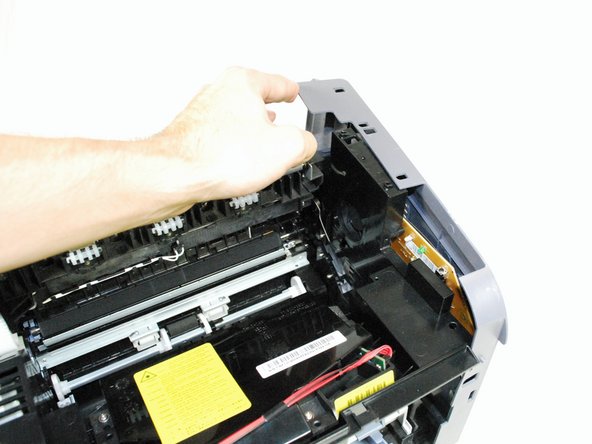
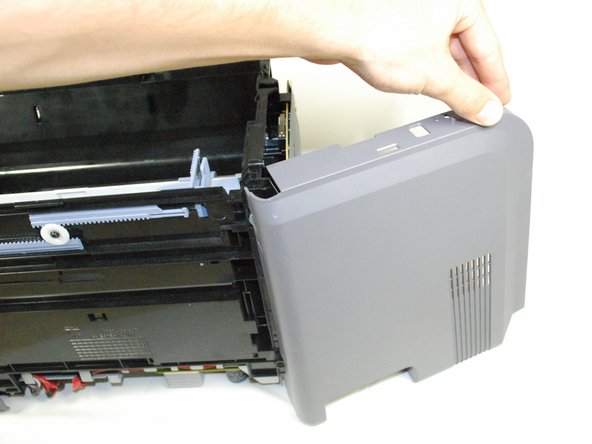
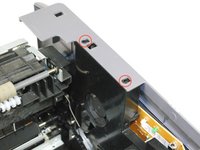
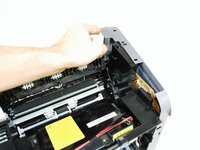
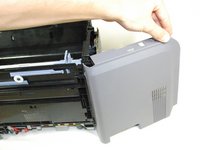
    • Lift the right panel up from the raised stops.

    • Rotate the panel gently as indicated in the picture to remove the panel entirely.

  8. Accessing Samsung ML2510 Circuit Board: 8 단계, 이미지 1개 중 1개
    • Using a Phillips #2 screwdriver, remove the four 1" screws attaching the gray plate to the printer.

    • Remove the plastic cover by sliding it carefully under the silver hinges on the right.

  9. Accessing Samsung ML2510 Circuit Board: 9 단계, 이미지 1개 중 1개
    • Using a Phillips #2 screwdriver, remove the 1" screw attaching the circuit board to the printer.

  10. Accessing Samsung ML2510 Circuit Board: 10 단계, 이미지 2개 중 1개 Accessing Samsung ML2510 Circuit Board: 10 단계, 이미지 2개 중 2개
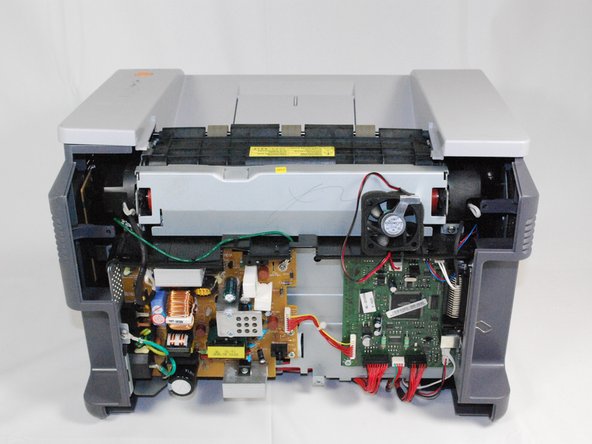
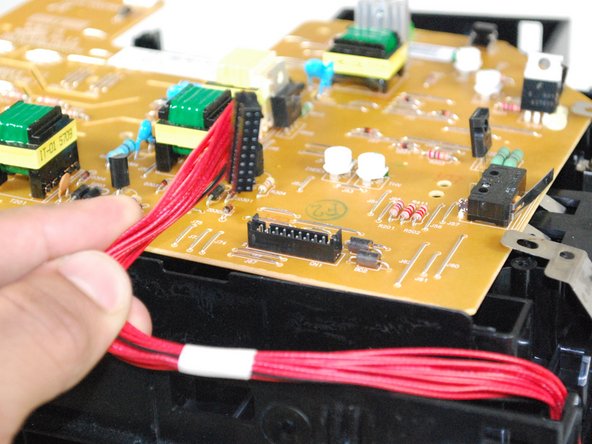
    • Turn over the circuit board to access main wiring.

    • Unplug the wiring from the circuit board gently.

결론

To reassemble your device, follow these instructions in reverse order.

다른 3명이 해당 안내서를 완성하였습니다.

작성자

9다른 기여자 명과 함께

bbaustin

회원 가입일: 10/12/11

268 평판

안내서 6개를 작성함

Cal Poly, Team 17-18, Regan Fall 2011 Cal Poly, Team 17-18, Regan Fall 2011 회원

CPSU-REGAN-F11S17G18

4 회원들

안내서 12개를 작성함

0가이드 댓글

댓글 쓰기

조회 통계:

지난 24시간: 0

지난 7일: 7

지난 30일: 25

전체 시간: 3,030