주요 콘텐츠로 건너뛰기

Acer Aspire 5534-1146 Disc Drive Replacement

필요한 것

  1. Acer Aspire 5534-1146 Disc Drive  Replacement, Disc Drive: 1 단계, 이미지 1개 중 1개
    • Unscrew the two .8 centimeter screws on the bottom plate with the PH #0 screwdriver.

  2. Acer Aspire 5534-1146 Disc Drive  Replacement: 2 단계, 이미지 2개 중 1개 Acer Aspire 5534-1146 Disc Drive  Replacement: 2 단계, 이미지 2개 중 2개
    • Using your fingers, or the blue plastic spudger tool if needed, remove the plate.

    • Then proceed to unscrew the .4 centimeter Phillips screw on the left side.

  3. Acer Aspire 5534-1146 Disc Drive  Replacement: 3 단계, 이미지 2개 중 1개 Acer Aspire 5534-1146 Disc Drive  Replacement: 3 단계, 이미지 2개 중 2개
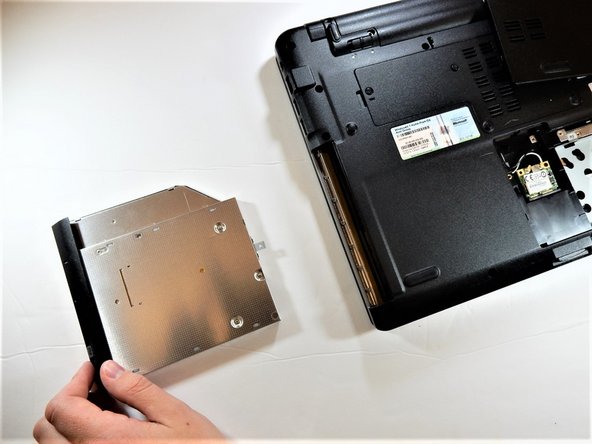
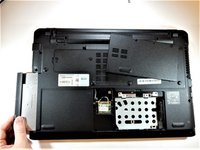
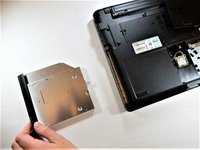
    • You can now pull the disk drive out by hand.

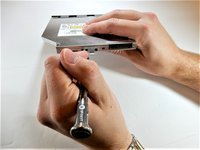
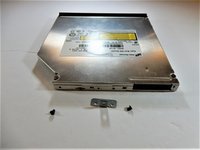
  4. Acer Aspire 5534-1146 Disc Drive  Replacement: 4 단계, 이미지 2개 중 1개 Acer Aspire 5534-1146 Disc Drive  Replacement: 4 단계, 이미지 2개 중 2개
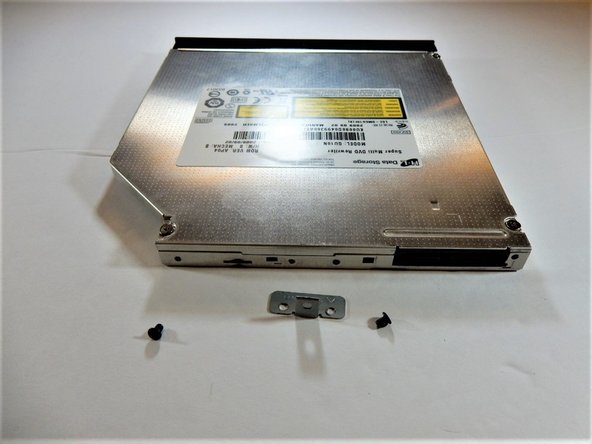
    • If needed, the small plate can be removed by unscrewing the two .4 centimeter Phillips screws.

결론

To reassemble your device, follow these instructions in reverse order.

작성자

3다른 기여자 명과 함께

Trysten buckley

회원 가입일: 10/09/18

337 평판

안내서 3개를 작성함

0가이드 댓글

댓글 쓰기

조회 통계:

지난 24시간: 0

지난 7일: 3

지난 30일: 8

전체 시간: 257