주요 콘텐츠로 건너뛰기

Acer Aspire 5740-6378 Keyboard Replacement

필요한 것

  1. Acer Aspire 5740-6378 Keyboard Replacement, Battery: 1 단계, 이미지 1개 중 1개
    • Slide the locking switch into the unlocked position to ready the battery for removal.

  2. Acer Aspire 5740-6378 Keyboard Replacement: 2 단계, 이미지 1개 중 1개
    • Slide the release latch until the battery pops out.

  3. Acer Aspire 5740-6378 Keyboard Replacement: 3 단계, 이미지 1개 중 1개
    • Remove the battery now that it's been unsecured.

  4. Acer Aspire 5740-6378 Keyboard Replacement, Keyboard: 4 단계, 이미지 1개 중 1개
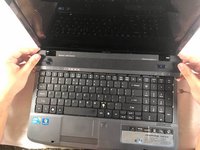
    • Open your device so you have ease of access to your keyboard.

  5. Acer Aspire 5740-6378 Keyboard Replacement: 5 단계, 이미지 3개 중 1개 Acer Aspire 5740-6378 Keyboard Replacement: 5 단계, 이미지 3개 중 2개 Acer Aspire 5740-6378 Keyboard Replacement: 5 단계, 이미지 3개 중 3개
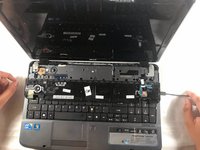
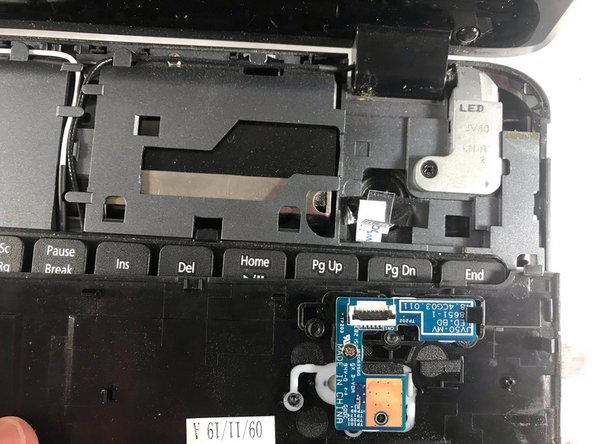
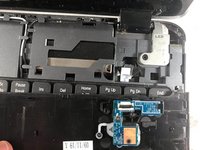
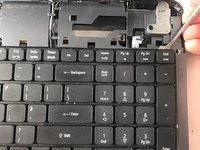
    • Pry off the mid cover using a spudger to reveal a cable attaching to the keyboard.

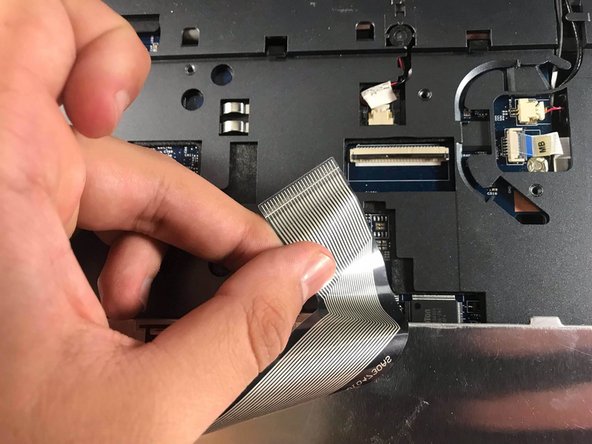
  6. Acer Aspire 5740-6378 Keyboard Replacement: 6 단계, 이미지 2개 중 1개 Acer Aspire 5740-6378 Keyboard Replacement: 6 단계, 이미지 2개 중 2개
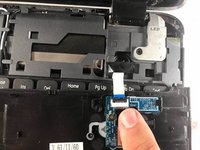
    • Detach the cable by flipping the securing tab up and gently pulling the cable away from it.

  7. Acer Aspire 5740-6378 Keyboard Replacement: 7 단계, 이미지 2개 중 1개 Acer Aspire 5740-6378 Keyboard Replacement: 7 단계, 이미지 2개 중 2개
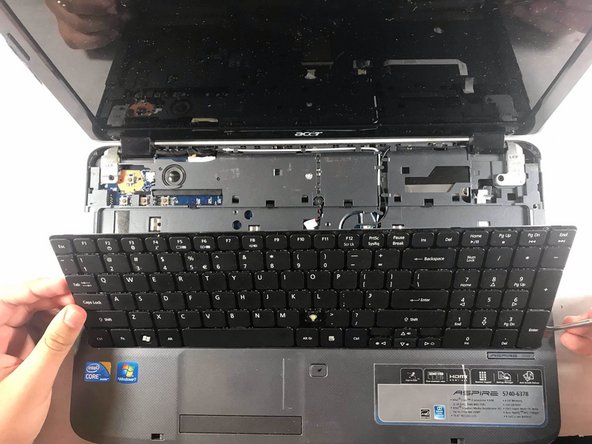
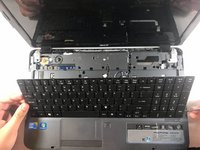
    • Pry off and flip over the keyboard using the spudger.

  8. Acer Aspire 5740-6378 Keyboard Replacement: 8 단계, 이미지 2개 중 1개 Acer Aspire 5740-6378 Keyboard Replacement: 8 단계, 이미지 2개 중 2개
    • Unlock the keyboard ribbon cable by flipping up the securing tab on the Zero Insertion Force (ZIF) connector.

    • Slide the ribbon cable free of the connector.

    • Remove the keyboard.

결론

To reassemble your device, follow these instructions in reverse order.

작성자

3다른 기여자 명과 함께

Ian Rodriguez

회원 가입일: 03/20/19

734 평판

안내서 5개를 작성함

UMass Dartmouth, Team S2-G5, Bailey Spring 2019 UMass Dartmouth, Team S2-G5, Bailey Spring 2019 회원

UMASSD-BAILEY-S19S2G5

3 회원들

안내서 5개를 작성함

0가이드 댓글

댓글 쓰기

조회 통계:

지난 24시간: 2

지난 7일: 11

지난 30일: 14

전체 시간: 455