주요 콘텐츠로 건너뛰기

Acer Aspire 7736Z-4809 Wireless Module Replacement

필요한 것

  1. Acer Aspire 7736Z-4809 Wireless Module Replacement, Acer Aspire 7736Z-4809 Repair Preparation: 1 단계, 이미지 1개 중 1개
    • Unplug and power off the laptop.

    • If the battery is still connected to the laptop, remove the battery.

  2. Acer Aspire 7736Z-4809 Wireless Module Replacement: 2 단계, 이미지 1개 중 1개
    • Flip over the laptop so that the back panel of the laptop is facing up.

  3. Acer Aspire 7736Z-4809 Wireless Module Replacement, Back Panel: 3 단계, 이미지 2개 중 1개 Acer Aspire 7736Z-4809 Wireless Module Replacement, Back Panel: 3 단계, 이미지 2개 중 2개
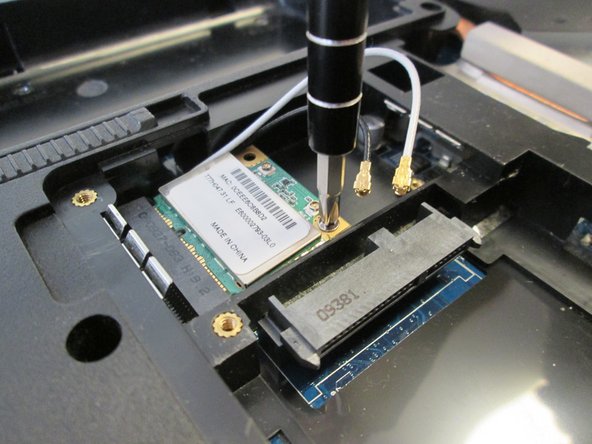
    • Use the Phillips #1 screwdriver to remove the eight 6.5 mm Phillips #1 screws.

    • Only the four screws in the center are removable, the four along the edges are held in by rivets but can be loosened.

  4. Acer Aspire 7736Z-4809 Wireless Module Replacement: 4 단계, 이미지 3개 중 1개 Acer Aspire 7736Z-4809 Wireless Module Replacement: 4 단계, 이미지 3개 중 2개 Acer Aspire 7736Z-4809 Wireless Module Replacement: 4 단계, 이미지 3개 중 3개
    • Remove the back panel of the laptop.

  5. Acer Aspire 7736Z-4809 Wireless Module Replacement: 5 단계, 이미지 1개 중 1개
    • Connect a grounding cord to a metal interface on the laptop.

    • Ground the laptop to prevent static electricity from damaging the electrical components inside the laptop.

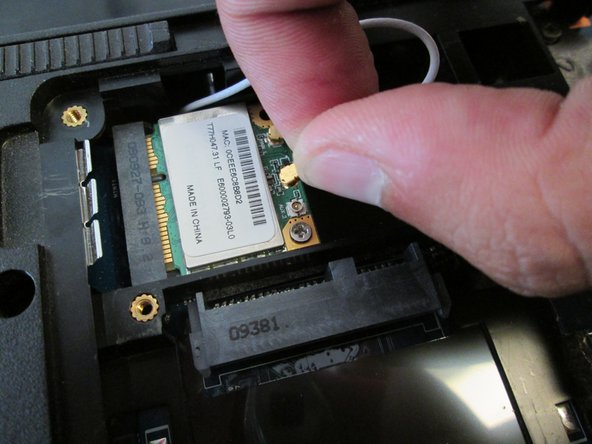
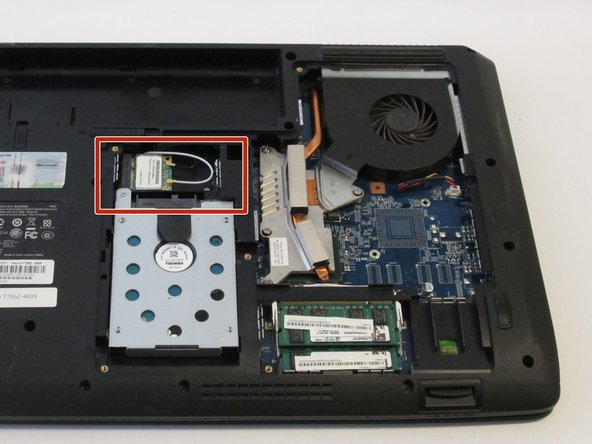
  6. Acer Aspire 7736Z-4809 Wireless Module Replacement, Wireless Module: 6 단계, 이미지 3개 중 1개 Acer Aspire 7736Z-4809 Wireless Module Replacement, Wireless Module: 6 단계, 이미지 3개 중 2개 Acer Aspire 7736Z-4809 Wireless Module Replacement, Wireless Module: 6 단계, 이미지 3개 중 3개
    이 단계에 사용된 도구:
    Tweezers
    $4.99
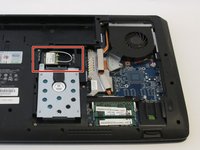
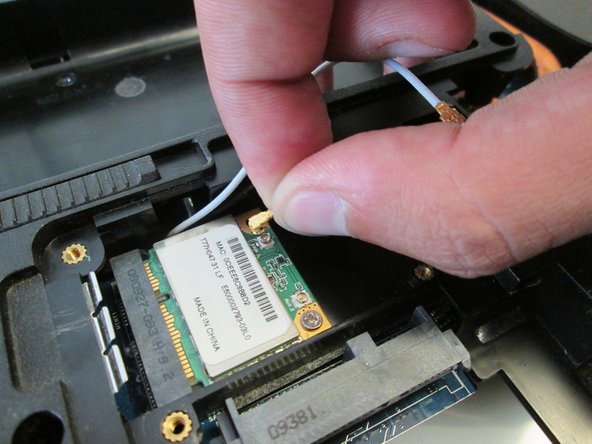
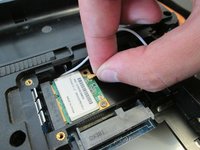
    • Remove the white antenna of the wireless module.

    • Use tweezers if you do not prefer using hands.

  7. Acer Aspire 7736Z-4809 Wireless Module Replacement: 7 단계, 이미지 2개 중 1개 Acer Aspire 7736Z-4809 Wireless Module Replacement: 7 단계, 이미지 2개 중 2개
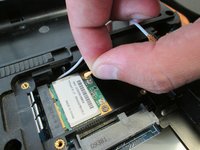
    • Remove the black antenna of the wireless module.

    • Use tweezers if you do not prefer using hands.

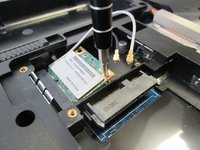
  8. Acer Aspire 7736Z-4809 Wireless Module Replacement: 8 단계, 이미지 3개 중 1개 Acer Aspire 7736Z-4809 Wireless Module Replacement: 8 단계, 이미지 3개 중 2개 Acer Aspire 7736Z-4809 Wireless Module Replacement: 8 단계, 이미지 3개 중 3개
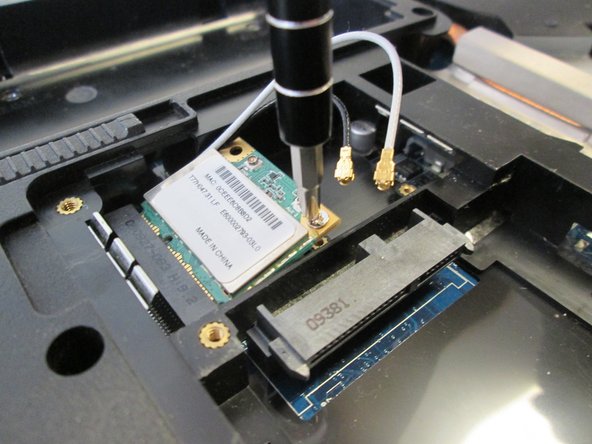
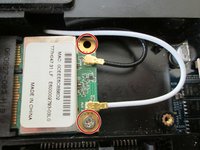
    • Use the Phillips #1 screwdriver to remove the two 4.8mm Phillips #1 screws.

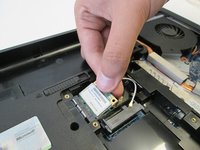
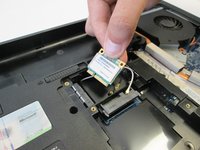
  9. Acer Aspire 7736Z-4809 Wireless Module Replacement: 9 단계, 이미지 2개 중 1개 Acer Aspire 7736Z-4809 Wireless Module Replacement: 9 단계, 이미지 2개 중 2개
    • Remove the wireless module from the laptop.

결론

To reassemble your device, follow these instructions in reverse order.

작성자

5다른 기여자 명과 함께

Pnithan Jantarakolica

회원 가입일: 09/22/16

1,153 평판

안내서 10개를 작성함

UC Davis, Team 2-4, Oliver Fall 2016 UC Davis, Team 2-4, Oliver Fall 2016 회원

UCD-OLIVER-F16S2G4

5 회원들

안내서 10개를 작성함

0가이드 댓글

댓글 쓰기

조회 통계:

지난 24시간: 0

지난 7일: 2

지난 30일: 8

전체 시간: 486