주요 콘텐츠로 건너뛰기

Acer Aspire S3-391-6046 Screen Replacement

필요한 것

  1. Acer Aspire S3-391-6046 Screen Replacement, Screen: 1 단계, 이미지 3개 중 1개 Acer Aspire S3-391-6046 Screen Replacement, Screen: 1 단계, 이미지 3개 중 2개 Acer Aspire S3-391-6046 Screen Replacement, Screen: 1 단계, 이미지 3개 중 3개
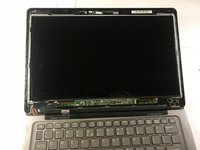
    • Slide the plastic opening tool underneath the frame of your device.

    • Slide the plastic opening tool all around the frame until the entire frame becomes loose and comes off.

  2. Acer Aspire S3-391-6046 Screen Replacement: 2 단계, 이미지 3개 중 1개 Acer Aspire S3-391-6046 Screen Replacement: 2 단계, 이미지 3개 중 2개 Acer Aspire S3-391-6046 Screen Replacement: 2 단계, 이미지 3개 중 3개
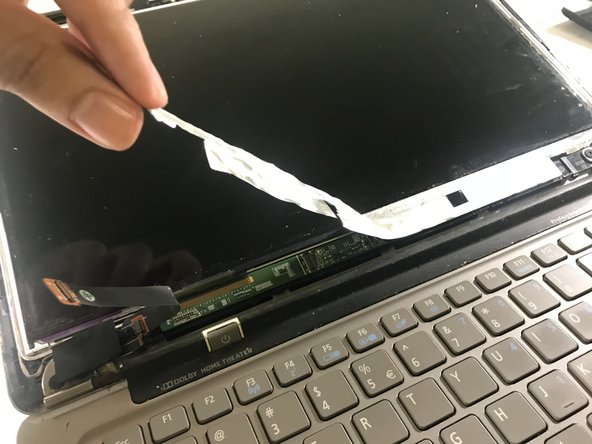
    • On the bottom left of the screen there is a black cable with a piece of white tape over it. Remove the white tape by peeling it off.

    • Slide your opening tool underneath the front of the cable, and pull the cable upwards to disconnect it from its socket.

  3. Acer Aspire S3-391-6046 Screen Replacement: 3 단계, 이미지 3개 중 1개 Acer Aspire S3-391-6046 Screen Replacement: 3 단계, 이미지 3개 중 2개 Acer Aspire S3-391-6046 Screen Replacement: 3 단계, 이미지 3개 중 3개
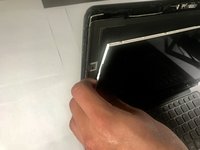
    • Peel the silver tape from the corner of your laptop until it fully comes off.

  4. Acer Aspire S3-391-6046 Screen Replacement: 4 단계, 이미지 3개 중 1개 Acer Aspire S3-391-6046 Screen Replacement: 4 단계, 이미지 3개 중 2개 Acer Aspire S3-391-6046 Screen Replacement: 4 단계, 이미지 3개 중 3개
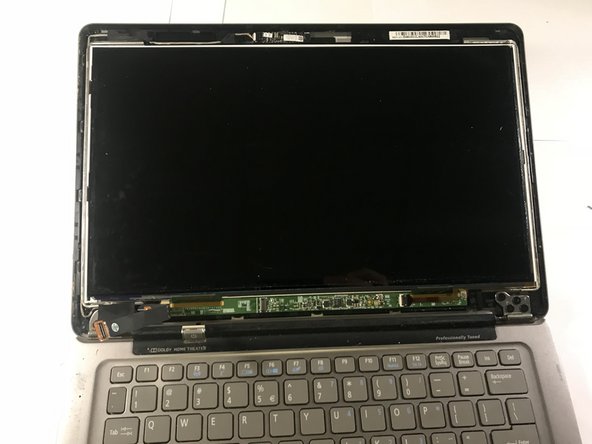
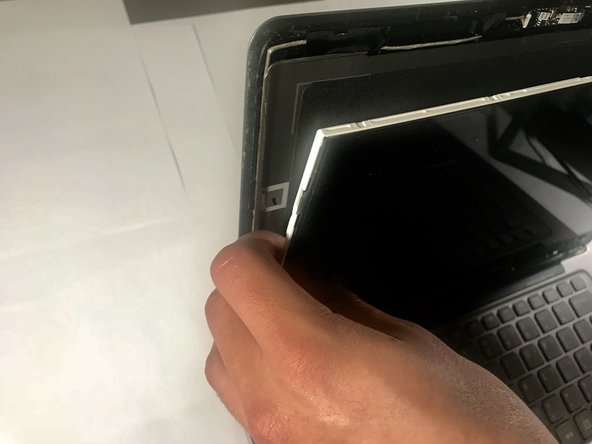
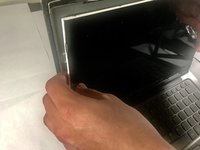
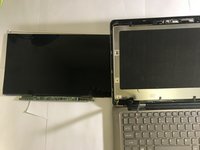
    • Remove the screen by grabbing the edges of the screen and pulling forward.

결론

To reassemble your device, follow these instructions in reverse order.

다른 6명이 해당 안내서를 완성하였습니다.

작성자

2다른 기여자 명과 함께

Brian Rodriguez

회원 가입일: 09/18/18

557 평판

안내서 2개를 작성함

2가이드 댓글

Hi! Apparently three films came off with the LCD. Clear,gray and black what are they?

Coolboy_Awesome - 답글

Thank you. Excellent instructions allowing me to replace LCD ribbon

M Geyer - 답글

댓글 쓰기

조회 통계:

지난 24시간: 0

지난 7일: 2

지난 30일: 12

전체 시간: 1,937