주요 콘텐츠로 건너뛰기

Acer Chromebook C710-2856 Motherboard Replacement

필요한 것

  1. Acer Chromebook C710-2856 Motherboard Replacement, RAM: 1 단계, 이미지 2개 중 1개 Acer Chromebook C710-2856 Motherboard Replacement, RAM: 1 단계, 이미지 2개 중 2개
    • Remove the one 4.3mm Phillips #1 screw holding the back cover on.

  2. Acer Chromebook C710-2856 Motherboard Replacement: 2 단계, 이미지 1개 중 1개
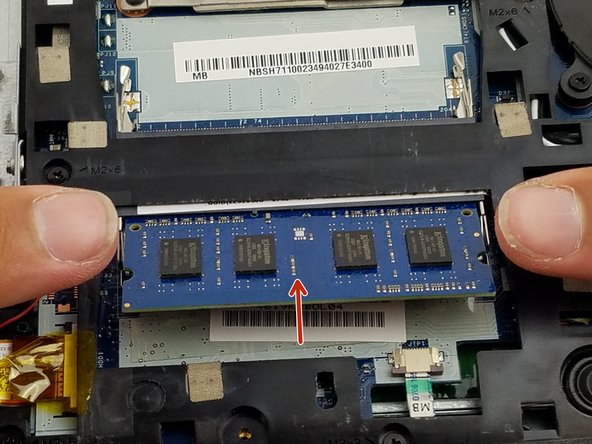
    • Locate the RAM and the metal clips holding the RAM in place.

  3. Acer Chromebook C710-2856 Motherboard Replacement: 3 단계, 이미지 2개 중 1개 Acer Chromebook C710-2856 Motherboard Replacement: 3 단계, 이미지 2개 중 2개
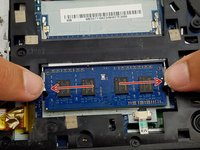
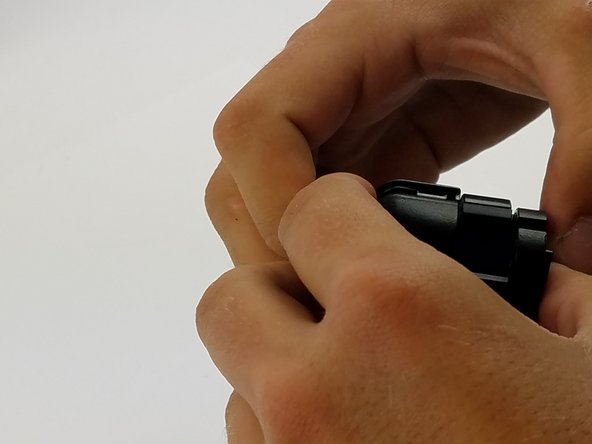
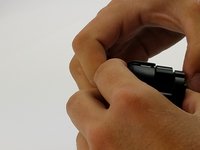
    • Push the two clips outwards at the same time with your fingers. The RAM will gently pop upwards.

  4. Acer Chromebook C710-2856 Motherboard Replacement: 4 단계, 이미지 1개 중 1개
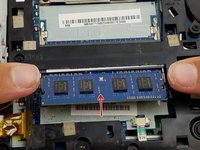
    • Pull the RAM out of the slot.

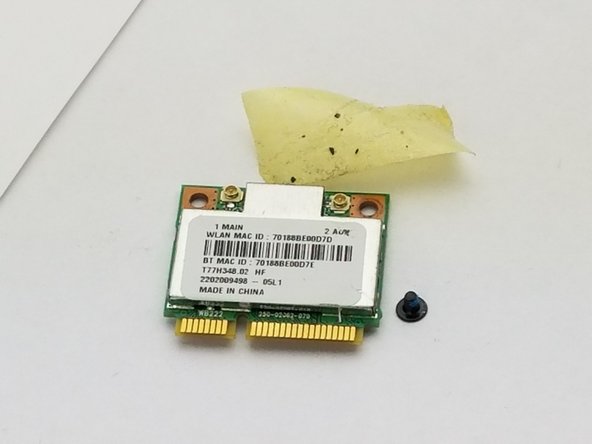
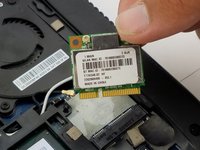
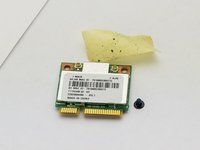
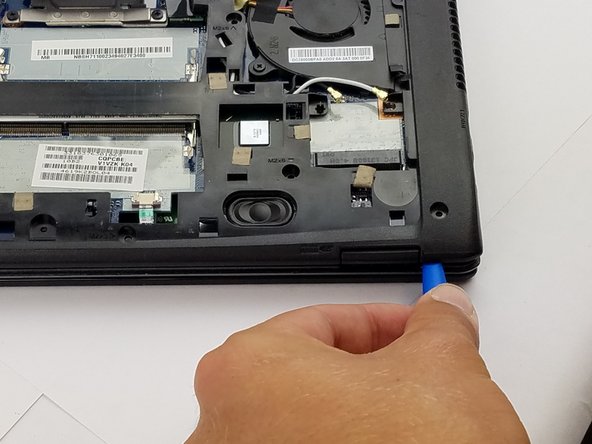
  5. Acer Chromebook C710-2856 Motherboard Replacement, Wi-Fi Card: 5 단계, 이미지 3개 중 1개 Acer Chromebook C710-2856 Motherboard Replacement, Wi-Fi Card: 5 단계, 이미지 3개 중 2개 Acer Chromebook C710-2856 Motherboard Replacement, Wi-Fi Card: 5 단계, 이미지 3개 중 3개
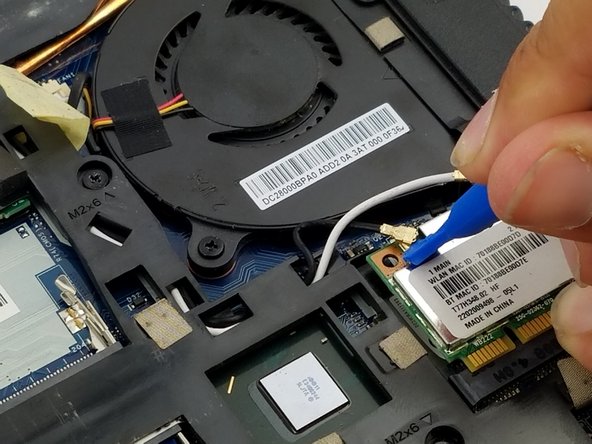
    • Using the Phillips #1 screwdriver, remove the screw from the Wi-Fi card.

    • Carefully remove the piece of tape to allow for more room to remove the Wi-Fi card.

    • Use the blue plastic opening tool to lift and remove the Wi-Fi card from its socket.

  6. Acer Chromebook C710-2856 Motherboard Replacement: 6 단계, 이미지 3개 중 1개 Acer Chromebook C710-2856 Motherboard Replacement: 6 단계, 이미지 3개 중 2개 Acer Chromebook C710-2856 Motherboard Replacement: 6 단계, 이미지 3개 중 3개
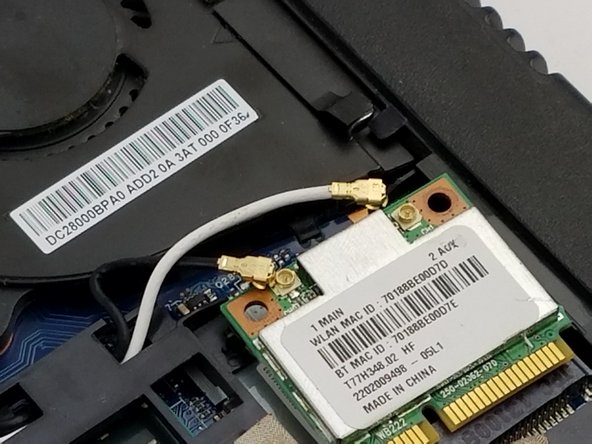
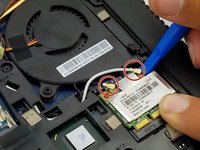
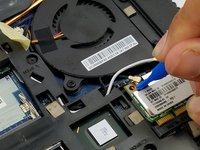
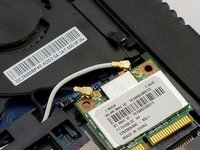
    • Use the blue plastic opening tool and carefully remove the connectors from the Wi-Fi card.

  7. Acer Chromebook C710-2856 Motherboard Replacement: 7 단계, 이미지 2개 중 1개 Acer Chromebook C710-2856 Motherboard Replacement: 7 단계, 이미지 2개 중 2개
    • Remove the Wi-Fi card.

  8. Acer Chromebook C710-2856 Motherboard Replacement, Motherboard: 8 단계, 이미지 1개 중 1개
    • Unscrew the circled screws, a total of 17 (15 M 2x6 and 2 M 2x3), with a cross-head screwdriver.

  9. Acer Chromebook C710-2856 Motherboard Replacement: 9 단계, 이미지 3개 중 1개 Acer Chromebook C710-2856 Motherboard Replacement: 9 단계, 이미지 3개 중 2개 Acer Chromebook C710-2856 Motherboard Replacement: 9 단계, 이미지 3개 중 3개
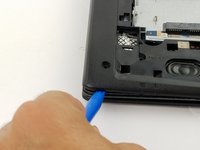
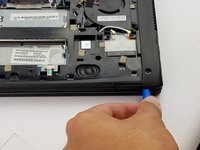
    • Using the blue plastic opening tool, work your way around the perimeter of the laptop and remove the bottom frame.

    • Be careful though, because we will not be pulling it completely apart since we will need to disconnect 2 ribbon cables first (shown in next step).

  10. Acer Chromebook C710-2856 Motherboard Replacement: 10 단계, 이미지 2개 중 1개 Acer Chromebook C710-2856 Motherboard Replacement: 10 단계, 이미지 2개 중 2개
    • Remove the green ribbon on the backside of the laptop by pulling on it lightly as shown.

    • Gently remove the back ribbon that is holding the two parts of the laptop together (found between the two parts that are being pulling apart).

  11. Acer Chromebook C710-2856 Motherboard Replacement: 11 단계, 이미지 1개 중 1개
    • Now completely pull apart the motherboard from the underside of the laptop by pulling on the location of the arrows.

  12. Acer Chromebook C710-2856 Motherboard Replacement: 12 단계, 이미지 3개 중 1개 Acer Chromebook C710-2856 Motherboard Replacement: 12 단계, 이미지 3개 중 2개 Acer Chromebook C710-2856 Motherboard Replacement: 12 단계, 이미지 3개 중 3개
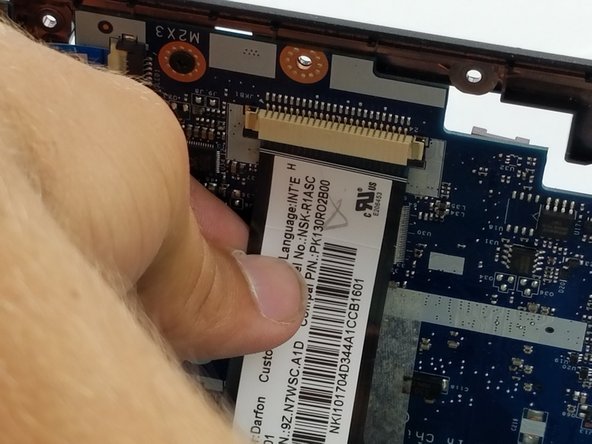
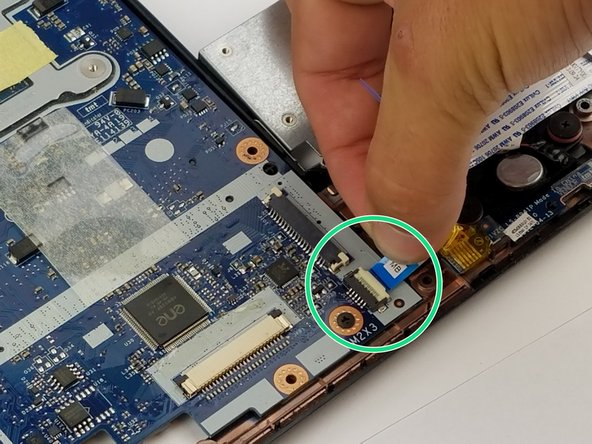
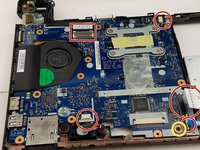
    • Disconnect the five ribbons by pulling gently on the ribbon.

    • Unscrew the M2x3 screw.

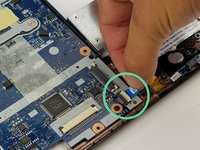
    • Disconnect the blue connector from the motherboard.

    • Disconnect the wider white connector from the motherboard.

  13. Acer Chromebook C710-2856 Motherboard Replacement: 13 단계, 이미지 2개 중 1개 Acer Chromebook C710-2856 Motherboard Replacement: 13 단계, 이미지 2개 중 2개
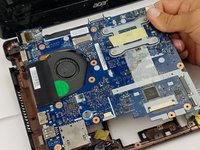
    • Remove the motherboard from the frame.

  14. Acer Chromebook C710-2856 Motherboard Replacement: 14 단계, 이미지 3개 중 1개 Acer Chromebook C710-2856 Motherboard Replacement: 14 단계, 이미지 3개 중 2개 Acer Chromebook C710-2856 Motherboard Replacement: 14 단계, 이미지 3개 중 3개
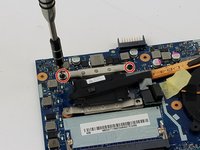
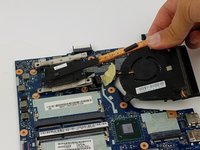
    • Remove the fan by unscrewing two M2x3 screws.

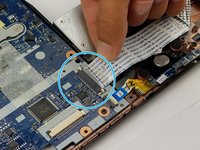
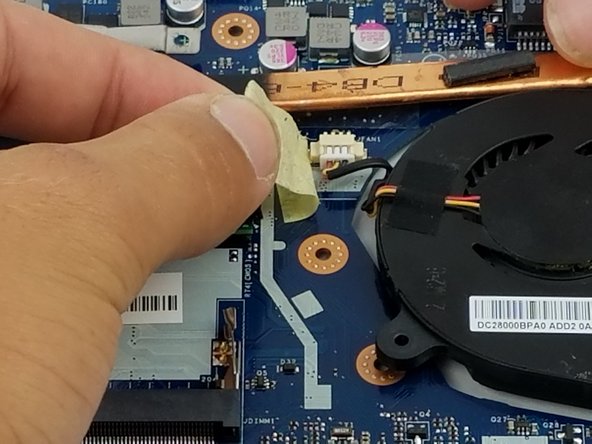
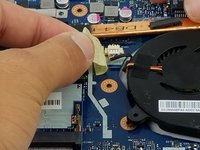
    • Peel the tape off the ribbon connection for easy access.

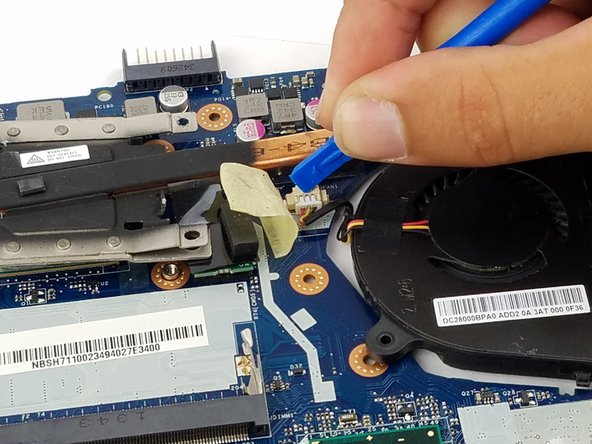
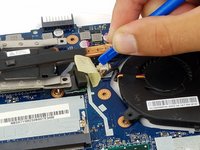
    • Use the plastic opening tool to disconnect the connector.

  15. Acer Chromebook C710-2856 Motherboard Replacement: 15 단계, 이미지 2개 중 1개 Acer Chromebook C710-2856 Motherboard Replacement: 15 단계, 이미지 2개 중 2개
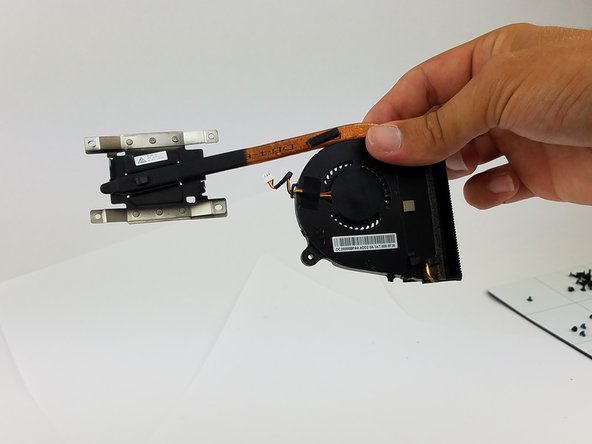
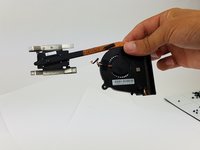
    • Remove the fan.

  16. Acer Chromebook C710-2856 Motherboard Replacement: 16 단계, 이미지 1개 중 1개
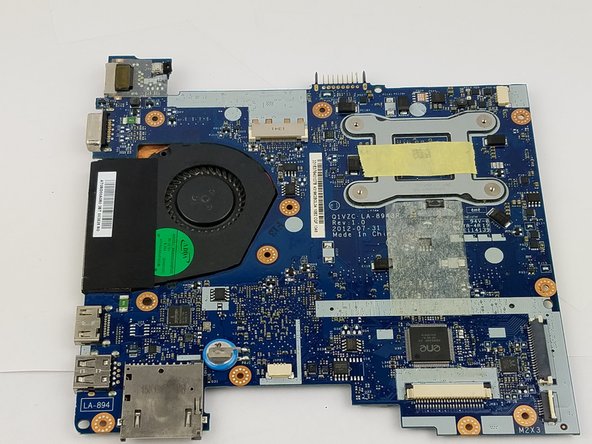
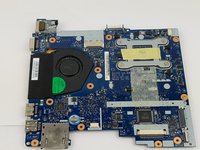
    • The motherboard is now bare of any extras and is ready to be replaced.

결론

To reassemble your device, follow these instructions in reverse order.

작성자

1다른 기여자 명과 함께

Vladimir

회원 가입일: 09/27/17

101 평판

안내서 1개를 작성함

USF Tampa, Team S6-G5, Remmell Fall 2017 USF Tampa, Team S6-G5, Remmell Fall 2017 회원

USFT-REMMELL-F17S6G5

7 회원들

안내서 8개를 작성함

0가이드 댓글

댓글 쓰기

조회 통계:

지난 24시간: 0

지난 7일: 1

지난 30일: 9

전체 시간: 889