주요 콘텐츠로 건너뛰기

Acer Chromebook Spin 511 (C741L) N20Q8 Motherboard Replacement

필요한 것

  1. Acer Chromebook Spin 511 (C741L) N20Q8 Motherboard Replacement, Back Cover: 1 단계, 이미지 2개 중 1개 Acer Chromebook Spin 511 (C741L) N20Q8 Motherboard Replacement, Back Cover: 1 단계, 이미지 2개 중 2개
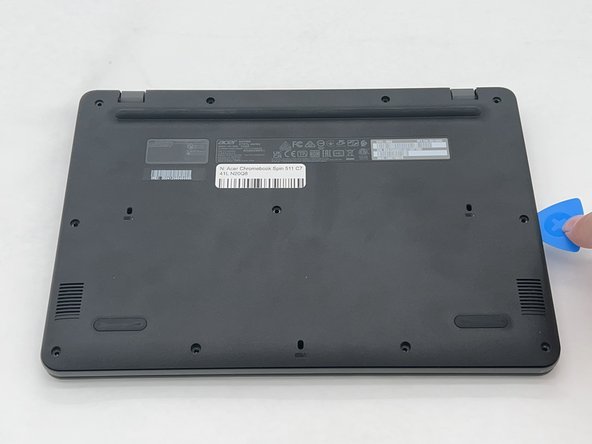
    • Remove the eleven 2.4 mm screws securing the back plate and internals of the Chromebook using a Phillips #1 screwdriver.

  2. Acer Chromebook Spin 511 (C741L) N20Q8 Motherboard Replacement: 2 단계, 이미지 2개 중 1개 Acer Chromebook Spin 511 (C741L) N20Q8 Motherboard Replacement: 2 단계, 이미지 2개 중 2개
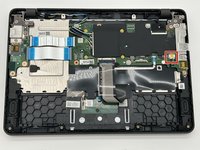
    • Use an opening pick to remove the backplate of the laptop revealing the internals of the Chromebook.

  3. Acer Chromebook Spin 511 (C741L) N20Q8 Motherboard Replacement, Battery: 3 단계, 이미지 3개 중 1개 Acer Chromebook Spin 511 (C741L) N20Q8 Motherboard Replacement, Battery: 3 단계, 이미지 3개 중 2개 Acer Chromebook Spin 511 (C741L) N20Q8 Motherboard Replacement, Battery: 3 단계, 이미지 3개 중 3개
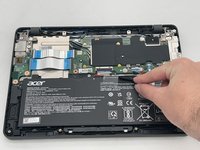
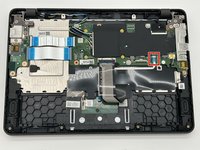
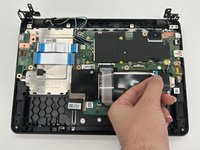
    • Gently remove the electrical tape from the battery.

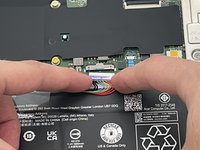
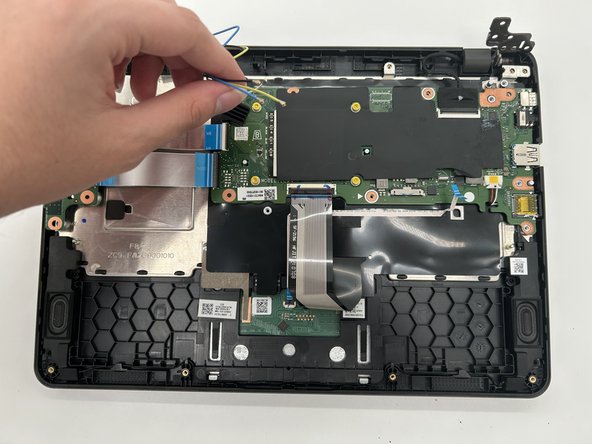
    • Detach the colored wires from the wire connector on the motherboard.

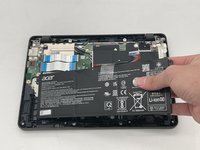
    • Remove the battery from the laptop.

  4. Acer Chromebook Spin 511 (C741L) N20Q8 Motherboard Replacement, Motherboard: 4 단계, 이미지 3개 중 1개 Acer Chromebook Spin 511 (C741L) N20Q8 Motherboard Replacement, Motherboard: 4 단계, 이미지 3개 중 2개 Acer Chromebook Spin 511 (C741L) N20Q8 Motherboard Replacement, Motherboard: 4 단계, 이미지 3개 중 3개
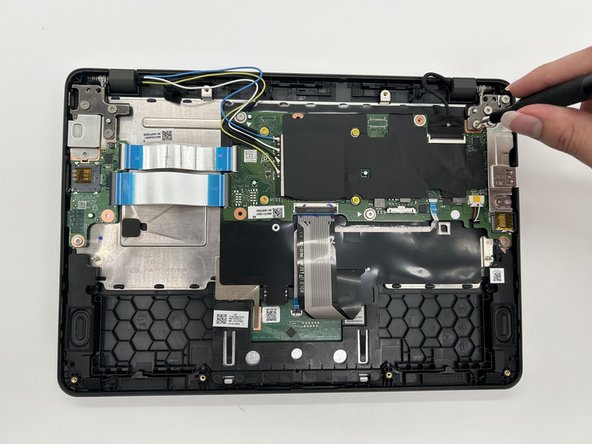
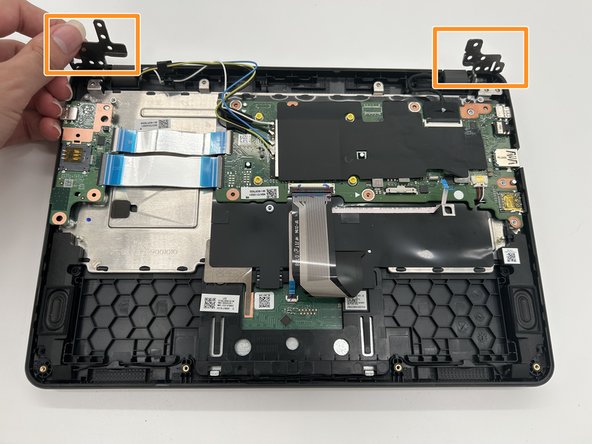
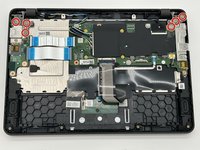
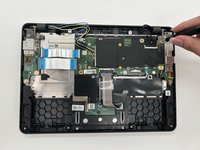
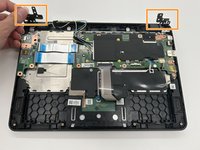
    • Remove the six 2.4 mm screws from the hinges using a Phillips #1 screwdriver.

    • Flip the gray hinges up.

  5. Acer Chromebook Spin 511 (C741L) N20Q8 Motherboard Replacement: 5 단계, 이미지 2개 중 1개 Acer Chromebook Spin 511 (C741L) N20Q8 Motherboard Replacement: 5 단계, 이미지 2개 중 2개
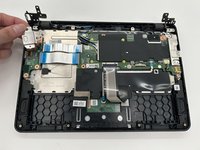
    • Remove the two metal plates that were previously held down by each hinge.

  6. Acer Chromebook Spin 511 (C741L) N20Q8 Motherboard Replacement: 6 단계, 이미지 2개 중 1개 Acer Chromebook Spin 511 (C741L) N20Q8 Motherboard Replacement: 6 단계, 이미지 2개 중 2개
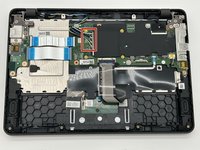
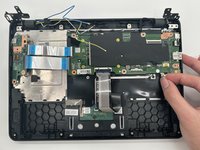
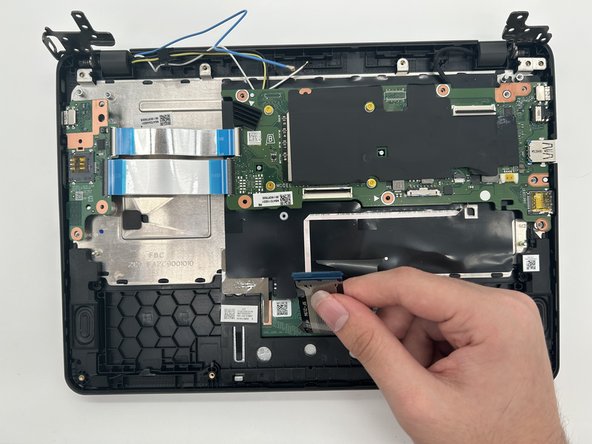
    • Detach the connector from the motherboard.

  7. Acer Chromebook Spin 511 (C741L) N20Q8 Motherboard Replacement: 7 단계, 이미지 2개 중 1개 Acer Chromebook Spin 511 (C741L) N20Q8 Motherboard Replacement: 7 단계, 이미지 2개 중 2개
    • Gently remove the blue, yellow, and black wires from their connectors.

  8. Acer Chromebook Spin 511 (C741L) N20Q8 Motherboard Replacement: 8 단계, 이미지 2개 중 1개 Acer Chromebook Spin 511 (C741L) N20Q8 Motherboard Replacement: 8 단계, 이미지 2개 중 2개
    • Remove the tape from the black connector and gently remove it from the socket.

  9. Acer Chromebook Spin 511 (C741L) N20Q8 Motherboard Replacement: 9 단계, 이미지 2개 중 1개 Acer Chromebook Spin 511 (C741L) N20Q8 Motherboard Replacement: 9 단계, 이미지 2개 중 2개
    • Carefully remove the pin connector containing the black, white, and red wires from its socket.

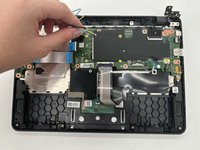
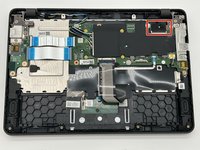
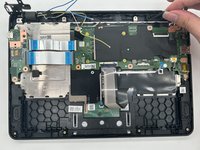
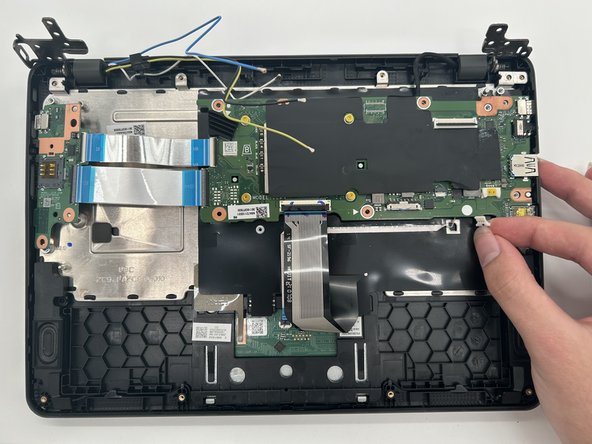
  10. Acer Chromebook Spin 511 (C741L) N20Q8 Motherboard Replacement: 10 단계, 이미지 3개 중 1개 Acer Chromebook Spin 511 (C741L) N20Q8 Motherboard Replacement: 10 단계, 이미지 3개 중 2개 Acer Chromebook Spin 511 (C741L) N20Q8 Motherboard Replacement: 10 단계, 이미지 3개 중 3개
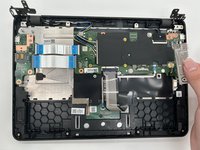
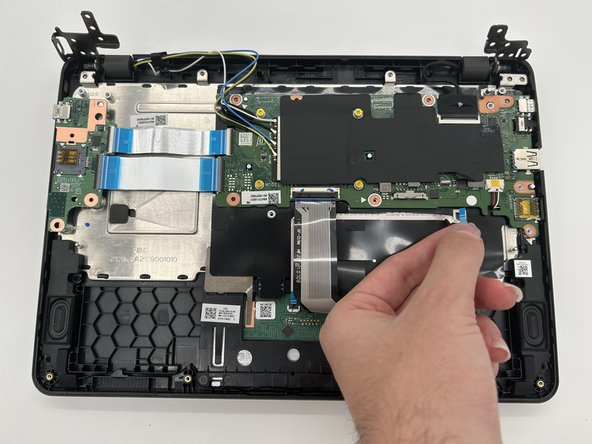
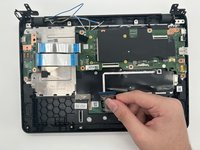
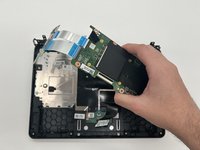
    • Detach the long connector from the socket.

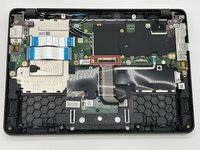
    • Remove the motherboard from the device.

결론

To reassemble your device, follow these instructions in reverse order.

작성자

3다른 기여자 명과 함께

Lauryn F

회원 가입일: 09/26/24

722 평판

안내서 5개를 작성함

0가이드 댓글

댓글 쓰기

조회 통계:

지난 24시간: 0

지난 7일: 10

지난 30일: 27

전체 시간: 336