주요 콘텐츠로 건너뛰기

Acer Predator 17 G9-791 Motherboard Replacement

필요한 것

  1. Acer Predator 17 G9-791 Motherboard Replacement, Service Panel: 1 단계, 이미지 1개 중 1개
    • The service panel can be located on the bottom of the device. It is shown here as the panel located in the middle of the device, going from the upper vents to the bottom of the device.

  2. Acer Predator 17 G9-791 Motherboard Replacement: 2 단계, 이미지 2개 중 1개 Acer Predator 17 G9-791 Motherboard Replacement: 2 단계, 이미지 2개 중 2개
    • Loosen the two Phillips #0 screws.

    • Pull up slightly on the top of the panel to help fully separate the screws from the rest of the device.

  3. Acer Predator 17 G9-791 Motherboard Replacement: 3 단계, 이미지 1개 중 1개
    • Continue pulling up on the panel to separate it from the laptop and remove it.

  4. Acer Predator 17 G9-791 Motherboard Replacement, Bottom Case: 4 단계, 이미지 3개 중 1개 Acer Predator 17 G9-791 Motherboard Replacement, Bottom Case: 4 단계, 이미지 3개 중 2개 Acer Predator 17 G9-791 Motherboard Replacement, Bottom Case: 4 단계, 이미지 3개 중 3개
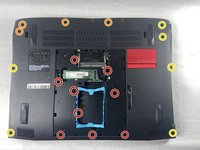
    • Remove the nine 4.5 mm Phillips #0 screws from the panel.

    • Remove four 14 mm Phillips #0 screws.

    • Remove six 7 mm Phillips #0 screws.

  5. Acer Predator 17 G9-791 Motherboard Replacement: 5 단계, 이미지 1개 중 1개
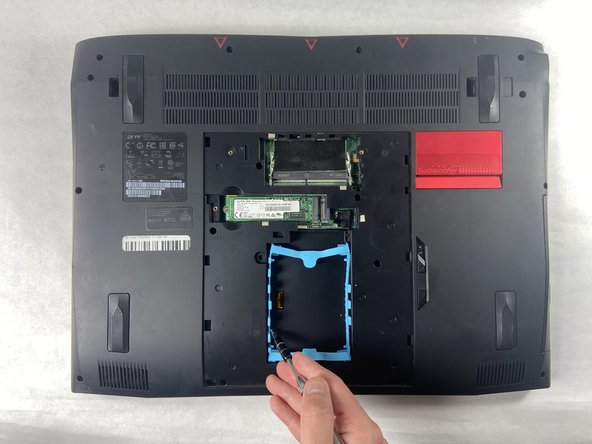
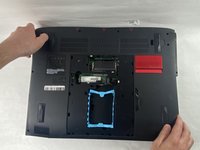
    • Slide the "unlock" slider up located to the right of the service panel and pull the disc tray out.

  6. Acer Predator 17 G9-791 Motherboard Replacement: 6 단계, 이미지 1개 중 1개
    • Remove the two 4.5 mm Phillips #0 screws located underneath the removed optical drive.

  7. Acer Predator 17 G9-791 Motherboard Replacement: 7 단계, 이미지 2개 중 1개 Acer Predator 17 G9-791 Motherboard Replacement: 7 단계, 이미지 2개 중 2개
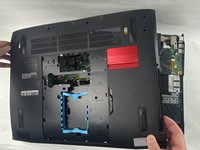
    • Pry up on the edges of the bottom cover and lift the bottom case off of the device.

  8. Acer Predator 17 G9-791 Motherboard Replacement, Battery: 8 단계, 이미지 1개 중 1개
    • Remove the six 4 mm Phillips #0 screws from the battery.

  9. Acer Predator 17 G9-791 Motherboard Replacement: 9 단계, 이미지 2개 중 1개 Acer Predator 17 G9-791 Motherboard Replacement: 9 단계, 이미지 2개 중 2개
    • Disconnect the battery connector from the motherboard.

  10. Acer Predator 17 G9-791 Motherboard Replacement: 10 단계, 이미지 1개 중 1개
    • Gently lift the battery and remove it from the device.

  11. Acer Predator 17 G9-791 Motherboard Replacement, Fan Assembly: 11 단계, 이미지 2개 중 1개 Acer Predator 17 G9-791 Motherboard Replacement, Fan Assembly: 11 단계, 이미지 2개 중 2개
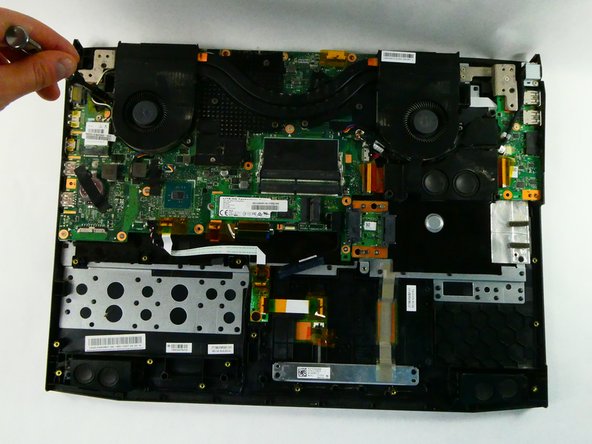
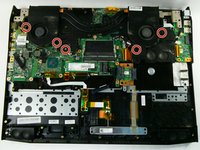
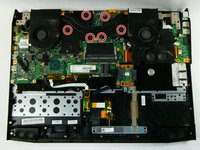
    • Remove the five 4.5 mm Phillips #0 screws located on the perimeter of the fans.

  12. Acer Predator 17 G9-791 Motherboard Replacement: 12 단계, 이미지 2개 중 1개 Acer Predator 17 G9-791 Motherboard Replacement: 12 단계, 이미지 2개 중 2개
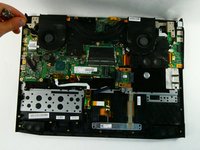
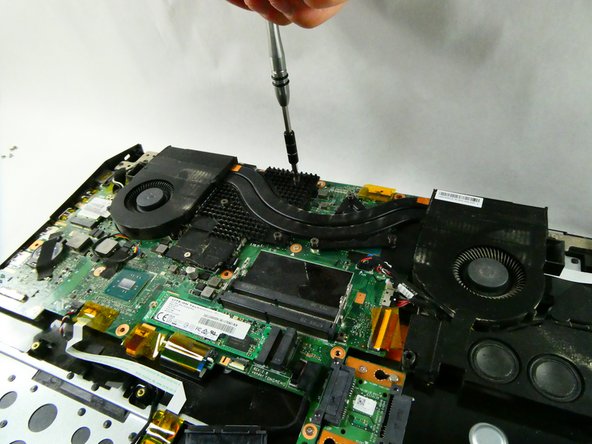
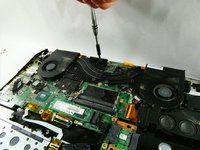
    • Unscrew the six Phillips #0 screws enough to loosen the assembly from the motherboard.

  13. Acer Predator 17 G9-791 Motherboard Replacement: 13 단계, 이미지 3개 중 1개 Acer Predator 17 G9-791 Motherboard Replacement: 13 단계, 이미지 3개 중 2개 Acer Predator 17 G9-791 Motherboard Replacement: 13 단계, 이미지 3개 중 3개
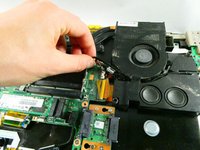
    • Detach the left fan's cord from the motherboard.

  14. Acer Predator 17 G9-791 Motherboard Replacement: 14 단계, 이미지 3개 중 1개 Acer Predator 17 G9-791 Motherboard Replacement: 14 단계, 이미지 3개 중 2개 Acer Predator 17 G9-791 Motherboard Replacement: 14 단계, 이미지 3개 중 3개
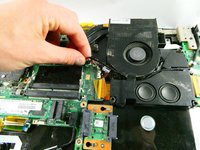
    • Detach the right fan's cord from the motherboard.

  15. Acer Predator 17 G9-791 Motherboard Replacement: 15 단계, 이미지 3개 중 1개 Acer Predator 17 G9-791 Motherboard Replacement: 15 단계, 이미지 3개 중 2개 Acer Predator 17 G9-791 Motherboard Replacement: 15 단계, 이미지 3개 중 3개
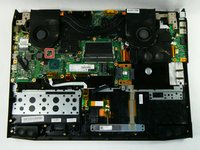
    • Lift the fan assembly up and out.

  16. Acer Predator 17 G9-791 Motherboard Replacement, Motherboard: 16 단계, 이미지 1개 중 1개
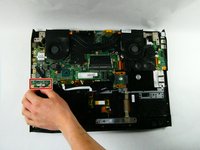
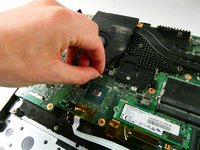
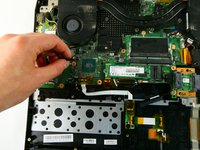
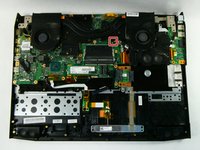
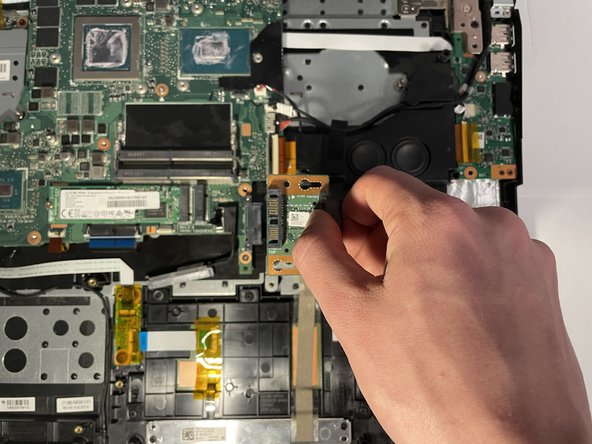
    • Remove the two 5 mm Phillips #0 screws from the small PCB.

  17. Acer Predator 17 G9-791 Motherboard Replacement: 17 단계, 이미지 3개 중 1개 Acer Predator 17 G9-791 Motherboard Replacement: 17 단계, 이미지 3개 중 2개 Acer Predator 17 G9-791 Motherboard Replacement: 17 단계, 이미지 3개 중 3개
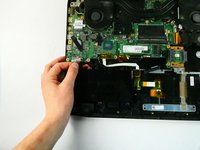
    • Pull the small PCB to the right and then up to remove it from the device.

  18. Acer Predator 17 G9-791 Motherboard Replacement: 18 단계, 이미지 2개 중 1개 Acer Predator 17 G9-791 Motherboard Replacement: 18 단계, 이미지 2개 중 2개
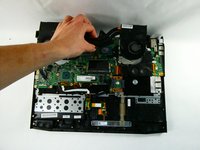
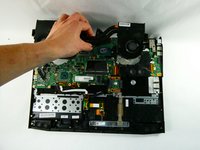
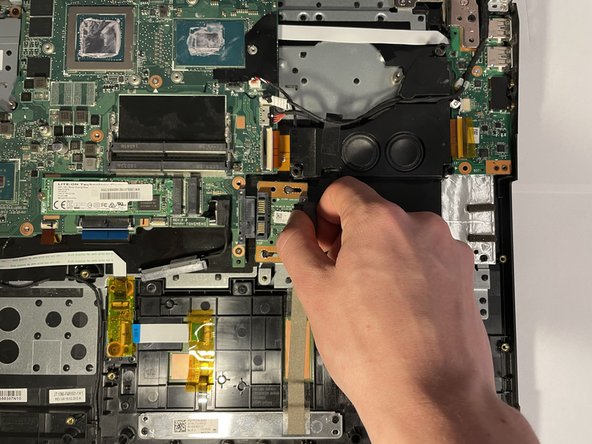
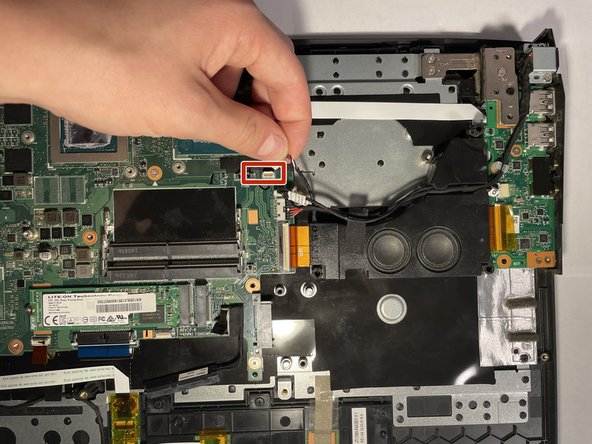
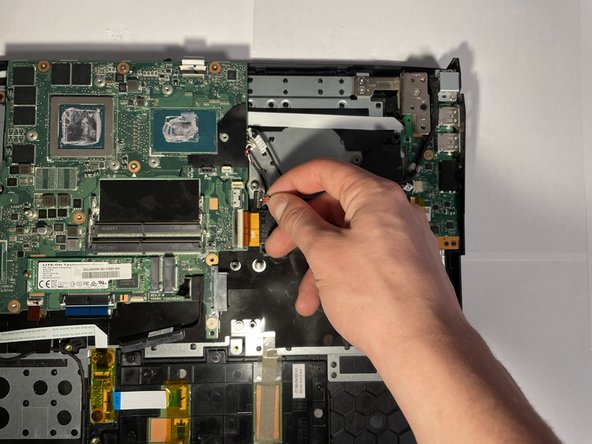
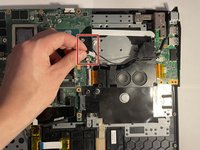
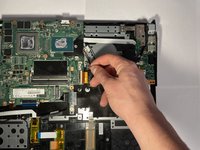
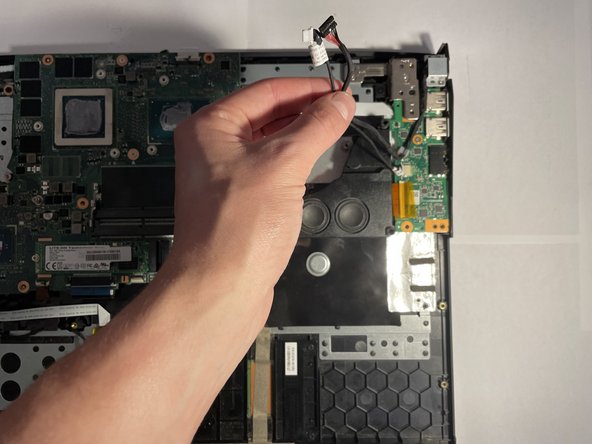
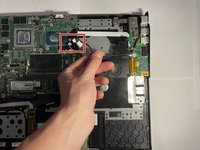
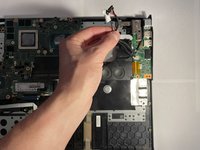
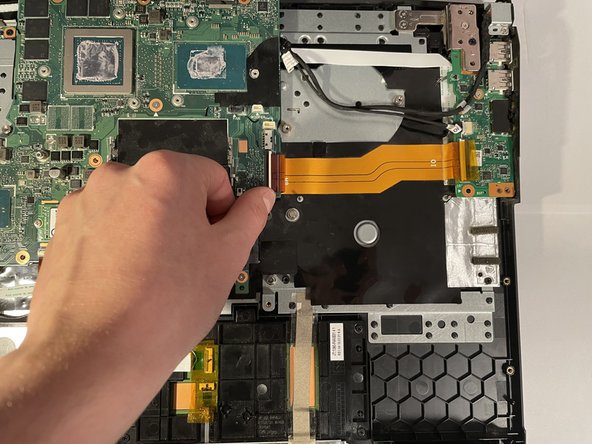
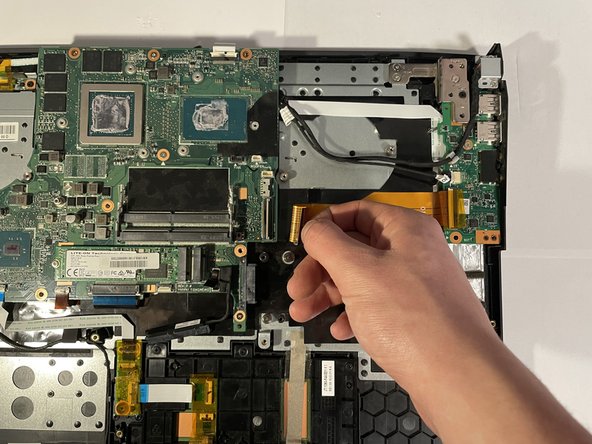
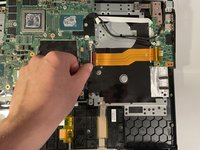
    • Pull up on the “woofer” wire to remove it from its connector.

  19. Acer Predator 17 G9-791 Motherboard Replacement: 19 단계, 이미지 2개 중 1개 Acer Predator 17 G9-791 Motherboard Replacement: 19 단계, 이미지 2개 중 2개
    • Remove the two connectors.

  20. Acer Predator 17 G9-791 Motherboard Replacement: 20 단계, 이미지 2개 중 1개 Acer Predator 17 G9-791 Motherboard Replacement: 20 단계, 이미지 2개 중 2개
    • Separate the same two wires from the subwoofer.

  21. Acer Predator 17 G9-791 Motherboard Replacement: 21 단계, 이미지 2개 중 1개 Acer Predator 17 G9-791 Motherboard Replacement: 21 단계, 이미지 2개 중 2개
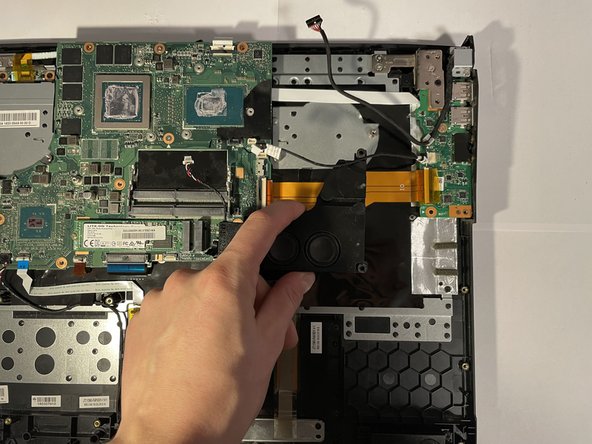
    • Pull the subwoofer up and out of the device.

  22. Acer Predator 17 G9-791 Motherboard Replacement: 22 단계, 이미지 3개 중 1개 Acer Predator 17 G9-791 Motherboard Replacement: 22 단계, 이미지 3개 중 2개 Acer Predator 17 G9-791 Motherboard Replacement: 22 단계, 이미지 3개 중 3개
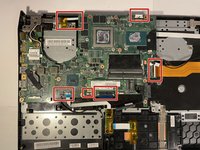
    • Remove the six connectors.

    • Some require you to flip the white part of the connector up first to remove them.

  23. Acer Predator 17 G9-791 Motherboard Replacement: 23 단계, 이미지 3개 중 1개 Acer Predator 17 G9-791 Motherboard Replacement: 23 단계, 이미지 3개 중 2개 Acer Predator 17 G9-791 Motherboard Replacement: 23 단계, 이미지 3개 중 3개
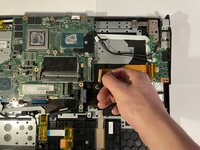
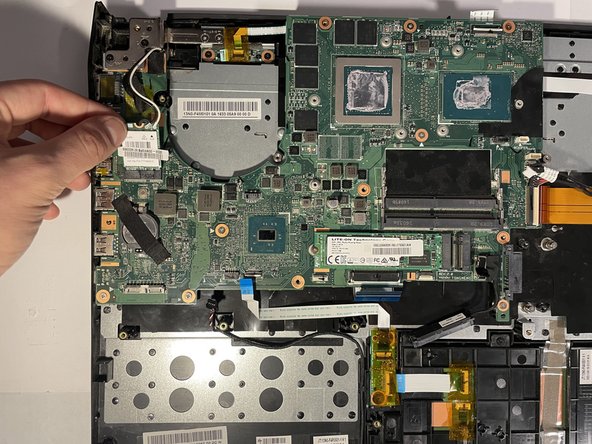
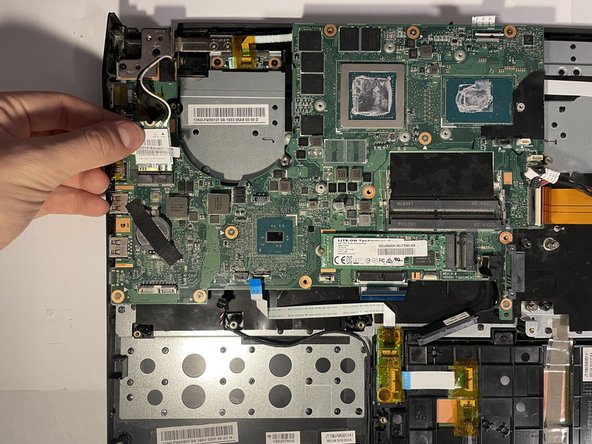
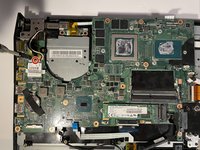
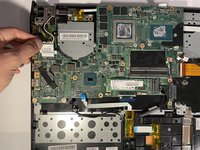
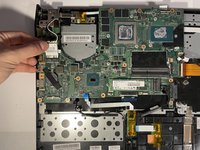
    • Remove one 4.5 mm Phillips #0 screw from the WLAN card and pull the card out.

  24. Acer Predator 17 G9-791 Motherboard Replacement: 24 단계, 이미지 2개 중 1개 Acer Predator 17 G9-791 Motherboard Replacement: 24 단계, 이미지 2개 중 2개
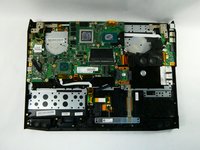
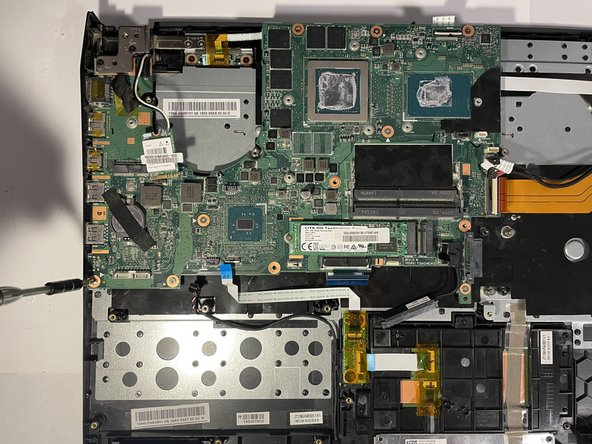
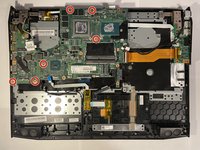
    • Remove six 5 mm Phillips #0 screws from the motherboard.

  25. Acer Predator 17 G9-791 Motherboard Replacement: 25 단계, 이미지 2개 중 1개 Acer Predator 17 G9-791 Motherboard Replacement: 25 단계, 이미지 2개 중 2개
    • Turn the device around.

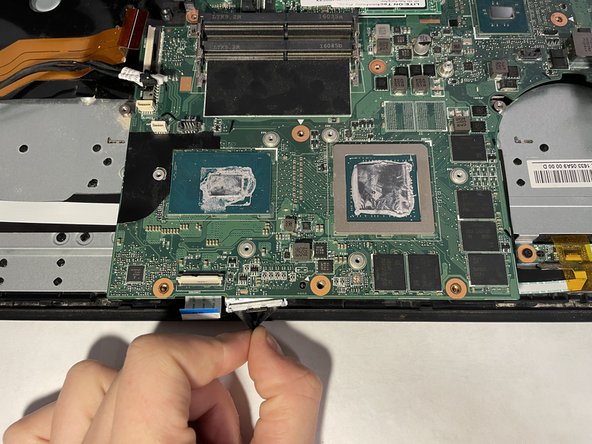
    • Use the black tab to disconnect the one connector on the bottom of the motherboard.

    • When reinstalling you should plug this connector back in as you set the motherboard down.

  26. Acer Predator 17 G9-791 Motherboard Replacement: 26 단계, 이미지 1개 중 1개
    • Remove the two black 7 mm Phillips #0 screws from the left display bracket.

  27. Acer Predator 17 G9-791 Motherboard Replacement: 27 단계, 이미지 1개 중 1개
    • Remove the two silver 5 mm Phillips #0 screws from the left display bracket.

  28. Acer Predator 17 G9-791 Motherboard Replacement: 28 단계, 이미지 2개 중 1개 Acer Predator 17 G9-791 Motherboard Replacement: 28 단계, 이미지 2개 중 2개
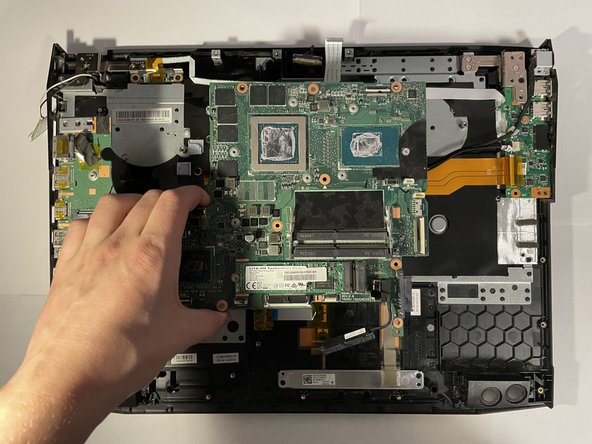
    • Pull the motherboard up and out of the device. You may need to open the lid slightly for the removal process.

    • When reinstalling the motherboard, ensure that wires do not get stuck under the motherboard as you set it back down.

결론

To reassemble your device, follow these instructions in reverse order.

작성자

4다른 기여자 명과 함께

Jimmy Coffey

회원 가입일: 10/25/22

220 평판

안내서 1개를 작성함

UMass Dartmouth, Team 5-1, Sinclaire Fall 2022 UMass Dartmouth, Team 5-1, Sinclaire Fall 2022 회원

UMASSD-SINCLAIRE-F22S5G1

5 회원들

안내서 7개를 작성함

0가이드 댓글

댓글 쓰기

조회 통계:

지난 24시간: 0

지난 7일: 8

지난 30일: 25

전체 시간: 1,263