주요 콘텐츠로 건너뛰기

Aiptek DZO-V58N Image Sensor Replacement

필요한 것

  1. Aiptek DZO-V58N Image Sensor Replacement, Battery: 1 단계, 이미지 1개 중 1개
    • Locate the battery compartment on the back of the camera. It is the panel with the plastic ridges for simple removal.

    • Slide the battery compartment cover down off of the camera body.

  2. Aiptek DZO-V58N Image Sensor Replacement: 2 단계, 이미지 1개 중 1개
    • Pry up the battery from the bottom using a finger and remove the batter from the case.

  3. Aiptek DZO-V58N Image Sensor Replacement, Lens Protector: 3 단계, 이미지 1개 중 1개
    • Remove the lanyard by pulling the grey lace through the black string loop.

    • Pull black string loop through the silver bracket.

  4. Aiptek DZO-V58N Image Sensor Replacement: 4 단계, 이미지 1개 중 1개
    • Use a plastic opening tool to pry off the black control cover.

    • The face plates are glued, so use force to pry the face plates from the camera body.

  5. Aiptek DZO-V58N Image Sensor Replacement: 5 단계, 이미지 1개 중 1개
    • Use a plastic opening tool to pry off the ridged back face plate and the black button.

    • The face plates are glued, so use force to pry the face plates from the camera body.

    • The button is loose and should come off with little or no effort.

  6. Aiptek DZO-V58N Image Sensor Replacement: 6 단계, 이미지 1개 중 1개
    • Use a plastic opening tool to pry off the silver face plate.

    • The face plates are glued, so use force to pry the face plates from the camera body.

  7. Aiptek DZO-V58N Image Sensor Replacement: 7 단계, 이미지 3개 중 1개 Aiptek DZO-V58N Image Sensor Replacement: 7 단계, 이미지 3개 중 2개 Aiptek DZO-V58N Image Sensor Replacement: 7 단계, 이미지 3개 중 3개
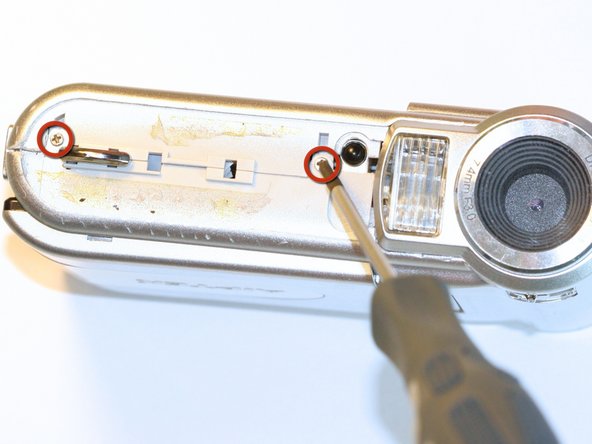
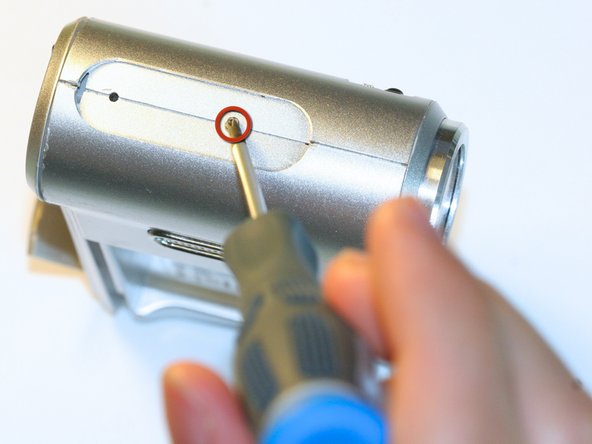
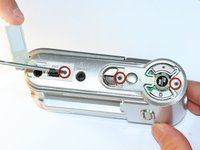
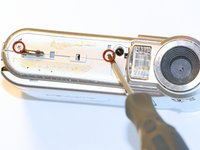
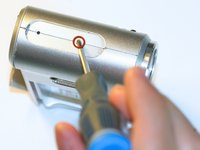
    • Open the USB cover to expose the small machine screw.

    • Use the Phillips #00 screwdriver to unscrew the six 0.5cm machine case screws (distributed around the camera body).

    • These small screws are easy to lose. Place the removed screws in an organized container to avoid losing them.

  8. Aiptek DZO-V58N Image Sensor Replacement: 8 단계, 이미지 1개 중 1개
    • Pull off the side control panel.

  9. Aiptek DZO-V58N Image Sensor Replacement: 9 단계, 이미지 2개 중 1개 Aiptek DZO-V58N Image Sensor Replacement: 9 단계, 이미지 2개 중 2개
    이 단계에 사용된 도구:
    Tweezers
    $4.99
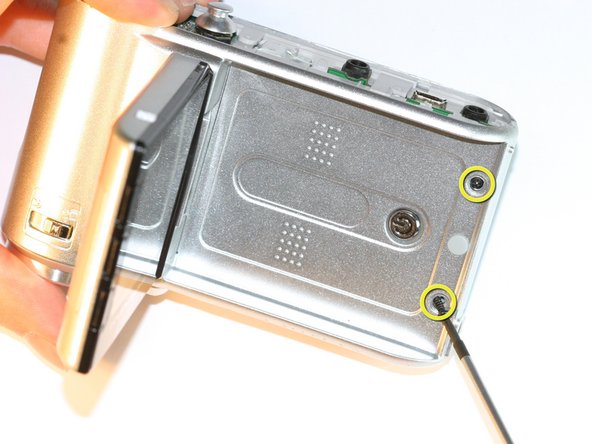
    • Flip open the screen by pulling the loose end of the screen away from the case.

    • Use tweezers to remove the two outside rubber dots to reveal the two 0.5cm machine screws.

    • Use the #00 Phillips Screwdriver to remove both screws.

  10. Aiptek DZO-V58N Image Sensor Replacement: 10 단계, 이미지 2개 중 1개 Aiptek DZO-V58N Image Sensor Replacement: 10 단계, 이미지 2개 중 2개
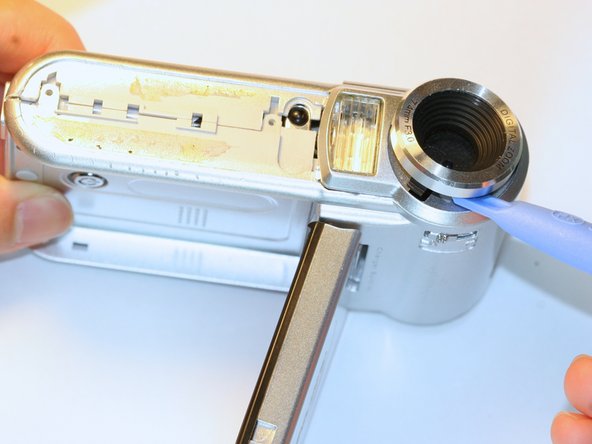
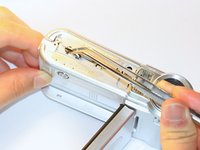
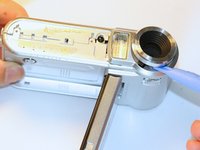
    • Pull the body apart from the bottom of device just enough to make space to remove the silver plastic strap holder.

    • Use tweezers to remove the silver plastic strap holder.

    • Use a plastic opening tool to pry off the lens protector.

  11. Aiptek DZO-V58N Image Sensor Replacement, Lens: 11 단계, 이미지 3개 중 1개 Aiptek DZO-V58N Image Sensor Replacement, Lens: 11 단계, 이미지 3개 중 2개 Aiptek DZO-V58N Image Sensor Replacement, Lens: 11 단계, 이미지 3개 중 3개
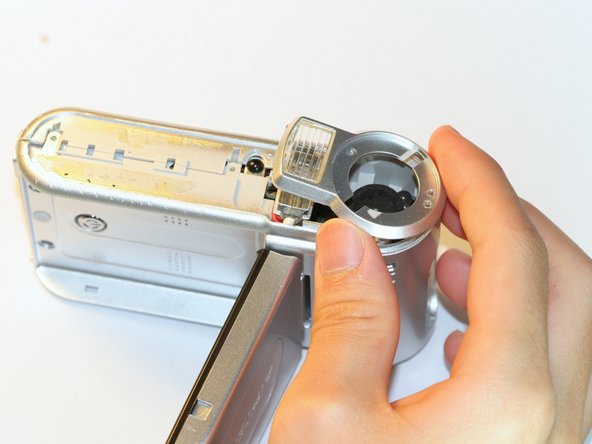
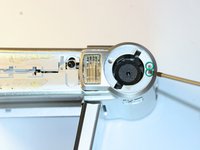
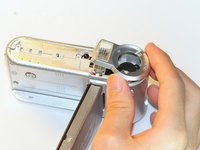
    • Unscrew the two silver 0.5cm machine screws with the #00 Phillips screwdriver.

    • Lift off the lens protector housing.

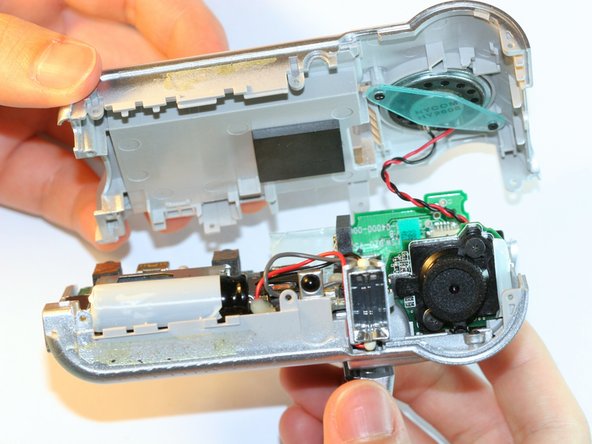
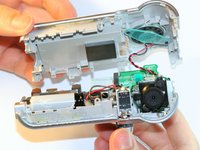
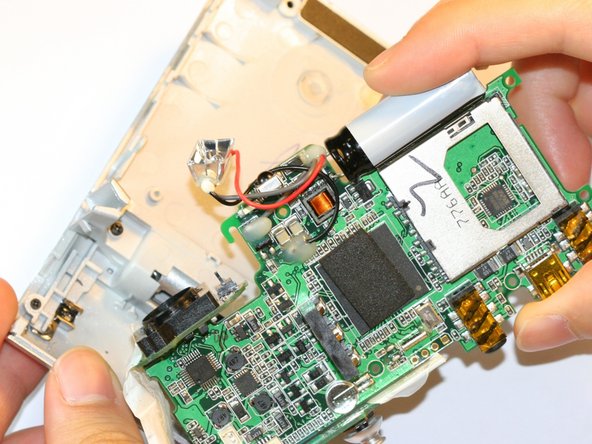
    • Pull apart the two halves of the camera body.

    • Do not pull the two halves apart too far because the wires may detach.

  12. Aiptek DZO-V58N Image Sensor Replacement: 12 단계, 이미지 1개 중 1개
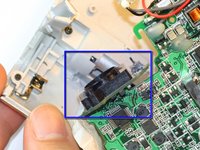
    • Unscrew both black machine screws holding the lens in place with the #00 Phillips screwdriver.

  13. Aiptek DZO-V58N Image Sensor Replacement: 13 단계, 이미지 1개 중 1개
    • Carefully remove the compressed springs underneath each of the two screws that were removed in the previous step.

    • Be careful not to lose the springs. The springs are in compression and will launch from the camera if not held onto.

  14. Aiptek DZO-V58N Image Sensor Replacement: 14 단계, 이미지 1개 중 1개
    • Lift off the lens.

  15. Aiptek DZO-V58N Image Sensor Replacement, Image Sensor: 15 단계, 이미지 2개 중 1개 Aiptek DZO-V58N Image Sensor Replacement, Image Sensor: 15 단계, 이미지 2개 중 2개
    • Use the #00 Phillips Screwdriver to unscrew the 3 circuit board screws.

    • Slightly separate circuit board from plastic case by lifting the circuit board straight out.

  16. Aiptek DZO-V58N Image Sensor Replacement: 16 단계, 이미지 2개 중 1개 Aiptek DZO-V58N Image Sensor Replacement: 16 단계, 이미지 2개 중 2개
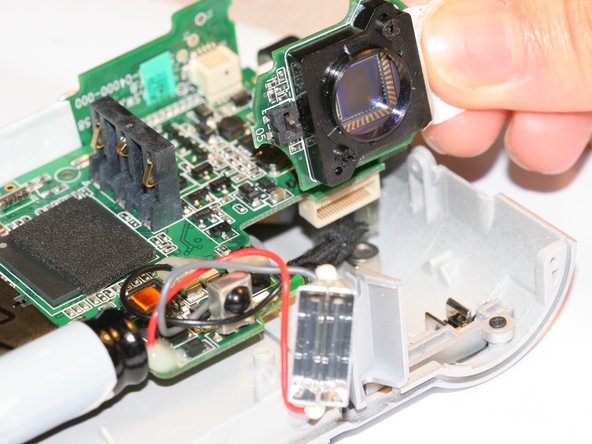
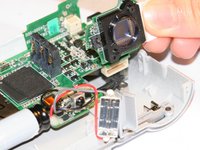
    • Unplug the image sensor from the circuit board.

    • Pull the image sensor straight out to avoid damage to the pin connectors.

결론

To reassemble your device, follow these instructions in reverse order.

작성자

3다른 기여자 명과 함께

Zachary Yun

회원 가입일: 04/03/12

28 평판

안내서 5개를 작성함

Cal Poly, Team 5-5, Forte Spring 2012 Cal Poly, Team 5-5, Forte Spring 2012 회원

CPSU-FORTE-S12S5G5

5 회원들

안내서 10개를 작성함

0가이드 댓글

댓글 쓰기

조회 통계:

지난 24시간: 0

지난 7일: 1

지난 30일: 4

전체 시간: 908