주요 콘텐츠로 건너뛰기

Aiptek DZO-V58N Lens Protector Replacement

필요한 것

  1. Aiptek DZO-V58N Lens Protector Replacement, Battery: 1 단계, 이미지 1개 중 1개
    • Locate the battery compartment on the back of the camera. It is the panel with the plastic ridges for simple removal.

    • Slide the battery compartment cover down off of the camera body.

  2. Aiptek DZO-V58N Lens Protector Replacement: 2 단계, 이미지 1개 중 1개
    • Pry up the battery from the bottom using a finger and remove the batter from the case.

  3. Aiptek DZO-V58N Lens Protector Replacement, Lens Protector: 3 단계, 이미지 1개 중 1개
    • Remove the lanyard by pulling the grey lace through the black string loop.

    • Pull black string loop through the silver bracket.

  4. Aiptek DZO-V58N Lens Protector Replacement: 4 단계, 이미지 1개 중 1개
    • Use a plastic opening tool to pry off the black control cover.

    • The face plates are glued, so use force to pry the face plates from the camera body.

  5. Aiptek DZO-V58N Lens Protector Replacement: 5 단계, 이미지 1개 중 1개
    • Use a plastic opening tool to pry off the ridged back face plate and the black button.

    • The face plates are glued, so use force to pry the face plates from the camera body.

    • The button is loose and should come off with little or no effort.

  6. Aiptek DZO-V58N Lens Protector Replacement: 6 단계, 이미지 1개 중 1개
    • Use a plastic opening tool to pry off the silver face plate.

    • The face plates are glued, so use force to pry the face plates from the camera body.

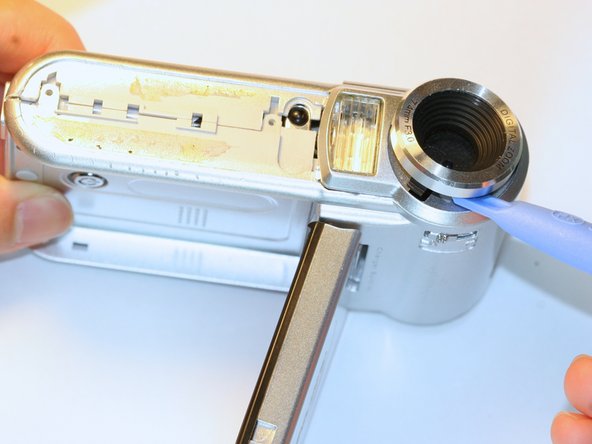
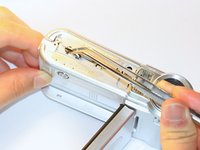
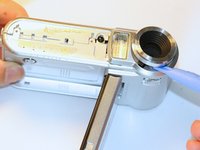
  7. Aiptek DZO-V58N Lens Protector Replacement: 7 단계, 이미지 3개 중 1개 Aiptek DZO-V58N Lens Protector Replacement: 7 단계, 이미지 3개 중 2개 Aiptek DZO-V58N Lens Protector Replacement: 7 단계, 이미지 3개 중 3개
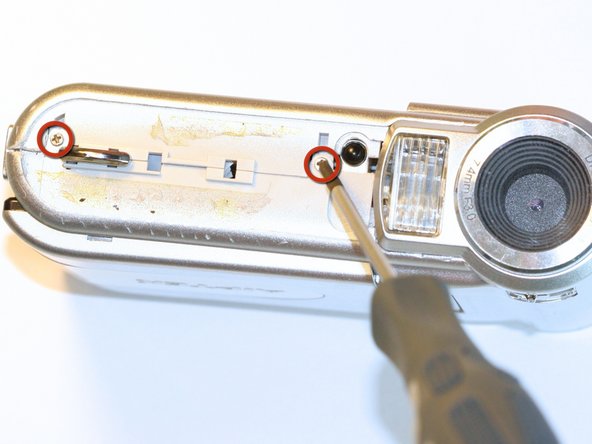
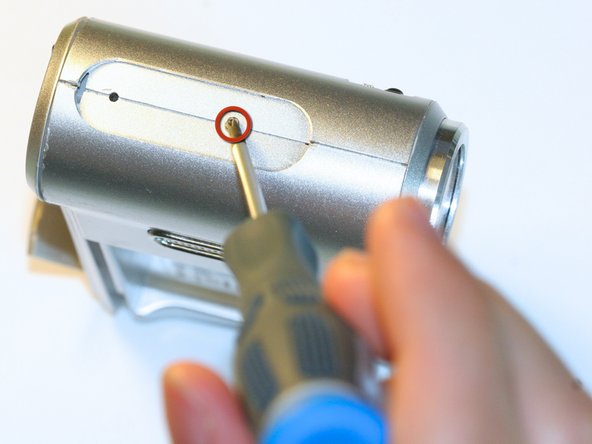
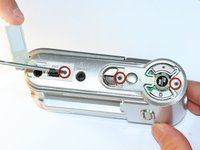
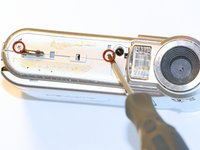
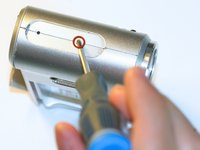
    • Open the USB cover to expose the small machine screw.

    • Use the Phillips #00 screwdriver to unscrew the six 0.5cm machine case screws (distributed around the camera body).

    • These small screws are easy to lose. Place the removed screws in an organized container to avoid losing them.

  8. Aiptek DZO-V58N Lens Protector Replacement: 8 단계, 이미지 1개 중 1개
    • Pull off the side control panel.

  9. Aiptek DZO-V58N Lens Protector Replacement: 9 단계, 이미지 2개 중 1개 Aiptek DZO-V58N Lens Protector Replacement: 9 단계, 이미지 2개 중 2개
    이 단계에 사용된 도구:
    Tweezers
    $4.99
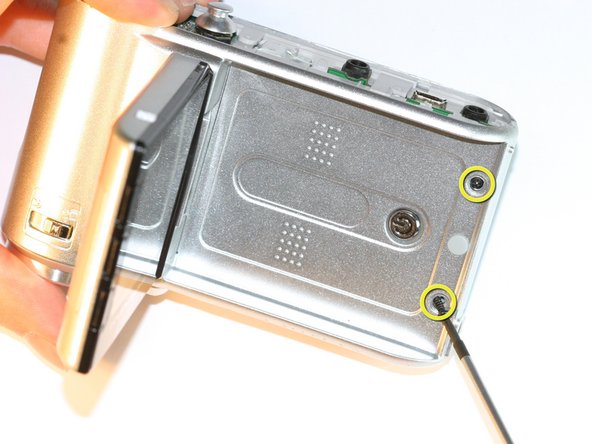
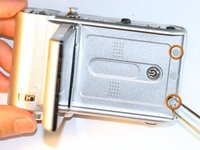
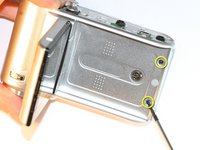
    • Flip open the screen by pulling the loose end of the screen away from the case.

    • Use tweezers to remove the two outside rubber dots to reveal the two 0.5cm machine screws.

    • Use the #00 Phillips Screwdriver to remove both screws.

  10. Aiptek DZO-V58N Lens Protector Replacement: 10 단계, 이미지 2개 중 1개 Aiptek DZO-V58N Lens Protector Replacement: 10 단계, 이미지 2개 중 2개
    • Pull the body apart from the bottom of device just enough to make space to remove the silver plastic strap holder.

    • Use tweezers to remove the silver plastic strap holder.

    • Use a plastic opening tool to pry off the lens protector.

결론

To reassemble your device, follow these instructions in reverse order.

다른 한 분이 해당 안내서를 완성하였습니다.

작성자

3다른 기여자 명과 함께

Zachary Yun

회원 가입일: 04/03/12

28 평판

안내서 5개를 작성함

Cal Poly, Team 5-5, Forte Spring 2012 Cal Poly, Team 5-5, Forte Spring 2012 회원

CPSU-FORTE-S12S5G5

5 회원들

안내서 10개를 작성함

0가이드 댓글

댓글 쓰기

조회 통계:

지난 24시간: 0

지난 7일: 1

지난 30일: 10

전체 시간: 680