주요 콘텐츠로 건너뛰기

Alienware AW610M Scroll Wheel Replacement

필요한 것

  1. Alienware AW610M Scroll Wheel Replacement, Scroll Wheel: 1 단계, 이미지 3개 중 1개 Alienware AW610M Scroll Wheel Replacement, Scroll Wheel: 1 단계, 이미지 3개 중 2개 Alienware AW610M Scroll Wheel Replacement, Scroll Wheel: 1 단계, 이미지 3개 중 3개
    • Turn your mouse over with the scroll wheel facing down.

    • Use a precision blade (I used size 12) to loosen the adhesive surrounding any stickers on the back of the mouse.

    • Be cautious with the blade and move in slow, controlled motions as to avoid any injury.

  2. Alienware AW610M Scroll Wheel Replacement: 2 단계, 이미지 2개 중 1개 Alienware AW610M Scroll Wheel Replacement: 2 단계, 이미지 2개 중 2개
    • Turn your blowdryer on a low heat setting.

    • Precisely aim the heat on the adhesive sections of the mouse for 5-10 second intervals.

    • Turn off your blowdryer, unplug the device, and set it aside to cool down.

    • Carefully peel off the stickers, and set aside as well.

  3. Alienware AW610M Scroll Wheel Replacement: 3 단계, 이미지 3개 중 1개 Alienware AW610M Scroll Wheel Replacement: 3 단계, 이미지 3개 중 2개 Alienware AW610M Scroll Wheel Replacement: 3 단계, 이미지 3개 중 3개
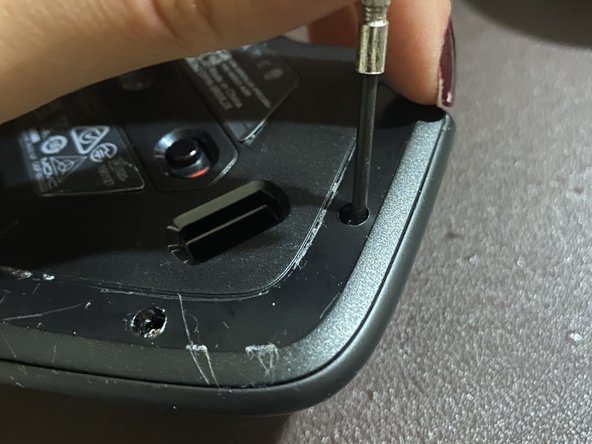
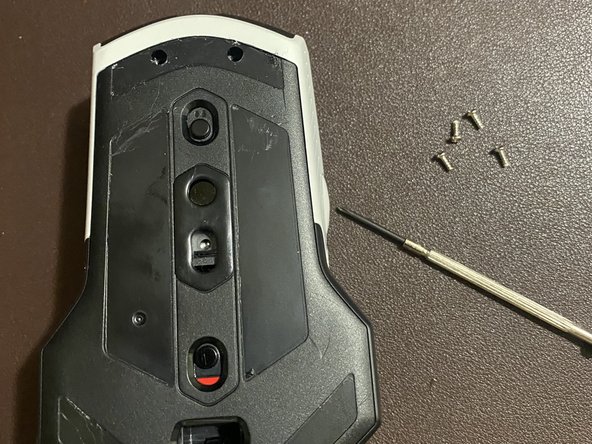
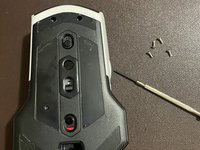
    • Use your Phillips #00 screwdriver to remove four 3.1 screws from the mouse.

  4. Alienware AW610M Scroll Wheel Replacement: 4 단계, 이미지 1개 중 1개
    • Gently prop open the back side of the mouse; be careful as to not break any plastic while doing so.

    • Don't pull apart the mouse backing too far, as connections still hold the two pieces together.

  5. Alienware AW610M Scroll Wheel Replacement: 5 단계, 이미지 3개 중 1개 Alienware AW610M Scroll Wheel Replacement: 5 단계, 이미지 3개 중 2개 Alienware AW610M Scroll Wheel Replacement: 5 단계, 이미지 3개 중 3개
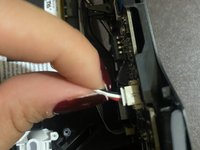
    • Disconnect any wire connections away from the mouse's circuit board.

    • Be careful disconnecting the ribbon cable labeled AWM 20706, as you might not be able to reconnect it without damaging the pins, later on.

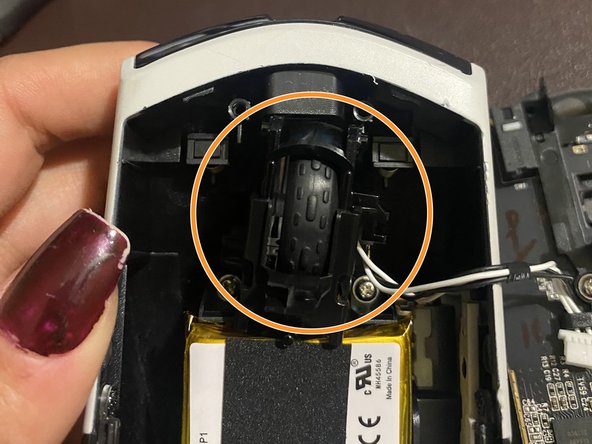
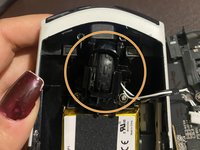
    • Locate the scroll wheel placed in the gap of the mouse's backing.

    • My scroll wheel was crooked, most likely causing my issue.

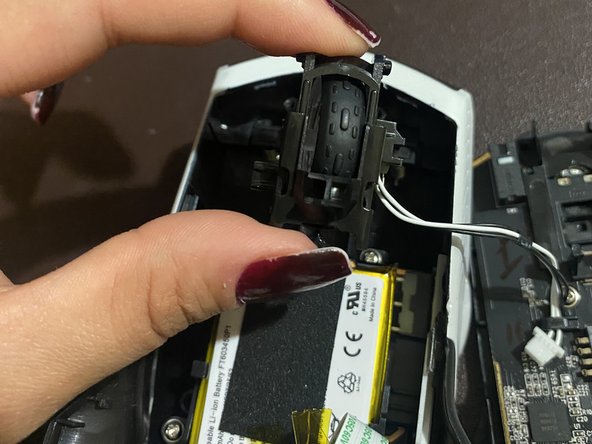
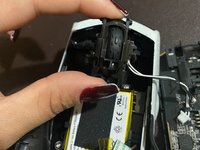
    • Gently lift the scroll wheel mechanism out of the mouse's backing.

  6. Alienware AW610M Scroll Wheel Replacement: 6 단계, 이미지 3개 중 1개 Alienware AW610M Scroll Wheel Replacement: 6 단계, 이미지 3개 중 2개 Alienware AW610M Scroll Wheel Replacement: 6 단계, 이미지 3개 중 3개
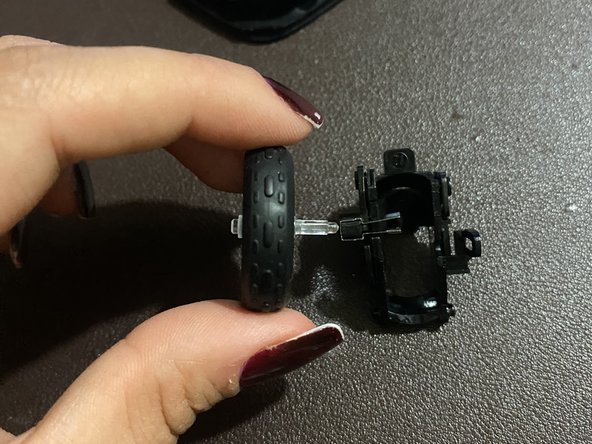
    • Disconnect the scroll wheel sensor from the mouse backing.

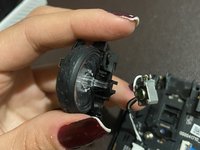
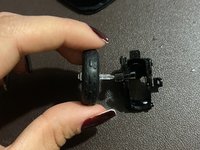
    • Remove the old wheel from the plastic casing, and set it aside.

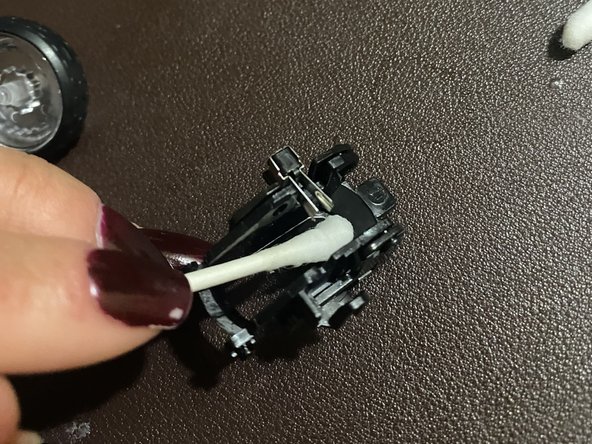
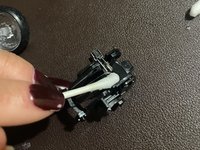
    • Use a dry cotton swab to wipe off dust or debris in the wheel's plastic casing.

  7. Alienware AW610M Scroll Wheel Replacement: 7 단계, 이미지 3개 중 1개 Alienware AW610M Scroll Wheel Replacement: 7 단계, 이미지 3개 중 2개 Alienware AW610M Scroll Wheel Replacement: 7 단계, 이미지 3개 중 3개
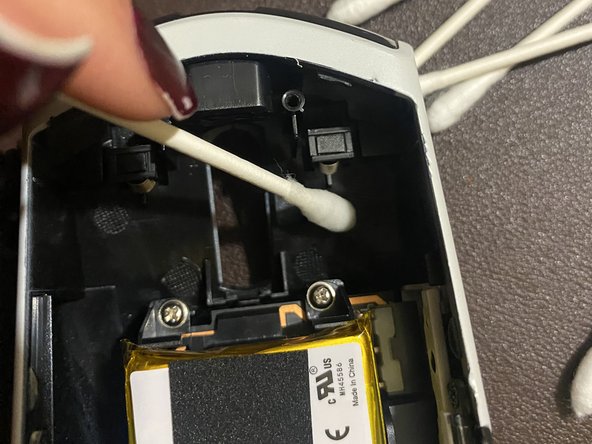
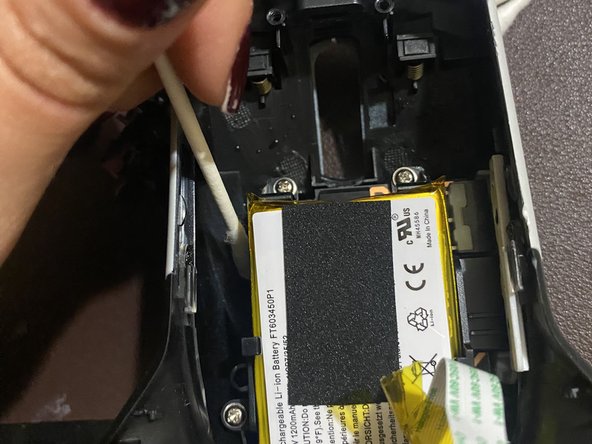
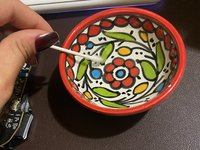
    • Dip a cotton swab into hydrogen-peroxide.

    • Make sure to wear gloves or wash your hands after handling hydrogen peroxide. Be cautious to avoid touching your face in this step.

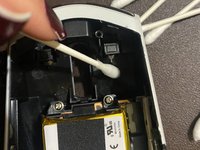
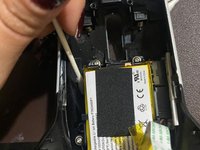
    • Use a wet cotton swab to clean the mouse backing. Don't hesitate to swipe behind different pieces of plastic as well.

    • Avoid using cotton swabs on the circuit board of the mouse, or any wires in the mouse.

결론

To reassemble your device, follow these instructions in reverse order.

다른 3명이 해당 안내서를 완성하였습니다.

작성자

3다른 기여자 명과 함께

Rana Ashour

회원 가입일: 04/04/23

217 평판

안내서 1개를 작성함

CSU Los Angeles, Team 2-71, Briggs Spring 2023 CSU Los Angeles, Team 2-71, Briggs Spring 2023 회원

CSULA-BRIGGS-S23S2G71

1 회원

안내서 3개를 작성함

2가이드 댓글

Note: the tan part connected to the ribbon cable IS A RECEPTACLE, THE RIBBON CABLE ITSELF IS THE PART THAT PULLS OUT. I accidentally pulled off my connector, lost a connector pin when attempting to put it back on, mouse still seems to work though.

Nathan - 답글

Hello, I followed all the steps but I'm left with the two springs that I don't know where to put. I didn't see the two springs in your pictures.

Morar Razvan - 답글

댓글 쓰기

조회 통계:

지난 24시간: 19

지난 7일: 106

지난 30일: 507

전체 시간: 12,699