주요 콘텐츠로 건너뛰기

Amazon Echo Dot 2nd Generation LED/Speaker Board and Microphone Replacement

필요한 것

  1. Amazon Echo Dot 2nd Generation LED/Speaker Board and Microphone Replacement, LED/Speaker Board and Microphone: 1 단계, 이미지 3개 중 1개 Amazon Echo Dot 2nd Generation LED/Speaker Board and Microphone Replacement, LED/Speaker Board and Microphone: 1 단계, 이미지 3개 중 2개 Amazon Echo Dot 2nd Generation LED/Speaker Board and Microphone Replacement, LED/Speaker Board and Microphone: 1 단계, 이미지 3개 중 3개
    • Power off and unplug the echo

    • Using the plastic opening tool, peel off the rubber layer on the bottom of the echo.

  2. Amazon Echo Dot 2nd Generation LED/Speaker Board and Microphone Replacement: 2 단계, 이미지 3개 중 1개 Amazon Echo Dot 2nd Generation LED/Speaker Board and Microphone Replacement: 2 단계, 이미지 3개 중 2개 Amazon Echo Dot 2nd Generation LED/Speaker Board and Microphone Replacement: 2 단계, 이미지 3개 중 3개
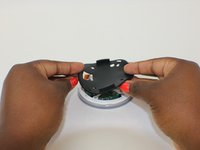
    • Use the T8 screwdriver bit to unscrew the four 1.6mm torx screws

    • Remove the black cylindrical base

  3. Amazon Echo Dot 2nd Generation LED/Speaker Board and Microphone Replacement: 3 단계, 이미지 3개 중 1개 Amazon Echo Dot 2nd Generation LED/Speaker Board and Microphone Replacement: 3 단계, 이미지 3개 중 2개 Amazon Echo Dot 2nd Generation LED/Speaker Board and Microphone Replacement: 3 단계, 이미지 3개 중 3개
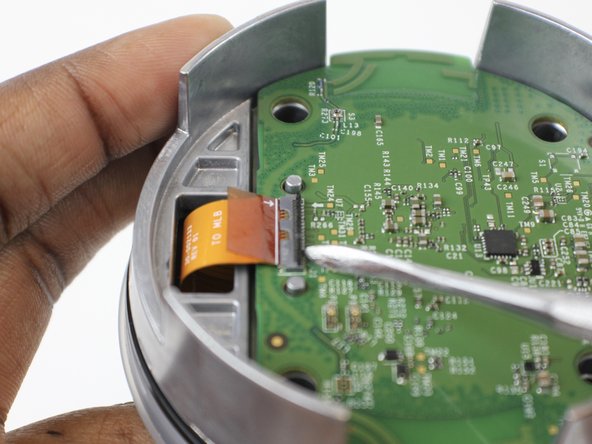
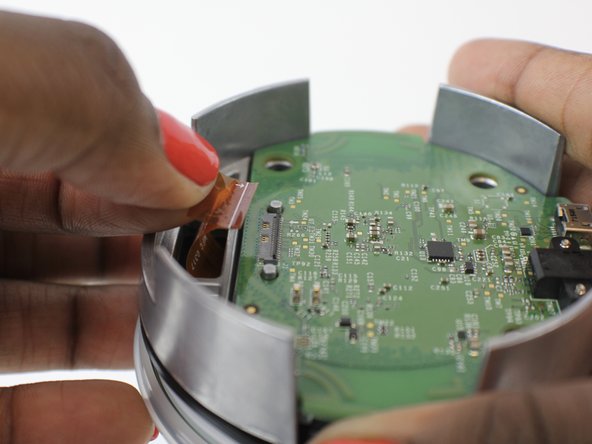
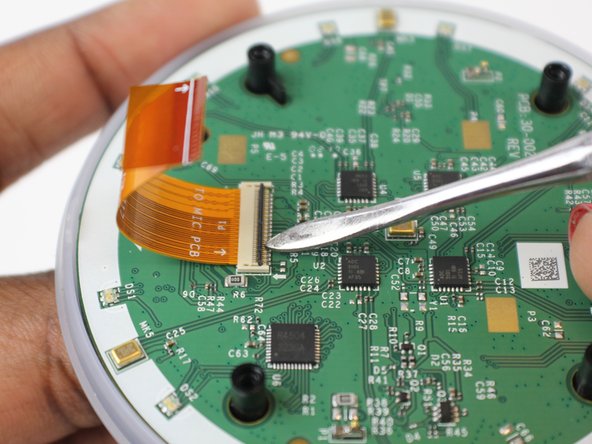
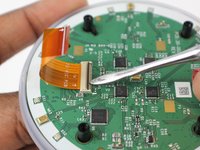
    • Use the metal spudger to lift the ZIF connector

    • Remove the ribbon cable from the slot

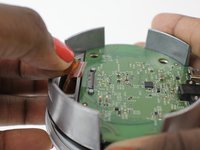
  4. Amazon Echo Dot 2nd Generation LED/Speaker Board and Microphone Replacement: 4 단계, 이미지 1개 중 1개
    • Remove the motherboard

  5. Amazon Echo Dot 2nd Generation LED/Speaker Board and Microphone Replacement: 5 단계, 이미지 3개 중 1개 Amazon Echo Dot 2nd Generation LED/Speaker Board and Microphone Replacement: 5 단계, 이미지 3개 중 2개 Amazon Echo Dot 2nd Generation LED/Speaker Board and Microphone Replacement: 5 단계, 이미지 3개 중 3개
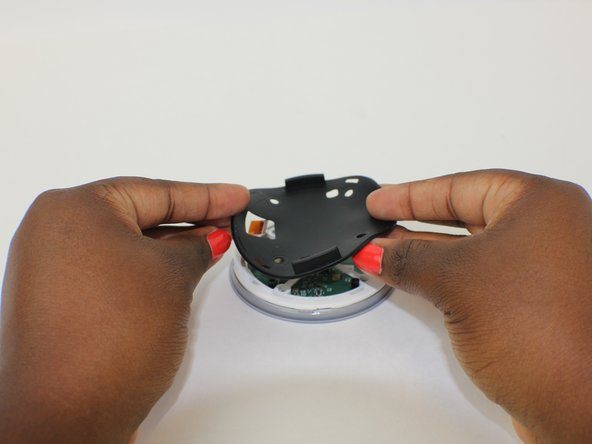
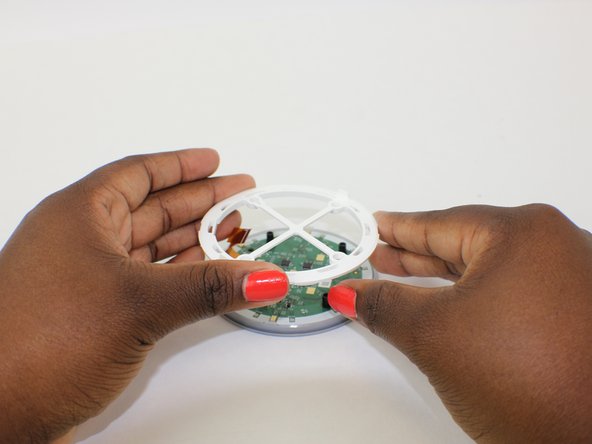
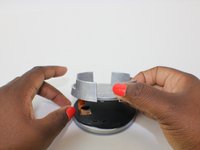
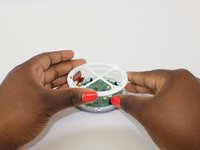
    • Remove the silver divider

    • Remove black rubber divider

    • Remove the plastic white frame

  6. Amazon Echo Dot 2nd Generation LED/Speaker Board and Microphone Replacement: 6 단계, 이미지 3개 중 1개 Amazon Echo Dot 2nd Generation LED/Speaker Board and Microphone Replacement: 6 단계, 이미지 3개 중 2개 Amazon Echo Dot 2nd Generation LED/Speaker Board and Microphone Replacement: 6 단계, 이미지 3개 중 3개
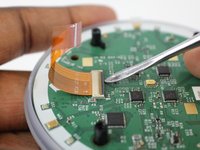
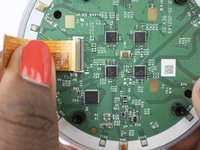
    • Use the metal spudger to lift the ZIF connector

    • Remove the ribbon cable from the slot on the LED/speaker board

  7. Amazon Echo Dot 2nd Generation LED/Speaker Board and Microphone Replacement: 7 단계, 이미지 1개 중 1개
    • Remove the LED/speaker board

결론

To reassemble your device, follow these instructions in reverse order.

다른 4명이 해당 안내서를 완성하였습니다.

작성자

2다른 기여자 명과 함께

Cassidy O'Connor

회원 가입일: 10/09/17

465 평판

안내서 2개를 작성함

USF Tampa, Team S1-G3, Leahy Fall 2017 USF Tampa, Team S1-G3, Leahy Fall 2017 회원

USFT-LEAHY-F17S1G3

3 회원들

안내서 12개를 작성함

1가이드 댓글

I can’t seem to find the board anywhere. Where would you buy one?

George hanes - 답글

댓글 쓰기

조회 통계:

지난 24시간: 0

지난 7일: 10

지난 30일: 40

전체 시간: 5,569