소개
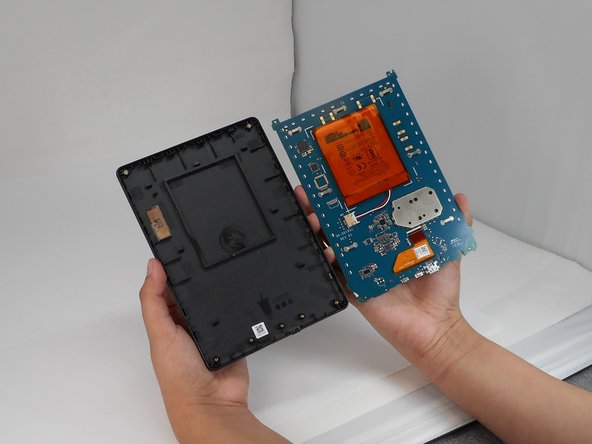
If the back cover of your Amazon Kindle 8 is damaged, use this guide to replace it.
The back cover protects the Kindle's internal components from damages. A damaged back cover can interfere with the kindle's durability and functionality.
Before beginning, make sure that the back cover isn't simply loose and can't be resecured without replacement.
Be cautions when prying off the back cover to avoid damaging clips or internal components.
필요한 것
-
-
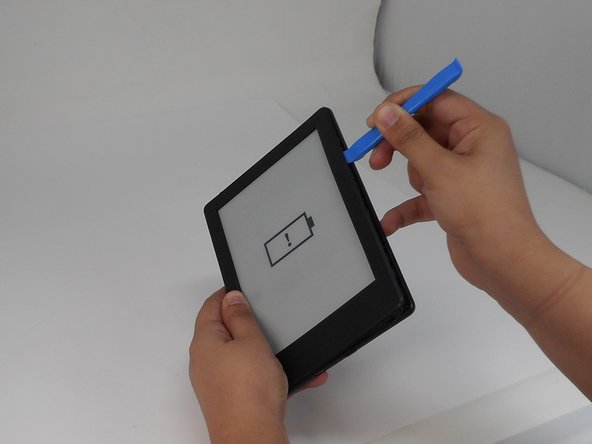
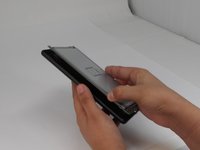
Insert the iFixit opening tool into any corner of the Kindle’s front cover.
-
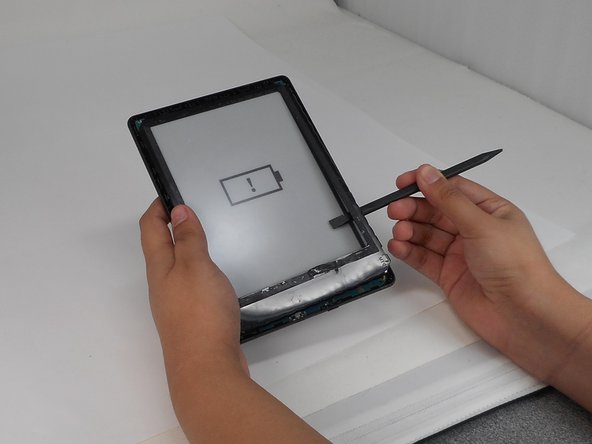
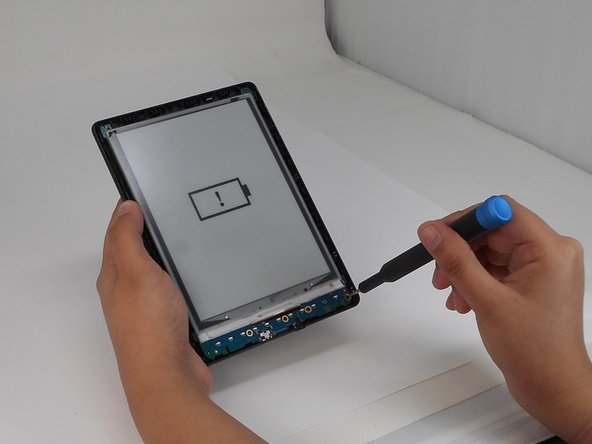
Gently slide the tool along the edges and carefully separate the front cover from the inner front cover.
-
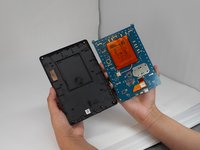
Lift front cover once all clips are disengaged.
-
-
-
-
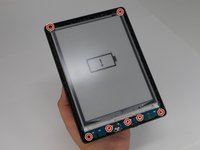
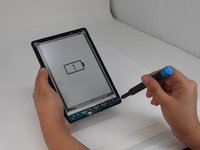
Use a T4 Torx screwdriver to remove the seven 3 mm screws around the perimeter of the device.
-







To reassemble your device, follow the above steps in reverse order.
Repair didn’t go as planned? Try some basic troubleshooting or ask our Answers community for help.



팀

University of Memphis, Team 1-5, Sneed Fall 2024 University of Memphis, Team 1-5, Sneed Fall 2024 회원
UM-SNEED-F24S1G5
4 회원들
안내서 8개를 작성함
