주요 콘텐츠로 건너뛰기

August Smart Lock Speaker Replacement

필요한 것

  1. August Smart Lock Speaker Replacement, Speaker: 1 단계, 이미지 3개 중 1개 August Smart Lock Speaker Replacement, Speaker: 1 단계, 이미지 3개 중 2개 August Smart Lock Speaker Replacement, Speaker: 1 단계, 이미지 3개 중 3개
    • Flip the device so the back cover is facing you.

    • Undo the latches on both sides to remove the metal cover.

    • Using a Phillips #0 screwdriver, remove the black screws to release the back cover.

    • To unscrew all of the screws, you will need to close the latches again.

    • Do not pull the cover apart too far as the speaker is in the cover and connected to the motherboard.

  2. August Smart Lock Speaker Replacement: 2 단계, 이미지 3개 중 1개 August Smart Lock Speaker Replacement: 2 단계, 이미지 3개 중 2개 August Smart Lock Speaker Replacement: 2 단계, 이미지 3개 중 3개
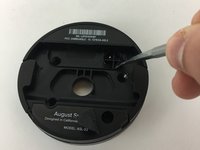
    • Use the metal spudger to pry the plug off of the motherboard.

    • The plug can be dislodged when prying it from the side.

  3. August Smart Lock Speaker Replacement: 3 단계, 이미지 3개 중 1개 August Smart Lock Speaker Replacement: 3 단계, 이미지 3개 중 2개 August Smart Lock Speaker Replacement: 3 단계, 이미지 3개 중 3개
    • Warm up the iOpener.

    • Do not place the iOpener in microwave for more than 30 seconds.

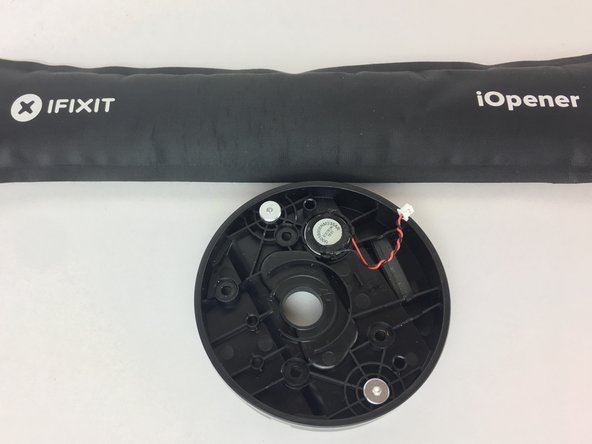
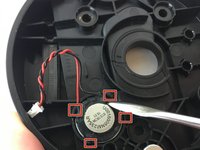
    • Place the iOpener heating pad over the speaker and let sit for a few moments.

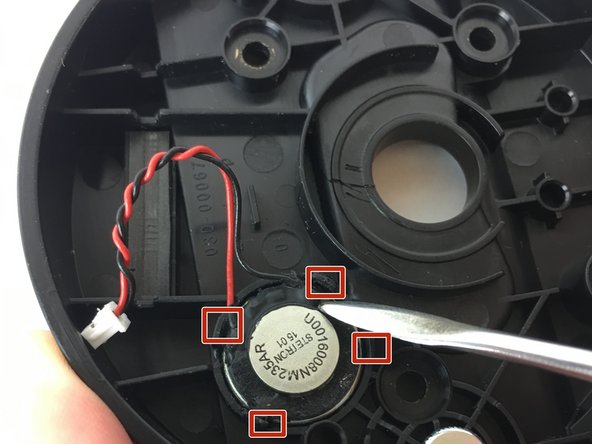
    • Using the metal spudger, pry some of the glue off the hinges holding the speaker in place.

  4. August Smart Lock Speaker Replacement: 4 단계, 이미지 2개 중 1개 August Smart Lock Speaker Replacement: 4 단계, 이미지 2개 중 2개
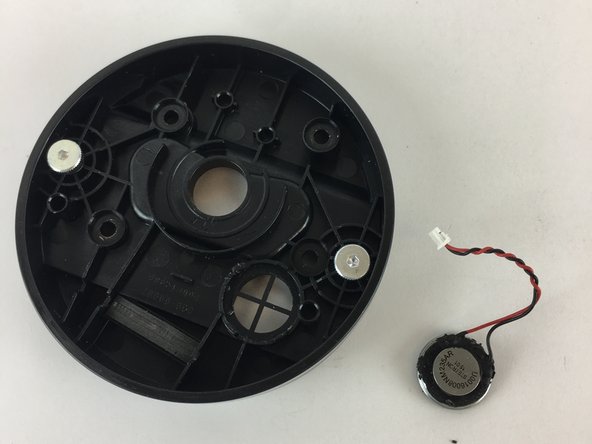
    • Once the speaker looks mobile, flip the cover over and push below the speaker to pop it out.

결론

To reassemble your device, follow these instructions in reverse order.

다른 한 분이 해당 안내서를 완성하였습니다.

작성자

1다른 기여자 명과 함께

William Fink

회원 가입일: 09/26/17

814 평판

안내서 3개를 작성함

USF Tampa, Team S11-G6, Passmore Fall 2017 USF Tampa, Team S11-G6, Passmore Fall 2017 회원

USFT-PASSMORE-F17S11G6

4 회원들

안내서 3개를 작성함

0가이드 댓글

댓글 쓰기

조회 통계:

지난 24시간: 1

지난 7일: 2

지난 30일: 13

전체 시간: 1,704