주요 콘텐츠로 건너뛰기

Azpen A701 Screen Replacement

필요한 것

  1. Azpen A701 Screen Replacement, General Disassembly Prerequisite Guide: 1 단계, 이미지 1개 중 1개
    • Remove the two 2cm screws on the bottom using the PH0 Phillips head screw driver.

  2. Azpen A701 Screen Replacement: 2 단계, 이미지 2개 중 1개 Azpen A701 Screen Replacement: 2 단계, 이미지 2개 중 2개
    • Pry open the back piece with the plastic spudger.

    • Remove the back piece from the device.

    • The back panel may be difficult to pry off, use gentle force.

  3. Azpen A701 Screen Replacement: 3 단계, 이미지 1개 중 1개
    • Disconnect speaker (which is attached by black and red wires) from back piece using plastic spudger.

  4. Azpen A701 Screen Replacement: 4 단계, 이미지 1개 중 1개
    • Gently pry the battery off of the device with the plastic spudger.

    • There is a large amount of glue holding the battery to the device.

    • Do not puncture the battery with the plastic spudger.

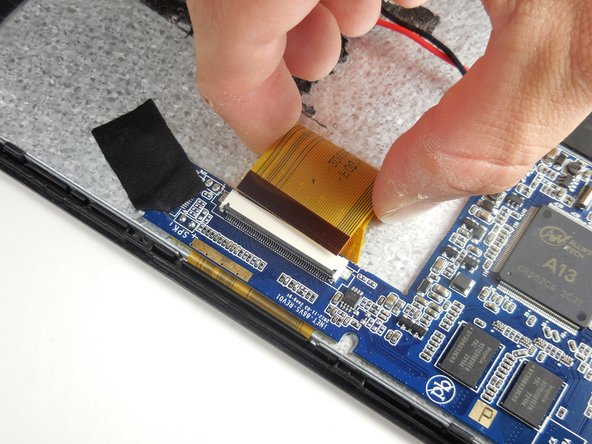
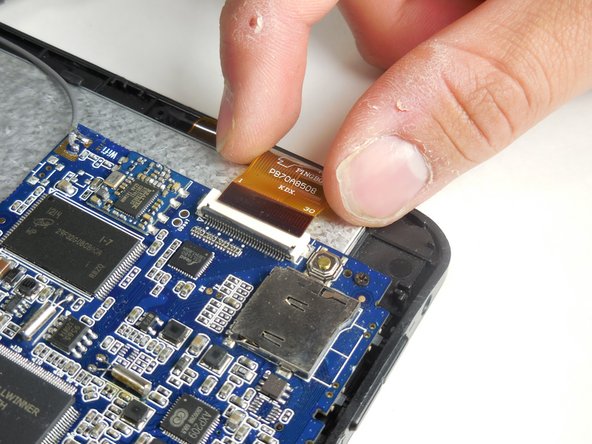
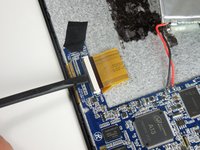
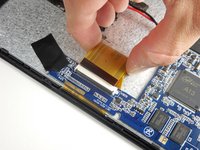
  5. Azpen A701 Screen Replacement, Screen: 5 단계, 이미지 3개 중 1개 Azpen A701 Screen Replacement, Screen: 5 단계, 이미지 3개 중 2개 Azpen A701 Screen Replacement, Screen: 5 단계, 이미지 3개 중 3개
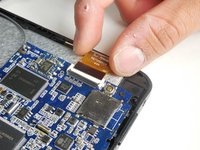
    • Disconnect the two largest (of the three) ZIF cables by prying open the flap with a plastic spudger to gently remove them.

  6. Azpen A701 Screen Replacement: 6 단계, 이미지 1개 중 1개
    • Peel off the black tape from the corner of the motherboard (indicated by the blue surface of the device).

  7. Azpen A701 Screen Replacement: 7 단계, 이미지 3개 중 1개 Azpen A701 Screen Replacement: 7 단계, 이미지 3개 중 2개 Azpen A701 Screen Replacement: 7 단계, 이미지 3개 중 3개
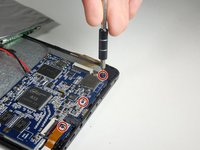
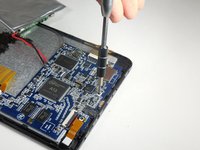
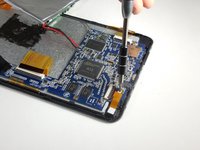
    • Use a PH000 Phillips head screw driver to remove the three screws that connect the motherboard to the front panel.

    • When removing the motherboard, be cautious of the gray wire connected from the motherboard to the actual device.

  8. Azpen A701 Screen Replacement: 8 단계, 이미지 1개 중 1개
    • Remove the motherboard and the battery and set aside.

  9. Azpen A701 Screen Replacement: 9 단계, 이미지 3개 중 1개 Azpen A701 Screen Replacement: 9 단계, 이미지 3개 중 2개 Azpen A701 Screen Replacement: 9 단계, 이미지 3개 중 3개
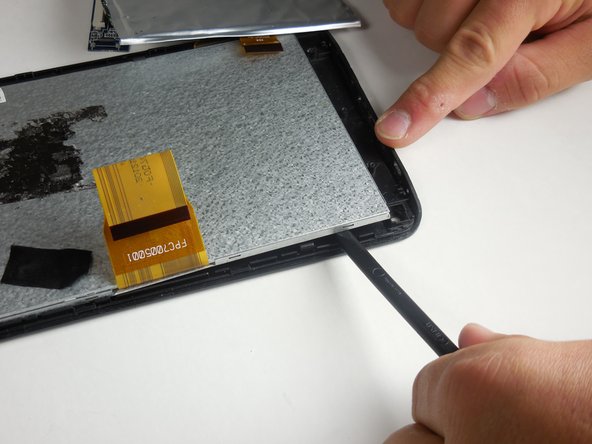
    • Remove the small orange tape attached with a gray wire from the top corner of the device. This is the antenna.

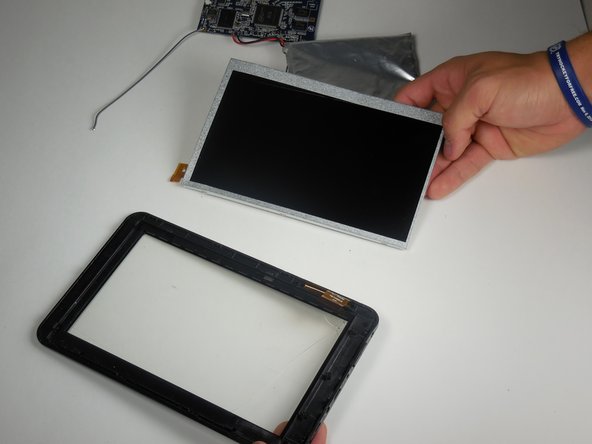
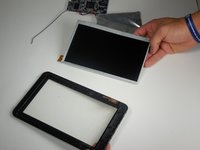
    • Use a plastic spudger around the silver lining within the device to pry the screen off.

    • The metal screen assembly is two pieces. When removing the screen, make sure to pry off both pieces at once.

  10. Azpen A701 Screen Replacement: 10 단계, 이미지 1개 중 1개
    • Replace the broken screen and reverse the steps to re-assemble the device.

결론

To reassemble your device, follow these instructions in reverse order.

다른 한 분이 해당 안내서를 완성하였습니다.

작성자

5다른 기여자 명과 함께

Michael

회원 가입일: 03/11/15

568 평판

안내서 4개를 작성함

Colorado Springs, Team 2-1, Panko Spring 2015 Colorado Springs, Team 2-1, Panko Spring 2015 회원

UCCS-PANKO-S15S2G1

3 회원들

안내서 12개를 작성함

0가이드 댓글

댓글 쓰기

조회 통계:

지난 24시간: 0

지난 7일: 2

지난 30일: 10

전체 시간: 700