주요 콘텐츠로 건너뛰기
수리 커뮤니티 가입 - 계정 만들기

Behringer BCD3000 분해

필요한 것

  1. Behringer BCD3000 분해, Behringer BCD3000: 1 단계, 이미지 1개 중 1개
    • 모든 케이블에서 플러그를 뽑으세요

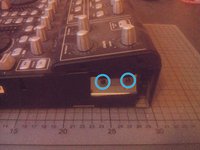
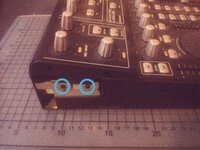
  2. Behringer BCD3000 분해, 측면 열기: 2 단계, 이미지 2개 중 1개 Behringer BCD3000 분해, 측면 열기: 2 단계, 이미지 2개 중 2개
    • BCD3000의 양쪽에 있는 십자 나사 두 개를 풀어주세요.

    • 나사가 너무 꽉 조여 있으면 연장기를 사용하여 힘을 더 줄 수 있습니다.

  3. Behringer BCD3000 분해, 상단 부분 풀기: 3 단계, 이미지 2개 중 1개 Behringer BCD3000 분해, 상단 부분 풀기: 3 단계, 이미지 2개 중 2개
    • 양쪽에 있는 십자 나사 두 개를 더 풀어주세요.

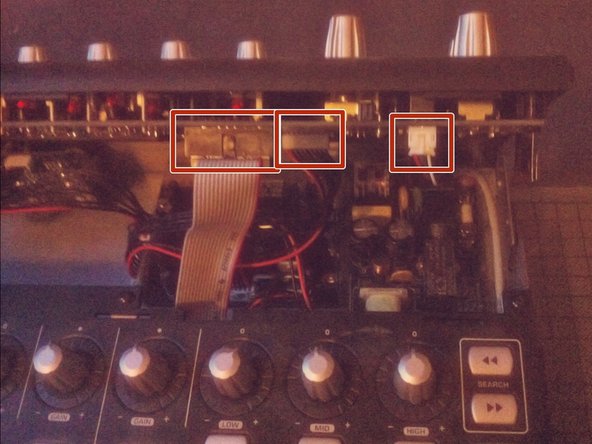
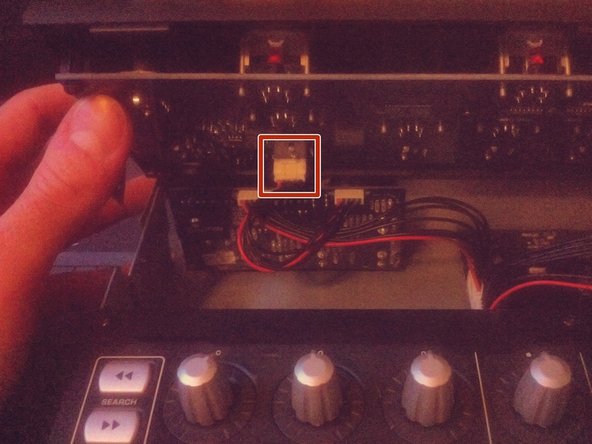
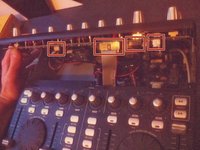
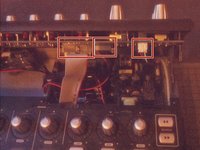
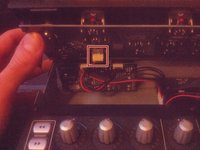
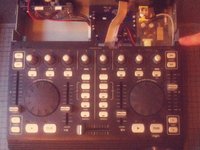
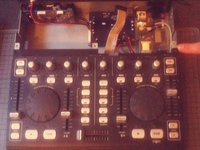
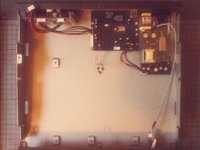
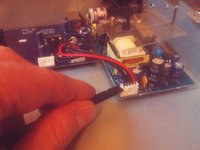
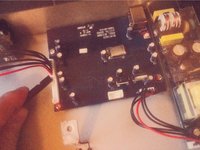
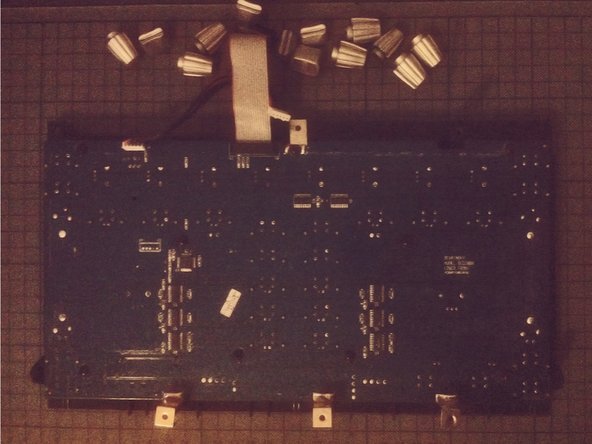
  4. Behringer BCD3000 분해: 4 단계, 이미지 3개 중 1개 Behringer BCD3000 분해: 4 단계, 이미지 3개 중 2개 Behringer BCD3000 분해: 4 단계, 이미지 3개 중 3개
    • 상단 제어 부품을 들어 올리세요.

    • 하단 부분에 아직 케이블이 연결되어 있으니 주의하세요.

    • 케이블을 소켓에서 빼내어 연결 해제하세요.

  5. Behringer BCD3000 분해: 5 단계, 이미지 1개 중 1개
    • 상단 부품을 완전히 분리하세요.

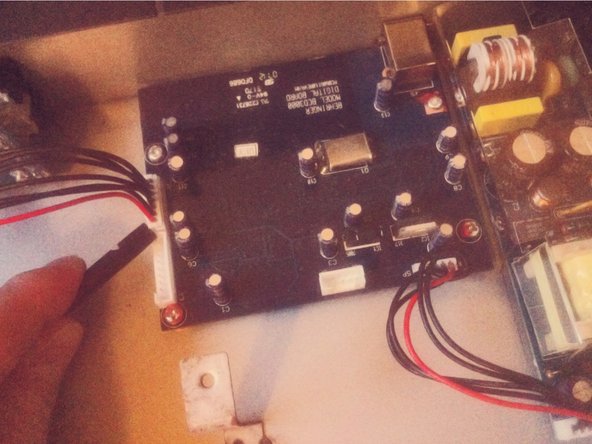
  6. Behringer BCD3000 분해: 6 단계, 이미지 1개 중 1개
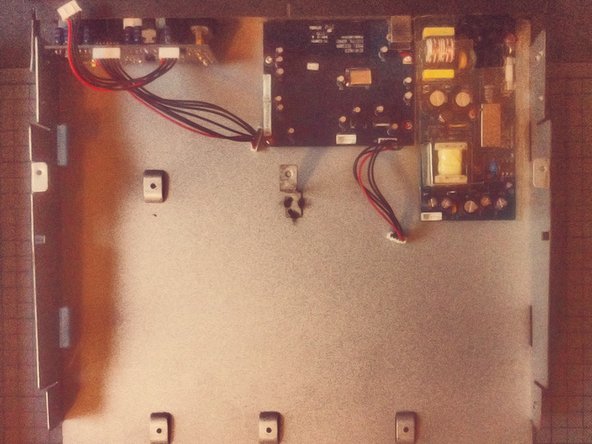
    • 하단 부분에서 커넥터 보드에 연결되는 케이블 두 개를 연결 해제하세요.

  7. Behringer BCD3000 분해: 7 단계, 이미지 3개 중 1개 Behringer BCD3000 분해: 7 단계, 이미지 3개 중 2개 Behringer BCD3000 분해: 7 단계, 이미지 3개 중 3개
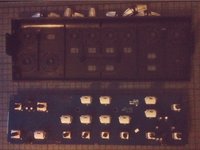
    • 하단 부품을 앞쪽으로 밀어주세요.

    • 이제 들어 올려서 한쪽에 놓아 두세요.

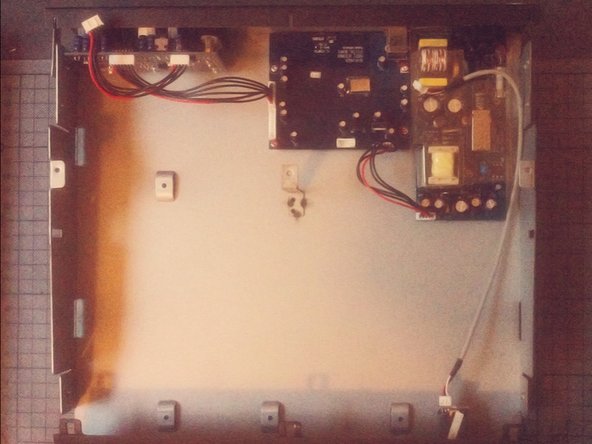
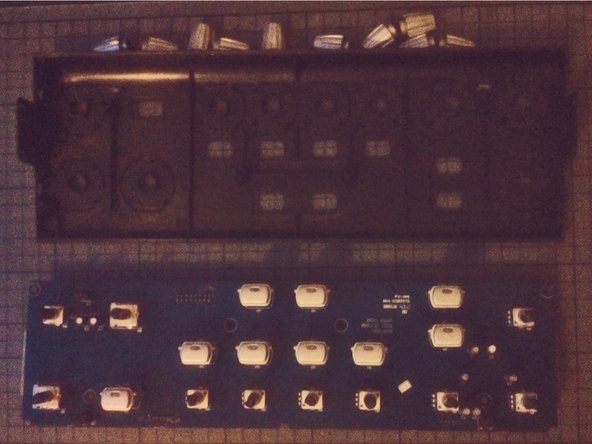
  8. Behringer BCD3000 분해: 8 단계, 이미지 3개 중 1개 Behringer BCD3000 분해: 8 단계, 이미지 3개 중 2개 Behringer BCD3000 분해: 8 단계, 이미지 3개 중 3개
    • 분리된 보드를 연결 해제하세요.

    • 이제 케이스에서 나사를 풀어서 모듈을 꺼낼 수 있습니다.

  9. Behringer BCD3000 분해: 9 단계, 이미지 2개 중 1개 Behringer BCD3000 분해: 9 단계, 이미지 2개 중 2개
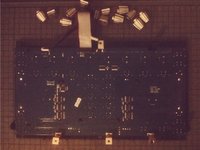
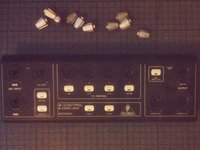
    • 전면 패널의 조그 휠은 스퍼저를 지렛대로 사용하여 분리할 수 있습니다.

  10. Behringer BCD3000 분해: 10 단계, 이미지 2개 중 1개 Behringer BCD3000 분해: 10 단계, 이미지 2개 중 2개
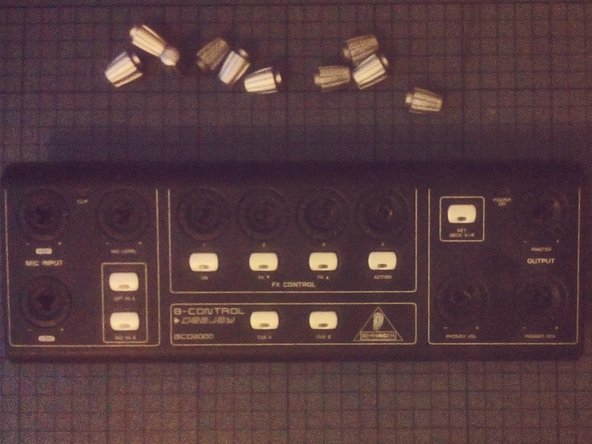
    • 노브는 당기면 쉽게 분리됩니다.

  11. Behringer BCD3000 분해: 11 단계, 이미지 3개 중 1개 Behringer BCD3000 분해: 11 단계, 이미지 3개 중 2개 Behringer BCD3000 분해: 11 단계, 이미지 3개 중 3개
    • 전면 패널 상단부의 노브도 마찬가지입니다.

결론

기기를 재조립하려면 다음 지침을 역순으로 따르세요.

다른 6명이 해당 안내서를 완성하였습니다.

다음 번역가들에게 특별히 감사 드립니다:

en ko

100%

Christian Kim님은 저희가 세상을 수리하는데 동참하신 분입니다! 기여하시겠습니까?
번역 시작하기 ›

작성자

2다른 기여자 명과 함께

Tobias Isakeit

회원 가입일: 03/31/14

130,092 평판

안내서 189개를 작성함

4가이드 댓글

Pensaba que serviría para la BCD2000… pero es algo distinta.

Antonio - 답글

great stuff, with better quality pictures would be better

csipapicsa - 답글

This is great! I thought it would be like the other BC controllers (BCR/BCF2000) with a clip on the side panels. I need to re-seat my knob rings that have gotten loose and fallen of the top panel.

NomeX - 답글

Thanks for the guide! I was able to re-glue and re-seat my knob rings that popped loose. I had two on the top section (main vol and FX4) and one at the lower that was working loose, so I decided to hit that one as well since I already had the BDC3000 apart. I find it odd that Behringer used machine screws on the bottom of the machine since they screw into plastic posts. The control knobs rings are held in place with a thin glue that, after nearly 20 years (mine was 1105 date), have weakened and allow easy popping off. I used a glue that didn't melt the pieces together (preferred, but I didn't have), so I may have to go through this process again. When reassembling, take care that the buttons seat properly into the panels as they can wiggle out of place and make screwing the PCBs difficult and reassembly impossible. If you need total disassembly, you'll need a socket wrench or mini pliers to remove the nut from the headphone jack. I don't think this is a necessary step if you're just re-seating/gluing the rings.

NomeX - 답글

댓글 쓰기

조회 통계:

지난 24시간: 4

지난 7일: 23

지난 30일: 72

전체 시간: 3,233