주요 콘텐츠로 건너뛰기

BlackBerry 7290 LCD Replacement

필요한 것

  1. BlackBerry 7290 LCD Replacement, Battery: 1 단계, 이미지 3개 중 1개 BlackBerry 7290 LCD Replacement, Battery: 1 단계, 이미지 3개 중 2개 BlackBerry 7290 LCD Replacement, Battery: 1 단계, 이미지 3개 중 3개
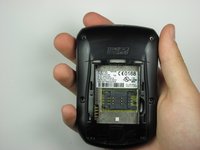
    • Apply pressure to the lock button on the back of the device.

    • Slide the battery cover down towards the bottom of the device, revealing the battery compartment.

  2. BlackBerry 7290 LCD Replacement: 2 단계, 이미지 3개 중 1개 BlackBerry 7290 LCD Replacement: 2 단계, 이미지 3개 중 2개 BlackBerry 7290 LCD Replacement: 2 단계, 이미지 3개 중 3개
    • Locate groove along the right side of the battery compartment.

    • Remove battery by prying between the battery and the groove.

  3. BlackBerry 7290 LCD Replacement, SIM Card: 3 단계, 이미지 1개 중 1개
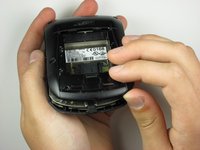
    • Slide the SIM card holder to the left to unlock the SIM card.

  4. BlackBerry 7290 LCD Replacement: 4 단계, 이미지 2개 중 1개 BlackBerry 7290 LCD Replacement: 4 단계, 이미지 2개 중 2개
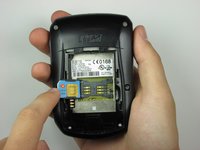
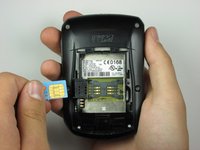
    • Lift the SIM card holder up.

    • Gently remove the SIM card from the SIM card holder by sliding the card along the railing.

  5. BlackBerry 7290 LCD Replacement, Side Button: 5 단계, 이미지 1개 중 1개
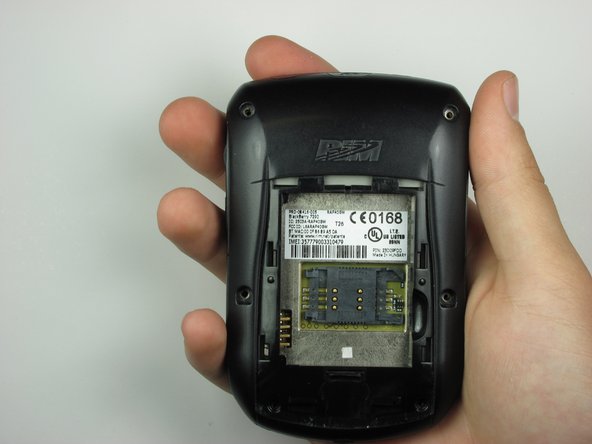
    • Locate the four screws along the perimeter of the back casing.

    • Remove the four top screws using a T-6 torx screwdriver.

    • The top four screws are .413 inches.

  6. BlackBerry 7290 LCD Replacement: 6 단계, 이미지 2개 중 1개 BlackBerry 7290 LCD Replacement: 6 단계, 이미지 2개 중 2개
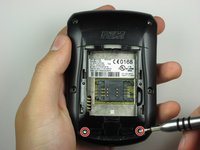
    • Locate two screws within the lower edge of the inner compartment.

    • Remove the two bottom screws using a T-6 torx screwdriver.

    • The bottom two screws are .2 inches in length.

    • The second picture displays the device after the six screws have been removed.

  7. BlackBerry 7290 LCD Replacement: 7 단계, 이미지 1개 중 1개
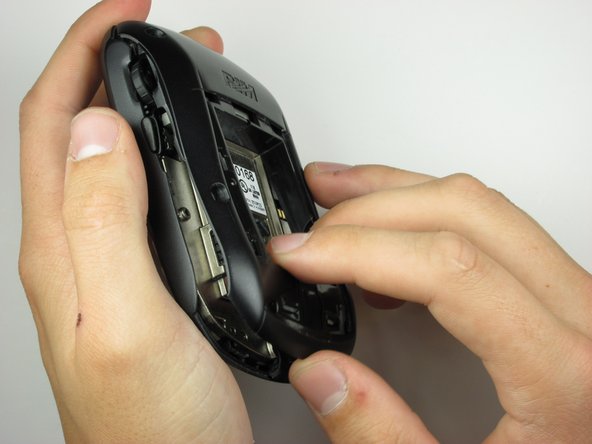
    • Use the plastic opening tool to apply pressure on the two clips that are located at the bottom of the phone.

  8. BlackBerry 7290 LCD Replacement: 8 단계, 이미지 3개 중 1개 BlackBerry 7290 LCD Replacement: 8 단계, 이미지 3개 중 2개 BlackBerry 7290 LCD Replacement: 8 단계, 이미지 3개 중 3개
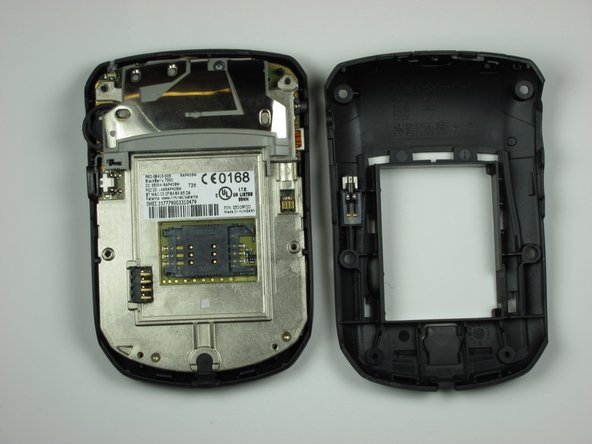
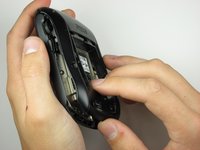
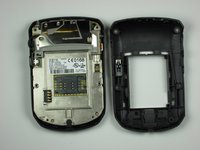
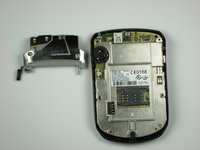
    • Remove the back casing from the phone by lifting the unhooked portion, then slide the casing towards the top of the device.

    • Make sure all clips holding the case together are unhooked, so no damage is caused to the case.

  9. BlackBerry 7290 LCD Replacement: 9 단계, 이미지 2개 중 1개 BlackBerry 7290 LCD Replacement: 9 단계, 이미지 2개 중 2개
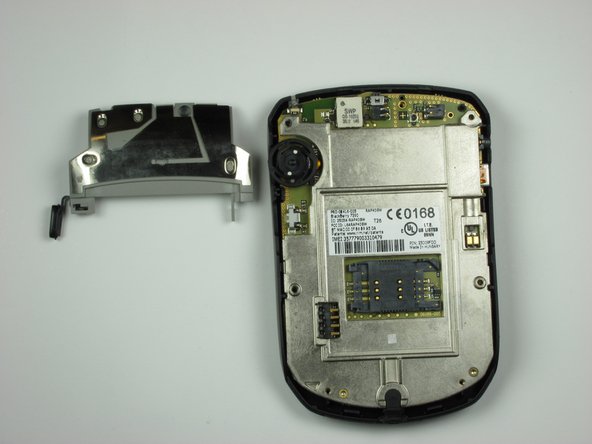
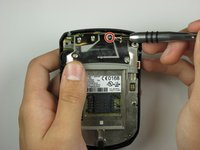
    • Locate on the backside of the phone, a screw towards the top of the device.

    • Using a T-6 screwdriver, remove the screw.

    • After the screw has been removed, carefully lift the side button brace to reveal the side button.

  10. BlackBerry 7290 LCD Replacement, Keypad: 10 단계, 이미지 1개 중 1개
    • To remove the phone's internals, start by loosening one side by pulling gently.

  11. BlackBerry 7290 LCD Replacement: 11 단계, 이미지 1개 중 1개
    • With one side loosened, simply lift the phone internals to separate from the front casing.

  12. BlackBerry 7290 LCD Replacement: 12 단계, 이미지 1개 중 1개
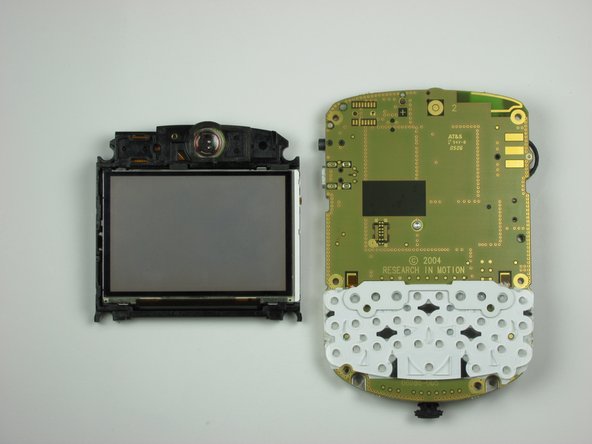
    • Turn the internals over to reveal the LCD display.

  13. BlackBerry 7290 LCD Replacement: 13 단계, 이미지 2개 중 1개 BlackBerry 7290 LCD Replacement: 13 단계, 이미지 2개 중 2개
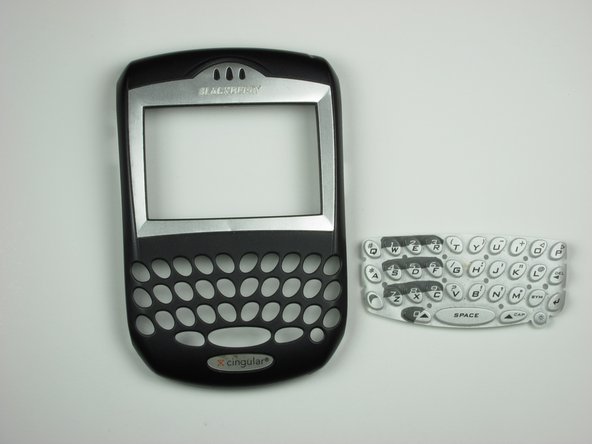
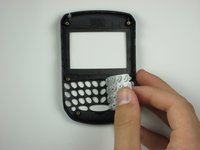
    • Peel off the rubber keypad buttons from the face plate.

  14. BlackBerry 7290 LCD Replacement, LCD: 14 단계, 이미지 1개 중 1개
    • Locate a hook on the right side of the internals below the volume wheel.

    • Use a plastic opening tool to gently pry the hook, separating the LCD display from the logic board mounting plate.

  15. BlackBerry 7290 LCD Replacement: 15 단계, 이미지 2개 중 1개 BlackBerry 7290 LCD Replacement: 15 단계, 이미지 2개 중 2개
    • With the clip unhooked, gently separate the display from the phone internals by pulling.

결론

To reassemble your device, follow these instructions in reverse order.

작성자

13다른 기여자 명과 함께

kmathew

회원 가입일: 10/17/09

3 평판

안내서 5개를 작성함

Cal Poly, Team 19-6, Maness Fall 2009 Cal Poly, Team 19-6, Maness Fall 2009 회원

CPSU-MANESS-F09S19G6

5 회원들

안내서 8개를 작성함

0가이드 댓글

댓글 쓰기

조회 통계:

지난 24시간: 1

지난 7일: 6

지난 30일: 16

전체 시간: 6,156