주요 콘텐츠로 건너뛰기

Bluetooth Media Controller Battery Replacement

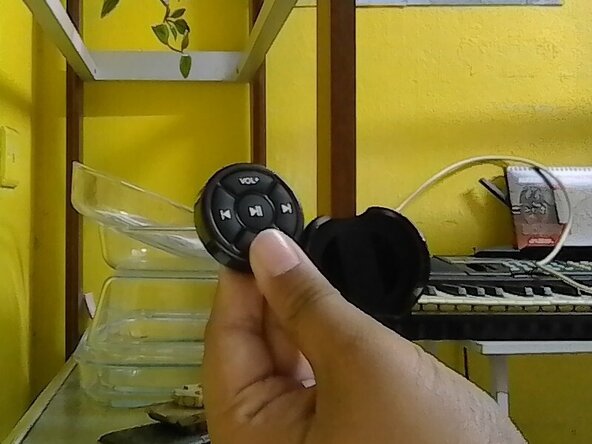
  1. Bluetooth Media Controller Battery Replacement, Open Remote Case: 1 단계, 이미지 1개 중 1개
    • Remove the remote clipper case out.

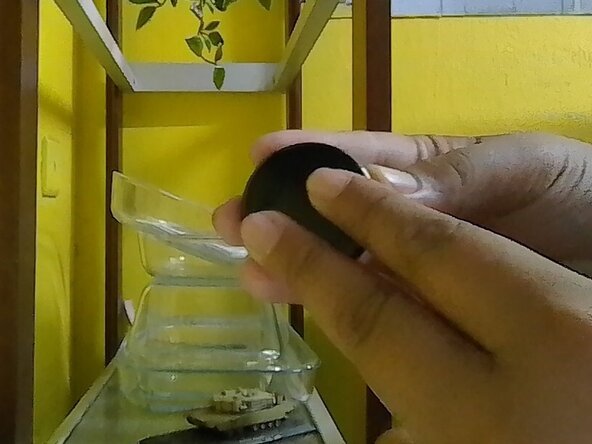
  2. Bluetooth Media Controller Battery Replacement, Open The Back: 2 단계, 이미지 1개 중 1개
    • Hold the remote back and front on your own finger position or mine.

    • Follow where the text written and move the back to the arrow of the text OPEN.

    • Slowly move it to avoid damage. Don't forcefully open the back cover.

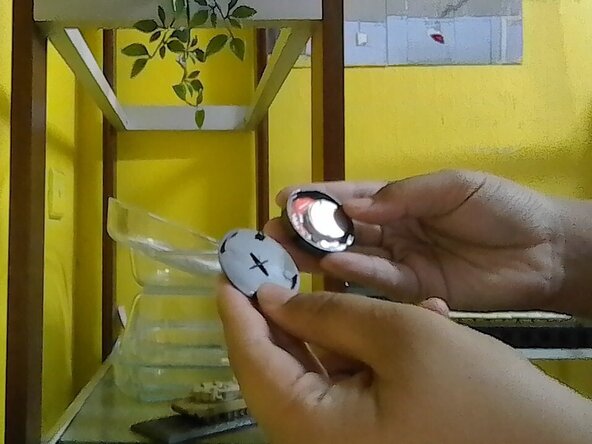
  3. Bluetooth Media Controller Battery Replacement, Find The battery: 3 단계, 이미지 1개 중 1개
    • Once the back had opened, check the inside of the remote and find the old battery.

    • Battery & board placement may vary depend on your remote.

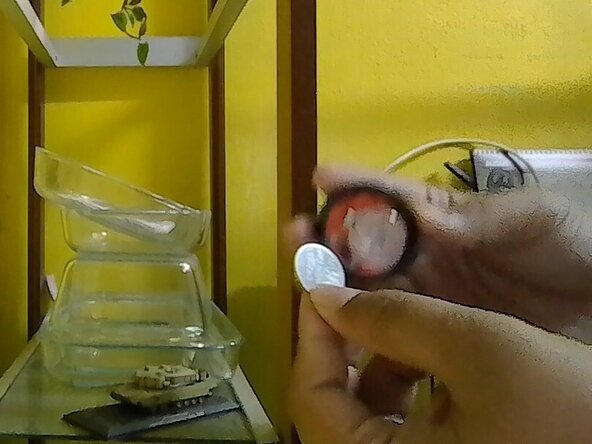
  4. Bluetooth Media Controller Battery Replacement, Battery Removal: 4 단계, 이미지 1개 중 1개
    • Remove the old battery.

    • Never use any metal thing to pluck out battery to avoid puncturing the battery. Use finger or plastic thing to pluck it out. Proceed with caution.

결론

To reassemble it back, reverse the instruction.

다른 2명이 해당 안내서를 완성하였습니다.

작성자

2다른 기여자 명과 함께

DRP 2025

회원 가입일: 08/15/25

386 평판

안내서 3개를 작성함

0가이드 댓글

댓글 쓰기

조회 통계:

지난 24시간: 0

지난 7일: 0

지난 30일: 0

전체 시간: 37