주요 콘텐츠로 건너뛰기

Canon ImageCLASS MF4350d Transformer Replacement

필요한 것

  1. Canon ImageCLASS MF4350d Transformer Replacement, Front Paneling: 1 단계, 이미지 1개 중 1개
    • Lift the printer lid up as shown in the photo.

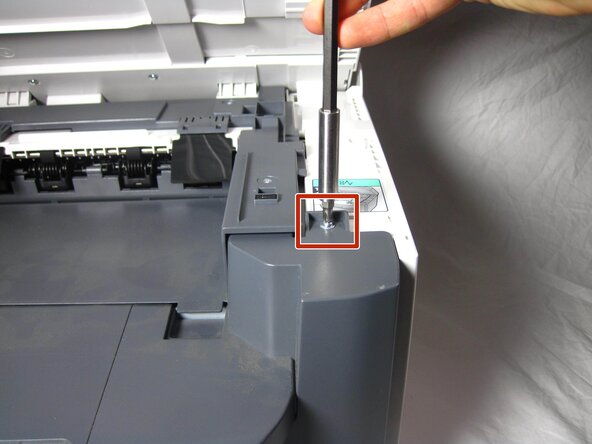
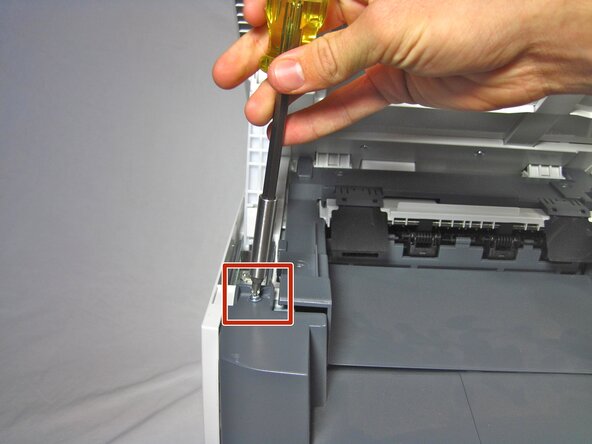
  2. Canon ImageCLASS MF4350d Transformer Replacement: 2 단계, 이미지 2개 중 1개 Canon ImageCLASS MF4350d Transformer Replacement: 2 단계, 이미지 2개 중 2개
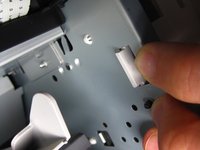
    • Locate and remove the two 10mm side screws. There is one on each side.

  3. Canon ImageCLASS MF4350d Transformer Replacement: 3 단계, 이미지 2개 중 1개 Canon ImageCLASS MF4350d Transformer Replacement: 3 단계, 이미지 2개 중 2개
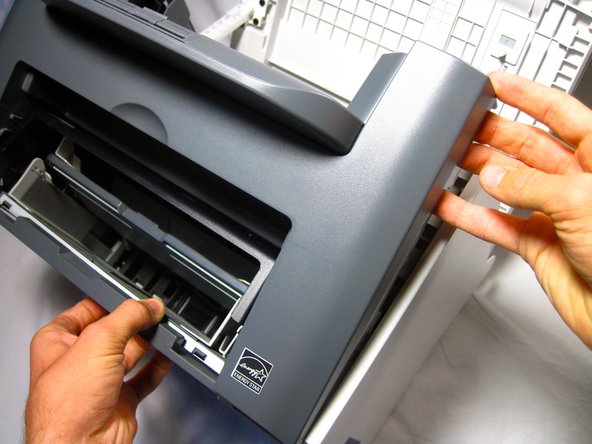
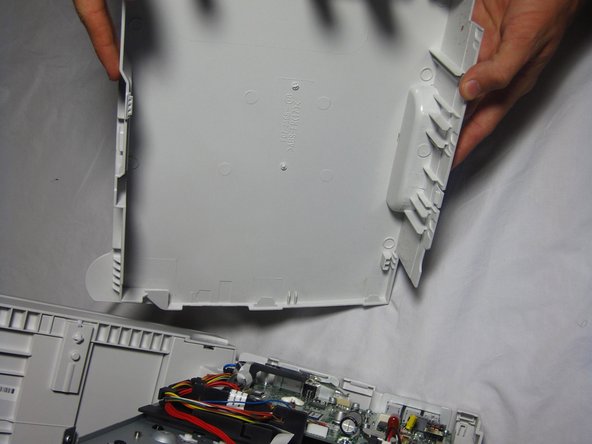
    • Unhook the plastic panel from the printer starting from the top.

    • You may need to wiggle the panel a bit to loosen it.

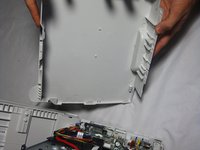
    • To remove the bottom part of the paneling gently lay the printer on its back.

    • The scanner lid needs to be supported when moving the printer

  4. Canon ImageCLASS MF4350d Transformer Replacement, Right Side Paneling: 4 단계, 이미지 3개 중 1개 Canon ImageCLASS MF4350d Transformer Replacement, Right Side Paneling: 4 단계, 이미지 3개 중 2개 Canon ImageCLASS MF4350d Transformer Replacement, Right Side Paneling: 4 단계, 이미지 3개 중 3개
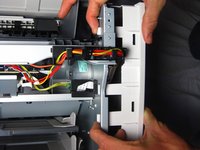
    • Gently unhook the right side paneling (as looking at the printer's front face) from the printer.

    • Use a gentle back and forth motion to wiggle the hooks out.

  5. Canon ImageCLASS MF4350d Transformer Replacement, Transformer: 5 단계, 이미지 2개 중 1개 Canon ImageCLASS MF4350d Transformer Replacement, Transformer: 5 단계, 이미지 2개 중 2개
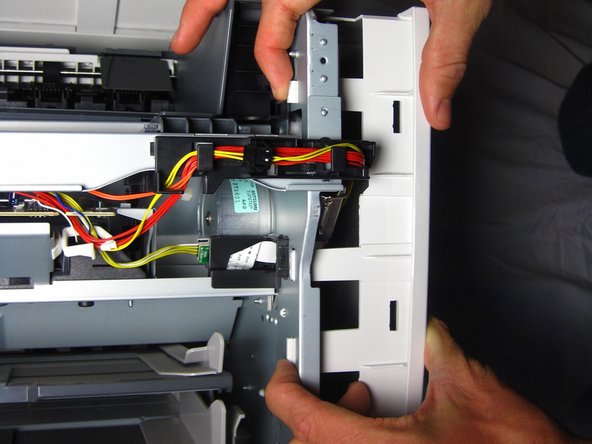
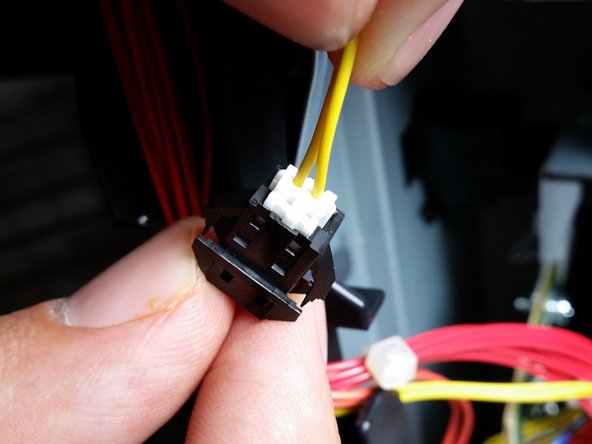
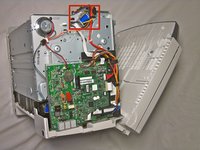
    • Locate the yellow wire connected to the metal box.

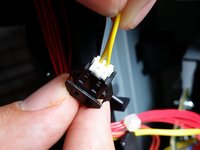
    • Carefully pull the yellow wire from the black connector.

    • Wires may detach completely from plug so tug very gently.

  6. Canon ImageCLASS MF4350d Transformer Replacement: 6 단계, 이미지 2개 중 1개 Canon ImageCLASS MF4350d Transformer Replacement: 6 단계, 이미지 2개 중 2개
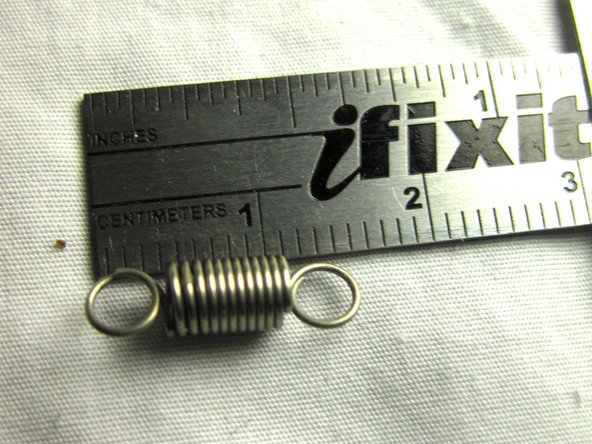
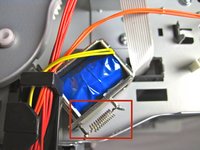
    • Locate the spring.

    • Unhook the spring on the side of the metal box.

  7. Canon ImageCLASS MF4350d Transformer Replacement: 7 단계, 이미지 1개 중 1개
    • Unscrew the 10mm screw attaching the metal plate to the printer.

  8. Canon ImageCLASS MF4350d Transformer Replacement: 8 단계, 이미지 1개 중 1개
    • Lift the transformer out of the printer.

결론

To reassemble your device, follow these instructions in reverse order.

다른 한 분이 해당 안내서를 완성하였습니다.

작성자

7다른 기여자 명과 함께

Helena Yanez

회원 가입일: 09/29/13

461 평판

안내서 4개를 작성함

Cal Poly, Team 13-1, Forte Fall 2013 Cal Poly, Team 13-1, Forte Fall 2013 회원

CPSU-FORTE-F13S13G1

5 회원들

안내서 16개를 작성함

0가이드 댓글

댓글 쓰기

조회 통계:

지난 24시간: 1

지난 7일: 4

지난 30일: 24

전체 시간: 3,160