주요 콘텐츠로 건너뛰기

Children’s Soundbook Speaker Replacement

필요한 것

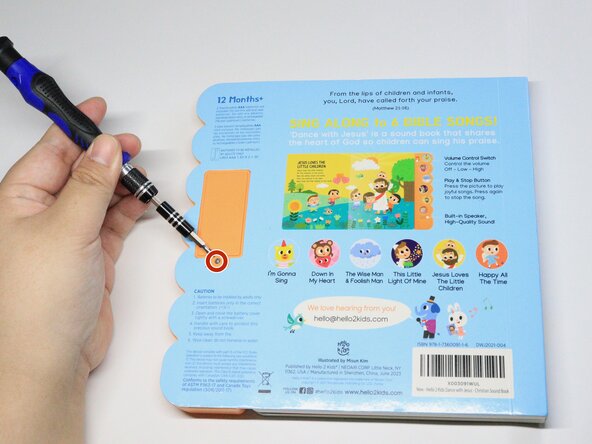
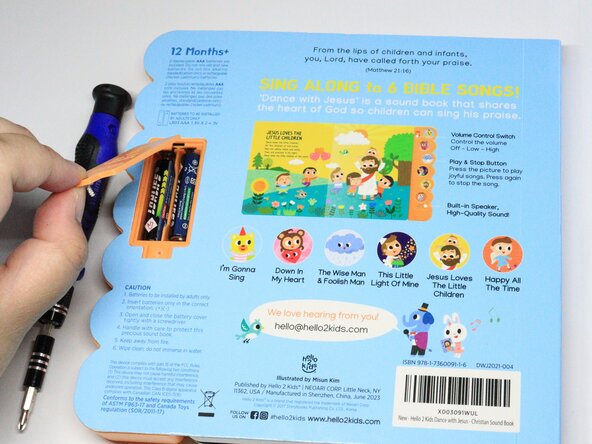
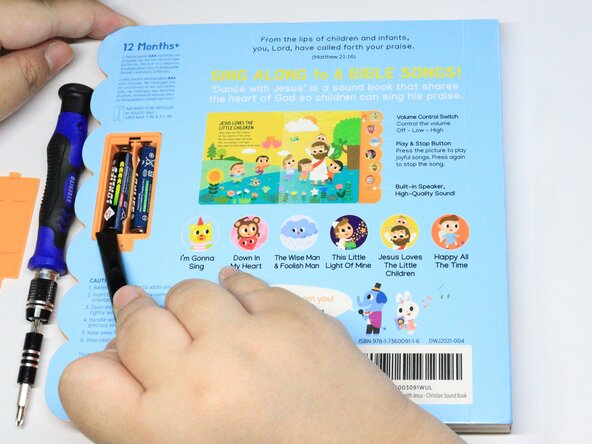
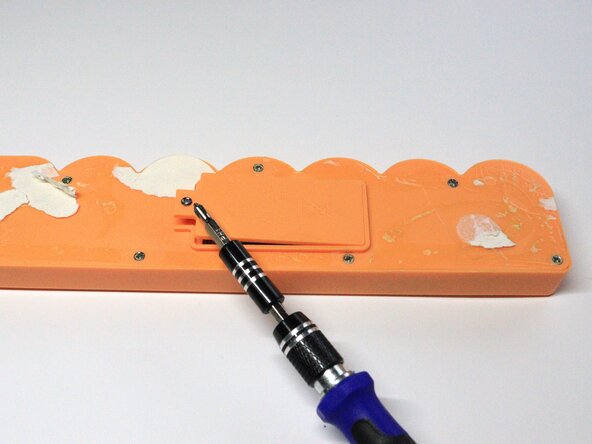
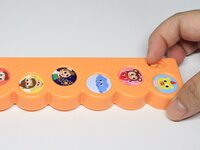
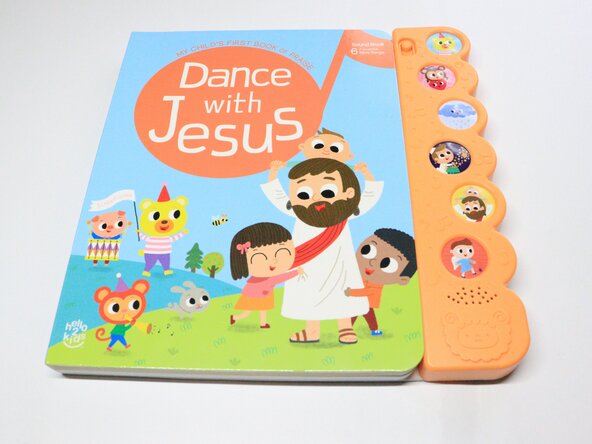
  1. Children’s Soundbook Speaker Replacement, Speaker: 1 단계, 이미지 3개 중 1개 Children’s Soundbook Speaker Replacement, Speaker: 1 단계, 이미지 3개 중 2개 Children’s Soundbook Speaker Replacement, Speaker: 1 단계, 이미지 3개 중 3개
    • Remove the Phillips screw that secures the battery compartment cover.

    • Use a spudger to remove the batteries.

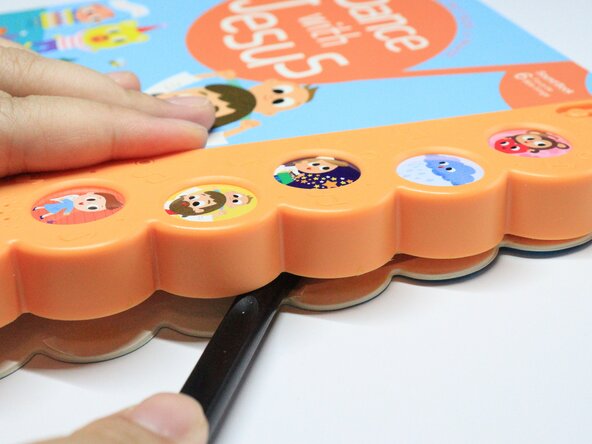
  2. Children’s Soundbook Speaker Replacement: 2 단계, 이미지 3개 중 1개 Children’s Soundbook Speaker Replacement: 2 단계, 이미지 3개 중 2개 Children’s Soundbook Speaker Replacement: 2 단계, 이미지 3개 중 3개
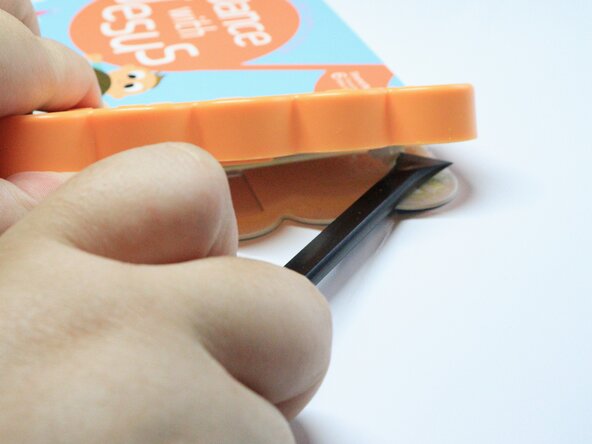
    • Gently remove the plastic speaker cover with a spudger.

  3. Children’s Soundbook Speaker Replacement: 3 단계, 이미지 3개 중 1개 Children’s Soundbook Speaker Replacement: 3 단계, 이미지 3개 중 2개 Children’s Soundbook Speaker Replacement: 3 단계, 이미지 3개 중 3개
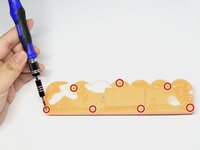
    • Remove the seven Phillips screws at the back of the speaker cover.

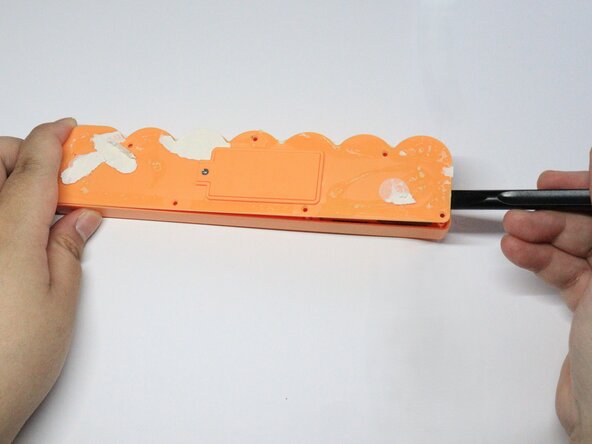
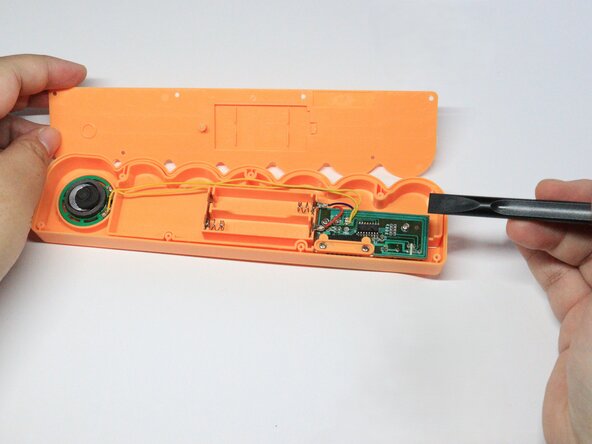
    • Use a pry tool to open the speaker cover.

  4. Children’s Soundbook Speaker Replacement: 4 단계, 이미지 3개 중 1개 Children’s Soundbook Speaker Replacement: 4 단계, 이미지 3개 중 2개 Children’s Soundbook Speaker Replacement: 4 단계, 이미지 3개 중 3개
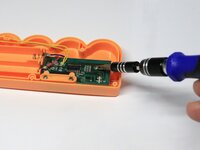
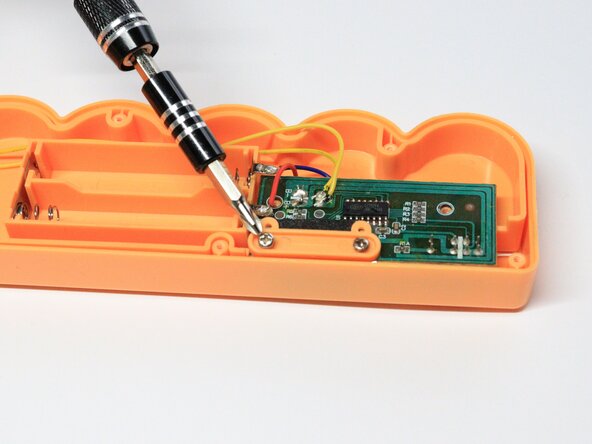
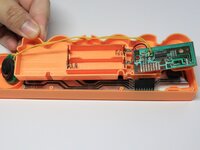
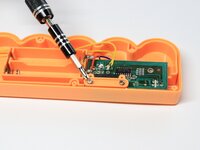
    • Remove the Phillips screws that secure the mainboard.

    • Your soundbook screws may use different head types.

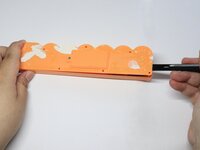
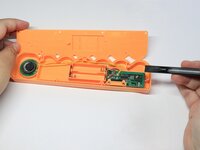
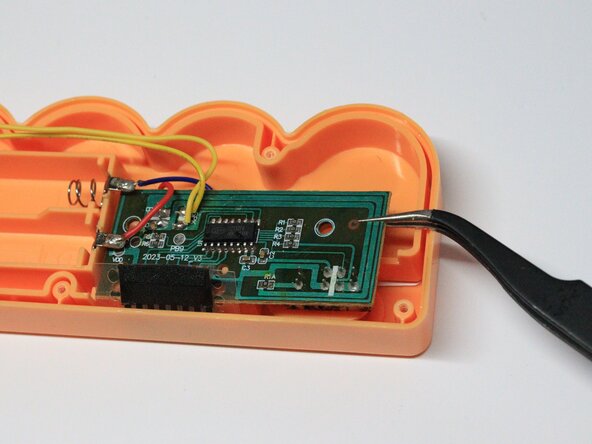
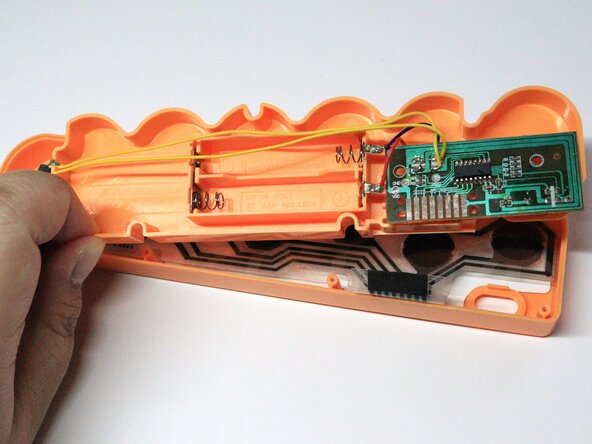
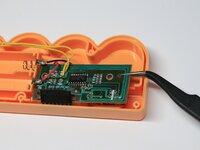
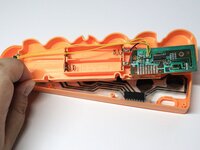
    • Use tweezers to remove the orange magnetic cover and gently lift out the mainboard. Take care not to strain the connected wires.

  5. Children’s Soundbook Speaker Replacement: 5 단계, 이미지 2개 중 1개 Children’s Soundbook Speaker Replacement: 5 단계, 이미지 2개 중 2개
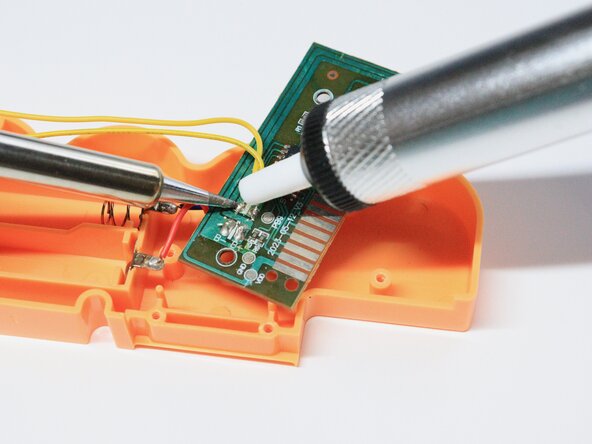
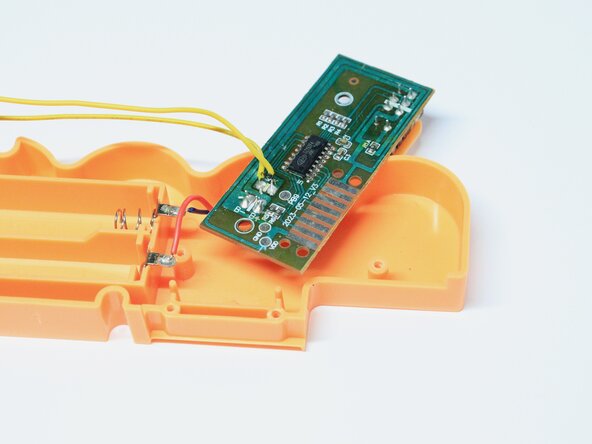
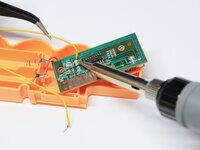
    • Desolder the two speaker mainboard connections (two yellow wires) with a desoldering pump.

    • To allow easier suction of the metal, heat them for a few seconds using a soldering iron first at 350°C. Always solder in a well-ventilated area or with a running fume extractor.

  6. Children’s Soundbook Speaker Replacement: 6 단계, 이미지 3개 중 1개 Children’s Soundbook Speaker Replacement: 6 단계, 이미지 3개 중 2개 Children’s Soundbook Speaker Replacement: 6 단계, 이미지 3개 중 3개
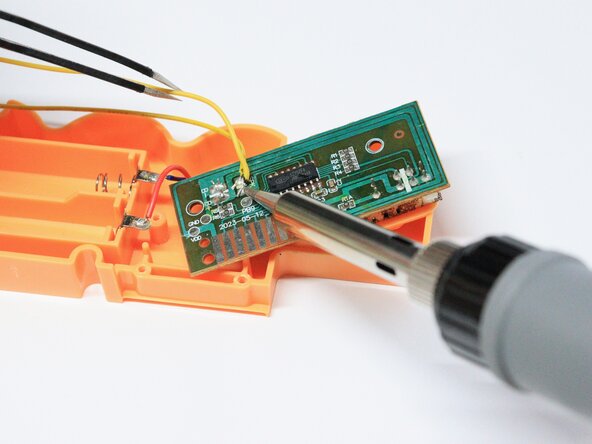
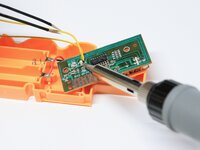
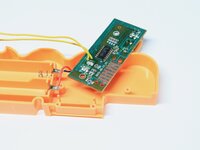
    • Using a soldering iron, solder the yellow wires of the new speaker to the mainboard.

    • Make sure that the soldering iron is set to 350°C.

  7. Children’s Soundbook Speaker Replacement: 7 단계, 이미지 3개 중 1개 Children’s Soundbook Speaker Replacement: 7 단계, 이미지 3개 중 2개 Children’s Soundbook Speaker Replacement: 7 단계, 이미지 3개 중 3개
    • The remainder of guide details reassembly.

    • Put the inner casing back in its place, followed by the mainboard.

    • Refasten the Phillips screws.

    • Replace the cover and fasten the Phillips screws that secure it.

  8. Children’s Soundbook Speaker Replacement: 8 단계, 이미지 3개 중 1개 Children’s Soundbook Speaker Replacement: 8 단계, 이미지 3개 중 2개 Children’s Soundbook Speaker Replacement: 8 단계, 이미지 3개 중 3개
    • Replace the batteries and battery cover.

    • Fasten single Phillips screw that secures the battery cover.

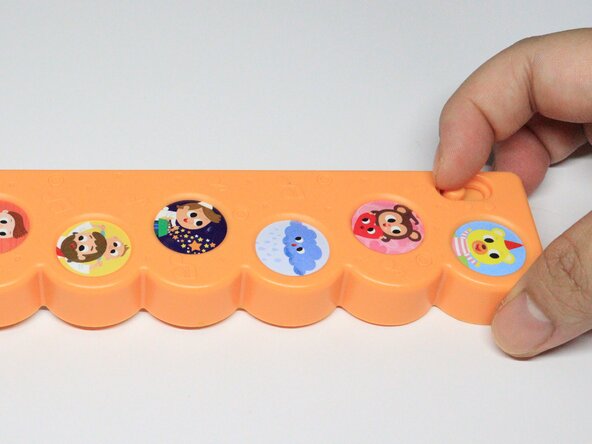
    • Turn on the sound using the power button found in front of the sound case.

    • Try pressing the sound case buttons to check if sounds can be heard.

  9. Children’s Soundbook Speaker Replacement: 9 단계, 이미지 2개 중 1개 Children’s Soundbook Speaker Replacement: 9 단계, 이미지 2개 중 2개
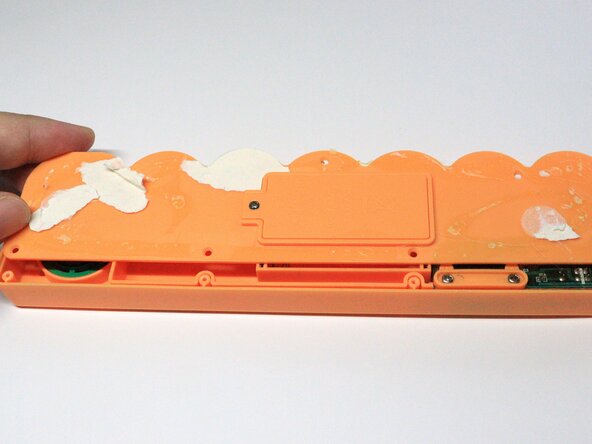
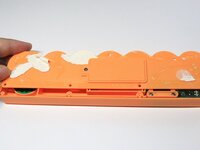
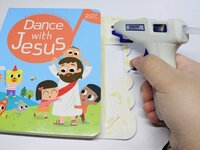
    • Using a hot glue gun to reattach the sound case to the book and press it for a few seconds.

결론

Now your little one can play with their soundbook again!

다른 한 분이 해당 안내서를 완성하였습니다.

작성자

4다른 기여자 명과 함께

Micaella Jimenez

회원 가입일: 02/06/25

187 평판

안내서 1개를 작성함

0가이드 댓글

댓글 쓰기

조회 통계:

지난 24시간: 0

지난 7일: 4

지난 30일: 13

전체 시간: 153