주요 콘텐츠로 건너뛰기

Corsair Scimitar Mouse Wheel Replacement

필요한 것

  1. Corsair Scimitar Mouse Wheel Replacement, Corsair Scimitar Mouse Wheel: 1 단계, 이미지 2개 중 1개 Corsair Scimitar Mouse Wheel Replacement, Corsair Scimitar Mouse Wheel: 1 단계, 이미지 2개 중 2개
    • Heat the mouse feet with a heat gun to loosen the adhesive.

    • Pry the mouse feet off of the mouse with the metal spudger.

  2. Corsair Scimitar Mouse Wheel Replacement: 2 단계, 이미지 2개 중 1개 Corsair Scimitar Mouse Wheel Replacement: 2 단계, 이미지 2개 중 2개
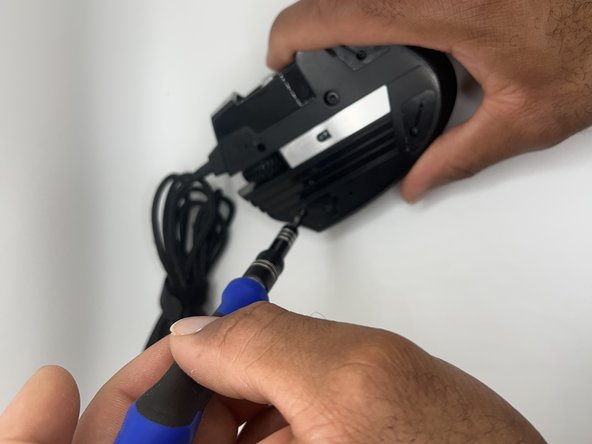
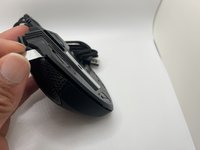
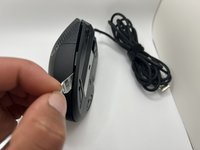
    • Unscrew the four 8.9 mm bottom screws with a JIS #00 screwdriver.

    • Loosen the keyslider lock with a 2.5 mm hex screw driver.

  3. Corsair Scimitar Mouse Wheel Replacement: 3 단계, 이미지 3개 중 1개 Corsair Scimitar Mouse Wheel Replacement: 3 단계, 이미지 3개 중 2개 Corsair Scimitar Mouse Wheel Replacement: 3 단계, 이미지 3개 중 3개
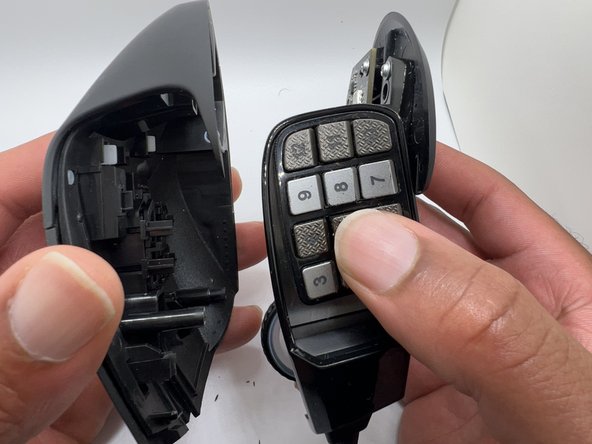
    • Pry along the seam of the mouse body to separate the top and bottom halves.

  4. Corsair Scimitar Mouse Wheel Replacement: 4 단계, 이미지 3개 중 1개 Corsair Scimitar Mouse Wheel Replacement: 4 단계, 이미지 3개 중 2개 Corsair Scimitar Mouse Wheel Replacement: 4 단계, 이미지 3개 중 3개
    • Remove the top cover from the mouse.

  5. Corsair Scimitar Mouse Wheel Replacement: 5 단계, 이미지 3개 중 1개 Corsair Scimitar Mouse Wheel Replacement: 5 단계, 이미지 3개 중 2개 Corsair Scimitar Mouse Wheel Replacement: 5 단계, 이미지 3개 중 3개
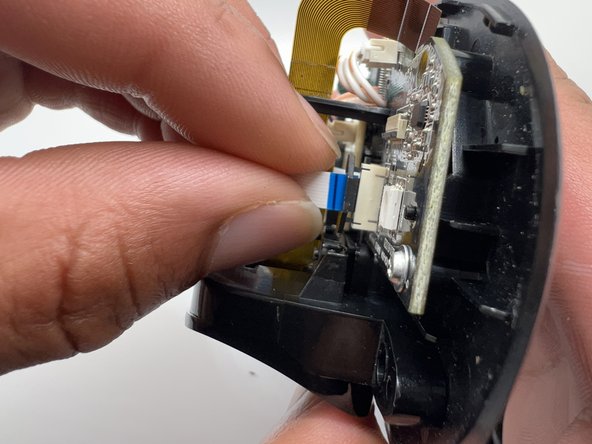
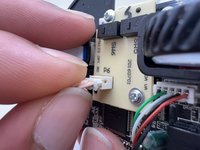
    • Lift the locking mechanism on the auxiliary switch board ribbon cable connector with a plastic spudger.

    • Pull the ribbon cable gently to disconnect from the main board.

  6. Corsair Scimitar Mouse Wheel Replacement: 6 단계, 이미지 3개 중 1개 Corsair Scimitar Mouse Wheel Replacement: 6 단계, 이미지 3개 중 2개 Corsair Scimitar Mouse Wheel Replacement: 6 단계, 이미지 3개 중 3개
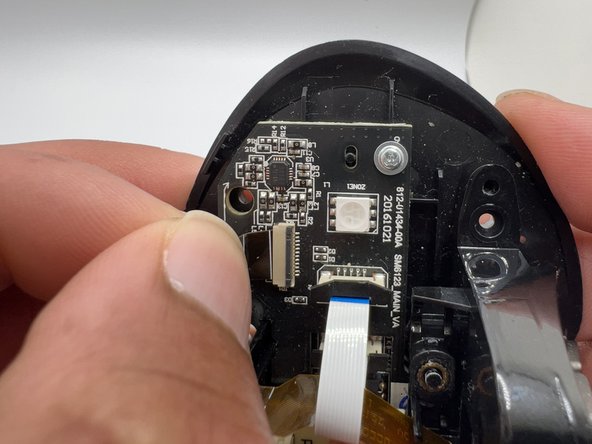
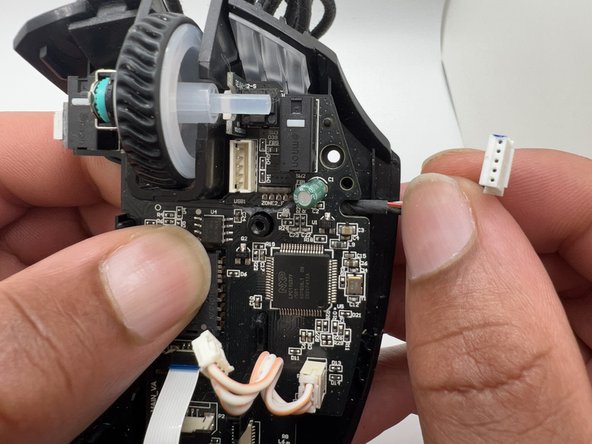
    • Lift the locking mechanism on the Key Slider assembly ribbon cable connector with a plastic spudger.

    • Pull the Key Slider assembly ribbon cable gently to disconnect it from the main board.

  7. Corsair Scimitar Mouse Wheel Replacement: 7 단계, 이미지 2개 중 1개 Corsair Scimitar Mouse Wheel Replacement: 7 단계, 이미지 2개 중 2개
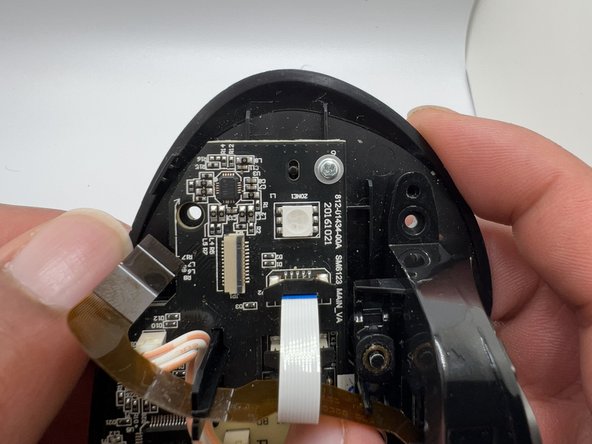
    • Pull the Keyslider ribbon cable up and out of the plastic post.

  8. Corsair Scimitar Mouse Wheel Replacement: 8 단계, 이미지 3개 중 1개 Corsair Scimitar Mouse Wheel Replacement: 8 단계, 이미지 3개 중 2개 Corsair Scimitar Mouse Wheel Replacement: 8 단계, 이미지 3개 중 3개
    • Use a JIS #0 screwdriver to remove the 6 mm screw from the key slider assembly.

    • Remove the key slider assembly from the body of the mouse.

  9. Corsair Scimitar Mouse Wheel Replacement: 9 단계, 이미지 3개 중 1개 Corsair Scimitar Mouse Wheel Replacement: 9 단계, 이미지 3개 중 2개 Corsair Scimitar Mouse Wheel Replacement: 9 단계, 이미지 3개 중 3개
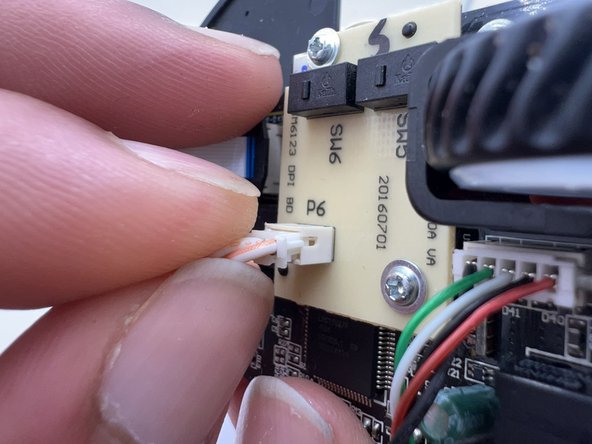
    • Disconnect the data cable from the auxiliary switch board.

  10. Corsair Scimitar Mouse Wheel Replacement: 10 단계, 이미지 3개 중 1개 Corsair Scimitar Mouse Wheel Replacement: 10 단계, 이미지 3개 중 2개 Corsair Scimitar Mouse Wheel Replacement: 10 단계, 이미지 3개 중 3개
    • Use a JIS #0 screwdriver to remove the two 6 mm screws from the auxiliary switch board.

    • Remove the auxiliary switch board.

  11. Corsair Scimitar Mouse Wheel Replacement: 11 단계, 이미지 3개 중 1개 Corsair Scimitar Mouse Wheel Replacement: 11 단계, 이미지 3개 중 2개 Corsair Scimitar Mouse Wheel Replacement: 11 단계, 이미지 3개 중 3개
    • Use a JIS #0 screwdriver to remove the three 6 mm screws from the main board to separate it from the mouse body.

  12. Corsair Scimitar Mouse Wheel Replacement: 12 단계, 이미지 2개 중 1개 Corsair Scimitar Mouse Wheel Replacement: 12 단계, 이미지 2개 중 2개
    • Disconnect the data cable from the main board.

  13. Corsair Scimitar Mouse Wheel Replacement: 13 단계, 이미지 2개 중 1개 Corsair Scimitar Mouse Wheel Replacement: 13 단계, 이미지 2개 중 2개
    • Lift the main board off of the body of the mouse.

  14. Corsair Scimitar Mouse Wheel Replacement: 14 단계, 이미지 3개 중 1개 Corsair Scimitar Mouse Wheel Replacement: 14 단계, 이미지 3개 중 2개 Corsair Scimitar Mouse Wheel Replacement: 14 단계, 이미지 3개 중 3개
    • Push the scroll wheel gently away from the rotary encoder switch to remove it.

    • Check the rotary encoder hex hole to make sure it is clear of debris.

  15. Corsair Scimitar Mouse Wheel Replacement: 15 단계, 이미지 3개 중 1개 Corsair Scimitar Mouse Wheel Replacement: 15 단계, 이미지 3개 중 2개 Corsair Scimitar Mouse Wheel Replacement: 15 단계, 이미지 3개 중 3개
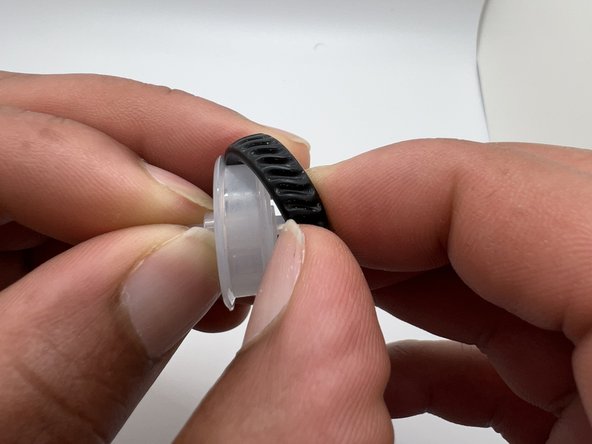
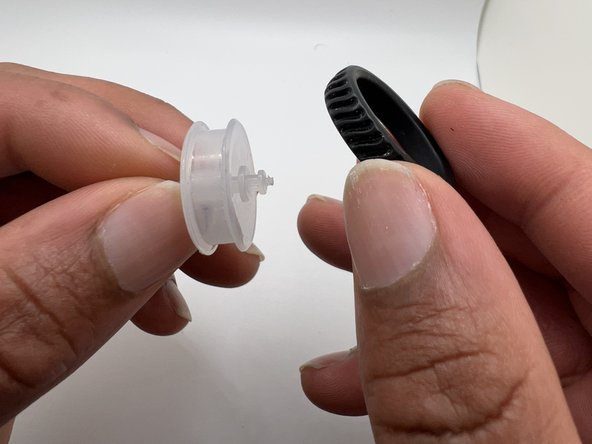
    • Remove the rubber ring from the scroll wheel.

결론

To reassemble your device, follow these instructions in reverse order.

다른 6명이 해당 안내서를 완성하였습니다.

작성자

3다른 기여자 명과 함께

Amelia Camp

회원 가입일: 10/06/22

303 평판

안내서 1개를 작성함

0가이드 댓글

댓글 쓰기

조회 통계:

지난 24시간: 9

지난 7일: 82

지난 30일: 346

전체 시간: 9,983