주요 콘텐츠로 건너뛰기

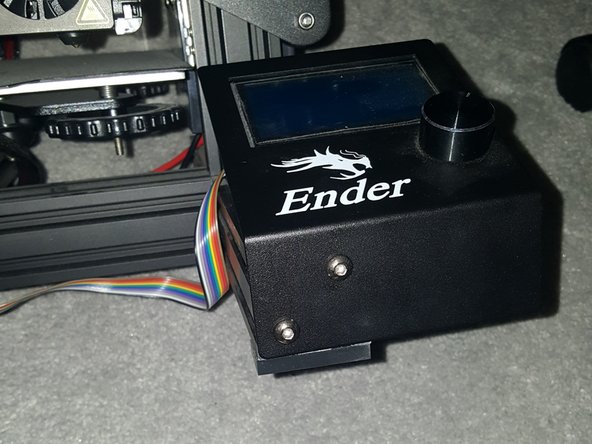
Creality Ender 3 Pro Screen Replacement

필요한 것

  1. Creality Ender 3 Pro Screen Replacement, Screen: 1 단계, 이미지 2개 중 1개 Creality Ender 3 Pro Screen Replacement, Screen: 1 단계, 이미지 2개 중 2개
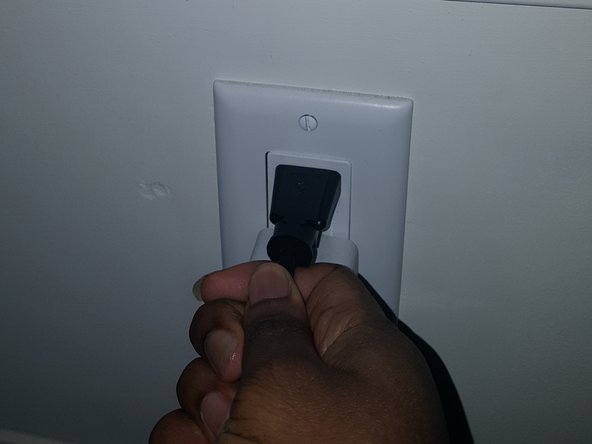
    • Before beginning, unplug the printer.

  2. Creality Ender 3 Pro Screen Replacement: 2 단계, 이미지 3개 중 1개 Creality Ender 3 Pro Screen Replacement: 2 단계, 이미지 3개 중 2개 Creality Ender 3 Pro Screen Replacement: 2 단계, 이미지 3개 중 3개
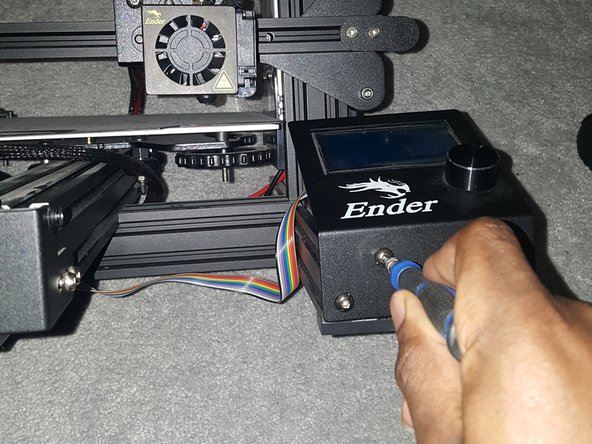
    • Detach the old screen by removing the screws (M3x8mm) holding it in place.

    • The screen is located on the right-hand side of the printer.

  3. Creality Ender 3 Pro Screen Replacement: 3 단계, 이미지 3개 중 1개 Creality Ender 3 Pro Screen Replacement: 3 단계, 이미지 3개 중 2개 Creality Ender 3 Pro Screen Replacement: 3 단계, 이미지 3개 중 3개
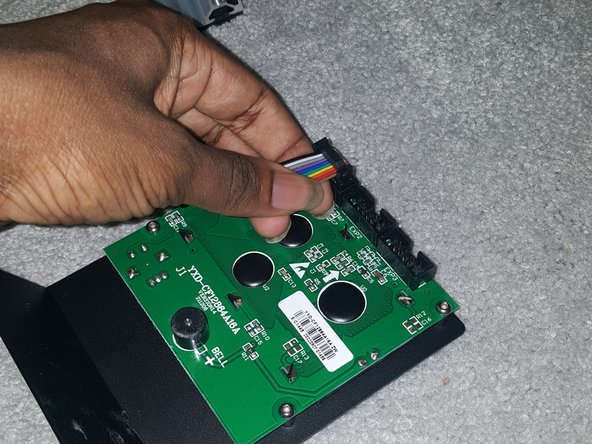
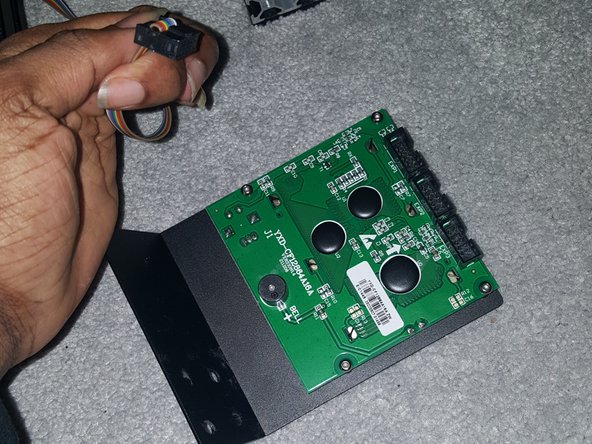
    • Carefully disconnect the cables connecting the old screen to the circuit board.

  4. Creality Ender 3 Pro Screen Replacement: 4 단계, 이미지 2개 중 1개 Creality Ender 3 Pro Screen Replacement: 4 단계, 이미지 2개 중 2개
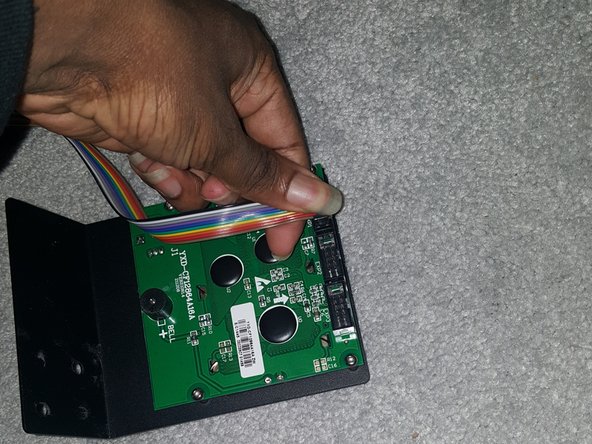
    • Attach the cables to the new screen, ensuring they are properly seated.

    • Double-check the labels to make sure you connect them correctly.

  5. Creality Ender 3 Pro Screen Replacement: 5 단계, 이미지 3개 중 1개 Creality Ender 3 Pro Screen Replacement: 5 단계, 이미지 3개 중 2개 Creality Ender 3 Pro Screen Replacement: 5 단계, 이미지 3개 중 3개
    • Secure the new screen in place using the screws (M3x8mm) you removed earlier.

  6. Creality Ender 3 Pro Screen Replacement: 6 단계, 이미지 2개 중 1개 Creality Ender 3 Pro Screen Replacement: 6 단계, 이미지 2개 중 2개
    • Plug in the printer and power it on. Test the new screen to make sure it's functioning correctly.

    • This might involve updating the software.

결론

Enjoy your new screen!

작성자

1다른 기여자 명과 함께

Emmanuel Oni

회원 가입일: 01/16/23

138 평판

안내서 1개를 작성함

0가이드 댓글

댓글 쓰기

조회 통계:

지난 24시간: 2

지난 7일: 12

지난 30일: 47

전체 시간: 592