주요 콘텐츠로 건너뛰기

DJI Phantom 4 Advanced Remote Controller Power Button Replacement

필요한 것

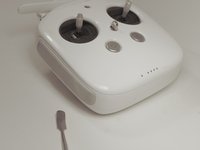
  1. DJI Phantom 4 Advanced Remote Controller Power Button Replacement, Back Panel: 1 단계, 이미지 1개 중 1개
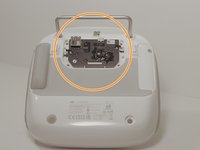
    • Remove the four screws with a Torx T8 screwdriver to access the back con board.

  2. DJI Phantom 4 Advanced Remote Controller Power Button Replacement: 2 단계, 이미지 2개 중 1개 DJI Phantom 4 Advanced Remote Controller Power Button Replacement: 2 단계, 이미지 2개 중 2개
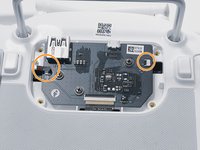
    • Remove three screws using a Phillips #00 screwdriver.

  3. DJI Phantom 4 Advanced Remote Controller Power Button Replacement: 3 단계, 이미지 2개 중 1개 DJI Phantom 4 Advanced Remote Controller Power Button Replacement: 3 단계, 이미지 2개 중 2개
    이 단계에 사용된 도구:
    Tweezers
    $4.99
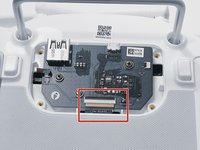
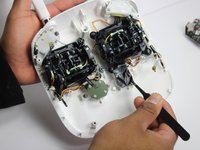
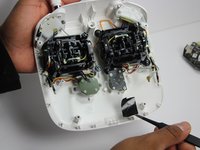
    • With tweezers, gently remove the large con board tab.

    • Use your hands to remove the two small clips. Pull out from the socket, in a horizontal direction.

  4. DJI Phantom 4 Advanced Remote Controller Power Button Replacement: 4 단계, 이미지 2개 중 1개 DJI Phantom 4 Advanced Remote Controller Power Button Replacement: 4 단계, 이미지 2개 중 2개
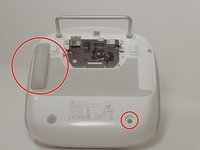
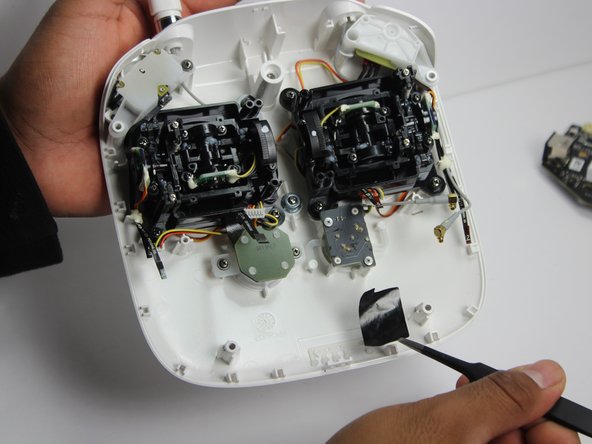
    • Peel off the rubber grips to access the screw holes.

    • Make sure to save your grips and do not to get them stuck to anything, you are going to want to save the adhesive.

    • Remove the back board and set it aside.

  5. DJI Phantom 4 Advanced Remote Controller Power Button Replacement: 5 단계, 이미지 2개 중 1개 DJI Phantom 4 Advanced Remote Controller Power Button Replacement: 5 단계, 이미지 2개 중 2개
    • Pull apart the back plastic panel.

    • Recommended tool for this would be the metal spudger, but not required.

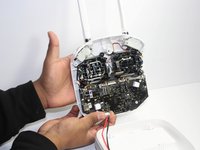
    • Once the back panel is off, you will have access to the motherboard.

  6. DJI Phantom 4 Advanced Remote Controller Power Button Replacement, Motherboard: 6 단계, 이미지 3개 중 1개 DJI Phantom 4 Advanced Remote Controller Power Button Replacement, Motherboard: 6 단계, 이미지 3개 중 2개 DJI Phantom 4 Advanced Remote Controller Power Button Replacement, Motherboard: 6 단계, 이미지 3개 중 3개
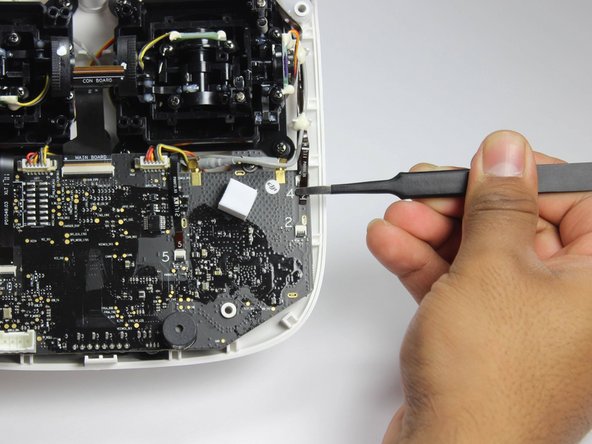
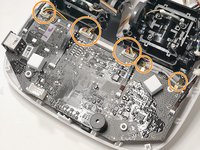
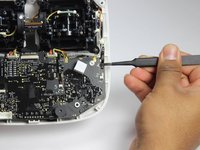
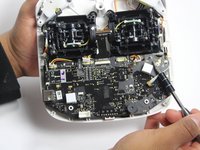
    • Disconnect ribbon tabs 1,2,5,8G, and 3.

    • Remove ribbon tab by pulling gently along motherboard. Do not pull straight out.

    • Then remove the plugs

  7. DJI Phantom 4 Advanced Remote Controller Power Button Replacement: 7 단계, 이미지 2개 중 1개 DJI Phantom 4 Advanced Remote Controller Power Button Replacement: 7 단계, 이미지 2개 중 2개
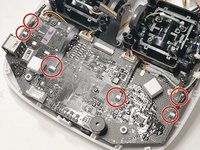
    • With the Phillips #00 screwdriver, remove the two Phillips screws.

  8. DJI Phantom 4 Advanced Remote Controller Power Button Replacement: 8 단계, 이미지 1개 중 1개
    • Double check to make sure all tabs, plugs and screws are removed or disconnected.

    • Gently lift motherboard out of the case.

  9. DJI Phantom 4 Advanced Remote Controller Power Button Replacement, Power Button: 9 단계, 이미지 2개 중 1개 DJI Phantom 4 Advanced Remote Controller Power Button Replacement, Power Button: 9 단계, 이미지 2개 중 2개
    • Carefully remove the plastic. This will help you gain access to the power button panel.

  10. DJI Phantom 4 Advanced Remote Controller Power Button Replacement: 10 단계, 이미지 2개 중 1개 DJI Phantom 4 Advanced Remote Controller Power Button Replacement: 10 단계, 이미지 2개 중 2개
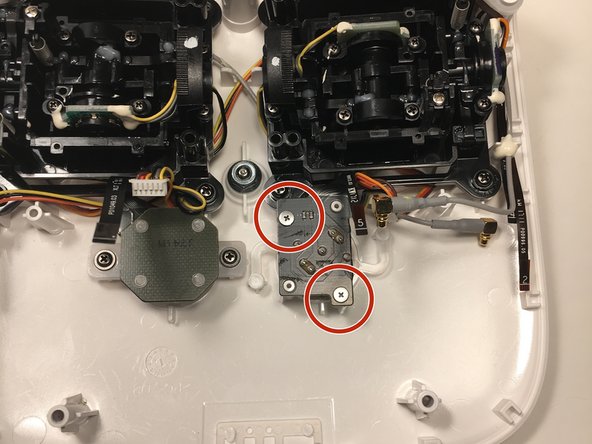
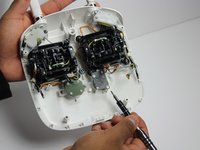
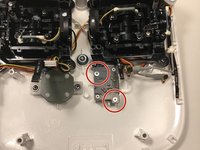
    • With a Phillips #00 screwdriver, remove the two screws on the power button panel.

  11. DJI Phantom 4 Advanced Remote Controller Power Button Replacement: 11 단계, 이미지 1개 중 1개
    • Gently pull the power button out from the panel. Replace it with a new one.

결론

To reassemble your device, follow these instructions in reverse order.

다른 2명이 해당 안내서를 완성하였습니다.

작성자

4다른 기여자 명과 함께

Angel Cortez

회원 가입일: 10/02/18

246 평판

안내서 2개를 작성함

0가이드 댓글

댓글 쓰기

조회 통계:

지난 24시간: 0

지난 7일: 1

지난 30일: 10

전체 시간: 1,029