주요 콘텐츠로 건너뛰기

DOPO 10.1 Tablet Screen Replacement

필요한 것

  1. DOPO 10.1 Tablet Screen Replacement, Screen: 1 단계, 이미지 3개 중 1개 DOPO 10.1 Tablet Screen Replacement, Screen: 1 단계, 이미지 3개 중 2개 DOPO 10.1 Tablet Screen Replacement, Screen: 1 단계, 이미지 3개 중 3개
    • Remove back case of tablet by taking spudger tool to lift the back plate.

  2. DOPO 10.1 Tablet Screen Replacement: 2 단계, 이미지 2개 중 1개 DOPO 10.1 Tablet Screen Replacement: 2 단계, 이미지 2개 중 2개
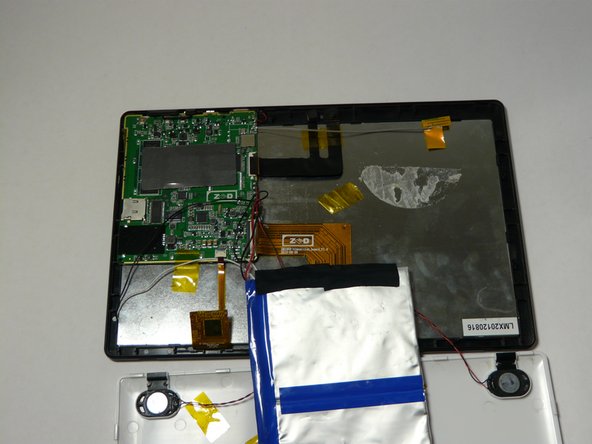
    • With caution, unplug speakers from back case of tablet.

  3. DOPO 10.1 Tablet Screen Replacement: 3 단계, 이미지 2개 중 1개 DOPO 10.1 Tablet Screen Replacement: 3 단계, 이미지 2개 중 2개
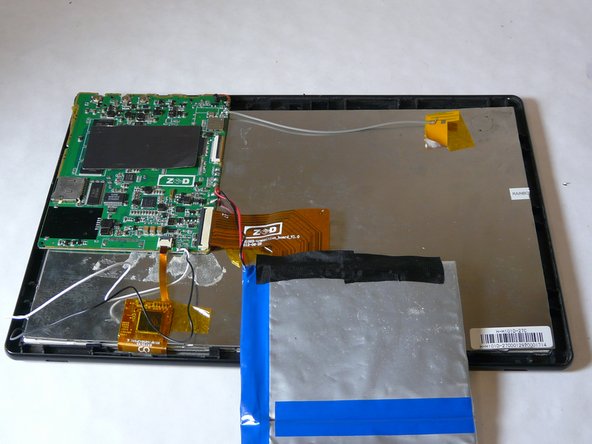
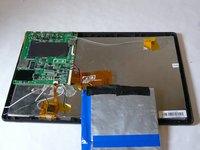
    • Remove battery

    • Grab and apply light pressure to battery to release it from the back

    • Place off to the side carefully. Be sure not to disconnect cables from motherboard

  4. DOPO 10.1 Tablet Screen Replacement: 4 단계, 이미지 3개 중 1개 DOPO 10.1 Tablet Screen Replacement: 4 단계, 이미지 3개 중 2개 DOPO 10.1 Tablet Screen Replacement: 4 단계, 이미지 3개 중 3개
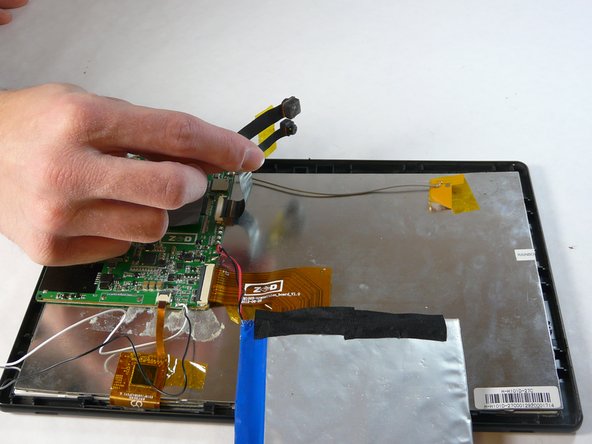
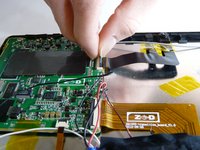
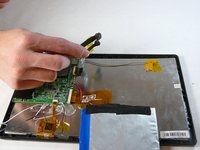
    • Locate where the cameras are attached to motherboard

    • Now release and remove them from motherboard

    • Take camera out and place off to side

  5. DOPO 10.1 Tablet Screen Replacement: 5 단계, 이미지 3개 중 1개 DOPO 10.1 Tablet Screen Replacement: 5 단계, 이미지 3개 중 2개 DOPO 10.1 Tablet Screen Replacement: 5 단계, 이미지 3개 중 3개
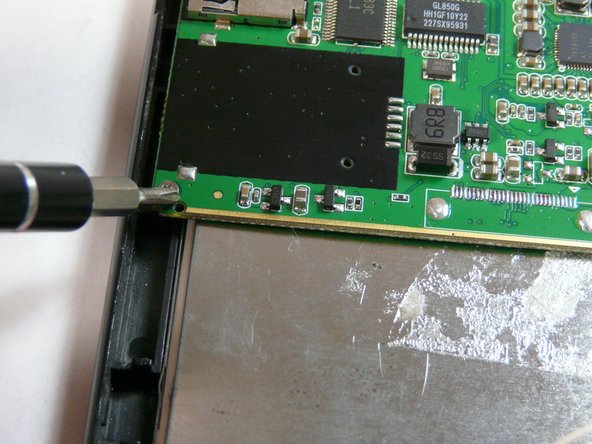
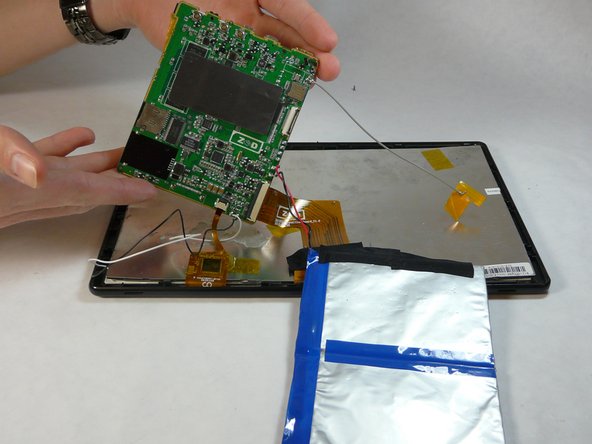
    • Remove motherboard

    • To do this you will have to unscrew a total of 5 .25in phillips head screws

  6. DOPO 10.1 Tablet Screen Replacement: 6 단계, 이미지 3개 중 1개 DOPO 10.1 Tablet Screen Replacement: 6 단계, 이미지 3개 중 2개 DOPO 10.1 Tablet Screen Replacement: 6 단계, 이미지 3개 중 3개
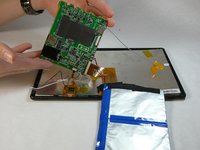
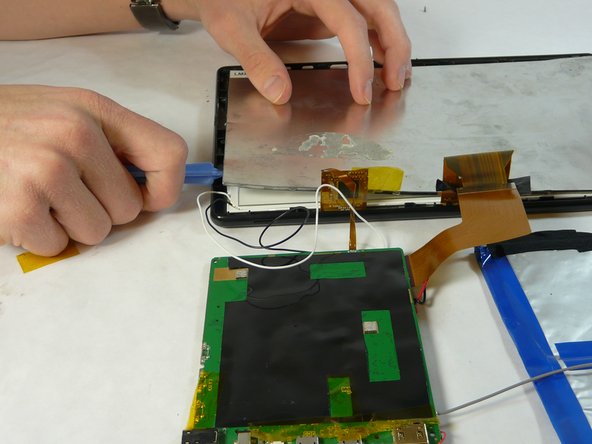
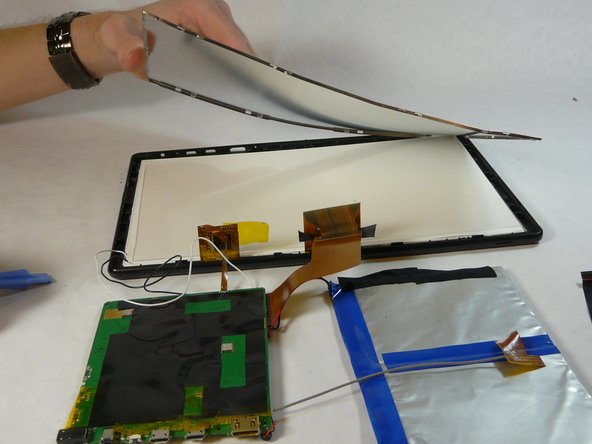
    • Remove back metal piece.

    • Use plastic pry tool and go around the edges lightly and pop it off.

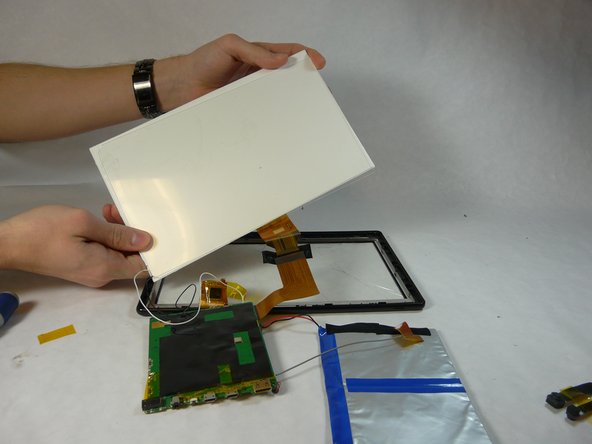
  7. DOPO 10.1 Tablet Screen Replacement: 7 단계, 이미지 3개 중 1개 DOPO 10.1 Tablet Screen Replacement: 7 단계, 이미지 3개 중 2개 DOPO 10.1 Tablet Screen Replacement: 7 단계, 이미지 3개 중 3개
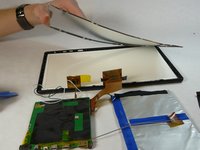
    • Using a plastic opening tool, remove the back screen pieces from the back.

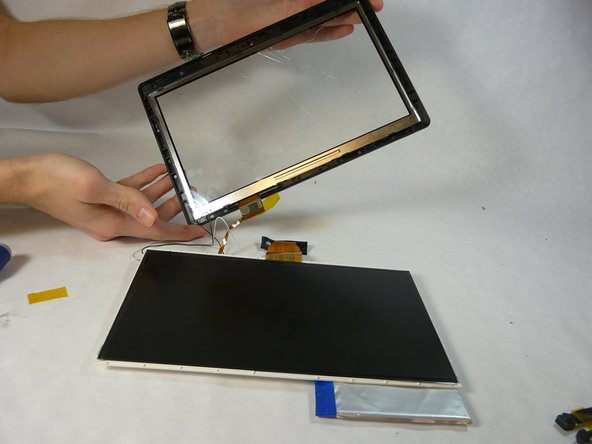
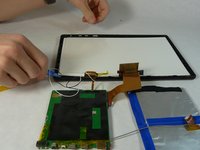
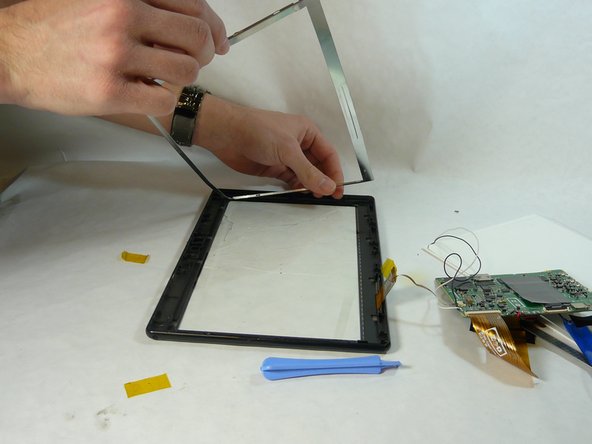
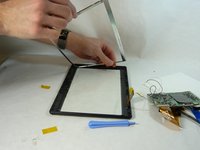
  8. DOPO 10.1 Tablet Screen Replacement: 8 단계, 이미지 2개 중 1개 DOPO 10.1 Tablet Screen Replacement: 8 단계, 이미지 2개 중 2개
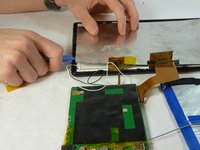
    • Using the plastic pry tool remove metal frame.

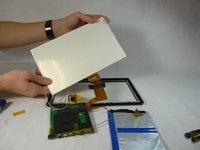
  9. DOPO 10.1 Tablet Screen Replacement: 9 단계, 이미지 1개 중 1개
    • Take the iFixit iOpener and place it on the glue

    • This will release the glass from the plastic frame

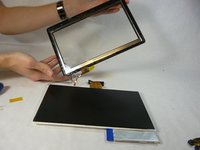
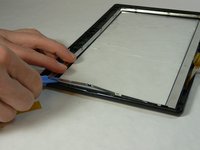
  10. DOPO 10.1 Tablet Screen Replacement: 10 단계, 이미지 1개 중 1개
    • Carefully remove glass. If glass is already broken use gloves to remove glass.

결론

To reassemble your device, follow these instructions in reverse order.

작성자

2다른 기여자 명과 함께

Michael

회원 가입일: 01/21/15

101 평판

안내서 1개를 작성함

USF Tampa, Team 5-2, Brown Winter 2015 USF Tampa, Team 5-2, Brown Winter 2015 회원

USFT-BROWN-W15S5G2

4 회원들

안내서 10개를 작성함

0가이드 댓글

댓글 쓰기

조회 통계:

지난 24시간: 0

지난 7일: 1

지난 30일: 13

전체 시간: 1,784