주요 콘텐츠로 건너뛰기

Dell E193FPc Inverter Board Replacement

필요한 것

  1. Dell E193FPc Inverter Board Replacement, Stand: 1 단계, 이미지 1개 중 1개
    • Lay the monitor screen-down so the back screws are exposed.

    • Remove the four 11.9 mm Phillips #2 screws securing the stand to the back of the monitor.

  2. Dell E193FPc Inverter Board Replacement: 2 단계, 이미지 1개 중 1개
    • Gently lift and pull away the stand at a slight angle away from the monitor.

  3. Dell E193FPc Inverter Board Replacement, Display Bezel: 3 단계, 이미지 2개 중 1개 Dell E193FPc Inverter Board Replacement, Display Bezel: 3 단계, 이미지 2개 중 2개
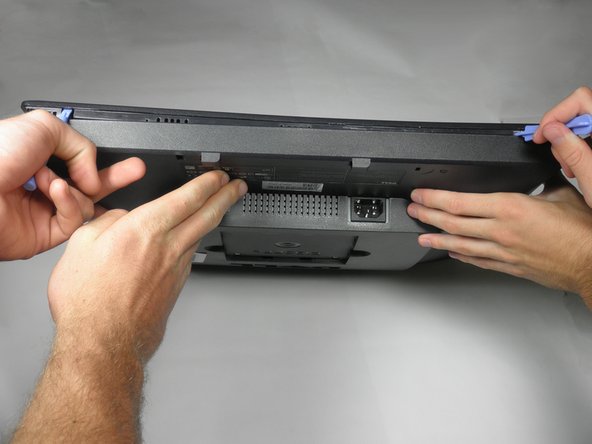
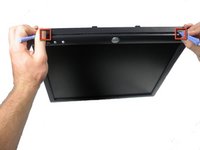
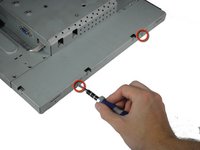
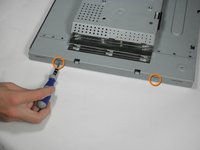
    • Locate the two holes on the bottom of the monitor.

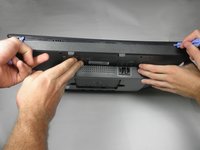
    • Insert a plastic opening tool or spudger into the holes and gently pry the plastic apart along the groove.

    • This task is much easier if two people pry simultaneously at each hole.

    • Continue prying along the entire edge of the monitor.

  4. Dell E193FPc Inverter Board Replacement: 4 단계, 이미지 2개 중 1개 Dell E193FPc Inverter Board Replacement: 4 단계, 이미지 2개 중 2개
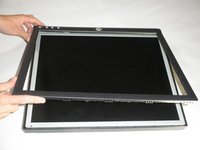
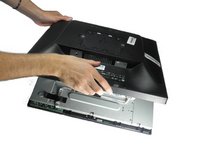
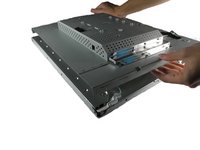
    • When finished prying, the plastic will partially fall away from the rest of the monitor.

    • Do not try to fully remove the front frame yet. The frame is still attached to the buttons.

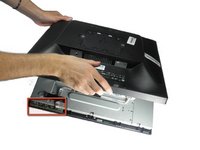
    • While holding the frames together, carefully flip the monitor over so it faces screen down.

    • Gently lift and remove remove the rear case from the monitor.

  5. Dell E193FPc Inverter Board Replacement: 5 단계, 이미지 3개 중 1개 Dell E193FPc Inverter Board Replacement: 5 단계, 이미지 3개 중 2개 Dell E193FPc Inverter Board Replacement: 5 단계, 이미지 3개 중 3개
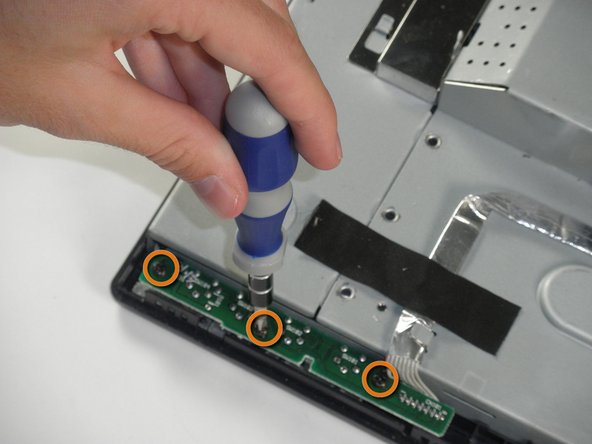
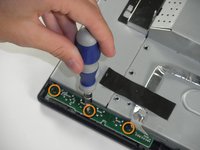
    • Locate the green interface button board.

    • Remove the three 9.71 mm Phillips #2 screws holding the interface button board to the display bezel.

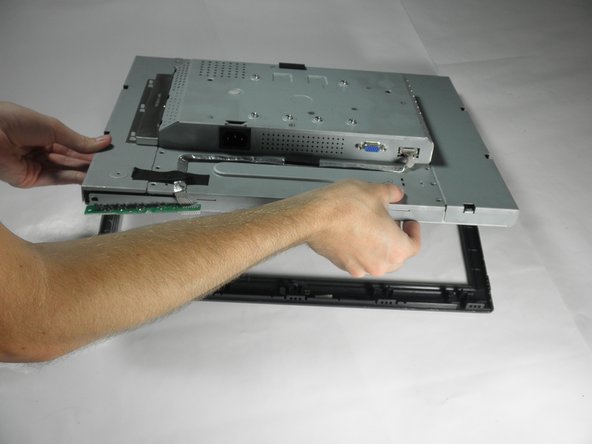
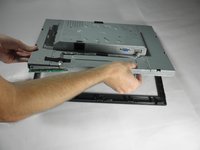
    • Lift the monitor interior away from the front cover.

  6. Dell E193FPc Inverter Board Replacement, Inverter Board: 6 단계, 이미지 3개 중 1개 Dell E193FPc Inverter Board Replacement, Inverter Board: 6 단계, 이미지 3개 중 2개 Dell E193FPc Inverter Board Replacement, Inverter Board: 6 단계, 이미지 3개 중 3개
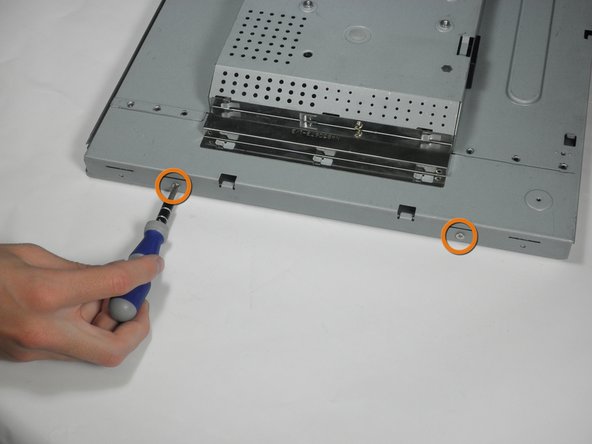
    • With the monitor facing down, remove the two 5.81 mm Phillips #2 screws on the right side of the metal casing.

    • With the monitor still facing down, remove the two 5.81 mm Phillips #2 screws on the left side of the casing.

    • Do attempt to pull apart the casing. There are still wires holding the front and back together.

  7. Dell E193FPc Inverter Board Replacement: 7 단계, 이미지 1개 중 1개
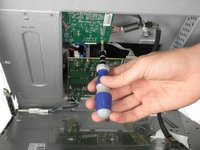
    • Using a 5 mm nut driver, unscrew the VGA port's mounting screws from the metal casing.

  8. Dell E193FPc Inverter Board Replacement: 8 단계, 이미지 1개 중 1개
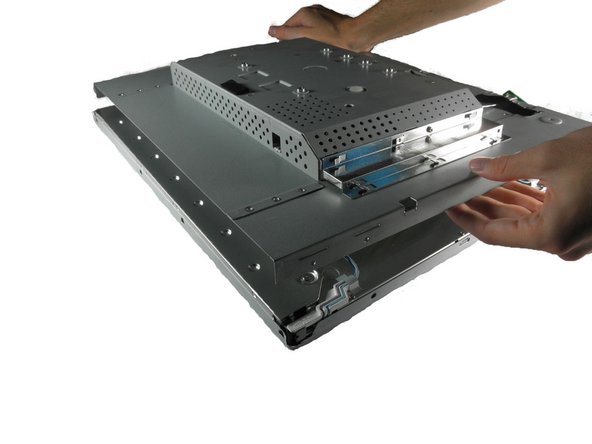
    • With the monitor facing down, gently lift the back case away from the rest of the monitor to expose the inverter board and mother board.

    • Recall that the casing is still held together by several wires. Do not attempt to fully remove the back casing.

  9. Dell E193FPc Inverter Board Replacement: 9 단계, 이미지 2개 중 1개 Dell E193FPc Inverter Board Replacement: 9 단계, 이미지 2개 중 2개
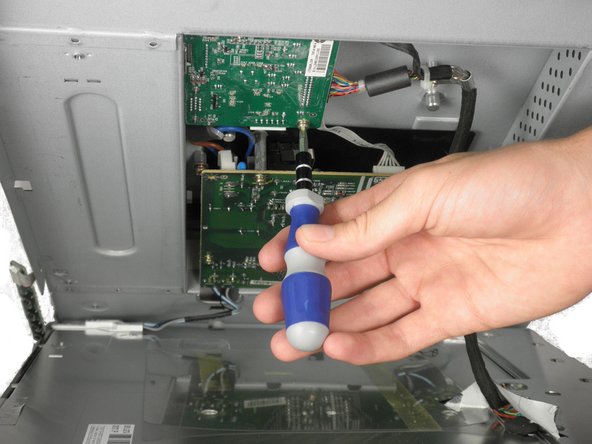
    • The inverter board is the smaller board in the corner.

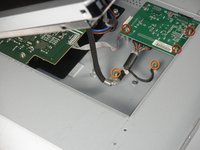
    • Remove the three 7.69 mm Phillips #2 screws from the inverter board.

    • Remove the two 7.69 mm Phillips #2 grounding screws from the wire with the black connector.

    • Gently pull the inverter board away from the case. Note that the board is still connected to several components by wires.

  10. Dell E193FPc Inverter Board Replacement: 10 단계, 이미지 2개 중 1개 Dell E193FPc Inverter Board Replacement: 10 단계, 이미지 2개 중 2개
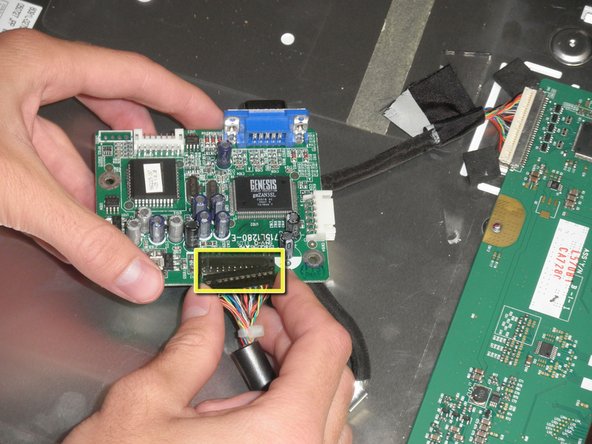
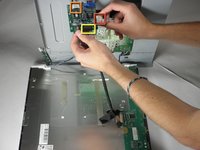
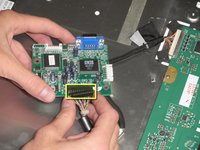
    • There is a wire connecting the motherboard to the inverter board. Squeeze both sides of the connector and pull to remove it from the socket.

    • There is another wire connecting the button board to the inverter board. Remove the second white wire connector.

    • A third wire connects the inverter board to the screen circuit board. Remove the black wire connector.

    • The inverter board can now be fully removed.

결론

To reassemble your device, follow these instructions in reverse order.

다른 3명이 해당 안내서를 완성하였습니다.

작성자

5다른 기여자 명과 함께

Mackenzie Keane

회원 가입일: 10/04/11

514 평판

안내서 5개를 작성함

Cal Poly, Team 5-36, Amido Fall 2011 Cal Poly, Team 5-36, Amido Fall 2011 회원

CPSU-AMIDO-F11S5G36

4 회원들

안내서 12개를 작성함

0가이드 댓글

댓글 쓰기

조회 통계:

지난 24시간: 0

지난 7일: 1

지난 30일: 15

전체 시간: 5,090