주요 콘텐츠로 건너뛰기

Dell Inspiron Mini 1012 Screen Replacement

필요한 것

  1. Dell Inspiron Mini 1012 Screen Replacement, Screen: 1 단계, 이미지 3개 중 1개 Dell Inspiron Mini 1012 Screen Replacement, Screen: 1 단계, 이미지 3개 중 2개 Dell Inspiron Mini 1012 Screen Replacement, Screen: 1 단계, 이미지 3개 중 3개
    • Remove the battery from the device for safety. Slide the two tabs on the bottom of the computer to the unlocked position, and gently lift up the battery.

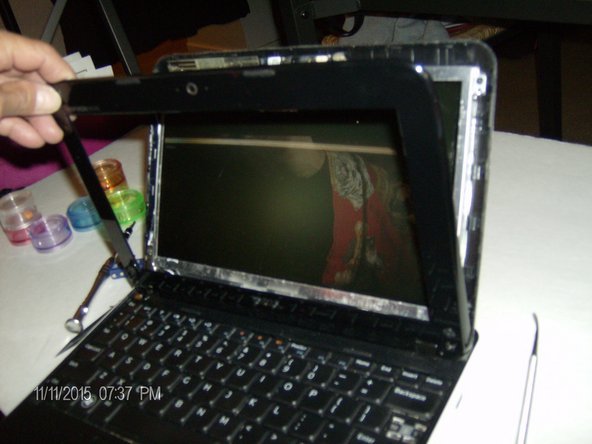
    • Remove the two rubber pieces at the bottom of the screen and remove the screws located behind them.

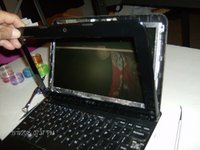
    • Carefully remove the plastic casing from the device.

  2. Dell Inspiron Mini 1012 Screen Replacement: 2 단계, 이미지 3개 중 1개 Dell Inspiron Mini 1012 Screen Replacement: 2 단계, 이미지 3개 중 2개 Dell Inspiron Mini 1012 Screen Replacement: 2 단계, 이미지 3개 중 3개
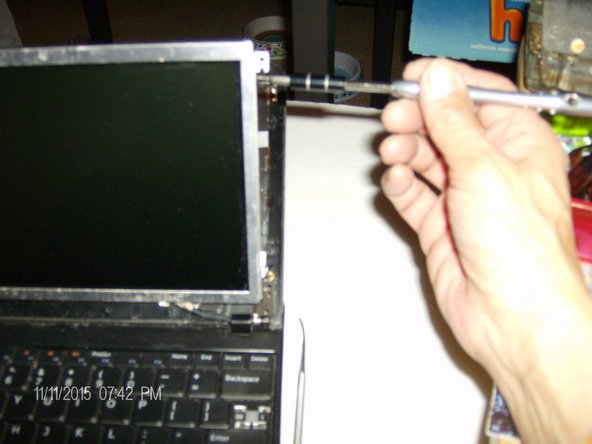
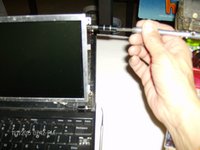
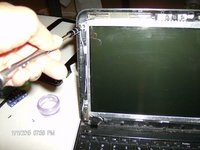
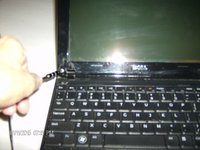
    • Remove the four screws on each corner of the screen. Then remove the screws located on the side of the screen.

    • Carefully unplug the ribbon on the back of the screen.

  3. Dell Inspiron Mini 1012 Screen Replacement: 3 단계, 이미지 3개 중 1개 Dell Inspiron Mini 1012 Screen Replacement: 3 단계, 이미지 3개 중 2개 Dell Inspiron Mini 1012 Screen Replacement: 3 단계, 이미지 3개 중 3개
    • Place the new screen onto the device and plug the ribbon in.

    • Replace the screws on the side of the screen.

  4. Dell Inspiron Mini 1012 Screen Replacement: 4 단계, 이미지 3개 중 1개 Dell Inspiron Mini 1012 Screen Replacement: 4 단계, 이미지 3개 중 2개 Dell Inspiron Mini 1012 Screen Replacement: 4 단계, 이미지 3개 중 3개
    • Snap on the plastic screen cover and replace the two screws and the rubber pieces at the bottom of the screen.

    • Turn the computer over and put the battery back in.

결론

To reassemble your device, follow guide instructions.

다른 3명이 해당 안내서를 완성하였습니다.

작성자

5다른 기여자 명과 함께

sabinabarajas

회원 가입일: 10/17/15

387 평판

안내서 3개를 작성함

Gateway, Team 2-2, Kuhn Fall 2015 Gateway, Team 2-2, Kuhn Fall 2015 회원

GCC-KUHN-F15S2G2

1 회원

안내서 6개를 작성함

0가이드 댓글

댓글 쓰기

조회 통계:

지난 24시간: 0

지난 7일: 2

지난 30일: 10

전체 시간: 1,532