주요 콘텐츠로 건너뛰기

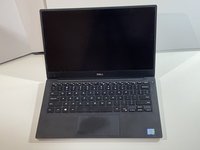
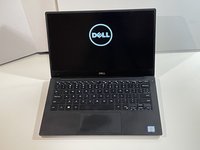
Dell XPS 13 9360 SSD Replacement

필요한 것

  1. Dell XPS 13 9360 SSD Replacement, SSD (Solid State Drive): 1 단계, 이미지 1개 중 1개
    • Power off your laptop and unplug it from the charger.

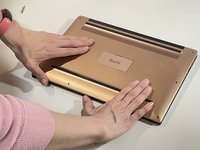
  2. Dell XPS 13 9360 SSD Replacement: 2 단계, 이미지 2개 중 1개 Dell XPS 13 9360 SSD Replacement: 2 단계, 이미지 2개 중 2개
    • Close the laptop lid and place it so the bottom side faces up.

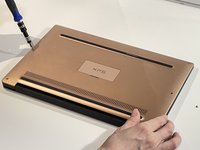
  3. Dell XPS 13 9360 SSD Replacement: 3 단계, 이미지 3개 중 1개 Dell XPS 13 9360 SSD Replacement: 3 단계, 이미지 3개 중 2개 Dell XPS 13 9360 SSD Replacement: 3 단계, 이미지 3개 중 3개
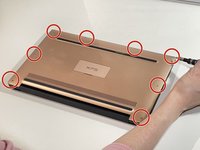
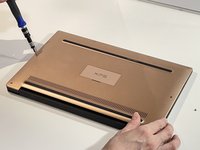
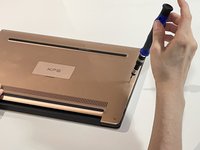
    • Use a Torx T5 screwdriver to remove eight 3 mm screws around the edge of the back cover.

  4. Dell XPS 13 9360 SSD Replacement: 4 단계, 이미지 3개 중 1개 Dell XPS 13 9360 SSD Replacement: 4 단계, 이미지 3개 중 2개 Dell XPS 13 9360 SSD Replacement: 4 단계, 이미지 3개 중 3개
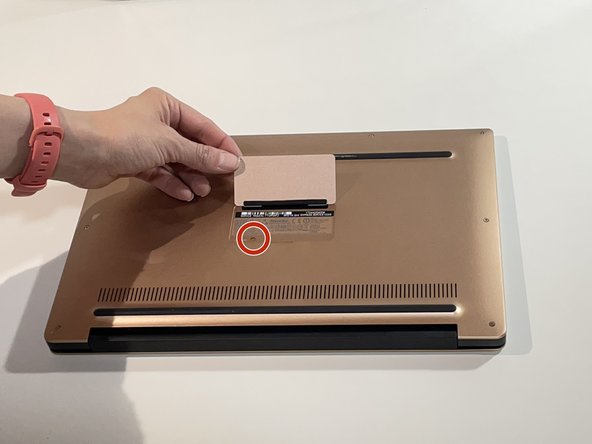
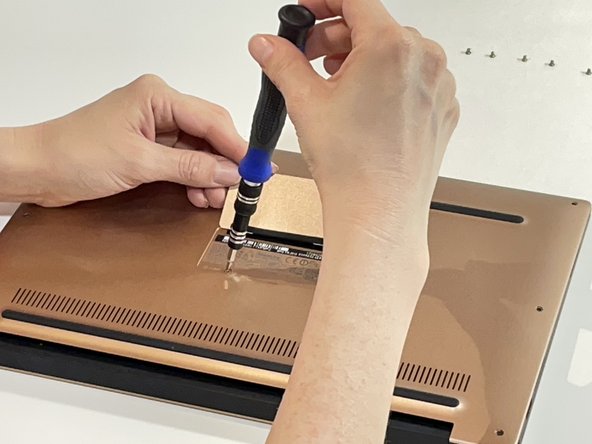
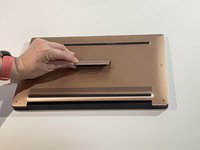
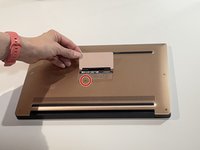
    • Lift the small magnetic flap cover in the center of the back case.

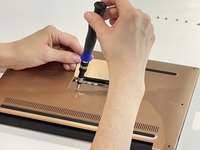
    • Use a JIS J0 screwdriver to remove the 6 mm screw under the flap cover.

  5. Dell XPS 13 9360 SSD Replacement: 5 단계, 이미지 3개 중 1개 Dell XPS 13 9360 SSD Replacement: 5 단계, 이미지 3개 중 2개 Dell XPS 13 9360 SSD Replacement: 5 단계, 이미지 3개 중 3개
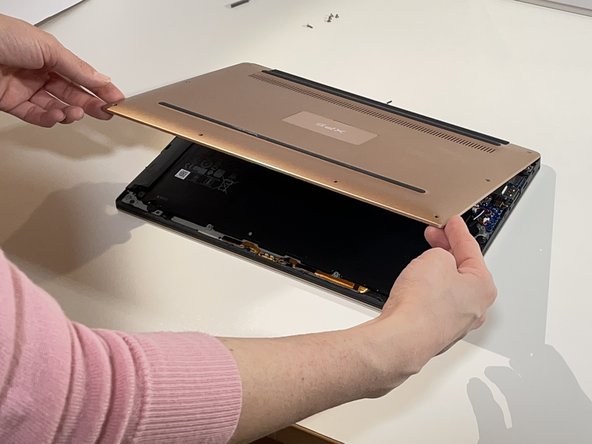
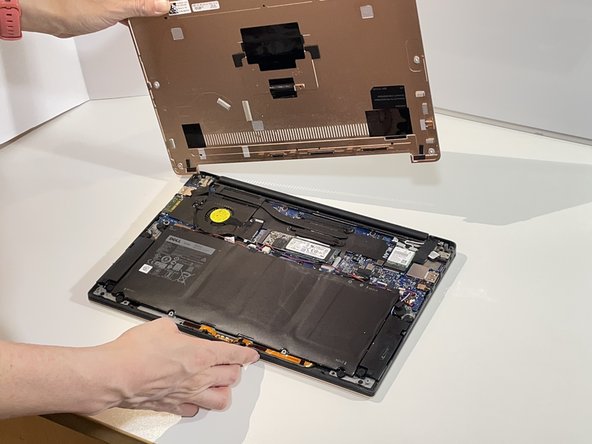
    • Wedge the guitar pick between the cover and the base of the laptop.

    • Start at the front edge of the base cover and continue around the perimeter of the laptop, carefully prying up the base cover.

    • Pull off the base cover.

    • As you use the guitar pick to work around the base cover, it will gradually loosen. You can then gently pull it off completely.

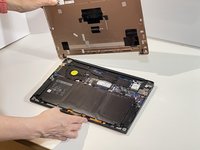
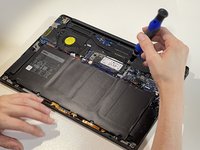
  6. Dell XPS 13 9360 SSD Replacement: 6 단계, 이미지 3개 중 1개 Dell XPS 13 9360 SSD Replacement: 6 단계, 이미지 3개 중 2개 Dell XPS 13 9360 SSD Replacement: 6 단계, 이미지 3개 중 3개
    • Disconnect the battery before removing the SSD.

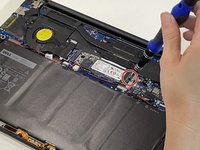
    • Use the JIS J0 screwdriver to remove the single 2 mm screw securing the existing SSD.

    • The SSD will automatically "pop up".

    • Gently slide it out from the socket.

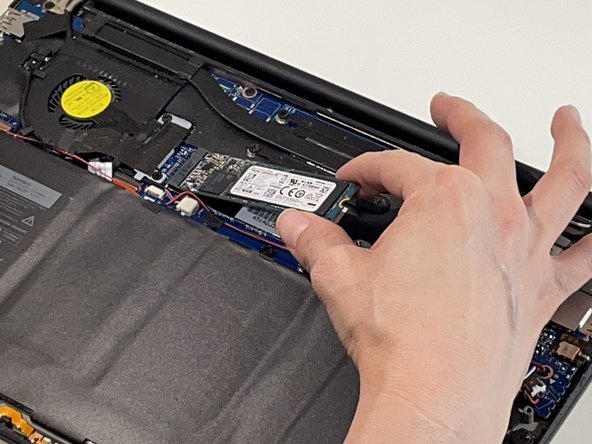
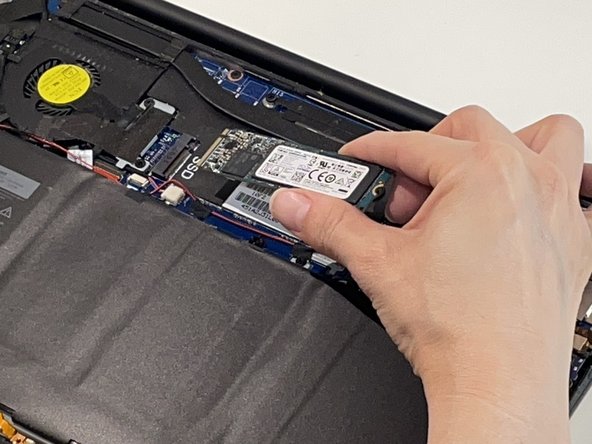
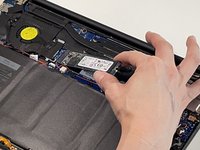
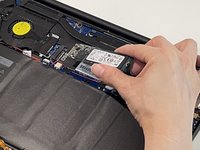
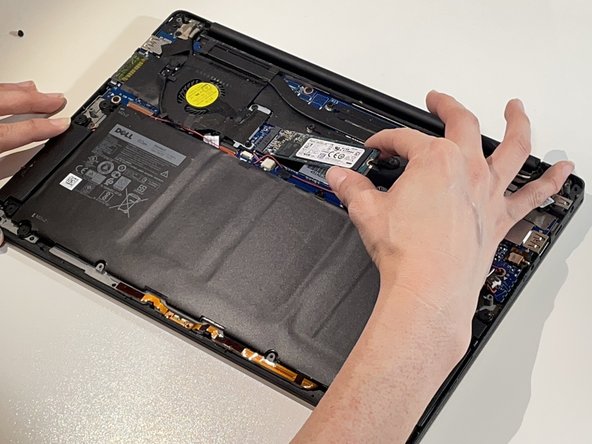
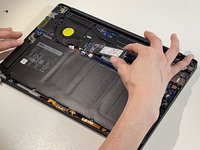
  7. Dell XPS 13 9360 SSD Replacement: 7 단계, 이미지 2개 중 1개 Dell XPS 13 9360 SSD Replacement: 7 단계, 이미지 2개 중 2개
    • Slide the new SSD into the slot at the same angle used when removing the old one.

    • Make sure to align the notches on the SSD correctly with the tab openings of the slot to avoid damaging the SSD and the PCIe slot.

    • Press down on the SSD gently to hold it down.

  8. Dell XPS 13 9360 SSD Replacement: 8 단계, 이미지 3개 중 1개 Dell XPS 13 9360 SSD Replacement: 8 단계, 이미지 3개 중 2개 Dell XPS 13 9360 SSD Replacement: 8 단계, 이미지 3개 중 3개
    • Follow the remaining instructions in reverse order to reassemble.

    • Make sure that when you replace the back cover you press down along the edges to ensure that it snaps back into place.

  9. Dell XPS 13 9360 SSD Replacement: 9 단계, 이미지 2개 중 1개 Dell XPS 13 9360 SSD Replacement: 9 단계, 이미지 2개 중 2개
    • Now you can power on the laptop again and use it!

결론

To reassemble your device, follow these instructions in reverse order.

다른 2명이 해당 안내서를 완성하였습니다.

작성자

1다른 기여자 명과 함께

Diana Ramirez-S.

회원 가입일: 03/03/24

317 평판

안내서 1개를 작성함

1가이드 댓글

Simple instructions. Could have used a little more detail in step 6 on how to disconnect the battery cable.

Rich Stillman - 답글

댓글 쓰기

조회 통계:

지난 24시간: 2

지난 7일: 13

지난 30일: 82

전체 시간: 1,145