주요 콘텐츠로 건너뛰기
수리 커뮤니티 가입 - 계정 만들기

Doorknob Privacy Pin Replacement

필요한 것

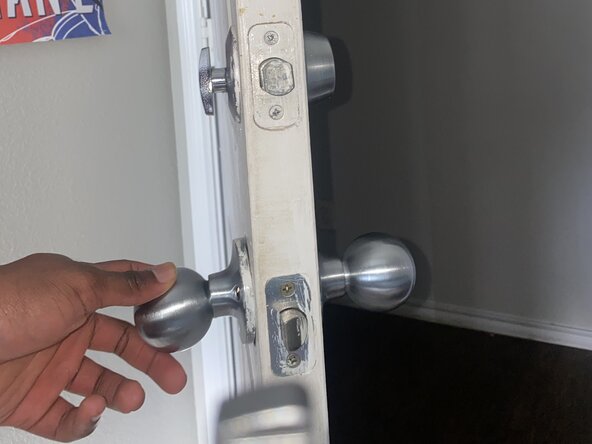
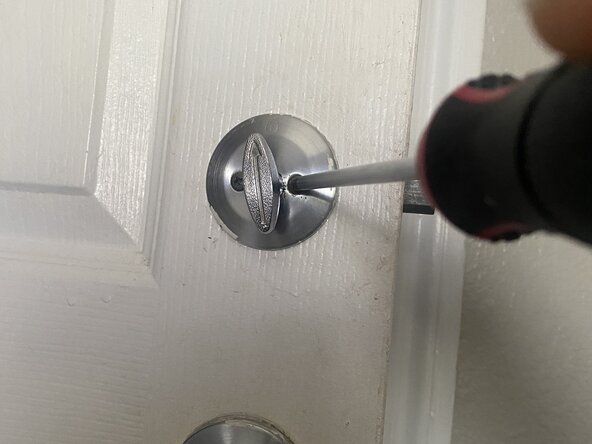
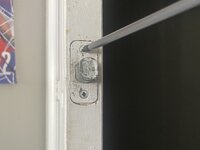
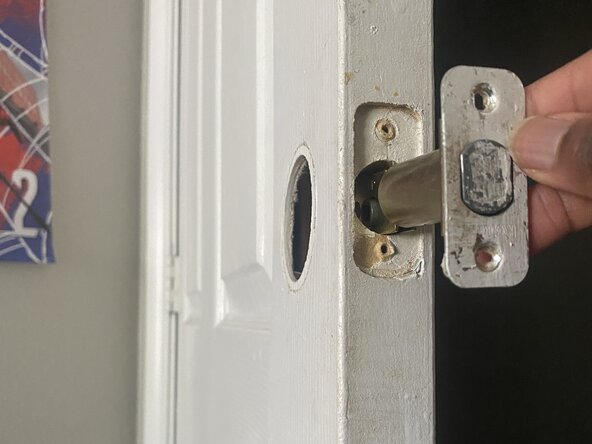
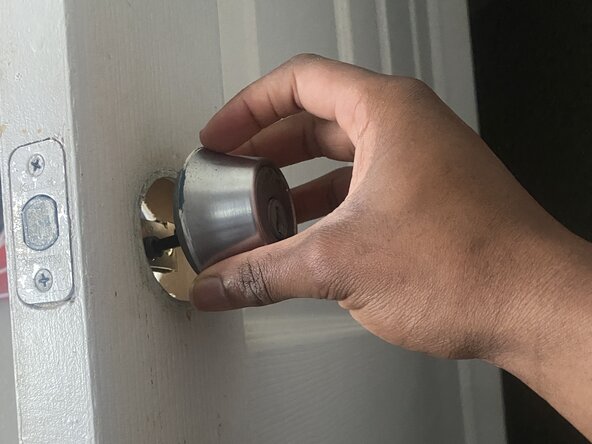
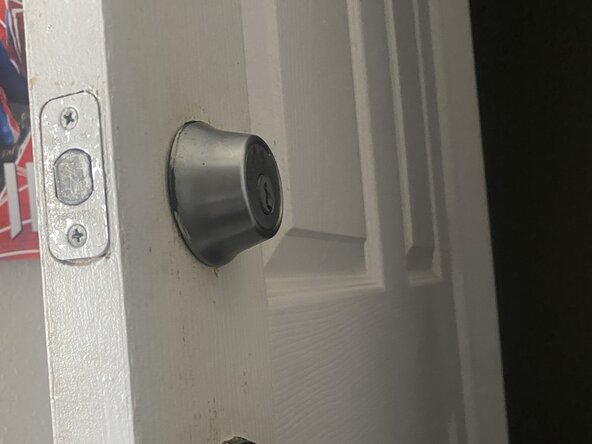
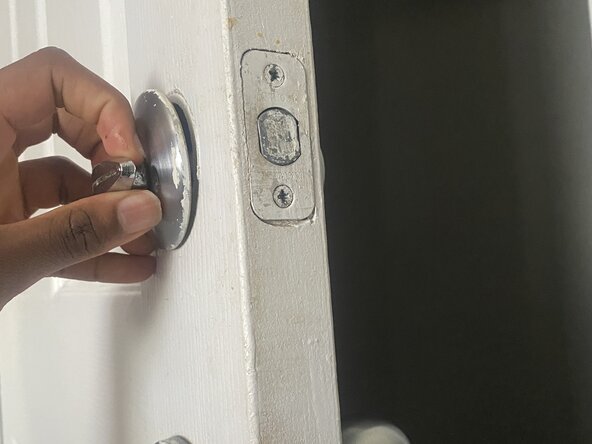
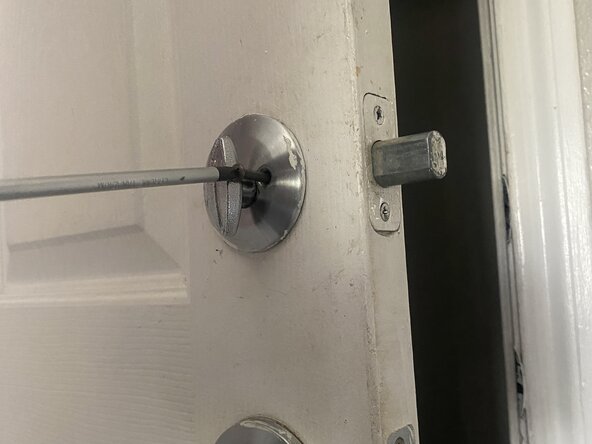
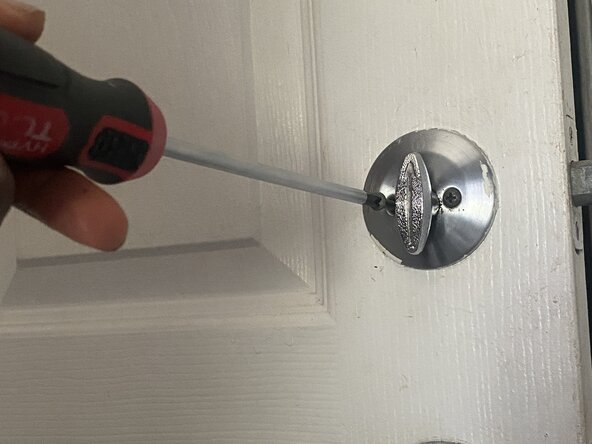
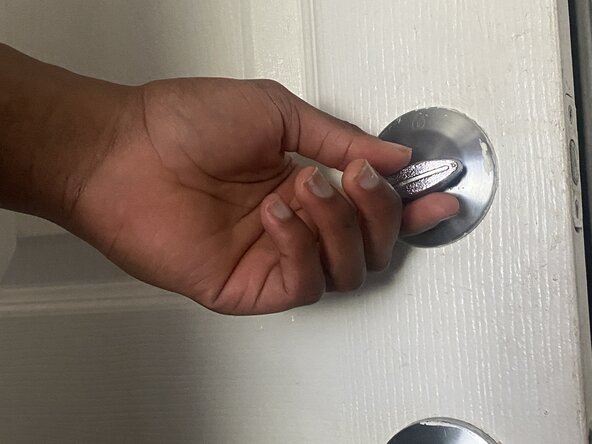
  1. Doorknob Privacy Pin Replacement, Doorknob Privacy Pin: 1 단계, 이미지 3개 중 1개 Doorknob Privacy Pin Replacement, Doorknob Privacy Pin: 1 단계, 이미지 3개 중 2개 Doorknob Privacy Pin Replacement, Doorknob Privacy Pin: 1 단계, 이미지 3개 중 3개
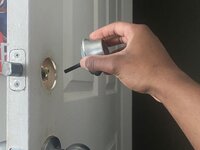
    • Use a Phillips #1 screwdriver to remove the two screws holding the interior and exterior doorknob halves together.

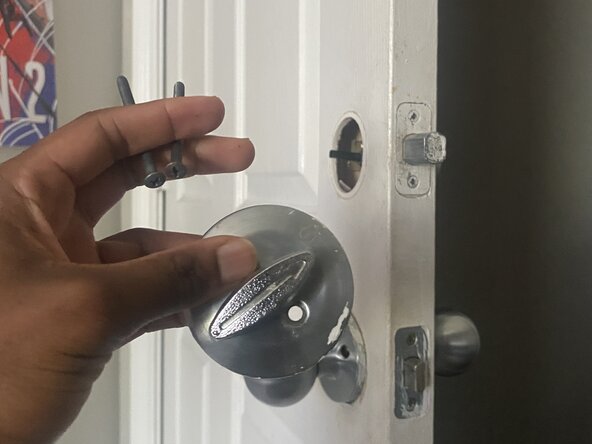
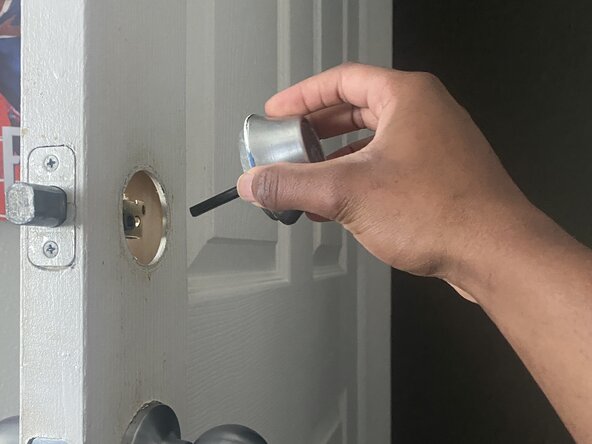
  2. Doorknob Privacy Pin Replacement: 2 단계, 이미지 2개 중 1개 Doorknob Privacy Pin Replacement: 2 단계, 이미지 2개 중 2개
    • Carefully pull the doorknob halves apart.

    • The spindle and the latch mechanism should now be accessible.

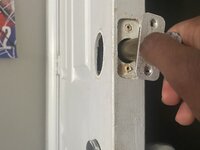
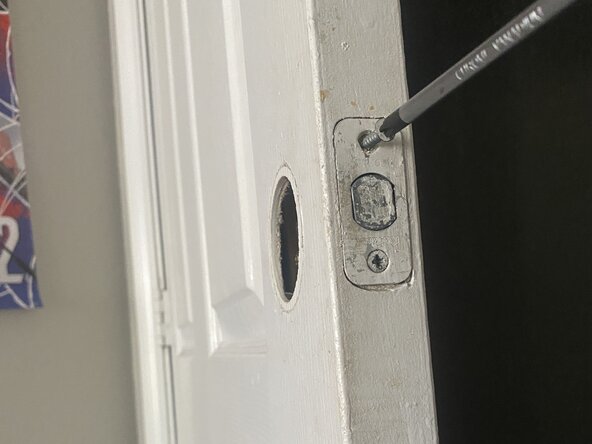
  3. Doorknob Privacy Pin Replacement: 3 단계, 이미지 3개 중 1개 Doorknob Privacy Pin Replacement: 3 단계, 이미지 3개 중 2개 Doorknob Privacy Pin Replacement: 3 단계, 이미지 3개 중 3개
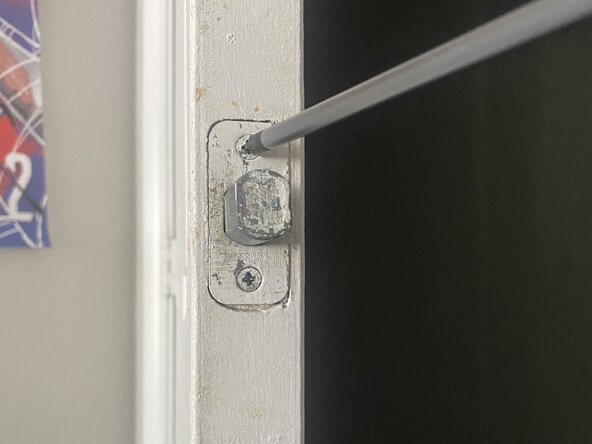
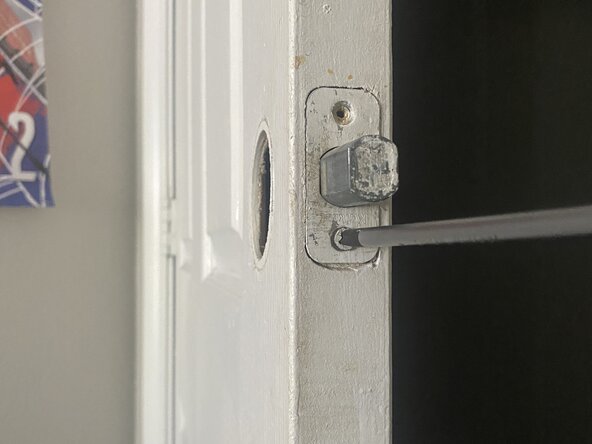
    • Use the Phillips #1 screwdriver to remove the privacy pin.

    • It is a small, threaded pin that screws into a hole on the latch mechanism itself or on the interior doorknob assembly.

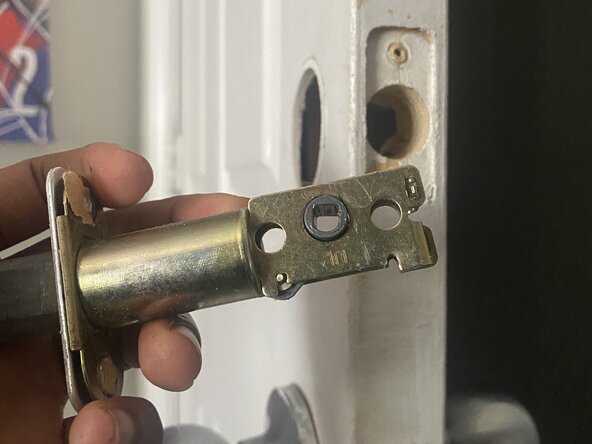
  4. Doorknob Privacy Pin Replacement: 4 단계, 이미지 1개 중 1개
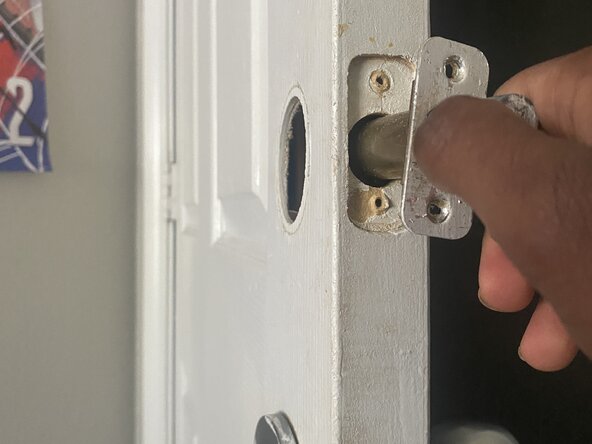
    • Remove the old/ damaged privacy pin.

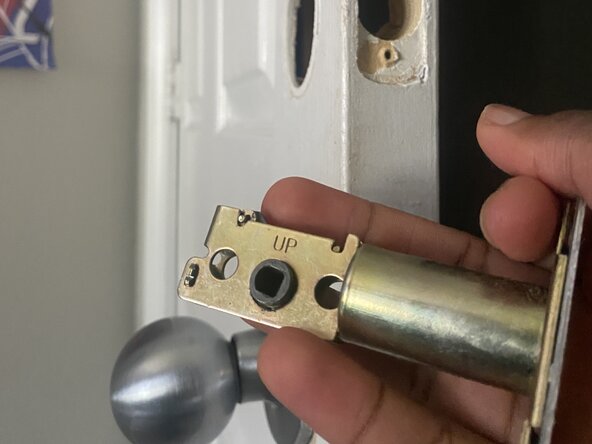
  5. Doorknob Privacy Pin Replacement: 5 단계, 이미지 3개 중 1개 Doorknob Privacy Pin Replacement: 5 단계, 이미지 3개 중 2개 Doorknob Privacy Pin Replacement: 5 단계, 이미지 3개 중 3개
    • Screw the new privacy pin into the corresponding hole.

    • Ensure it's securely tightened but don't overtighten, as this could strip the threads.

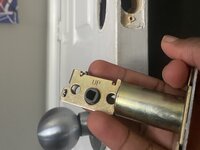
  6. Doorknob Privacy Pin Replacement: 6 단계, 이미지 3개 중 1개 Doorknob Privacy Pin Replacement: 6 단계, 이미지 3개 중 2개 Doorknob Privacy Pin Replacement: 6 단계, 이미지 3개 중 3개
    • Align the spindle with the latch mechanism, then bring the two doorknob halves back together.

    • Make sure all parts are properly seated.

  7. Doorknob Privacy Pin Replacement: 7 단계, 이미지 3개 중 1개 Doorknob Privacy Pin Replacement: 7 단계, 이미지 3개 중 2개 Doorknob Privacy Pin Replacement: 7 단계, 이미지 3개 중 3개
    • Securely fasten the two screws with the Phillips #1 screwdriver.

    • Snap or twist the decorative covers back into place (If applicable).

    • Test the privacy pin several times to ensure it engages and disengages smoothly.

결론

To reassemble your device, follow these instructions in reverse order.

작성자

1다른 기여자 명과 함께

Elias Moseri

회원 가입일: 06/15/25

145 평판

안내서 1개를 작성함

0가이드 댓글

댓글 쓰기

조회 통계:

지난 24시간: 3

지난 7일: 9

지난 30일: 41

전체 시간: 228