소개
Replacing the switches on your Epomaker Shadow-X can help restore or customize the typing experience. Follow this guide to safely remove and replace switches. Note: this process requires the keyboard to be hot-swappable.
필요한 것
-
-
Unplug or disconnect the keyboard from the PC.
-
Turn off and unplug the keyboard if connected via USB-C.
-
If using Bluetooth, disconnect it from all paired devices.
-
-

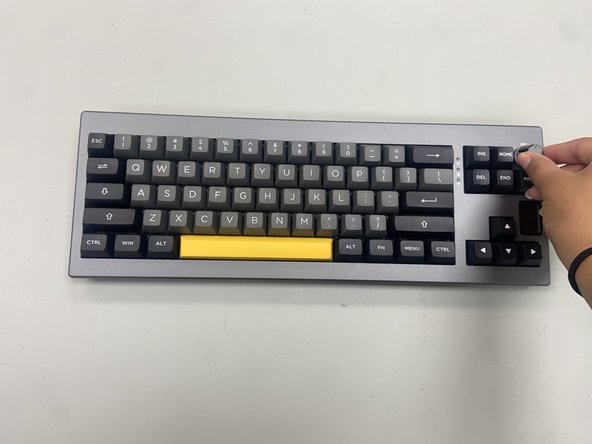


You’ve completed the switch replacement on your Epomaker Shadow-X keyboard! With new switches installed, your keyboard should offer an improved typing experience. Test each key to ensure they’re responsive, and enjoy the renewed feel of your keyboard.
다른 2명이 해당 안내서를 완성하였습니다.


팀

University of North Texas, Team 6-1, Kilpatrick Fall 2024 University of North Texas, Team 6-1, Kilpatrick Fall 2024 회원
UNT-KILPATRICK-F24S6G1
4 회원들
안내서 5개를 작성함
