주요 콘텐츠로 건너뛰기

Game Boy Advance Batteries Replacement

필요한 것

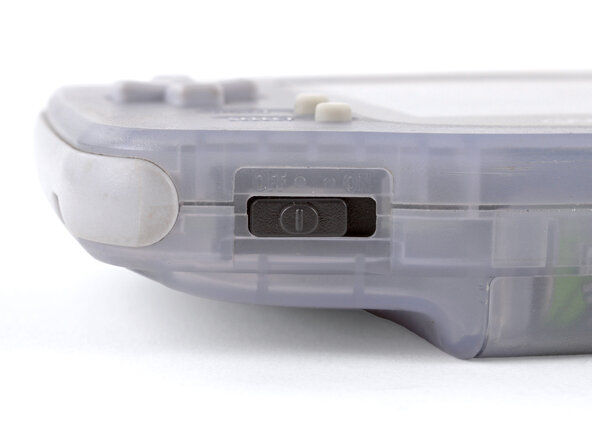
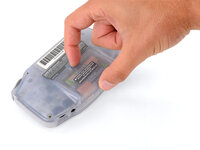
  1. Game Boy Advance Batteries Replacement, Power down your Game Boy: 1 단계, 이미지 1개 중 1개
    • Turn your Game Boy OFF.

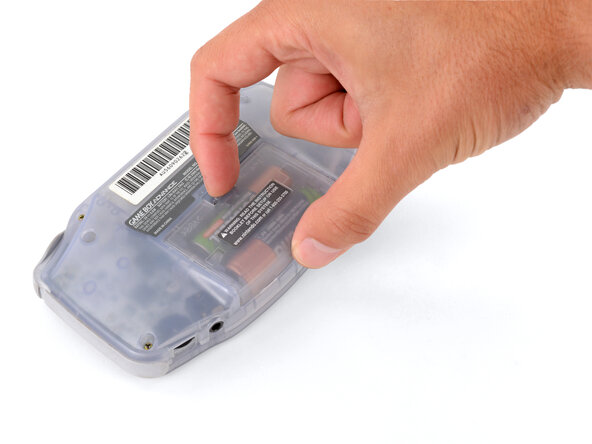
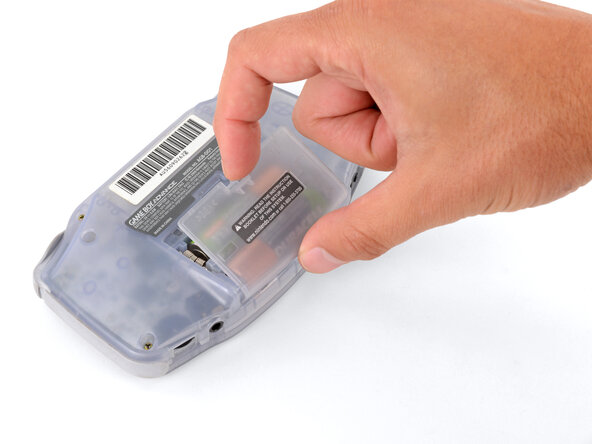
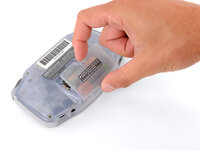
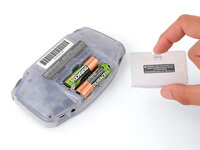
  2. Game Boy Advance Batteries Replacement, Remove the battery cover: 2 단계, 이미지 3개 중 1개 Game Boy Advance Batteries Replacement, Remove the battery cover: 2 단계, 이미지 3개 중 2개 Game Boy Advance Batteries Replacement, Remove the battery cover: 2 단계, 이미지 3개 중 3개
    • Release the battery cover tab with your finger and swing the cover away from your Game Boy to remove it.

    • During reassembly, insert the tabs on the bottom edge of the cover into their cutouts and press the cover into place.

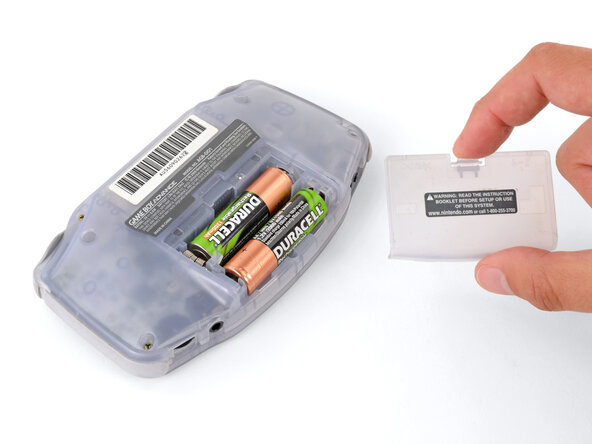
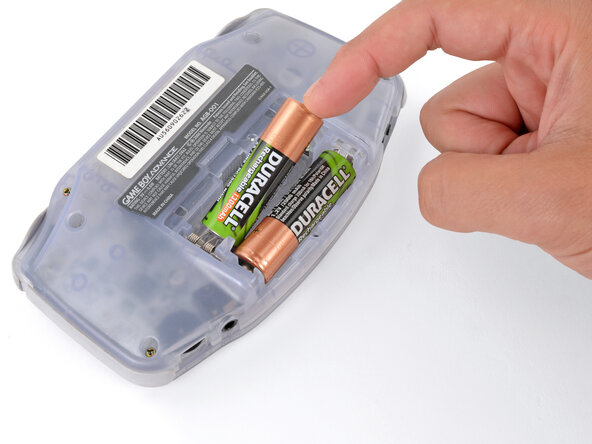
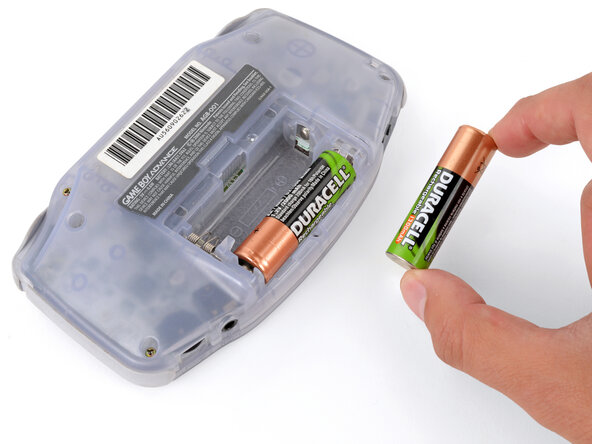
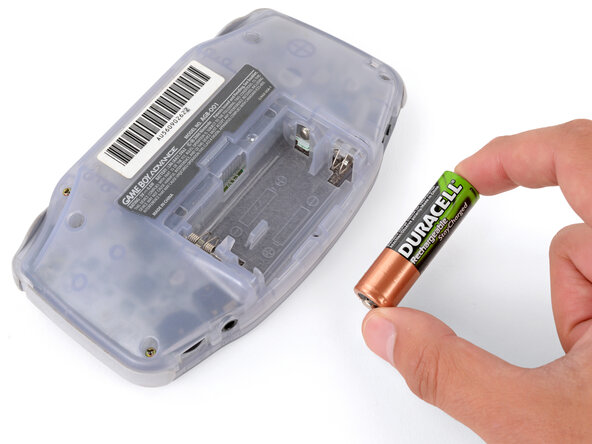
  3. Game Boy Advance Batteries Replacement, Remove the batteries: 3 단계, 이미지 3개 중 1개 Game Boy Advance Batteries Replacement, Remove the batteries: 3 단계, 이미지 3개 중 2개 Game Boy Advance Batteries Replacement, Remove the batteries: 3 단계, 이미지 3개 중 3개
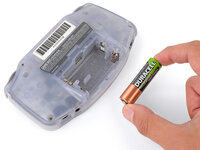
    • Remove the two AA batteries.

    • If the metal terminals are corroded, follow this guide to clean them.

    • When installing batteries, use the diagram in the battery well to properly orient them.

결론

To reassemble your device, follow these instructions in reverse order.

Take your e-waste to an R2 or e-Stewards certified recycler.

Repair didn’t go as planned? Try some basic troubleshooting, or ask our Answers Community for troubleshooting help.

다른 10명이 해당 안내서를 완성하였습니다.

작성자

8다른 기여자 명과 함께

Spencer Day

회원 가입일: 09/14/22

154,998 평판

안내서 1,033개를 작성함

2가이드 댓글

how could you take rust off the battery hinges?

Sinai Garcia - 답글

If the battery terminals are corroded ''''(which may appear like rust), follow this guide to remove it.

Spencer Day -

댓글 쓰기

조회 통계:

지난 24시간: 4

지난 7일: 25

지난 30일: 128

전체 시간: 19,698