소개
This device guide page will help users remove and replace the hardware RAM of their HP 15-ay091ms device. This can be a fix to users who are experiencing an unresponsive screen on their device or other poor system functioning. This guide will help users remove the hardware RAM and replace it with a new one.
필요한 것
-
-
Push the latches on either side of the battery down and outward.
-
Remove the battery.
-
-
-
-
Remove the screws from the bottom panel using a JIS #0 screwdriver.
-
Use the iFixit opening pick to lift the back cover from the device.
-


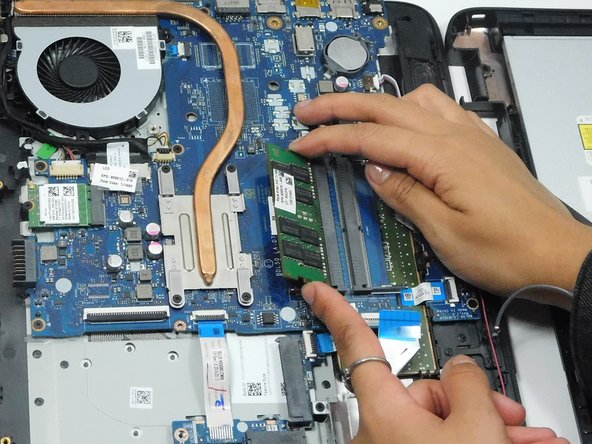
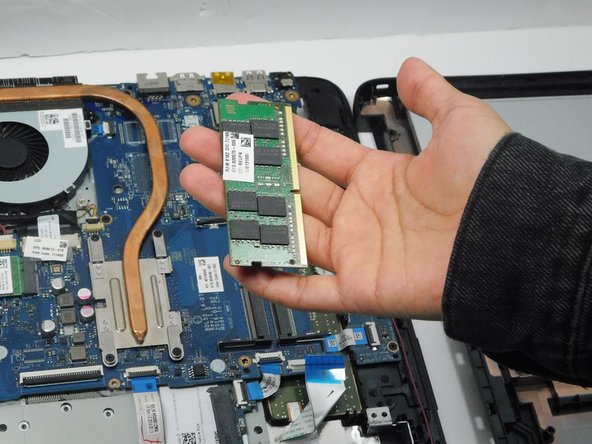
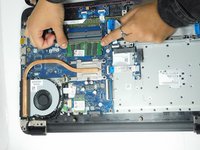
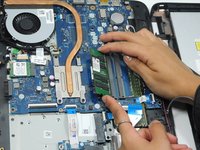
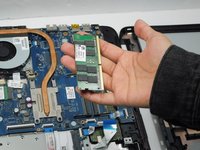
To reassemble your device, follow these instructions in reverse order.



팀

Gateway, Team A-1, Gonzalez Fall 2023 Gateway, Team A-1, Gonzalez Fall 2023 회원
GCC-GONZALEZ-F23SAG1
4 회원들
안내서 3개를 작성함
