소개
This guide will assist you in replacing the HP LCD Screen. You will need to replace the screen if your screen displays black and white lines over your homepage.
필요한 것
-
-
Open the laptop so you can see the screen.
-
Remove the bezel with firm, constant pressure to create a slight gap between the bezel and screen (plastic outlining of screen) with a plastic opening tool.
 FixBot에 문의하기
-
-
-
-
Lift the bezel off the screen to see the outlines of the LCD screen.
-
Remove the four black 3mm screws in each corner of the screen with a JIS #1 screwdriver.
-
Remove the two silver 4mm screws located at the top of the screen with a JIS #1 screwdriver.
-
-
-
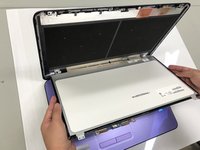
Remove the LCD screen and place it on the keyboard.
-
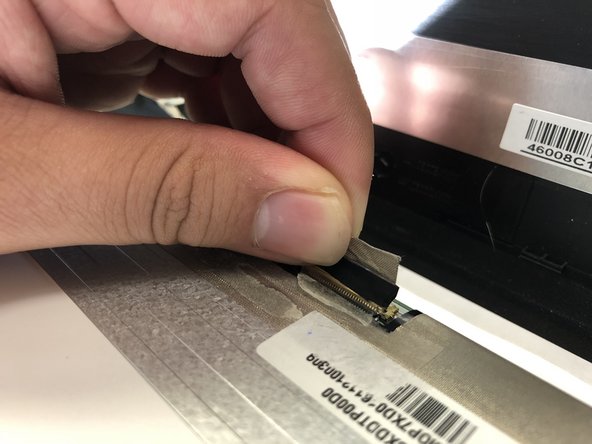
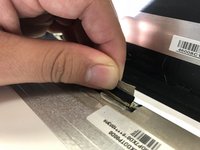
Disconnect the video cable to completely detach the LCD screen.
-


To reassemble your device, follow these instructions in reverse order.
다른 한 분이 해당 안내서를 완성하였습니다.

팀

University of North Texas, Team S3-G1, Raign Fall 2018 University of North Texas, Team S3-G1, Raign Fall 2018 회원
UNT-RAIGN-F18S3G1
4 회원들
안내서 5개를 작성함
