주요 콘텐츠로 건너뛰기

HP Envy x360 m6-aq103dx Display Replacement

필요한 것

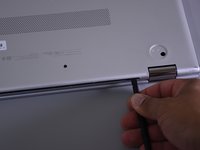
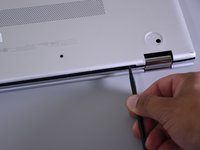
  1. HP Envy x360 m6-aq103dx Display Replacement, Bottom Cover: 1 단계, 이미지 3개 중 1개 HP Envy x360 m6-aq103dx Display Replacement, Bottom Cover: 1 단계, 이미지 3개 중 2개 HP Envy x360 m6-aq103dx Display Replacement, Bottom Cover: 1 단계, 이미지 3개 중 3개
    • Flip the laptop over to expose the underside.

    • Remove the two grip pads with blue plastic opening tool by inserting the tool between the laptop and the pads and slowly lifting up.

    • The grip pads are tacky, remove slowly to avoid separating the adhesive.

  2. HP Envy x360 m6-aq103dx Display Replacement: 2 단계, 이미지 1개 중 1개
    • Remove the two 8 mm Phillips Head screws that were under the grip pads using a Phillip's Head 1 Screwdriver.

  3. HP Envy x360 m6-aq103dx Display Replacement: 3 단계, 이미지 1개 중 1개
    • Remove the six 5 mm Torx screws using a T5 Torx Screwdriver.

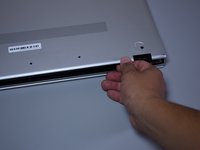
  4. HP Envy x360 m6-aq103dx Display Replacement: 4 단계, 이미지 3개 중 1개 HP Envy x360 m6-aq103dx Display Replacement: 4 단계, 이미지 3개 중 2개 HP Envy x360 m6-aq103dx Display Replacement: 4 단계, 이미지 3개 중 3개
    • Use the nylon spudger to pop off the bottom cover by inserting it into the heat vent and twisting to the left or right.

    • You may hear a slight clicking or popping, but that is normal.

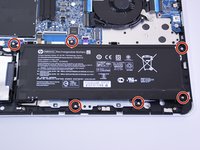
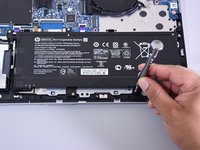
  5. HP Envy x360 m6-aq103dx Display Replacement, Battery: 5 단계, 이미지 2개 중 1개 HP Envy x360 m6-aq103dx Display Replacement, Battery: 5 단계, 이미지 2개 중 2개
    • Use the Phillips Head 1 Screwdriver to remove the six 4 mm screws.

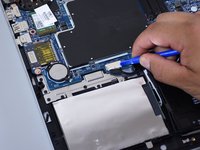
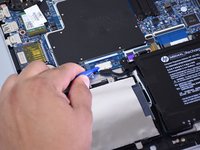
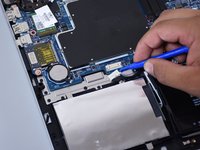
  6. HP Envy x360 m6-aq103dx Display Replacement: 6 단계, 이미지 3개 중 1개 HP Envy x360 m6-aq103dx Display Replacement: 6 단계, 이미지 3개 중 2개 HP Envy x360 m6-aq103dx Display Replacement: 6 단계, 이미지 3개 중 3개
    • Disconnect the battery port from the motherboard by gently lifting it on both sides with the plastic opening tool.

    • Lift up the port with the tool.

  7. HP Envy x360 m6-aq103dx Display Replacement: 7 단계, 이미지 3개 중 1개 HP Envy x360 m6-aq103dx Display Replacement: 7 단계, 이미지 3개 중 2개 HP Envy x360 m6-aq103dx Display Replacement: 7 단계, 이미지 3개 중 3개
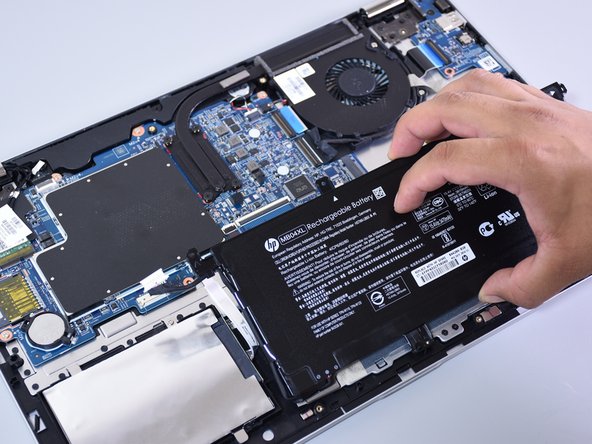
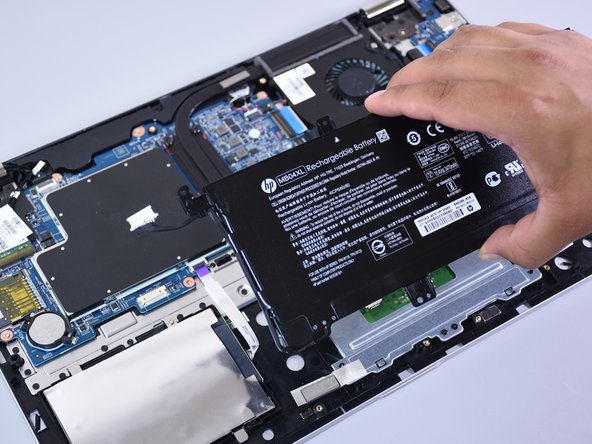
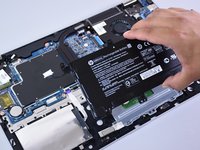
    • Lift the battery out of the laptop with your hands.

  8. HP Envy x360 m6-aq103dx Display Replacement, Display: 8 단계, 이미지 2개 중 1개 HP Envy x360 m6-aq103dx Display Replacement, Display: 8 단계, 이미지 2개 중 2개
    • Click the back cover on so none of the internal components are damaged during the following steps.

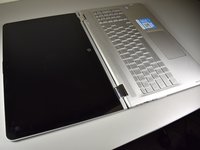
    • Open the display, so it is flat and the screen is facing up.

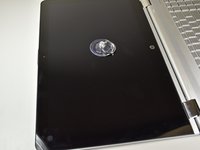
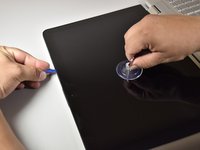
    • Put the suction cup in the middle of the screen.

  9. HP Envy x360 m6-aq103dx Display Replacement: 9 단계, 이미지 2개 중 1개 HP Envy x360 m6-aq103dx Display Replacement: 9 단계, 이미지 2개 중 2개
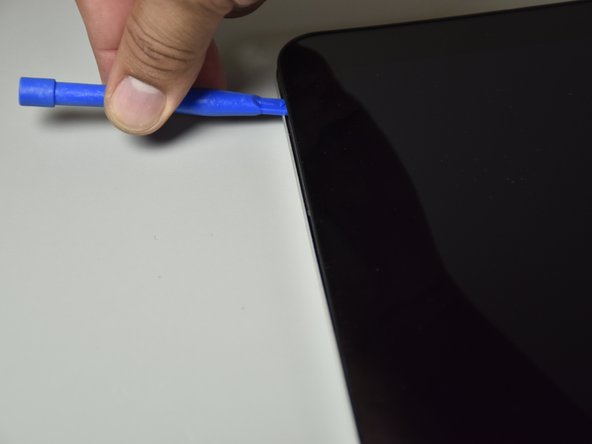
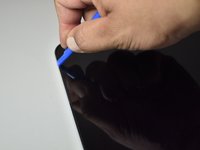
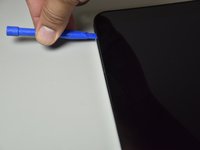
    • Wedge the small plastic opening tool between the frame and the screen and pry it open by lifting up.

  10. HP Envy x360 m6-aq103dx Display Replacement: 10 단계, 이미지 2개 중 1개 HP Envy x360 m6-aq103dx Display Replacement: 10 단계, 이미지 2개 중 2개
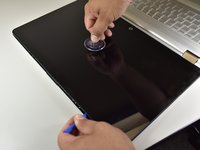
    • Slide the tool around the edge of the frame while pulling on the suction cup.

    • Popping sounds are ok.

  11. HP Envy x360 m6-aq103dx Display Replacement: 11 단계, 이미지 1개 중 1개
    • Take the suction cup off before laying the screen on the keyboard.

  12. HP Envy x360 m6-aq103dx Display Replacement: 12 단계, 이미지 3개 중 1개 HP Envy x360 m6-aq103dx Display Replacement: 12 단계, 이미지 3개 중 2개 HP Envy x360 m6-aq103dx Display Replacement: 12 단계, 이미지 3개 중 3개
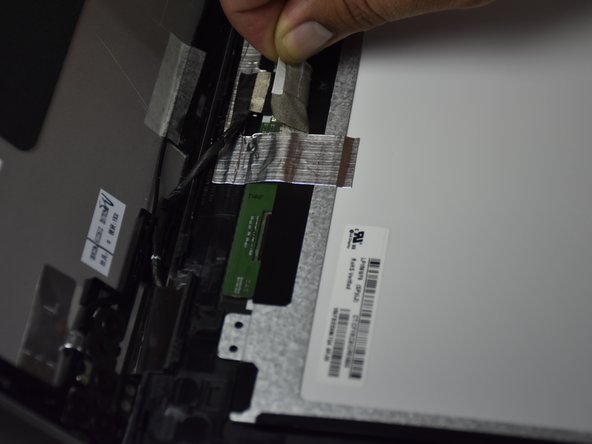
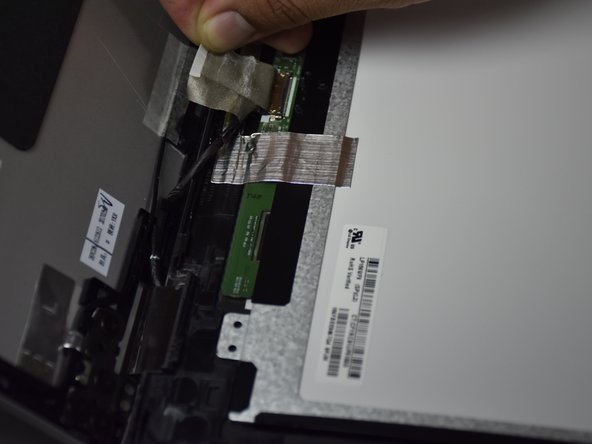
    • Remove the grey tape covering the wires by pulling on the tab slowly (located at the bottom of the display.

    • Detach the grey tape and the clear tape by wedging the small blue opening tool under the tape enough to raise a corner and pull the tape off with your hand.

    • Remove the tape slowly to avoid separating the adhesive.

    • Do this for both pieces of tape that cover wires.

  13. HP Envy x360 m6-aq103dx Display Replacement: 13 단계, 이미지 3개 중 1개 HP Envy x360 m6-aq103dx Display Replacement: 13 단계, 이미지 3개 중 2개 HP Envy x360 m6-aq103dx Display Replacement: 13 단계, 이미지 3개 중 3개
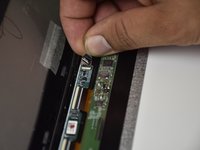
    • For the round cable underneath the smaller of the two pieces of tape, remove the cable by sliding it backwards.

    • Remove the other cable by pulling on the tape downwards and backwards.

  14. HP Envy x360 m6-aq103dx Display Replacement: 14 단계, 이미지 3개 중 1개 HP Envy x360 m6-aq103dx Display Replacement: 14 단계, 이미지 3개 중 2개 HP Envy x360 m6-aq103dx Display Replacement: 14 단계, 이미지 3개 중 3개
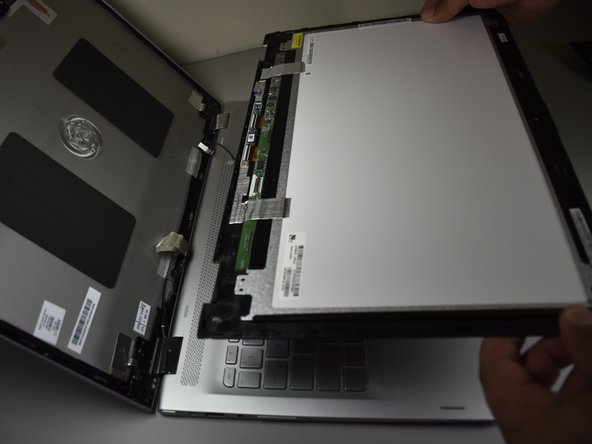
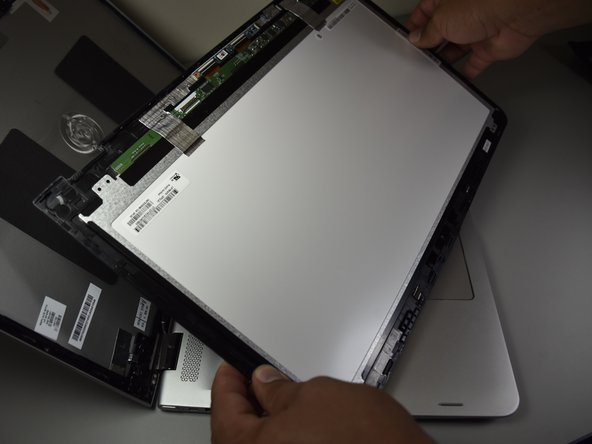
    • Lift the screen up with your hands.

결론

To reassemble your device, follow these instructions in reverse order.

다른 12명이 해당 안내서를 완성하였습니다.

작성자

3다른 기여자 명과 함께

Christopher Martinez

회원 가입일: 10/02/17

430 평판

안내서 1개를 작성함

Cal Poly, Team S4-G3, Livingston Fall 2017 Cal Poly, Team S4-G3, Livingston Fall 2017 회원

CPSU-LIVINGSTON-F17S4G3

4 회원들

안내서 9개를 작성함

8가이드 댓글

Thank you for this. I was getting REAL nervous as I got to the bottom portion of the screen. It really looks like the bottom is a separate panel (with screws under it) - Your photos assured me that it was not, so I gave it a little more and she came right off. Excellent work and photos!
[Only edit would be, no need to take the battery out, just disconnect]

Kyle B - 답글

Where can I get the screen to buy online please, I am from Africa

aholylier - 답글

Amazon or Ebay work. Just be sure your getting a screen with the proper resolution. You can inspect the connector to see what one you have if you dont know (the pin configuration is slightly diferent)

Kyle B - 답글

which resolution requires what pins

Chris Henrie -

do you know the part number of the display for this laptop?

Debbie Endara - 답글

댓글 쓰기

조회 통계:

지난 24시간: 1

지난 7일: 6

지난 30일: 40

전체 시간: 15,568