주요 콘텐츠로 건너뛰기
수리 커뮤니티 가입 - 계정 만들기

HP Pavilion G60-247CL Screen Replacement

필요한 것

  1. HP Pavilion G60-247CL Screen Replacement, Battery: 1 단계, 이미지 3개 중 1개 HP Pavilion G60-247CL Screen Replacement, Battery: 1 단계, 이미지 3개 중 2개 HP Pavilion G60-247CL Screen Replacement, Battery: 1 단계, 이미지 3개 중 3개
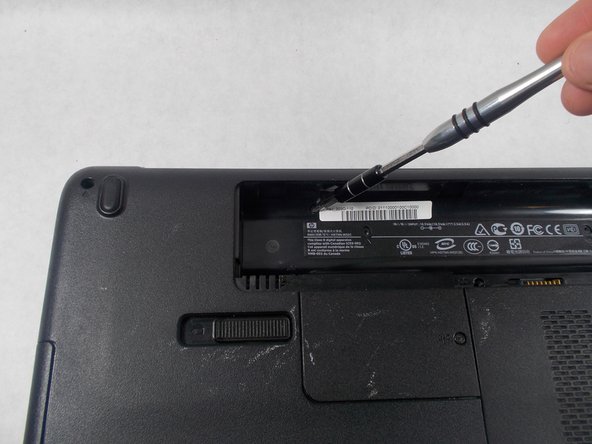
    • Press down and to the right on the battery lock slide.

    • Once slid over to the right the battery will pop up and out.

  2. HP Pavilion G60-247CL Screen Replacement, Screen: 2 단계, 이미지 1개 중 1개
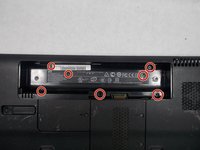
    • Remove the seven Phillips #1 screws from the back side of the laptop.

  3. HP Pavilion G60-247CL Screen Replacement: 3 단계, 이미지 2개 중 1개 HP Pavilion G60-247CL Screen Replacement: 3 단계, 이미지 2개 중 2개
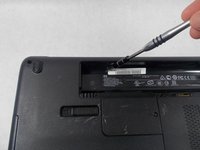
    • Remove the seven Phillips #0 screws from the battery compartment.

  4. HP Pavilion G60-247CL Screen Replacement: 4 단계, 이미지 3개 중 1개 HP Pavilion G60-247CL Screen Replacement: 4 단계, 이미지 3개 중 2개 HP Pavilion G60-247CL Screen Replacement: 4 단계, 이미지 3개 중 3개
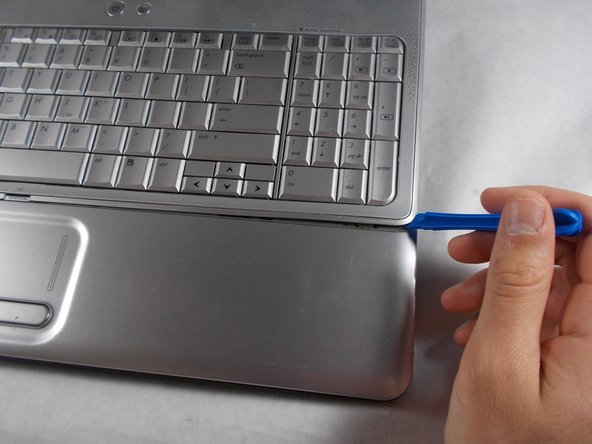
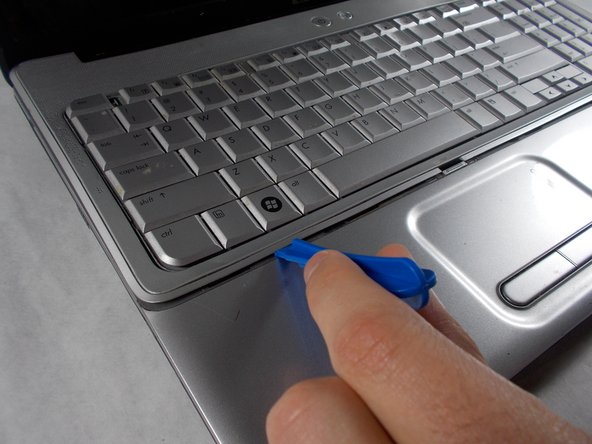
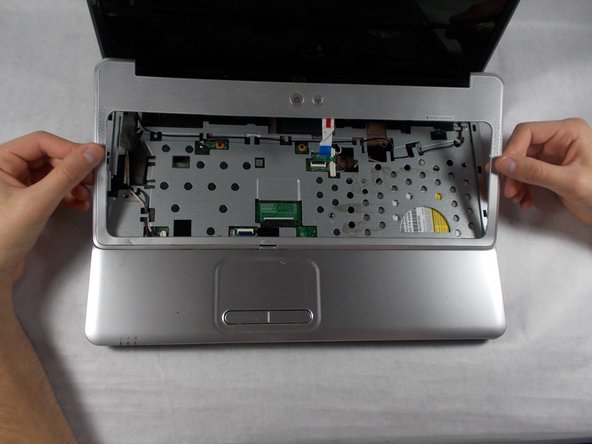
    • Turn the computer around to the front side.

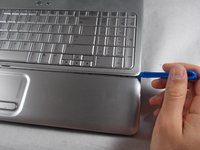
    • Using an opening tool, prop open the keyboard casing.

  5. HP Pavilion G60-247CL Screen Replacement: 5 단계, 이미지 3개 중 1개 HP Pavilion G60-247CL Screen Replacement: 5 단계, 이미지 3개 중 2개 HP Pavilion G60-247CL Screen Replacement: 5 단계, 이미지 3개 중 3개
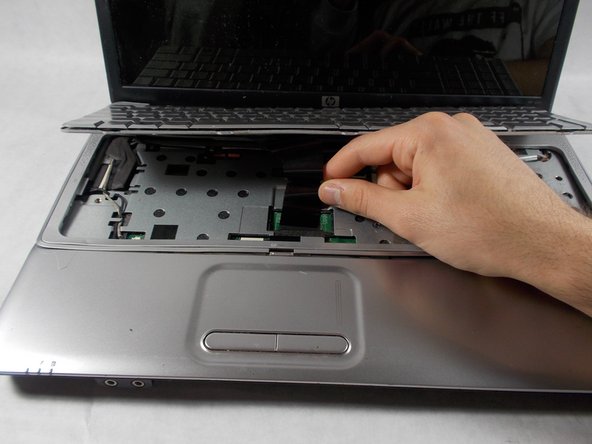
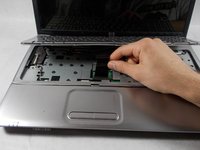
    • Carefully lift up the keyboard.

    • Gently pull up the connecting wire clip (located in the middle) to completely detach the keyboard.

  6. HP Pavilion G60-247CL Screen Replacement: 6 단계, 이미지 3개 중 1개 HP Pavilion G60-247CL Screen Replacement: 6 단계, 이미지 3개 중 2개 HP Pavilion G60-247CL Screen Replacement: 6 단계, 이미지 3개 중 3개
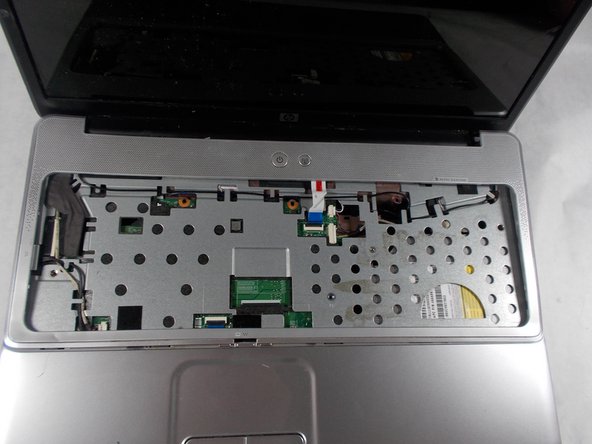
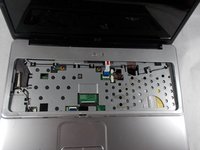
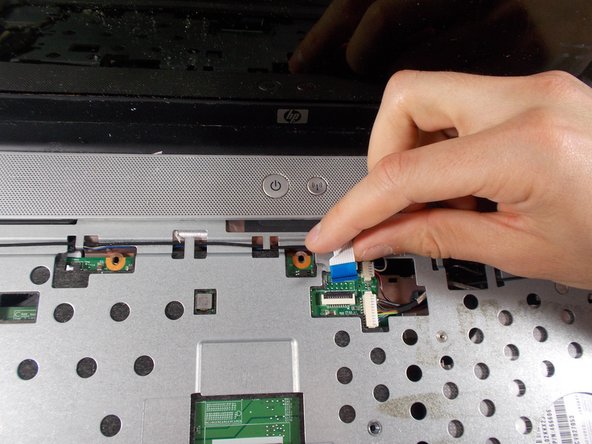
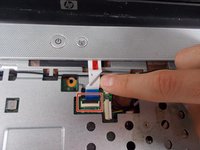
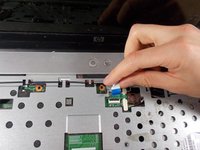
    • At the top right of the laptop there will be another wire clip holding the keyboard casing.

    • Carefully pull out the wire clip to fully detach the covering.

  7. HP Pavilion G60-247CL Screen Replacement: 7 단계, 이미지 2개 중 1개 HP Pavilion G60-247CL Screen Replacement: 7 단계, 이미지 2개 중 2개
    이 단계에 사용된 도구:
    Tweezers
    $4.99
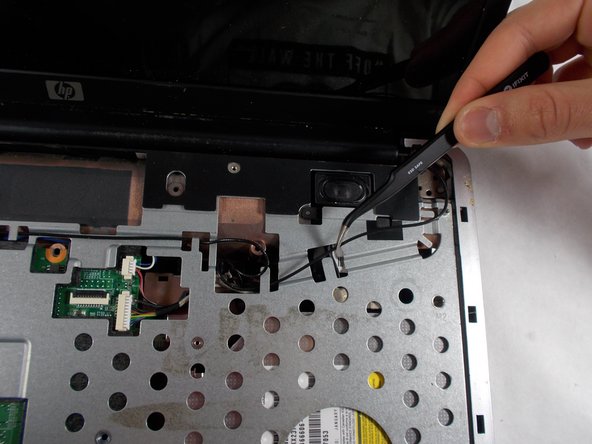
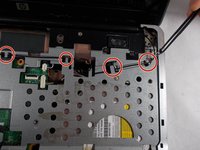
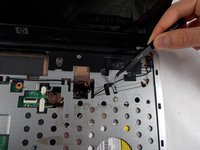
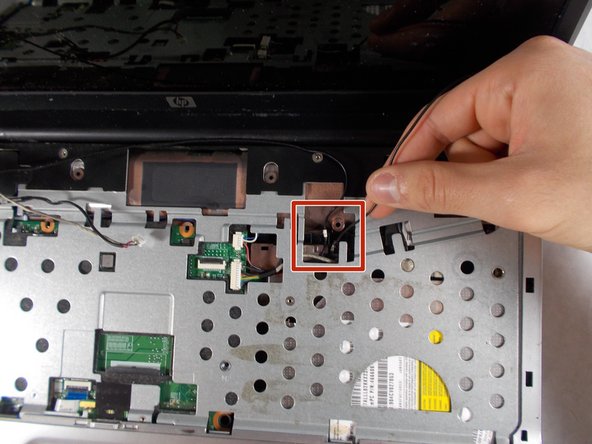
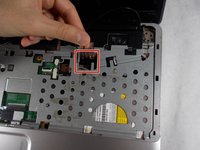
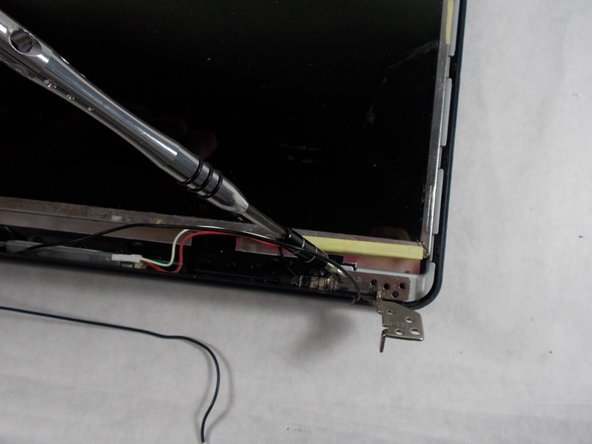
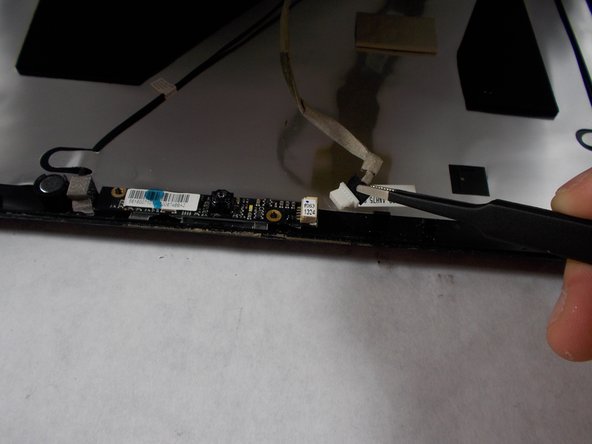
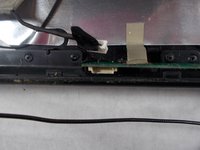
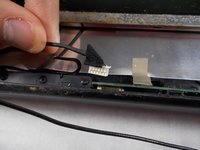
    • At the top right of the laptop remove the black wire from under the metal tabs using the tweezers.

  8. HP Pavilion G60-247CL Screen Replacement: 8 단계, 이미지 2개 중 1개 HP Pavilion G60-247CL Screen Replacement: 8 단계, 이미지 2개 중 2개
    • Remove the black wire from the top right corner by gently pulling outward.

  9. HP Pavilion G60-247CL Screen Replacement: 9 단계, 이미지 2개 중 1개 HP Pavilion G60-247CL Screen Replacement: 9 단계, 이미지 2개 중 2개
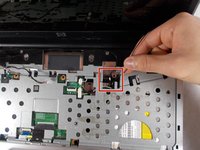
    • At the top left of the computer remove the black clip using the opening tool.

    • Push the opening tool to the right to pop out the clip.

  10. HP Pavilion G60-247CL Screen Replacement: 10 단계, 이미지 3개 중 1개 HP Pavilion G60-247CL Screen Replacement: 10 단계, 이미지 3개 중 2개 HP Pavilion G60-247CL Screen Replacement: 10 단계, 이미지 3개 중 3개
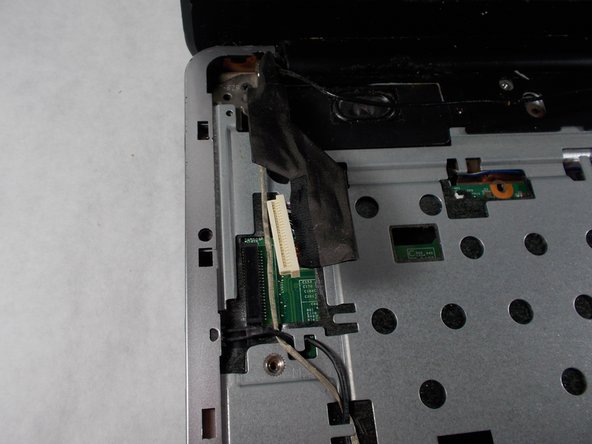
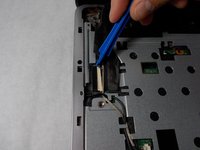
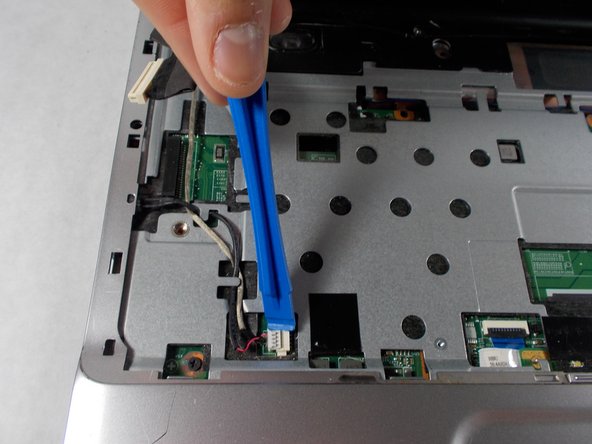
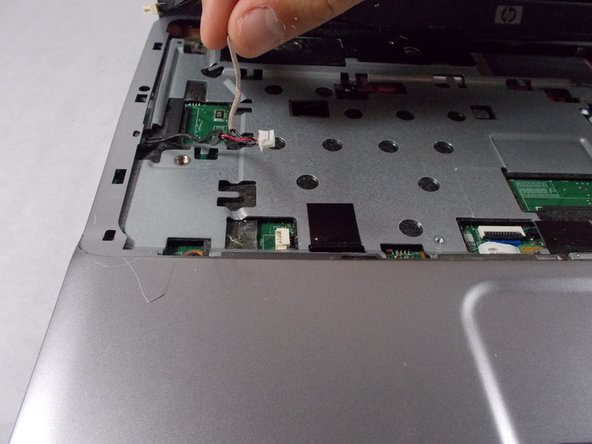
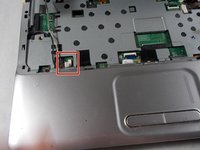
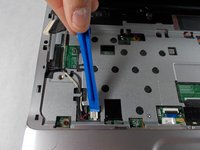
    • Locate at the bottom left of the computer a white clip.

    • Using an opening tool, prop out the white clip.

  11. HP Pavilion G60-247CL Screen Replacement: 11 단계, 이미지 2개 중 1개 HP Pavilion G60-247CL Screen Replacement: 11 단계, 이미지 2개 중 2개
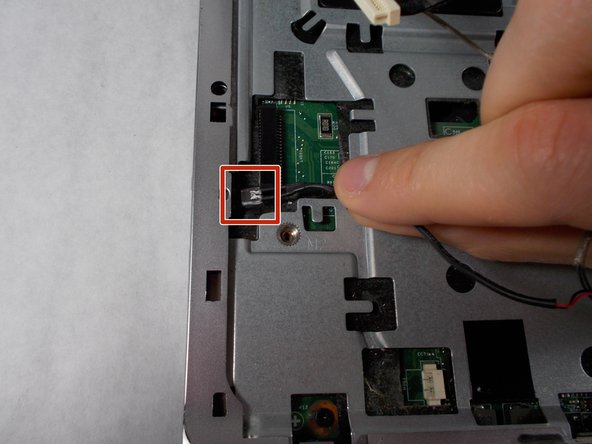
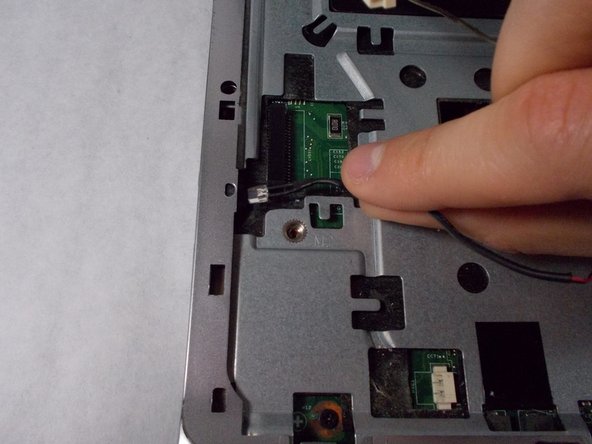
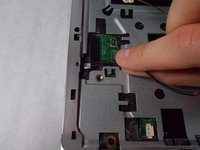
    • On the left side of the computer locate the black wire with the clear clip.

    • Gently pull the wire to the right to detach it.

  12. HP Pavilion G60-247CL Screen Replacement: 12 단계, 이미지 3개 중 1개 HP Pavilion G60-247CL Screen Replacement: 12 단계, 이미지 3개 중 2개 HP Pavilion G60-247CL Screen Replacement: 12 단계, 이미지 3개 중 3개
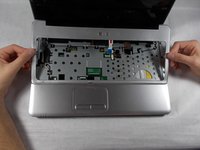
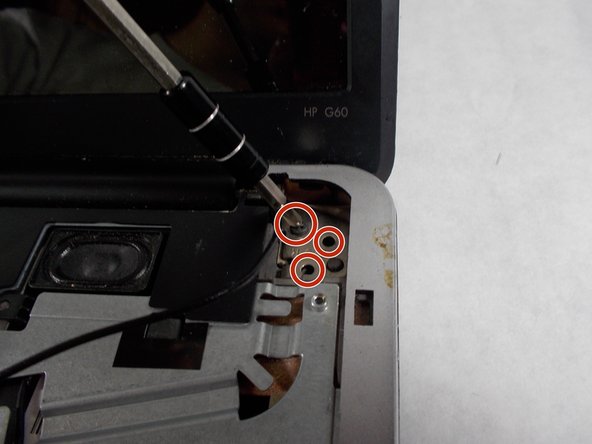
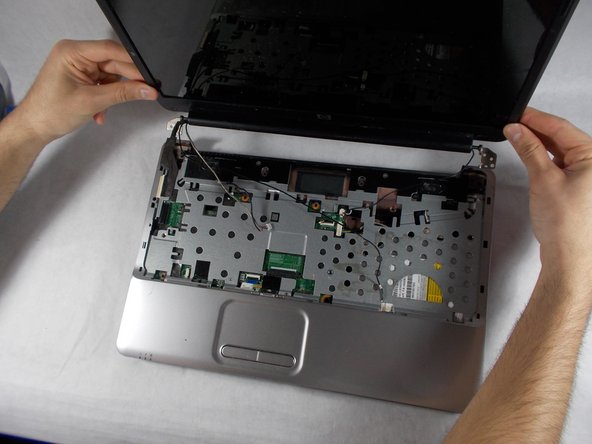
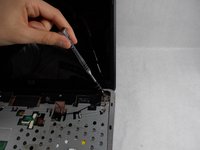
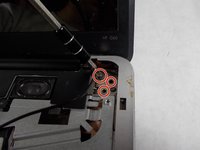
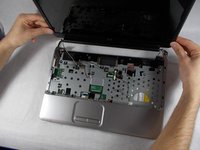
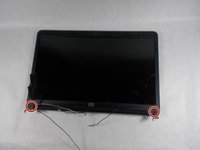
    • At the top corners of the computer, unscrew the three Phillips #0 screws.

    • Lift up the top half of the computer carefully.

  13. HP Pavilion G60-247CL Screen Replacement: 13 단계, 이미지 3개 중 1개 HP Pavilion G60-247CL Screen Replacement: 13 단계, 이미지 3개 중 2개 HP Pavilion G60-247CL Screen Replacement: 13 단계, 이미지 3개 중 3개
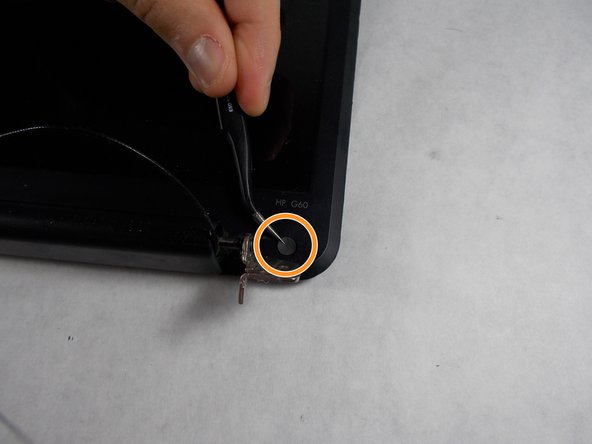
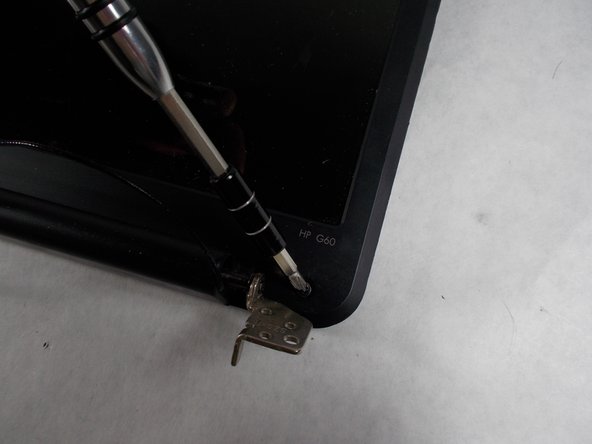
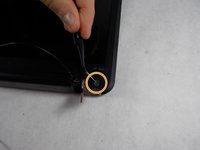
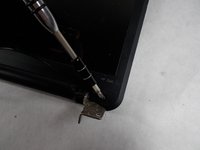
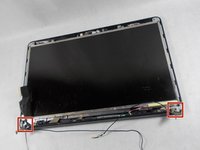
    • Locate the two screws at the bottom corners of the screen.

    • Using the tweezers remove the rubber black covering over the screw.

    • Remove the two Phillips #0 screws.

  14. HP Pavilion G60-247CL Screen Replacement: 14 단계, 이미지 3개 중 1개 HP Pavilion G60-247CL Screen Replacement: 14 단계, 이미지 3개 중 2개 HP Pavilion G60-247CL Screen Replacement: 14 단계, 이미지 3개 중 3개
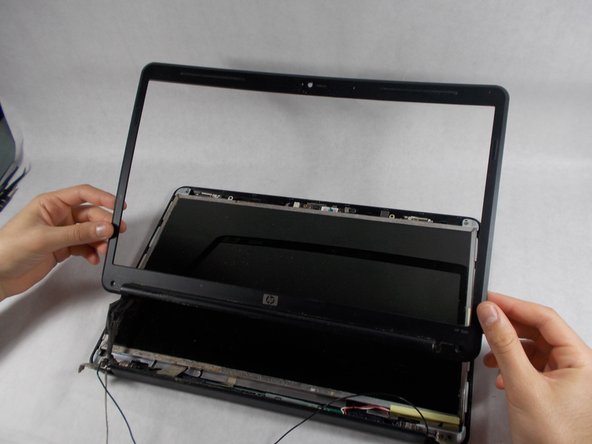
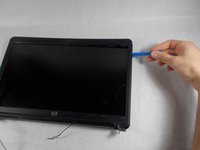
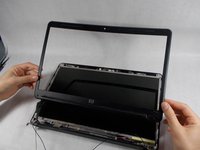
    • Using the opening tool, prop off the screen covering.

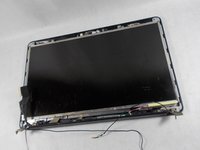
    • Remove the covering to expose the screen completely.

  15. HP Pavilion G60-247CL Screen Replacement: 15 단계, 이미지 3개 중 1개 HP Pavilion G60-247CL Screen Replacement: 15 단계, 이미지 3개 중 2개 HP Pavilion G60-247CL Screen Replacement: 15 단계, 이미지 3개 중 3개
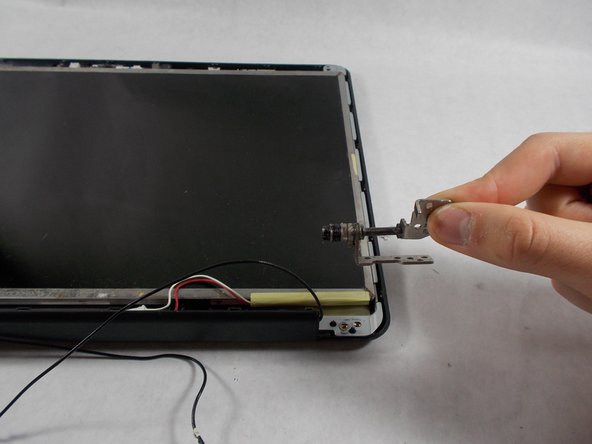
    • Remove the bottom two screen bearings.

    • Using a Phillips 1 screwdriver, remove the two screws on each side.

  16. HP Pavilion G60-247CL Screen Replacement: 16 단계, 이미지 2개 중 1개 HP Pavilion G60-247CL Screen Replacement: 16 단계, 이미지 2개 중 2개
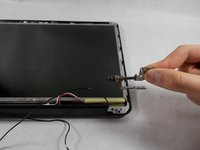
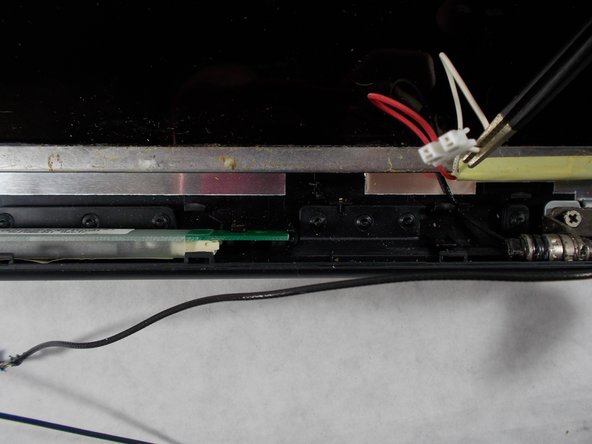
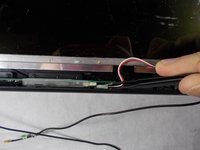
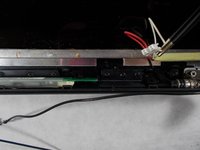
    • Using the tweezers remove the red and white wire from the bottom of the screen.

  17. HP Pavilion G60-247CL Screen Replacement: 17 단계, 이미지 2개 중 1개 HP Pavilion G60-247CL Screen Replacement: 17 단계, 이미지 2개 중 2개
    • Prop the screen up slightly.

    • Using the tweezers unclip the white wire.

  18. HP Pavilion G60-247CL Screen Replacement: 18 단계, 이미지 2개 중 1개 HP Pavilion G60-247CL Screen Replacement: 18 단계, 이미지 2개 중 2개
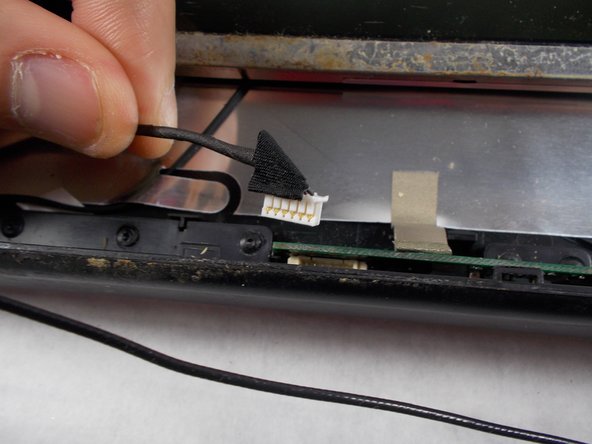
    • While the screen is still propped open, remove the black wire from the bottom middle of the screen by pulling gently.

  19. HP Pavilion G60-247CL Screen Replacement: 19 단계, 이미지 1개 중 1개
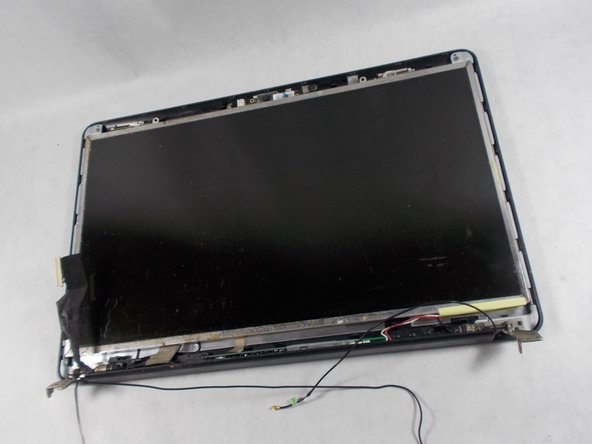
    • Remove the screen from the outer casing carefully.

결론

To reassemble your device, follow these instructions in reverse order.

작성자

9다른 기여자 명과 함께

Haley Matthews

회원 가입일: 03/12/18

517 평판

안내서 3개를 작성함

UMass Dartmouth, Team S4-G5, Covino Spring 2018 UMass Dartmouth, Team S4-G5, Covino Spring 2018 회원

UMASSD-COVINO-S18S4G5

3 회원들

안내서 5개를 작성함

0가이드 댓글

댓글 쓰기

조회 통계:

지난 24시간: 1

지난 7일: 4

지난 30일: 54

전체 시간: 585