주요 콘텐츠로 건너뛰기

HP Pavilion x360 14m-cd0003dx Touchpad Replacement

필요한 것

  1. HP Pavilion x360 14m-cd0003dx Touchpad Replacement, Battery: 1 단계, 이미지 1개 중 1개
    • Turn off the computer.

    • Disconnect the power cord and any external devices connected to the computer.

    • Make sure the device is completely turned off or else you may risk injury through electric shock.

  2. HP Pavilion x360 14m-cd0003dx Touchpad Replacement: 2 단계, 이미지 2개 중 1개 HP Pavilion x360 14m-cd0003dx Touchpad Replacement: 2 단계, 이미지 2개 중 2개
    • Flip the device so that the back plate of the laptop is up.

    • Use a Phillips #0 screwdriver to remove the four 6 mm Phillips screws from the bottom cover.

    • You might have to use a spudger to remove any rubber bezels that cover the screws.

    • Pry off the back cover with the spudger tool.

  3. HP Pavilion x360 14m-cd0003dx Touchpad Replacement: 3 단계, 이미지 3개 중 1개 HP Pavilion x360 14m-cd0003dx Touchpad Replacement: 3 단계, 이미지 3개 중 2개 HP Pavilion x360 14m-cd0003dx Touchpad Replacement: 3 단계, 이미지 3개 중 3개
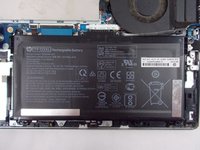
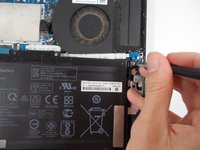
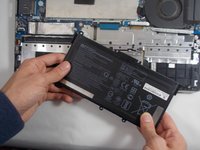
    • Remove the six 5 mm battery screws, and the battery can then be taken out.

  4. HP Pavilion x360 14m-cd0003dx Touchpad Replacement, Touchpad: 4 단계, 이미지 3개 중 1개 HP Pavilion x360 14m-cd0003dx Touchpad Replacement, Touchpad: 4 단계, 이미지 3개 중 2개 HP Pavilion x360 14m-cd0003dx Touchpad Replacement, Touchpad: 4 단계, 이미지 3개 중 3개
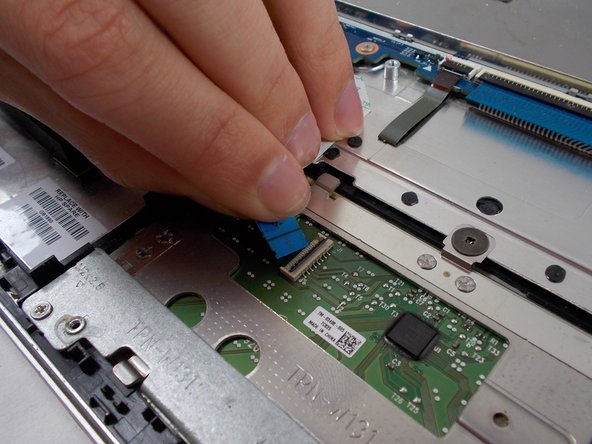
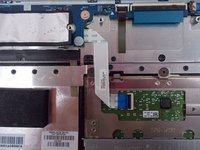
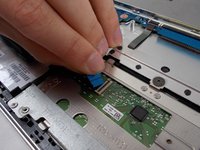
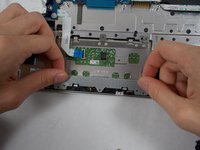
    • Lift the black tab on the ZIF connector, and gently pull the track pad ribbon cable free.

  5. HP Pavilion x360 14m-cd0003dx Touchpad Replacement: 5 단계, 이미지 3개 중 1개 HP Pavilion x360 14m-cd0003dx Touchpad Replacement: 5 단계, 이미지 3개 중 2개 HP Pavilion x360 14m-cd0003dx Touchpad Replacement: 5 단계, 이미지 3개 중 3개
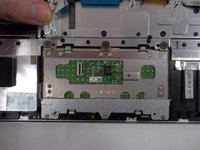
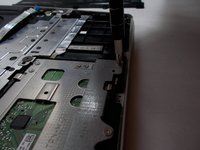
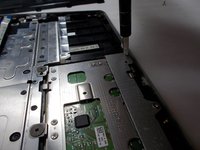
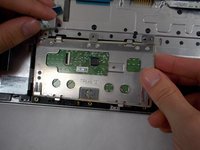
    • Use a Phillips Head Screwdriver to remove the bottom 3 screws (5 mm).

    • Remove the metal plate that secures the touch pad.

  6. HP Pavilion x360 14m-cd0003dx Touchpad Replacement: 6 단계, 이미지 2개 중 1개 HP Pavilion x360 14m-cd0003dx Touchpad Replacement: 6 단계, 이미지 2개 중 2개
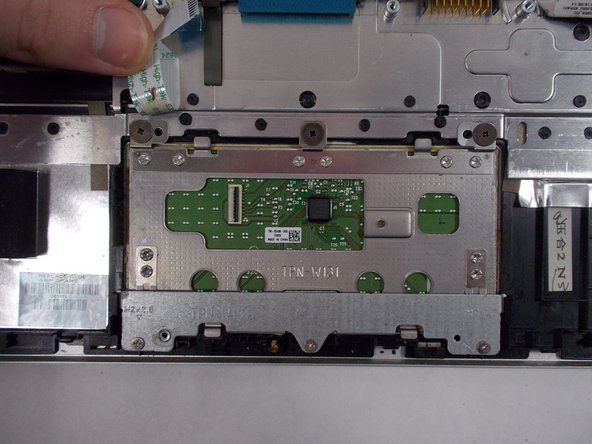
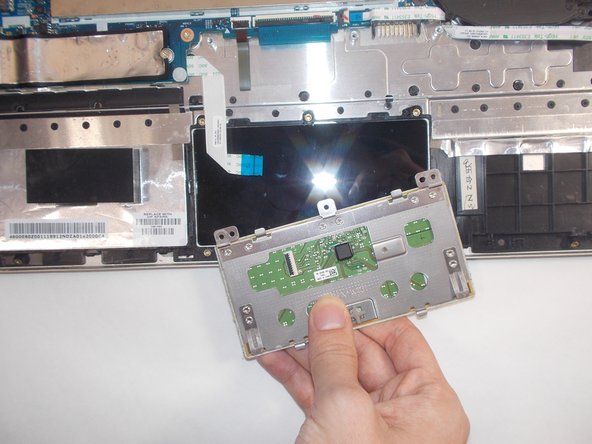
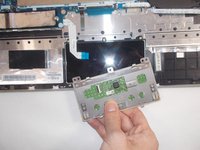
    • Use a Phillips Head Screwdriver to unscrew top 3 screws (5 mm).

    • Remove touch pad.

결론

To reassemble your device, follow these instructions in reverse order.

작성자

3다른 기여자 명과 함께

Elijah Jope

회원 가입일: 03/22/22

379 평판

안내서 3개를 작성함

UMass Dartmouth, Team 7-4, Sinclaire Spring 2022 UMass Dartmouth, Team 7-4, Sinclaire Spring 2022 회원

UMASSD-SINCLAIRE-S22S7G4

6 회원들

안내서 6개를 작성함

0가이드 댓글

댓글 쓰기

조회 통계:

지난 24시간: 0

지난 7일: 3

지난 30일: 17

전체 시간: 544