주요 콘텐츠로 건너뛰기

HP Pavilion x360 Convertible 14-dw1025nr Battery Replacement

필요한 것

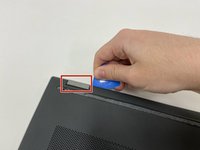
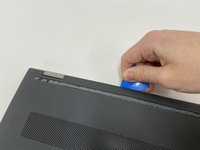
  1. HP Pavilion x360 Convertible 14-dw1025nr Battery Replacement, Battery: 1 단계, 이미지 3개 중 1개 HP Pavilion x360 Convertible 14-dw1025nr Battery Replacement, Battery: 1 단계, 이미지 3개 중 2개 HP Pavilion x360 Convertible 14-dw1025nr Battery Replacement, Battery: 1 단계, 이미지 3개 중 3개
    • Turn off the device and set it upside down. Orient the hinges away from you.

    • Wedge the opening pick under the grip. Lift the end of the grip.

    • Pull the grip off all the way. Repeat for the second grip.

  2. HP Pavilion x360 Convertible 14-dw1025nr Battery Replacement: 2 단계, 이미지 3개 중 1개 HP Pavilion x360 Convertible 14-dw1025nr Battery Replacement: 2 단계, 이미지 3개 중 2개 HP Pavilion x360 Convertible 14-dw1025nr Battery Replacement: 2 단계, 이미지 3개 중 3개
    • Use a Phillips #0 screwdriver to remove the 3 mm screw from the center bottom.

    • Use a Phillips #1 screwdriver to remove the 6 mm screw from all four corners of the bottom cover.

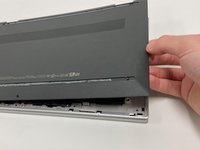
  3. HP Pavilion x360 Convertible 14-dw1025nr Battery Replacement: 3 단계, 이미지 3개 중 1개 HP Pavilion x360 Convertible 14-dw1025nr Battery Replacement: 3 단계, 이미지 3개 중 2개 HP Pavilion x360 Convertible 14-dw1025nr Battery Replacement: 3 단계, 이미지 3개 중 3개
    • Use the opening pick to separate the back panel from the device.

    • Begin near the hinge and carefully follow the perimeter until you have taken the pick around all four sides.

    • The back panel will come loose once the pick has been around the whole edge of the device.

    • Lift the panel off.

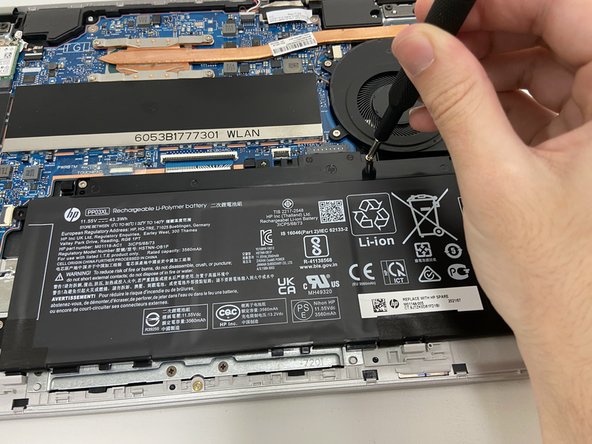
  4. HP Pavilion x360 Convertible 14-dw1025nr Battery Replacement: 4 단계, 이미지 2개 중 1개 HP Pavilion x360 Convertible 14-dw1025nr Battery Replacement: 4 단계, 이미지 2개 중 2개
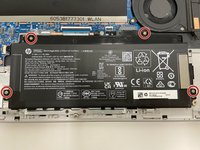
    • Use a Phillips #1 screwdriver to remove all four of the 4 mm screws that secure each corner of the battery.

  5. HP Pavilion x360 Convertible 14-dw1025nr Battery Replacement: 5 단계, 이미지 3개 중 1개 HP Pavilion x360 Convertible 14-dw1025nr Battery Replacement: 5 단계, 이미지 3개 중 2개 HP Pavilion x360 Convertible 14-dw1025nr Battery Replacement: 5 단계, 이미지 3개 중 3개
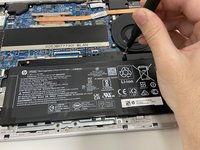
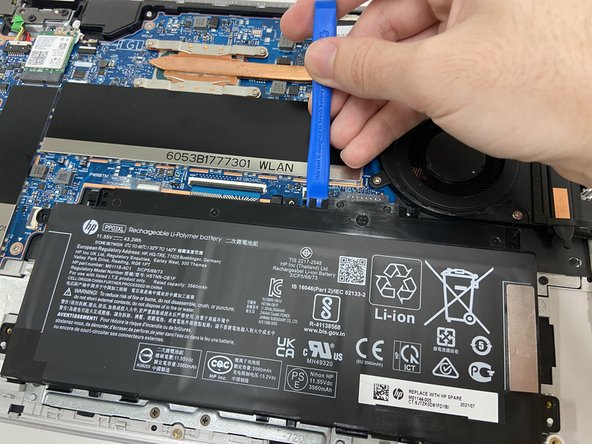
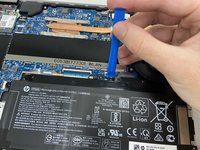
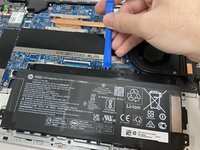
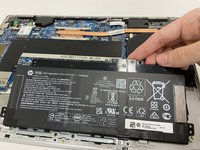
    • Use the opening tool near the connector to gently apply pressure and lift the battery away from the device.

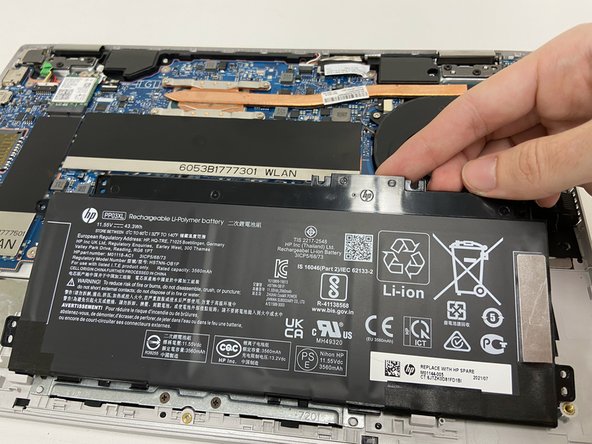
    • Once loose, lift the battery from the connector side to separate it from the device.

    • The stabilizer for the battery (small black part held in by the top left screw) may come loose. Leave the part in its original position.

결론

To reassemble your device, follow these instructions in reverse order.

작성자

4다른 기여자 명과 함께

Jordan Oldenburg

회원 가입일: 09/16/22

221 평판

안내서 1개를 작성함

1가이드 댓글

Guide is also useful for HP Envy x360 convertible! There is just two more T2 screws in step 1. Also there is a cable next to the battery which is run alongside the battery. This has to be removed carefully before swapping it out.

Sebastian Wohlrab - 답글

댓글 쓰기

조회 통계:

지난 24시간: 0

지난 7일: 8

지난 30일: 22

전체 시간: 779