주요 콘텐츠로 건너뛰기

HP Pavilion ze5000 Keyboard Replacement

필요한 것

  1. HP Pavilion ze5000 Keyboard Replacement, Keyboard: 1 단계, 이미지 3개 중 1개 HP Pavilion ze5000 Keyboard Replacement, Keyboard: 1 단계, 이미지 3개 중 2개 HP Pavilion ze5000 Keyboard Replacement, Keyboard: 1 단계, 이미지 3개 중 3개
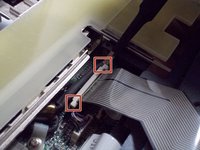
    • Remove the two 5mm Phillips #0 screws from the hinges

  2. HP Pavilion ze5000 Keyboard Replacement: 2 단계, 이미지 2개 중 1개 HP Pavilion ze5000 Keyboard Replacement: 2 단계, 이미지 2개 중 2개
    이 단계에 사용된 도구:
    Tweezers
    $4.99
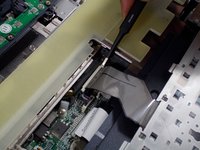
    • Open the device as if you were going to use the device. Using Tweezers, pry the hinges from underneath the screen

    • Not much force is needed to pull the hinges off once the tweezers are properly positioned

  3. HP Pavilion ze5000 Keyboard Replacement: 3 단계, 이미지 2개 중 1개 HP Pavilion ze5000 Keyboard Replacement: 3 단계, 이미지 2개 중 2개
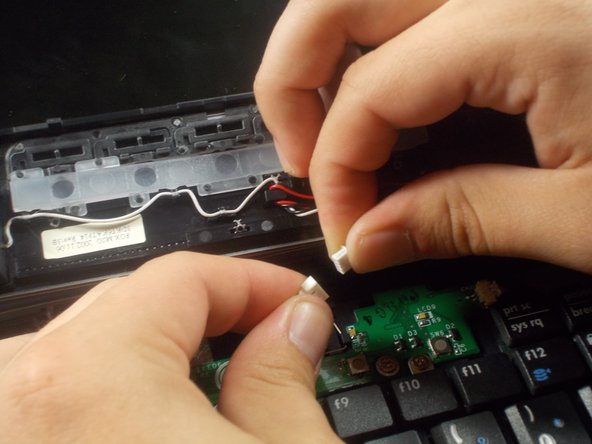
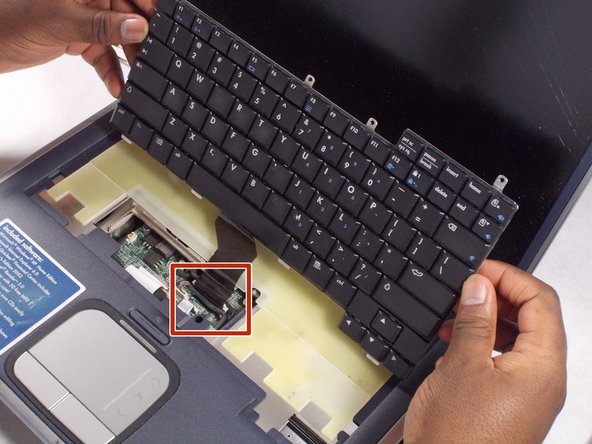
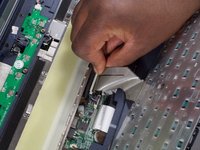
    • Remove the wire connection by gently pulling on the fuse and connection itself.

    • Do not pull on the wires, as this can remove the wires from the connection, destroying the fuse.

  4. HP Pavilion ze5000 Keyboard Replacement: 4 단계, 이미지 3개 중 1개 HP Pavilion ze5000 Keyboard Replacement: 4 단계, 이미지 3개 중 2개 HP Pavilion ze5000 Keyboard Replacement: 4 단계, 이미지 3개 중 3개
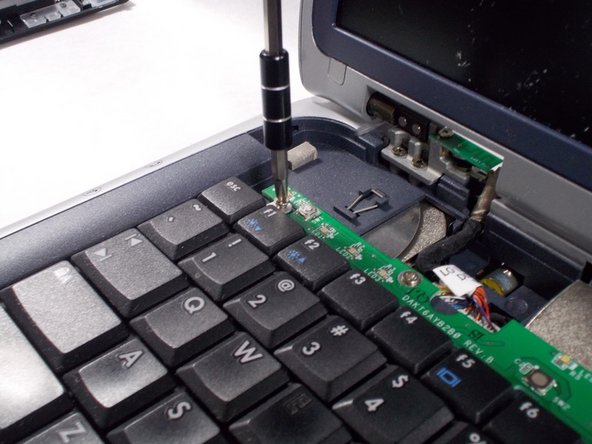
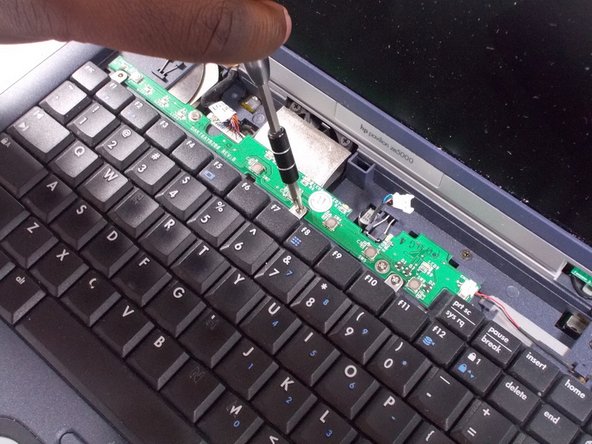
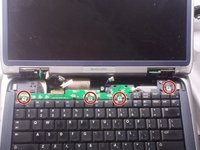
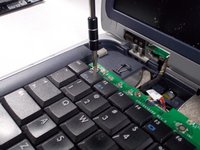
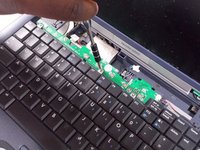
    • Remove the four 4.0 mm Phillips #0 connecting the keyboard to the frame

  5. HP Pavilion ze5000 Keyboard Replacement: 5 단계, 이미지 2개 중 1개 HP Pavilion ze5000 Keyboard Replacement: 5 단계, 이미지 2개 중 2개
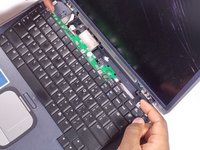
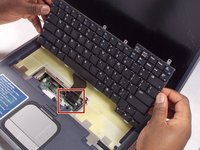
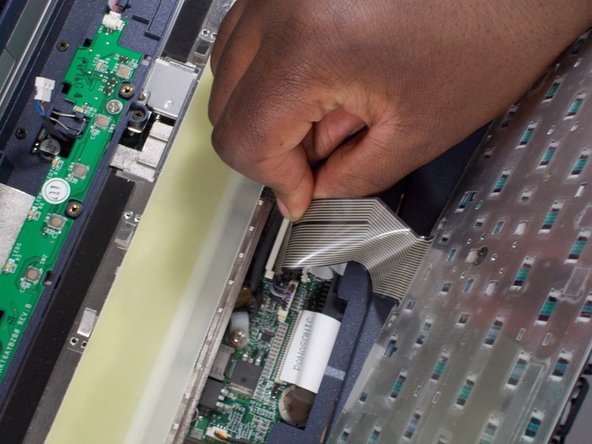
    • Gently lift the keyboard up from the frame so that you can see the ribbon still connected.

  6. HP Pavilion ze5000 Keyboard Replacement: 6 단계, 이미지 3개 중 1개 HP Pavilion ze5000 Keyboard Replacement: 6 단계, 이미지 3개 중 2개 HP Pavilion ze5000 Keyboard Replacement: 6 단계, 이미지 3개 중 3개
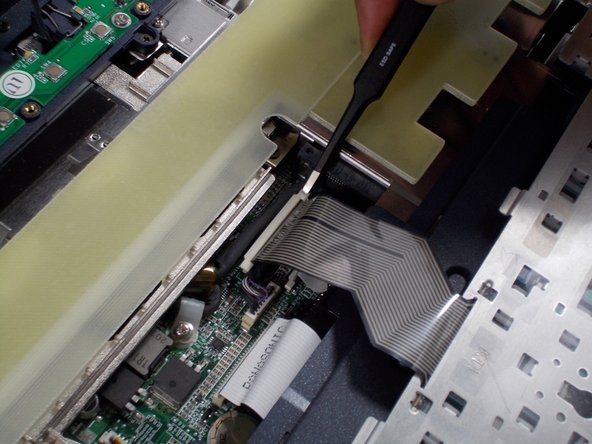
    • Remove the ribbon by gently pulling up the ends of the white receiver it is inserted in to.

    • You may need to use tweezers for this part.

    • During reassembly, when inserting the ribbon, you will hear a quiet, clicking sound when pushing down on the ends of the receiver. Hearing this ensures the ribbon is in place.

결론

To reassemble your device, follow these instructions in reverse order starting at step 5.

다른 한 분이 해당 안내서를 완성하였습니다.

작성자

2다른 기여자 명과 함께

Eric Beaudry

회원 가입일: 03/06/18

823 평판

안내서 3개를 작성함

UMass Dartmouth, Team S2-G7, Bernier Spring 2018 UMass Dartmouth, Team S2-G7, Bernier Spring 2018 회원

UMASSD-BERNIER-S18S2G7

2 회원들

안내서 4개를 작성함

0가이드 댓글

댓글 쓰기

조회 통계:

지난 24시간: 0

지난 7일: 2

지난 30일: 9

전체 시간: 263