주요 콘텐츠로 건너뛰기

HP Stream 13-c110nr Motherboard Replacement

필요한 것

  1. HP Stream 13-c110nr Motherboard Replacement, Keyboard Assembly: 1 단계, 이미지 1개 중 1개
    • Close the device.

    • Remove AC adapter plug from electrical outlet.

    • Remove AC adapter from device.

    • Turn the device off.

    • Unplug all external devices from device.

    • If you are unsure whether the computer is off or in hibernation mode, start the computer and then shutdown the operating system.

  2. HP Stream 13-c110nr Motherboard Replacement: 2 단계, 이미지 1개 중 1개
    • Turn the device upside down with the back facing towards you.

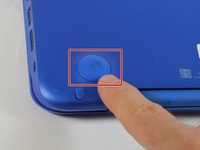
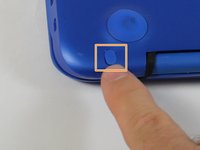
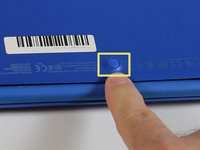
  3. HP Stream 13-c110nr Motherboard Replacement: 3 단계, 이미지 3개 중 1개 HP Stream 13-c110nr Motherboard Replacement: 3 단계, 이미지 3개 중 2개 HP Stream 13-c110nr Motherboard Replacement: 3 단계, 이미지 3개 중 3개
    • Use a pick to remove the two (2) large computer feet along the back edge of the device.

    • Use a pick to remove the two (2) small computer feet.

    • Use a pick to remove the one (1) screw cover.

    • Place rubber computer feet in safe place for reassembly.

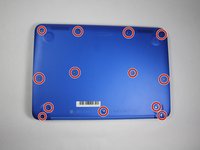
  4. HP Stream 13-c110nr Motherboard Replacement: 4 단계, 이미지 3개 중 1개 HP Stream 13-c110nr Motherboard Replacement: 4 단계, 이미지 3개 중 2개 HP Stream 13-c110nr Motherboard Replacement: 4 단계, 이미지 3개 중 3개
    이 단계에 사용된 도구:
    Magnetic Project Mat
    $19.95
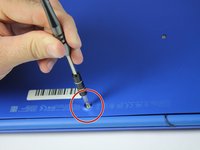
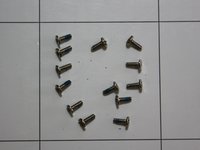
    • Remove the thirteen (13) Phillips P0 PM2.5x6.0 mm screws.

    • Place the thirteen (13) screws on magnetic mat for reassembly.

  5. HP Stream 13-c110nr Motherboard Replacement: 5 단계, 이미지 1개 중 1개
    • Turn the device over with the front facing towards you.

    • Open the device as shown.

  6. HP Stream 13-c110nr Motherboard Replacement: 6 단계, 이미지 3개 중 1개 HP Stream 13-c110nr Motherboard Replacement: 6 단계, 이미지 3개 중 2개 HP Stream 13-c110nr Motherboard Replacement: 6 단계, 이미지 3개 중 3개
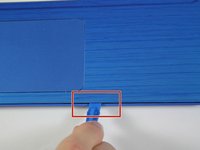
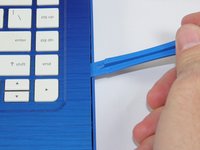
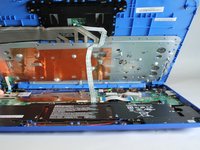
    • Insert the Spudger between the Top Cover and Bottom Cover to lift the front edge until it separates from the Bottom Cover.

    • Do not completely remove the Keyboard/Top cover from the Bottom cover yet.

  7. HP Stream 13-c110nr Motherboard Replacement: 7 단계, 이미지 1개 중 1개
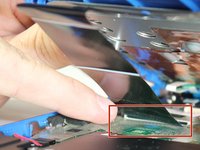
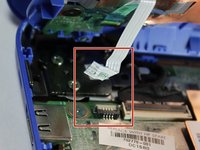
    • Disconnect the Touchpad cable.

  8. HP Stream 13-c110nr Motherboard Replacement: 8 단계, 이미지 2개 중 1개 HP Stream 13-c110nr Motherboard Replacement: 8 단계, 이미지 2개 중 2개
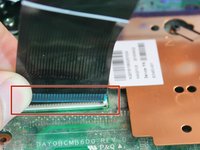
    • Disconnect the Keyboard Cable.

  9. HP Stream 13-c110nr Motherboard Replacement: 9 단계, 이미지 2개 중 1개 HP Stream 13-c110nr Motherboard Replacement: 9 단계, 이미지 2개 중 2개
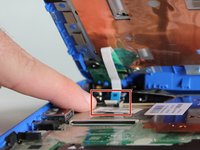
    • Disconnect the Power connector cable.

  10. HP Stream 13-c110nr Motherboard Replacement: 10 단계, 이미지 1개 중 1개
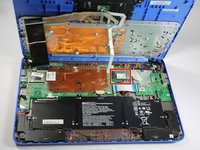
    • Remove the Keyboard/Top Cover from the device.

  11. HP Stream 13-c110nr Motherboard Replacement, WLAN Module: 11 단계, 이미지 2개 중 1개 HP Stream 13-c110nr Motherboard Replacement, WLAN Module: 11 단계, 이미지 2개 중 2개
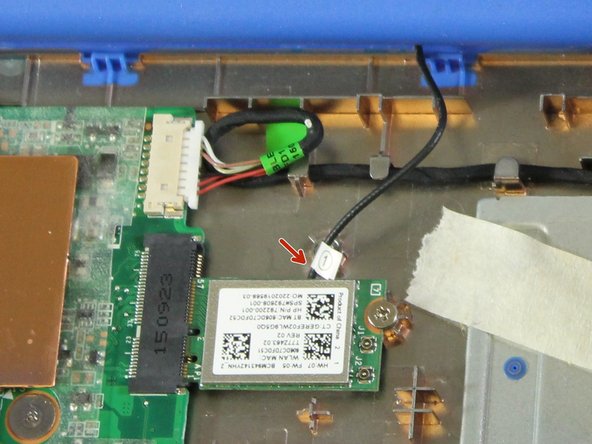
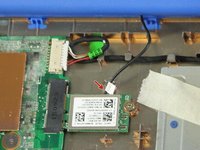
    • Disconnect the WLAN antenna cable from the WLAN module.

  12. HP Stream 13-c110nr Motherboard Replacement: 12 단계, 이미지 1개 중 1개
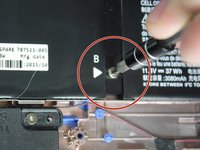
    • Remove one (1) Phillips P0 PM2.0x3.0 mm screw.

    • Place one (1) screw on magnetic mat for reassembly.

  13. HP Stream 13-c110nr Motherboard Replacement: 13 단계, 이미지 1개 중 1개
    • Remove the WLAN Module from device.

  14. HP Stream 13-c110nr Motherboard Replacement, Battery Assembly: 14 단계, 이미지 2개 중 1개 HP Stream 13-c110nr Motherboard Replacement, Battery Assembly: 14 단계, 이미지 2개 중 2개
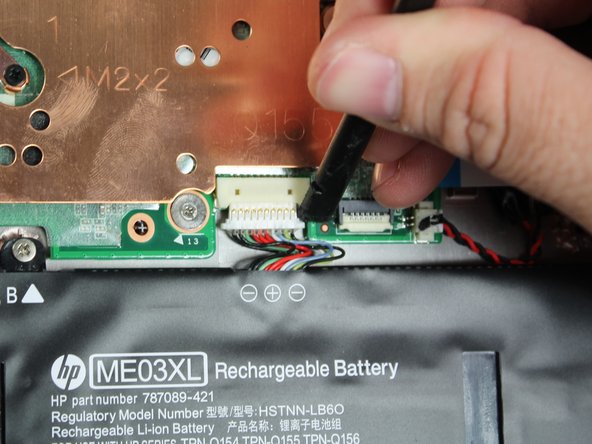
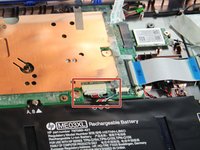
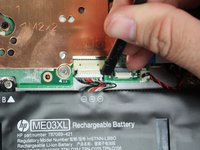
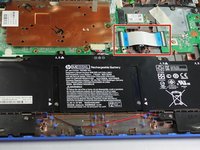
    • Use a pick to detach the Battery assembly cable.

  15. HP Stream 13-c110nr Motherboard Replacement: 15 단계, 이미지 2개 중 1개 HP Stream 13-c110nr Motherboard Replacement: 15 단계, 이미지 2개 중 2개
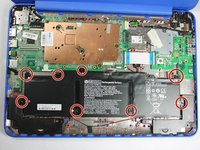
    • Remove eight (8) Phillips P0 PM2.0x3.0 mm screws from Battery assembly.

    • Place eight (8) screws on magnetic mat for reassembly.

  16. HP Stream 13-c110nr Motherboard Replacement: 16 단계, 이미지 1개 중 1개
    • Remove Battery Assembly from device.

  17. HP Stream 13-c110nr Motherboard Replacement, USB/Card Reader Board: 17 단계, 이미지 2개 중 1개 HP Stream 13-c110nr Motherboard Replacement, USB/Card Reader Board: 17 단계, 이미지 2개 중 2개
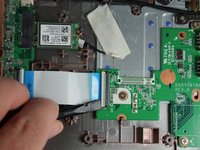
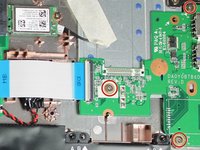
    • Use a pick to disconnect the USB/Card Reader cable from the System Board.

  18. HP Stream 13-c110nr Motherboard Replacement: 18 단계, 이미지 2개 중 1개 HP Stream 13-c110nr Motherboard Replacement: 18 단계, 이미지 2개 중 2개
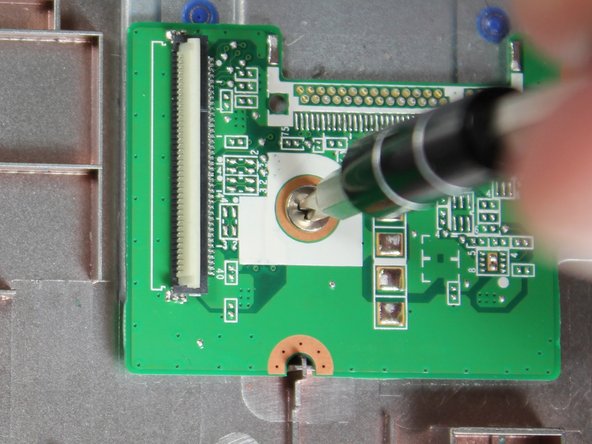
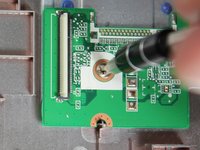
    • Remove three (3) Phillips P0 PM2.0x3.0 mm screws.

    • Place three (3) screws on magnetic mat for reassembly.

  19. HP Stream 13-c110nr Motherboard Replacement: 19 단계, 이미지 2개 중 1개 HP Stream 13-c110nr Motherboard Replacement: 19 단계, 이미지 2개 중 2개
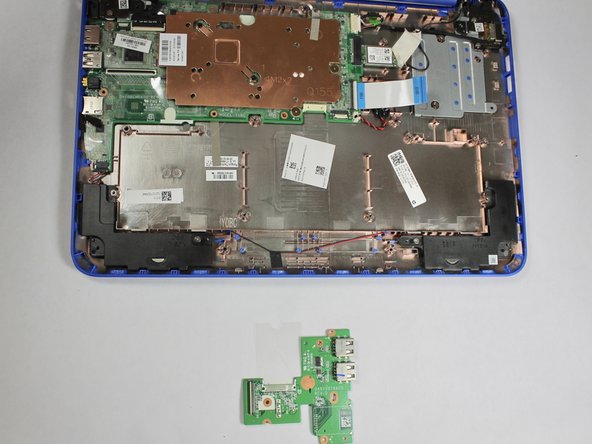
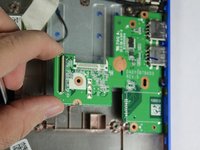
    • Remove the USB/Card Reader board assembly from the device.

  20. HP Stream 13-c110nr Motherboard Replacement, Heat Sink: 20 단계, 이미지 2개 중 1개 HP Stream 13-c110nr Motherboard Replacement, Heat Sink: 20 단계, 이미지 2개 중 2개
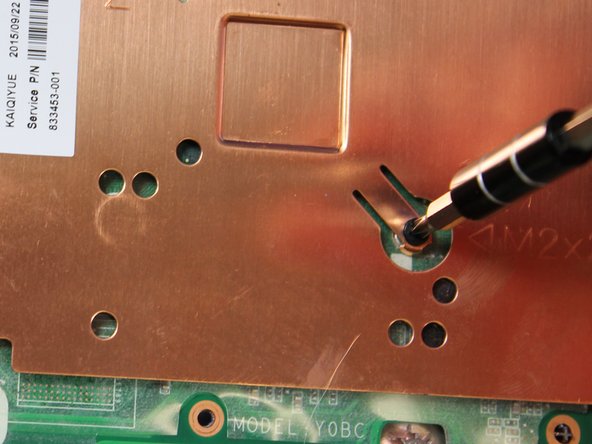
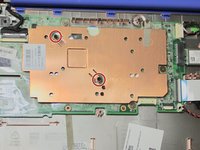
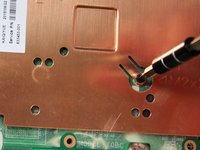
    • Remove two (2) Phillips P0 PM2.0x2.0 mm screws.

    • Place two (2) screws on magnetic mat for reassembly.

  21. HP Stream 13-c110nr Motherboard Replacement: 21 단계, 이미지 1개 중 1개
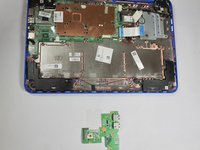
    • Remove the Heat Sink from the System Board.

  22. HP Stream 13-c110nr Motherboard Replacement, Motherboard: 22 단계, 이미지 1개 중 1개
    • Disconnect the Display Cable.

  23. HP Stream 13-c110nr Motherboard Replacement: 23 단계, 이미지 2개 중 1개 HP Stream 13-c110nr Motherboard Replacement: 23 단계, 이미지 2개 중 2개
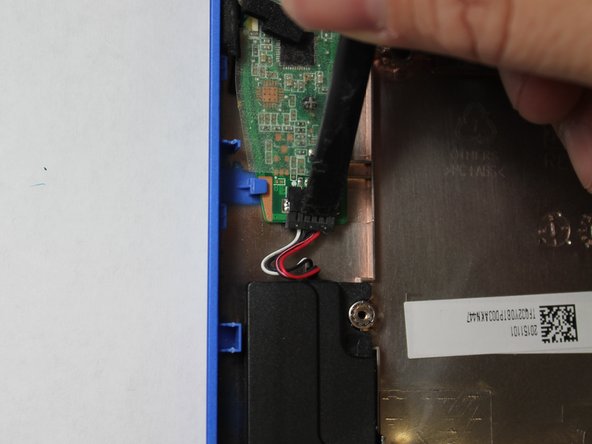
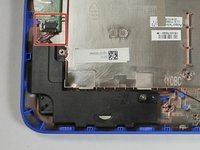
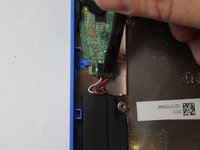
    • Disconnect the Speaker Cable.

  24. HP Stream 13-c110nr Motherboard Replacement: 24 단계, 이미지 3개 중 1개 HP Stream 13-c110nr Motherboard Replacement: 24 단계, 이미지 3개 중 2개 HP Stream 13-c110nr Motherboard Replacement: 24 단계, 이미지 3개 중 3개
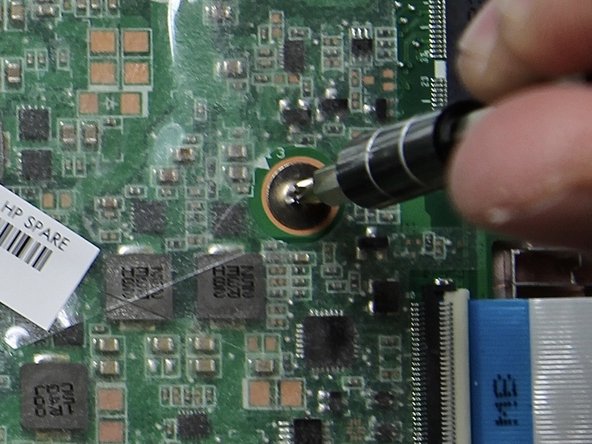
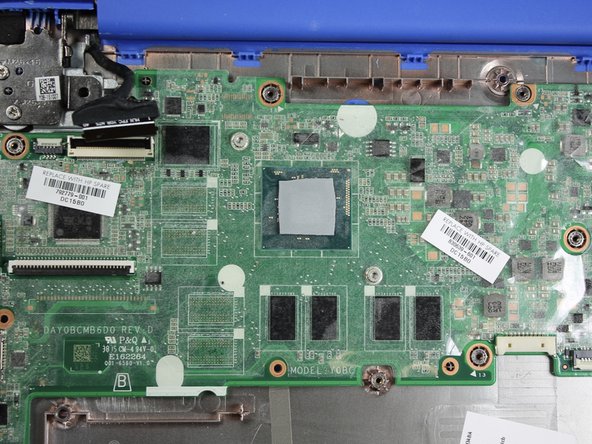
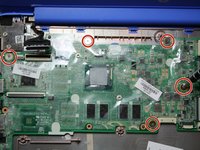
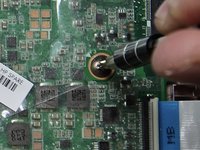
    • Remove five (5) Phillips P0 PM2.5x3.0 mm screws from System Board assembly.

    • Place five (5) screws on magnetic mat for reassembly.

  25. HP Stream 13-c110nr Motherboard Replacement: 25 단계, 이미지 2개 중 1개 HP Stream 13-c110nr Motherboard Replacement: 25 단계, 이미지 2개 중 2개
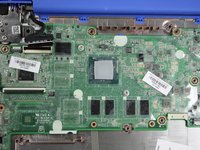
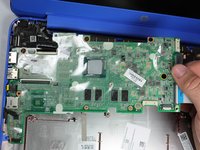
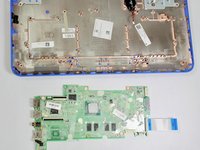
    • Lift the right side of the System Board and slide it from the device.

결론

To reassemble your device, follow these instructions in reverse order.

작성자

4다른 기여자 명과 함께

Stacey Deel

회원 가입일: 01/31/19

1,147 평판

안내서 9개를 작성함

0가이드 댓글

댓글 쓰기

조회 통계:

지난 24시간: 1

지난 7일: 2

지난 30일: 13

전체 시간: 647