주요 콘텐츠로 건너뛰기

HTC Maple 100 Trackball Replacement

필요한 것

  1. HTC Maple 100 Trackball Replacement, Battery: 1 단계, 이미지 1개 중 1개
    • First remove the back cover of your phone to expose the battery.

  2. HTC Maple 100 Trackball Replacement: 2 단계, 이미지 1개 중 1개
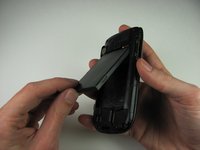
    • Turn the phone over.

    • Push forward on the battery with your thumb.

  3. HTC Maple 100 Trackball Replacement: 3 단계, 이미지 2개 중 1개 HTC Maple 100 Trackball Replacement: 3 단계, 이미지 2개 중 2개
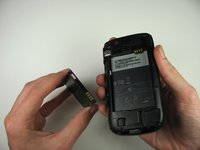
    • Take the battery out by lifting it upwards.

    • When reassembling, make sure that the battery contacts match up.

  4. HTC Maple 100 Trackball Replacement, Back Panel: 4 단계, 이미지 2개 중 1개 HTC Maple 100 Trackball Replacement, Back Panel: 4 단계, 이미지 2개 중 2개
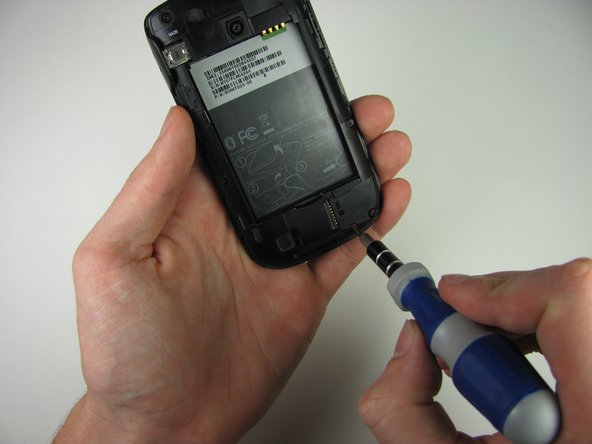
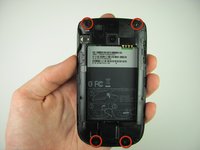
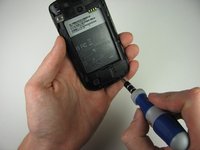
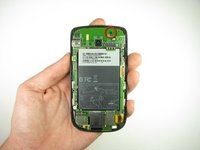
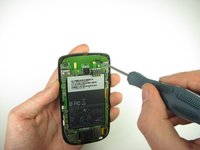
    • Remove the four 4.9mm T6 Torx screws that secure the back panel to the rest of the phone.

  5. HTC Maple 100 Trackball Replacement: 5 단계, 이미지 1개 중 1개
    • Remove the two 4.3mm Phillips #00 screws that secure the back panel to the rest of the phone.

  6. HTC Maple 100 Trackball Replacement: 6 단계, 이미지 3개 중 1개 HTC Maple 100 Trackball Replacement: 6 단계, 이미지 3개 중 2개 HTC Maple 100 Trackball Replacement: 6 단계, 이미지 3개 중 3개
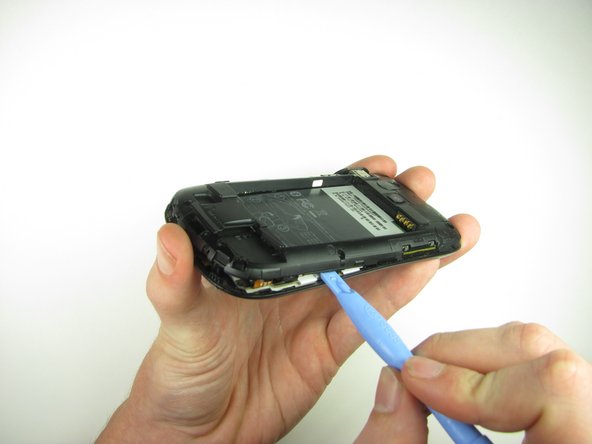
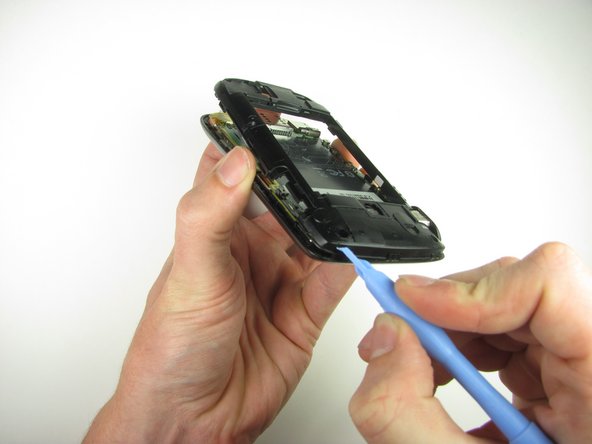
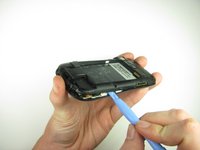
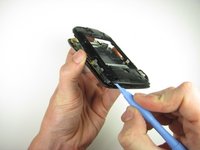
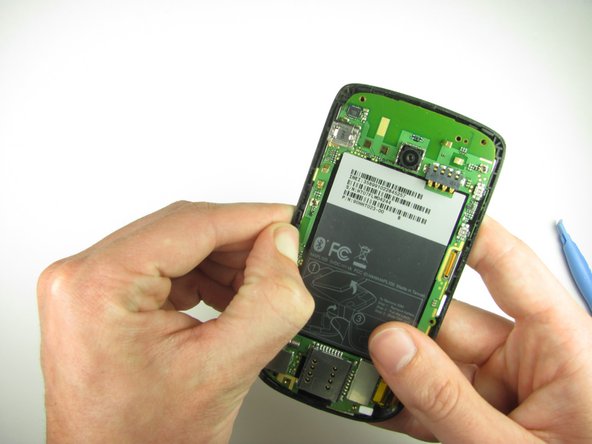
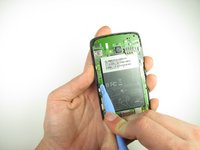
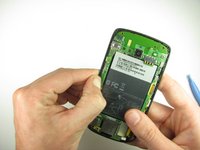
    • Insert the plastic opening tool along the seams at different points to it pry the clips off.

    • This may require a bit of force. The USB port cover may fall off in this step.

  7. HTC Maple 100 Trackball Replacement, Motherboard: 7 단계, 이미지 2개 중 1개 HTC Maple 100 Trackball Replacement, Motherboard: 7 단계, 이미지 2개 중 2개
    • Remove the one 3.3mm Phillips #00 screw.

  8. HTC Maple 100 Trackball Replacement: 8 단계, 이미지 2개 중 1개 HTC Maple 100 Trackball Replacement: 8 단계, 이미지 2개 중 2개
    • Use your finger or the plastic opening tool to unclip the board.

    • Be aware of the ribbon cable connected to the motherboard inside the phone.

  9. HTC Maple 100 Trackball Replacement: 9 단계, 이미지 2개 중 1개 HTC Maple 100 Trackball Replacement: 9 단계, 이미지 2개 중 2개
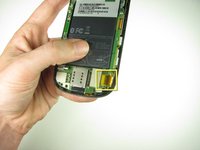
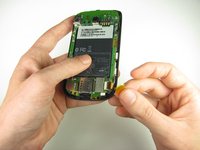
    • Peel off the yellow piece of tape from the phone.

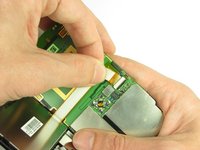
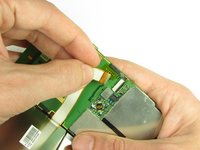
  10. HTC Maple 100 Trackball Replacement: 10 단계, 이미지 3개 중 1개 HTC Maple 100 Trackball Replacement: 10 단계, 이미지 3개 중 2개 HTC Maple 100 Trackball Replacement: 10 단계, 이미지 3개 중 3개
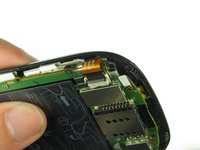
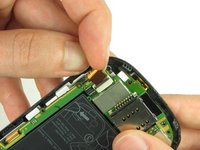
    • Flip up the retaining flap with your fingernail or a plastic opening tool.

    • Pull on the ribbon cable gently with your fingers.

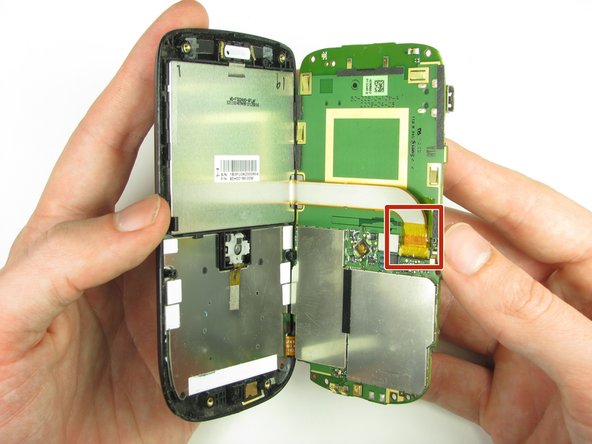
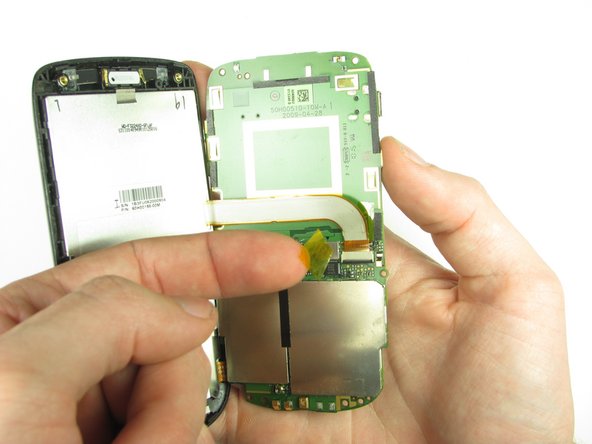
  11. HTC Maple 100 Trackball Replacement: 11 단계, 이미지 2개 중 1개 HTC Maple 100 Trackball Replacement: 11 단계, 이미지 2개 중 2개
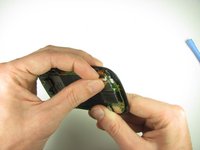
    • Split apart the motherboard and front panel.

    • Remove the other yellow piece of tape off of the end of the ribbon cable.

  12. HTC Maple 100 Trackball Replacement: 12 단계, 이미지 2개 중 1개 HTC Maple 100 Trackball Replacement: 12 단계, 이미지 2개 중 2개
    • Gently pull on the ribbon cable to separate the motherboard.

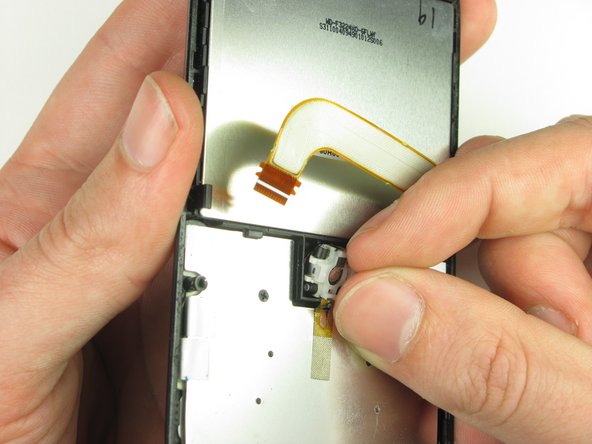
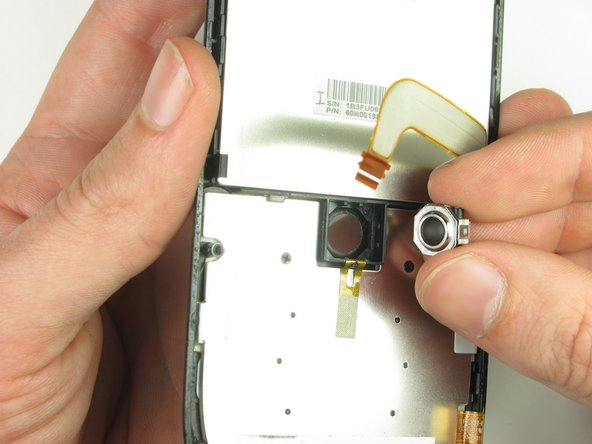
  13. HTC Maple 100 Trackball Replacement, Trackball: 13 단계, 이미지 3개 중 1개 HTC Maple 100 Trackball Replacement, Trackball: 13 단계, 이미지 3개 중 2개 HTC Maple 100 Trackball Replacement, Trackball: 13 단계, 이미지 3개 중 3개
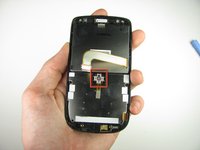
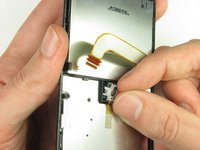
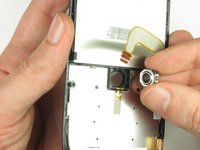
    • Using your fingers, gently pull the trackball out.

결론

To reassemble your device, follow these instructions in reverse order.

작성자

7다른 기여자 명과 함께

Nick

회원 가입일: 10/28/11

6 평판

안내서 3개를 작성함

Cal Poly, Team 20-29, Maness Fall 2011 Cal Poly, Team 20-29, Maness Fall 2011 회원

CPSU-MANESS-F11S20G29

4 회원들

안내서 18개를 작성함

0가이드 댓글

댓글 쓰기

조회 통계:

지난 24시간: 0

지난 7일: 1

지난 30일: 4

전체 시간: 1,409