주요 콘텐츠로 건너뛰기

HTC Ozone Frame Replacement

필요한 것

  1. HTC Ozone Frame Replacement, Rear Battery Cover: 1 단계, 이미지 1개 중 1개
    • Flip the phone over to have the rear cover facing up.

    • The camera lens should be towards the top of the phone.

  2. HTC Ozone Frame Replacement: 2 단계, 이미지 2개 중 1개 HTC Ozone Frame Replacement: 2 단계, 이미지 2개 중 2개
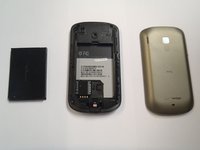
    • Slide the cover up, towards the top of phone, to unlock the battery cover.

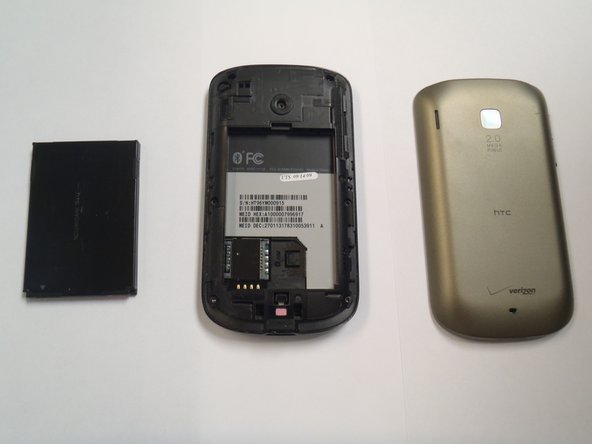
    • Lift the cover off phone and remove it.

  3. HTC Ozone Frame Replacement, Battery: 3 단계, 이미지 3개 중 1개 HTC Ozone Frame Replacement, Battery: 3 단계, 이미지 3개 중 2개 HTC Ozone Frame Replacement, Battery: 3 단계, 이미지 3개 중 3개
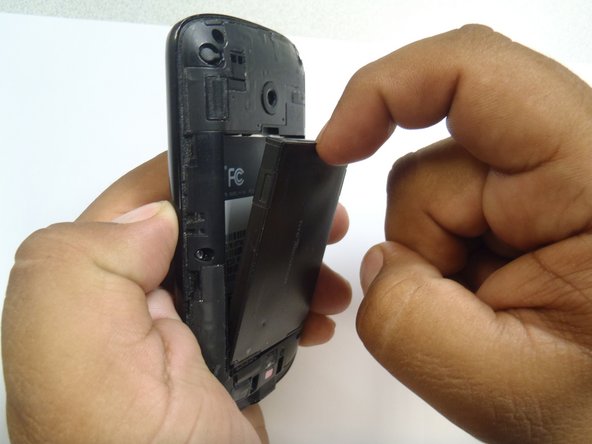
    • Use your finger to push the top of the battery downwards and lift the battery out of the phone.

  4. HTC Ozone Frame Replacement, Frame: 4 단계, 이미지 2개 중 1개 HTC Ozone Frame Replacement, Frame: 4 단계, 이미지 2개 중 2개
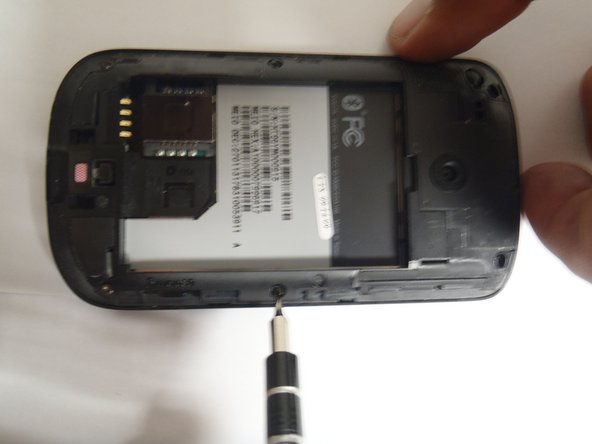
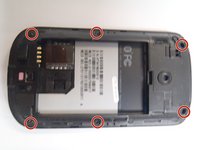
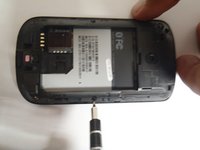
    • Remove the six Torx #5 screws that are securing the rear frame.

  5. HTC Ozone Frame Replacement: 5 단계, 이미지 3개 중 1개 HTC Ozone Frame Replacement: 5 단계, 이미지 3개 중 2개 HTC Ozone Frame Replacement: 5 단계, 이미지 3개 중 3개
    이 단계에 사용된 도구:
    Plastic Cards
    $2.99
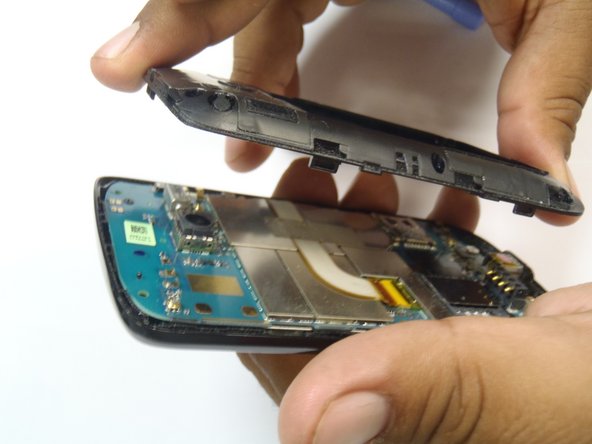
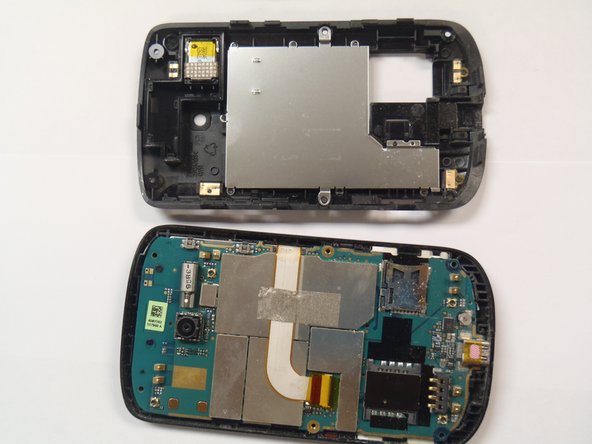
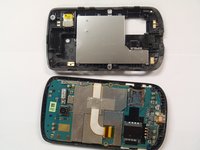
    • Pry the frame open, releasing the eight plastic tabs around the edge of the frame, using the plastic opening tool.

    • A plastic card can be used instead of the plastic opening tool.

결론

To reassemble your device, follow these instructions in reverse order.

다른 한 분이 해당 안내서를 완성하였습니다.

작성자

9다른 기여자 명과 함께

Marco Jokada

회원 가입일: 04/28/11

247 평판

안내서 6개를 작성함

CSU Los Angeles, Team 1-2, Nelson Spring 2011 CSU Los Angeles, Team 1-2, Nelson Spring 2011 회원

CSULA-NELSON-S11S1G2

5 회원들

안내서 12개를 작성함

0가이드 댓글

댓글 쓰기

조회 통계:

지난 24시간: 0

지난 7일: 2

지난 30일: 3

전체 시간: 1,476