주요 콘텐츠로 건너뛰기

HTC Ozone LCD Display Replacement

필요한 것

  1. HTC Ozone LCD Display Replacement, Rear Battery Cover: 1 단계, 이미지 1개 중 1개
    • Flip the phone over to have the rear cover facing up.

    • The camera lens should be towards the top of the phone.

  2. HTC Ozone LCD Display Replacement: 2 단계, 이미지 2개 중 1개 HTC Ozone LCD Display Replacement: 2 단계, 이미지 2개 중 2개
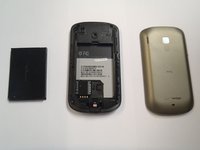
    • Slide the cover up, towards the top of phone, to unlock the battery cover.

    • Lift the cover off phone and remove it.

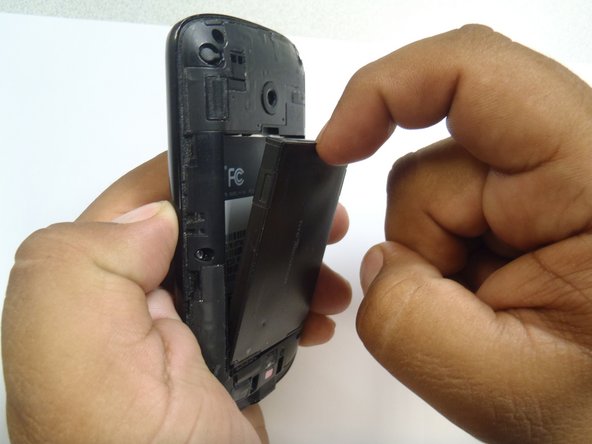
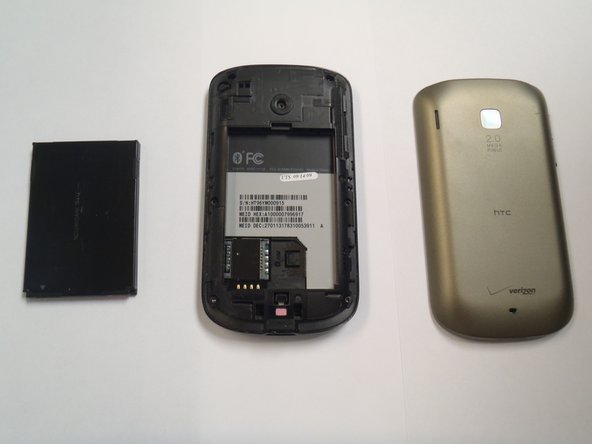
  3. HTC Ozone LCD Display Replacement, Battery: 3 단계, 이미지 3개 중 1개 HTC Ozone LCD Display Replacement, Battery: 3 단계, 이미지 3개 중 2개 HTC Ozone LCD Display Replacement, Battery: 3 단계, 이미지 3개 중 3개
    • Use your finger to push the top of the battery downwards and lift the battery out of the phone.

  4. HTC Ozone LCD Display Replacement, Frame: 4 단계, 이미지 2개 중 1개 HTC Ozone LCD Display Replacement, Frame: 4 단계, 이미지 2개 중 2개
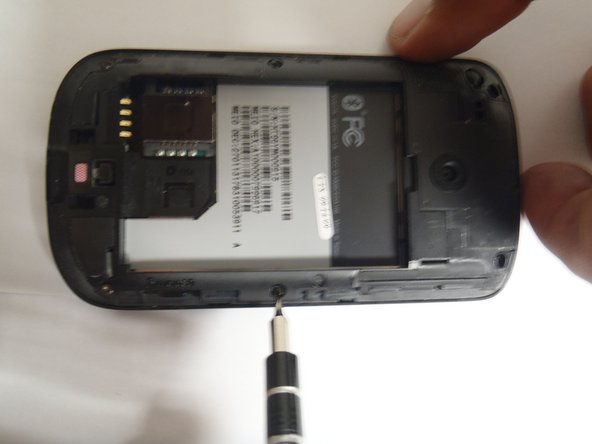
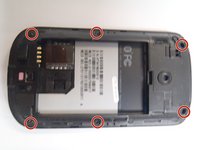
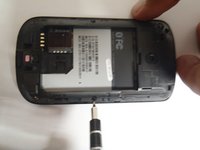
    • Remove the six Torx #5 screws that are securing the rear frame.

  5. HTC Ozone LCD Display Replacement: 5 단계, 이미지 3개 중 1개 HTC Ozone LCD Display Replacement: 5 단계, 이미지 3개 중 2개 HTC Ozone LCD Display Replacement: 5 단계, 이미지 3개 중 3개
    이 단계에 사용된 도구:
    Plastic Cards
    $2.99
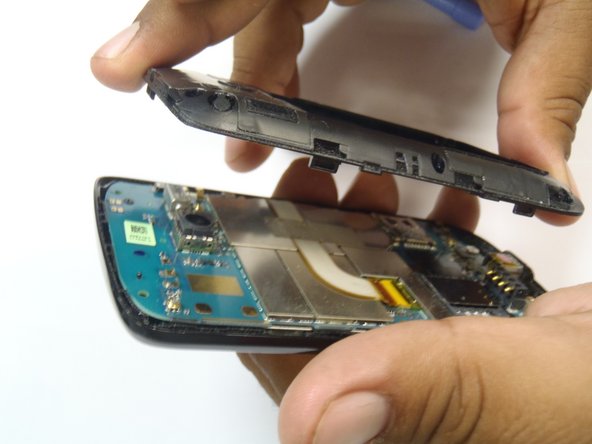
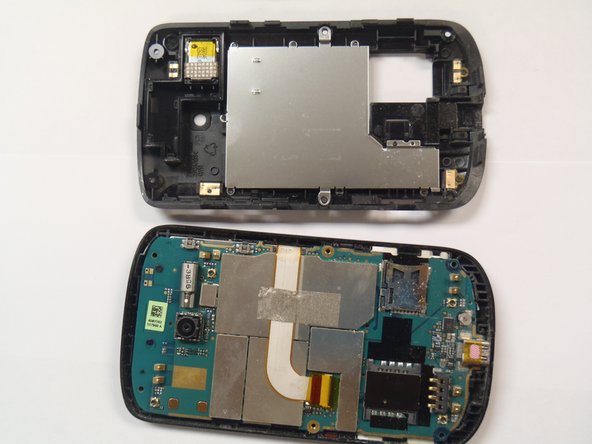
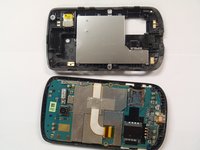
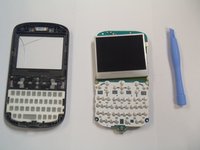
    • Pry the frame open, releasing the eight plastic tabs around the edge of the frame, using the plastic opening tool.

    • A plastic card can be used instead of the plastic opening tool.

  6. HTC Ozone LCD Display Replacement, Motherboard: 6 단계, 이미지 2개 중 1개 HTC Ozone LCD Display Replacement, Motherboard: 6 단계, 이미지 2개 중 2개
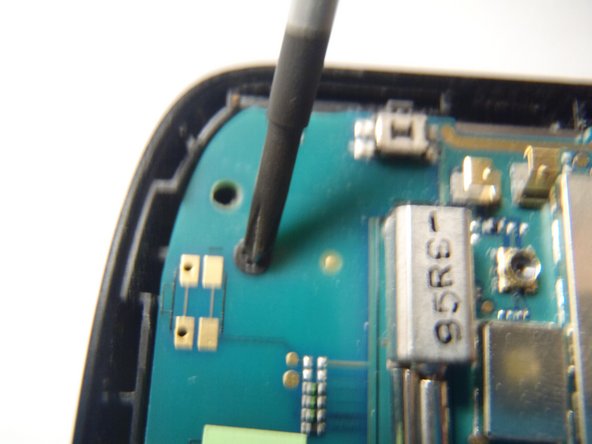
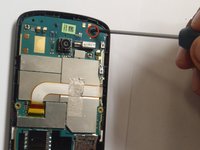
    • Remove the single Phillips #0 screw that is securing the motherboard to the front case of the phone.

  7. HTC Ozone LCD Display Replacement: 7 단계, 이미지 2개 중 1개 HTC Ozone LCD Display Replacement: 7 단계, 이미지 2개 중 2개
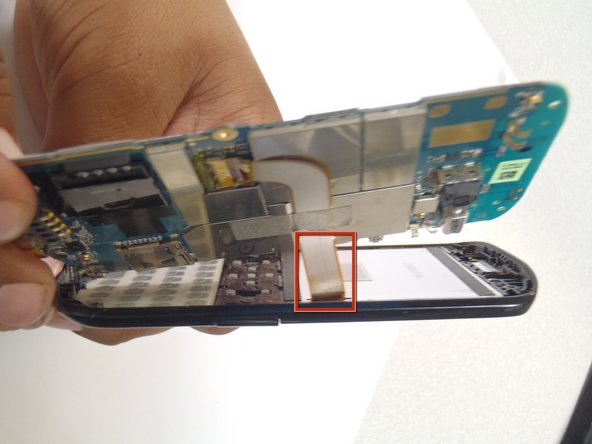
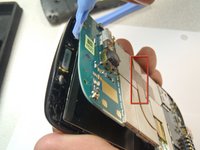
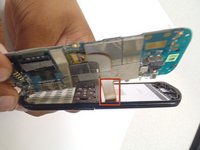
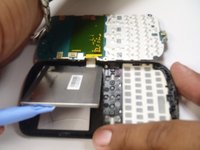
    • Pry the motherboard away from the front of the plastic case using a plastic opening tool.

    • Be careful not to break the ribbon cable when prying away the motherboard.

  8. HTC Ozone LCD Display Replacement: 8 단계, 이미지 3개 중 1개 HTC Ozone LCD Display Replacement: 8 단계, 이미지 3개 중 2개 HTC Ozone LCD Display Replacement: 8 단계, 이미지 3개 중 3개
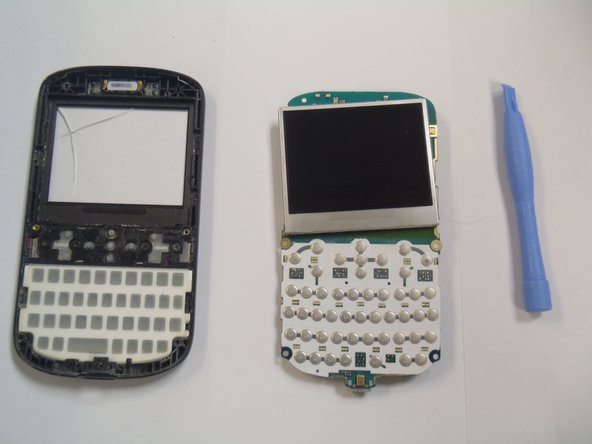
    • Remove the plastic cover from the LCD display and the motherboard.

    • The Motherboard and the LCD are still attached together.

  9. HTC Ozone LCD Display Replacement, LCD Display: 9 단계, 이미지 2개 중 1개 HTC Ozone LCD Display Replacement, LCD Display: 9 단계, 이미지 2개 중 2개
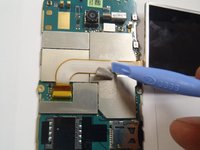
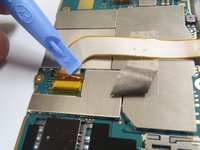
    • Remove the gray tape securing the ribbon cable.

  10. HTC Ozone LCD Display Replacement: 10 단계, 이미지 1개 중 1개
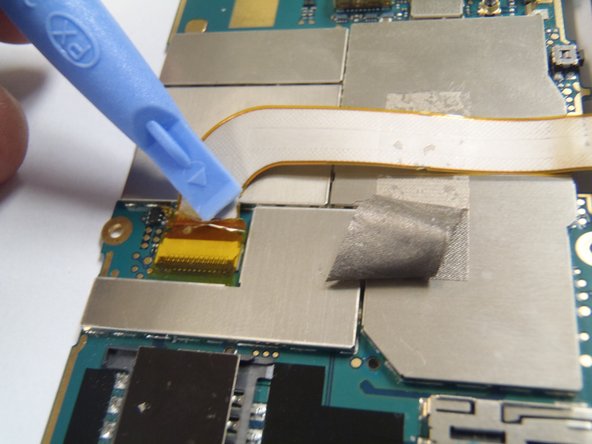
    • Remove the yellow tape securing the connector lock.

  11. HTC Ozone LCD Display Replacement: 11 단계, 이미지 2개 중 1개 HTC Ozone LCD Display Replacement: 11 단계, 이미지 2개 중 2개
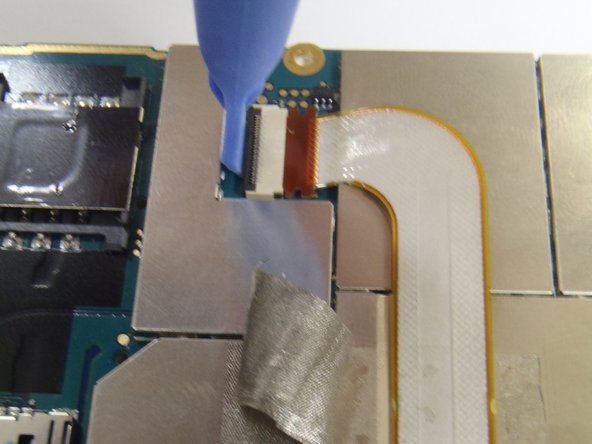
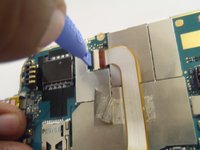
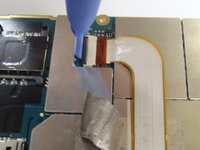
    • Carefully lift the black lock to release the ribbon cable, using the plastic opening tool.

  12. HTC Ozone LCD Display Replacement: 12 단계, 이미지 1개 중 1개
    • Pull the ribbon cable upwards, disconnecting it from the Motherboard.

  13. HTC Ozone LCD Display Replacement: 13 단계, 이미지 1개 중 1개
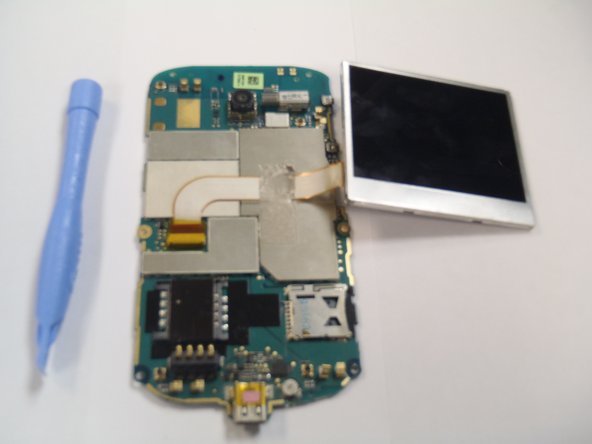
    • Lift the Motherboard away from the LCD display.

결론

To reassemble your device, follow these instructions in reverse order.

다른 2명이 해당 안내서를 완성하였습니다.

작성자

6다른 기여자 명과 함께

Marco Jokada

회원 가입일: 04/28/11

247 평판

안내서 6개를 작성함

CSU Los Angeles, Team 1-2, Nelson Spring 2011 CSU Los Angeles, Team 1-2, Nelson Spring 2011 회원

CSULA-NELSON-S11S1G2

5 회원들

안내서 12개를 작성함

0가이드 댓글

댓글 쓰기

조회 통계:

지난 24시간: 0

지난 7일: 2

지난 30일: 11

전체 시간: 2,220