주요 콘텐츠로 건너뛰기

Handspring Visor Deluxe PDA Button Pad and Battery Terminal Replacement

필요한 것

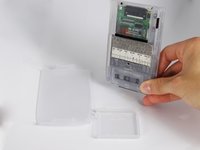
  1. Handspring Visor Deluxe PDA Button Pad and Battery Terminal Replacement, Outside cover and stylus: 1 단계, 이미지 2개 중 1개 Handspring Visor Deluxe PDA Button Pad and Battery Terminal Replacement, Outside cover and stylus: 1 단계, 이미지 2개 중 2개
    • Remove the outer screen cover by releasing the top clip from the main body of the device.

  2. Handspring Visor Deluxe PDA Button Pad and Battery Terminal Replacement: 2 단계, 이미지 3개 중 1개 Handspring Visor Deluxe PDA Button Pad and Battery Terminal Replacement: 2 단계, 이미지 3개 중 2개 Handspring Visor Deluxe PDA Button Pad and Battery Terminal Replacement: 2 단계, 이미지 3개 중 3개
    • Pull out the stylus from the top right corner of the device.

  3. Handspring Visor Deluxe PDA Button Pad and Battery Terminal Replacement: 3 단계, 이미지 3개 중 1개 Handspring Visor Deluxe PDA Button Pad and Battery Terminal Replacement: 3 단계, 이미지 3개 중 2개 Handspring Visor Deluxe PDA Button Pad and Battery Terminal Replacement: 3 단계, 이미지 3개 중 3개
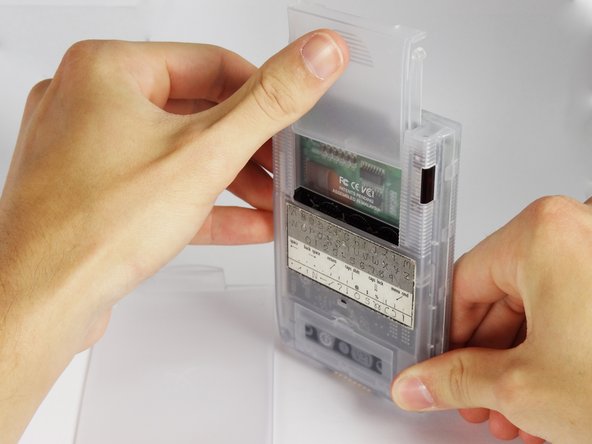
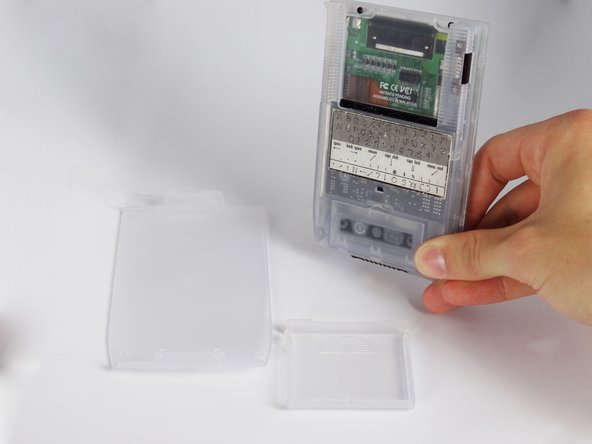
    • Slide the memory cartridge cover up and off the device.

  4. Handspring Visor Deluxe PDA Button Pad and Battery Terminal Replacement, Batteries: 4 단계, 이미지 2개 중 1개 Handspring Visor Deluxe PDA Button Pad and Battery Terminal Replacement, Batteries: 4 단계, 이미지 2개 중 2개
    • Remove the battery cover by releasing the clip from the main body of the device.

  5. Handspring Visor Deluxe PDA Button Pad and Battery Terminal Replacement: 5 단계, 이미지 1개 중 1개
    • Remove the batteries from the device.

  6. Handspring Visor Deluxe PDA Button Pad and Battery Terminal Replacement, Back Cover: 6 단계, 이미지 1개 중 1개
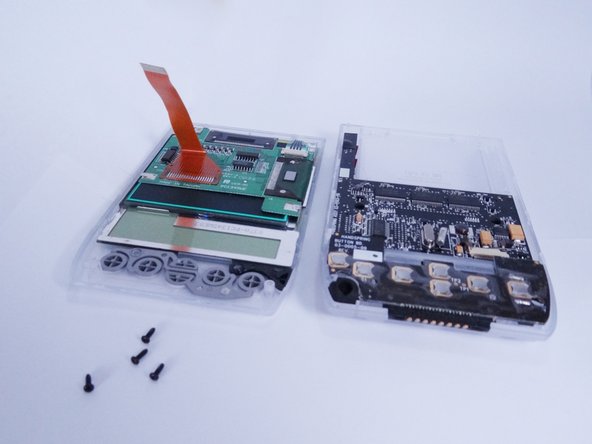
    • Unscrew the four 2.94mm screws with a #00 Phillips screwdriver.

    • One end of the OEM stylus can unscrew and contains a mini #00 Phillips screwdriver.

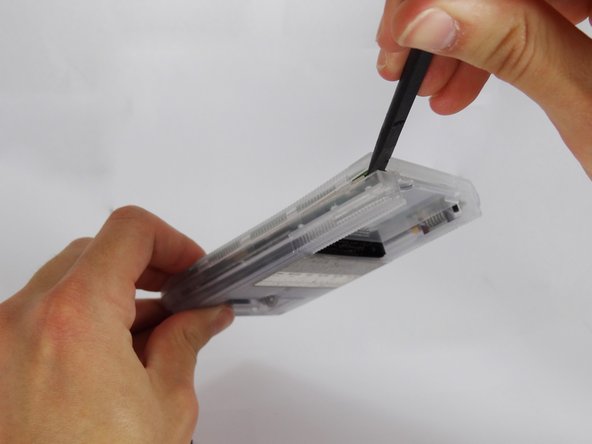
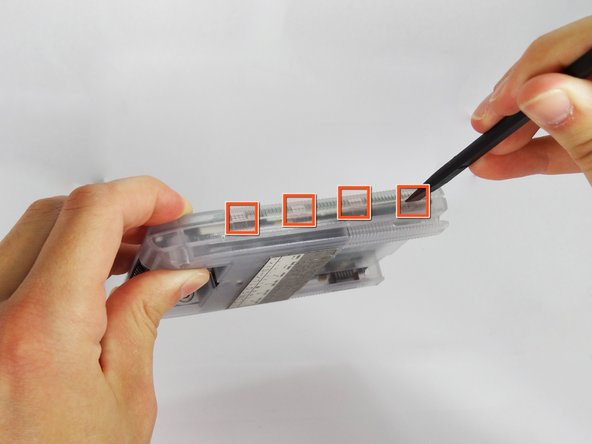
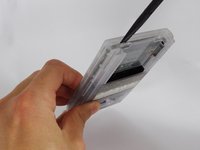
  7. Handspring Visor Deluxe PDA Button Pad and Battery Terminal Replacement: 7 단계, 이미지 3개 중 1개 Handspring Visor Deluxe PDA Button Pad and Battery Terminal Replacement: 7 단계, 이미지 3개 중 2개 Handspring Visor Deluxe PDA Button Pad and Battery Terminal Replacement: 7 단계, 이미지 3개 중 3개
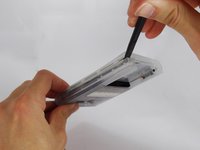
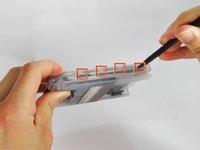
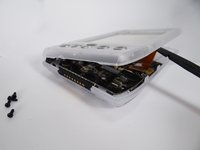
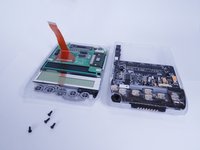
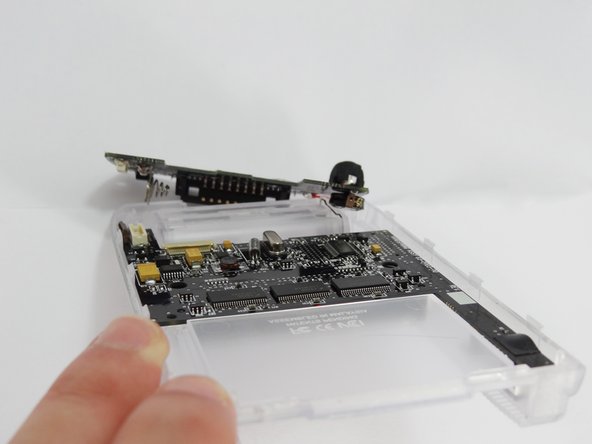
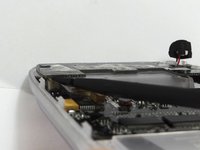
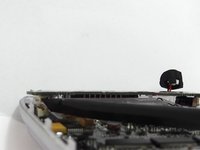
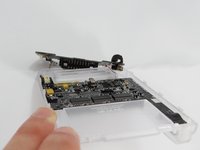
    • Use the spudger to pry open the casing by applying pressure at 4 clips on both sides of the device.

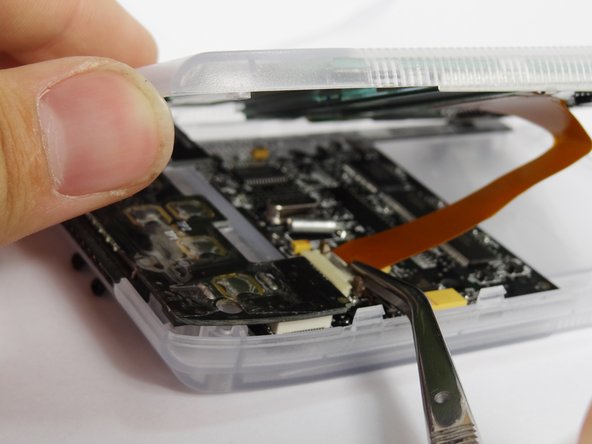
    • Be careful while opening the casing as there is a flex strip connecting the two halves.

  8. Handspring Visor Deluxe PDA Button Pad and Battery Terminal Replacement: 8 단계, 이미지 3개 중 1개 Handspring Visor Deluxe PDA Button Pad and Battery Terminal Replacement: 8 단계, 이미지 3개 중 2개 Handspring Visor Deluxe PDA Button Pad and Battery Terminal Replacement: 8 단계, 이미지 3개 중 3개
    이 단계에 사용된 도구:
    Tweezers
    $4.99
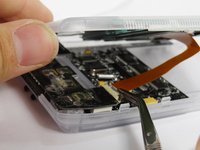
    • Disconnect the flex strip from the motherboard with tweezers.

  9. Handspring Visor Deluxe PDA Button Pad and Battery Terminal Replacement, Button Pad and Battery Terminal: 9 단계, 이미지 1개 중 1개
    이 단계에 사용된 도구:
    Tweezers
    $4.99
    • Use tweezers to remove the power button from the back case.

  10. Handspring Visor Deluxe PDA Button Pad and Battery Terminal Replacement: 10 단계, 이미지 3개 중 1개 Handspring Visor Deluxe PDA Button Pad and Battery Terminal Replacement: 10 단계, 이미지 3개 중 2개 Handspring Visor Deluxe PDA Button Pad and Battery Terminal Replacement: 10 단계, 이미지 3개 중 3개
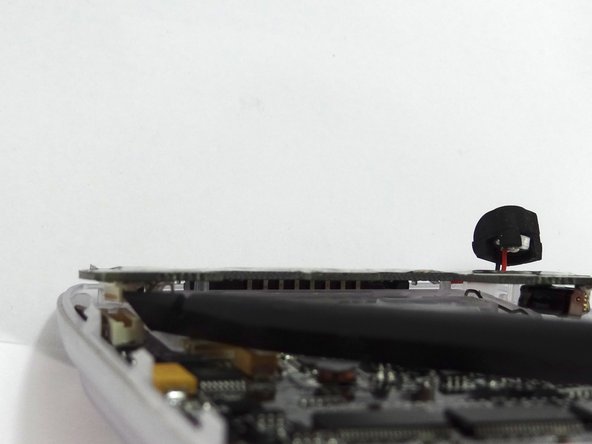
    • Disconnect the button pad by using the spudger to pry it off the motherboard.

    • Remove the button pad.

결론

To reassemble your device, follow these instructions in reverse order.

작성자

6다른 기여자 명과 함께

David Faltemier

회원 가입일: 06/20/12

19 평판

안내서 5개를 작성함

Cal Poly, Team 1-2, Regan SU 2012 Cal Poly, Team 1-2, Regan SU 2012 회원

CPSU-REGAN-SU12S1G2

4 회원들

안내서 12개를 작성함

0가이드 댓글

댓글 쓰기

조회 통계:

지난 24시간: 0

지난 7일: 0

지난 30일: 9

전체 시간: 786