주요 콘텐츠로 건너뛰기

Hover-1 H1 Charging Port Replacement

필요한 것

  1. Hover-1 H1 Charging Port Replacement, Bottom Shell: 1 단계, 이미지 1개 중 1개
    • Remove the ten 9mm machine screws by using a long Phillips #2 screwdriver to rotate the screws counterclockwise.

    • Remove the twelve 9mm sheet metal screws by using a long Phillips #2 screwdriver to rotate the screws counterclockwise.

  2. Hover-1 H1 Charging Port Replacement: 2 단계, 이미지 1개 중 1개
    • Puncture the two black stickers by using the tip of a screwdriver.

    • Remove the two 9mm machine screws by using a long Phillips #2 screwdriver to rotate the screws counterclockwise.

  3. Hover-1 H1 Charging Port Replacement: 3 단계, 이미지 2개 중 1개 Hover-1 H1 Charging Port Replacement: 3 단계, 이미지 2개 중 2개
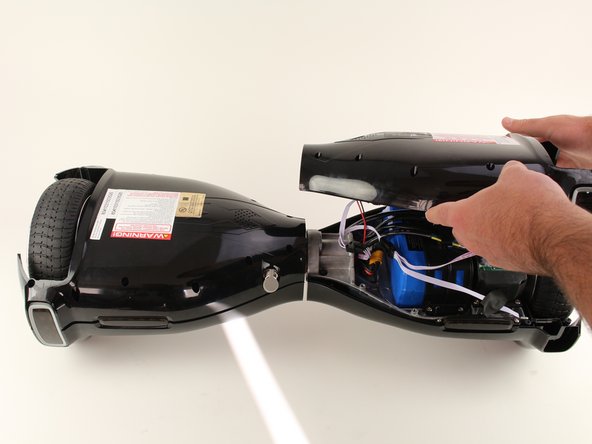
    • Lift each side of the bottom shell by pulling up.

    • When lifting the shell, take care to not tear any cables from their connectors.

  4. Hover-1 H1 Charging Port Replacement: 4 단계, 이미지 1개 중 1개
    • Unplug the battery by pulling gently on both sides of the orange connector.

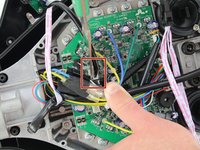
  5. Hover-1 H1 Charging Port Replacement, Charging Port: 5 단계, 이미지 2개 중 1개 Hover-1 H1 Charging Port Replacement, Charging Port: 5 단계, 이미지 2개 중 2개
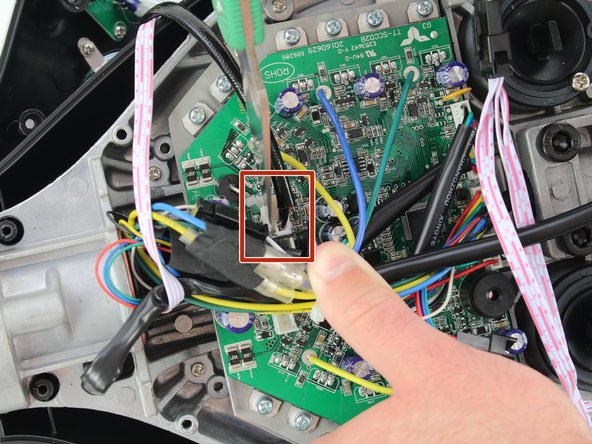
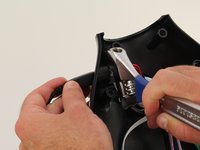
    • Using a utility knife, scratch off the hot glue from the connector attaching the red and black wires to the motherboard.

    • Be careful to not damage the wires or connector when removing the glue.

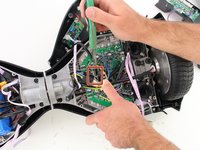
  6. Hover-1 H1 Charging Port Replacement: 6 단계, 이미지 1개 중 1개
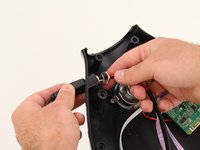
    • Remove the charging port connector from the motherboard by squeezing the connector and pulling the connector up.

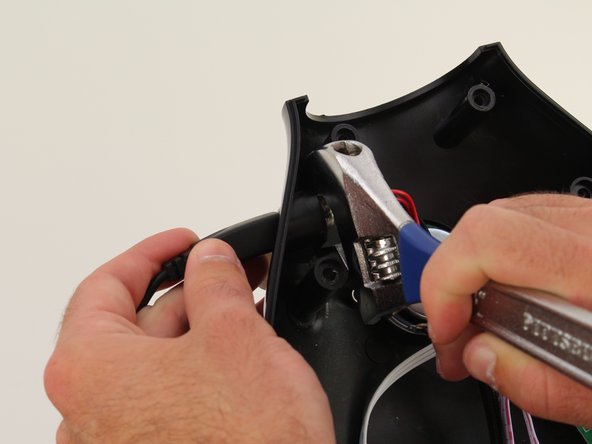
  7. Hover-1 H1 Charging Port Replacement: 7 단계, 이미지 2개 중 1개 Hover-1 H1 Charging Port Replacement: 7 단계, 이미지 2개 중 2개
    • Using an adjustable wrench, unscrew the nut that is attaching the charging port to the bottom shell.

    • It might be helpful to put the charger in the charging port while unscrewing the nut to ensure that the port is not spinning.

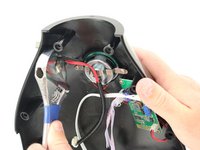
  8. Hover-1 H1 Charging Port Replacement: 8 단계, 이미지 2개 중 1개 Hover-1 H1 Charging Port Replacement: 8 단계, 이미지 2개 중 2개
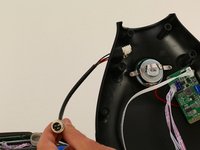
    • Pull the charging port to the left through the shell.

결론

To reassemble your device, follow these instructions in reverse order.

작성자

1다른 기여자 명과 함께

Madeline David

회원 가입일: 10/08/18

286 평판

안내서 2개를 작성함

Cal Poly, Team S17-G6, White Fall 2018 Cal Poly, Team S17-G6, White Fall 2018 회원

CPSU-WHITE-F18S17G6

4 회원들

안내서 9개를 작성함

2가이드 댓글

I need to replace the charging port on my H1 hoverboard. Can you share the link for the actual replacement part.

prdrngga - 답글

Who can I contact to fix this charging port on this H one hover one hover board

Hover1 h1 hoverboard - 답글

댓글 쓰기

조회 통계:

지난 24시간: 0

지난 7일: 6

지난 30일: 33

전체 시간: 4,619