주요 콘텐츠로 건너뛰기

Hover-1 Ultra Power Button Replacement

필요한 것

  1. Hover-1 Ultra Power Button Replacement, Power Button: 1 단계, 이미지 3개 중 1개 Hover-1 Ultra Power Button Replacement, Power Button: 1 단계, 이미지 3개 중 2개 Hover-1 Ultra Power Button Replacement, Power Button: 1 단계, 이미지 3개 중 3개
    • Orient the hoverboard so that the pads are facing down.

    • With the Phillips #1 screwdriver, remove all 18 of the screws on the underside of the hoverboard.

    • Carefully remove the shell, lifting directly up.

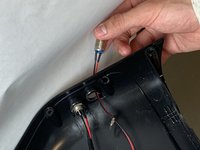
  2. Hover-1 Ultra Power Button Replacement: 2 단계, 이미지 1개 중 1개
    • Unscrew the power button using your hands or an adjustable crescent wrench.

    • Turn the power button counter-clockwise to release from the shell.

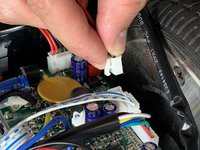
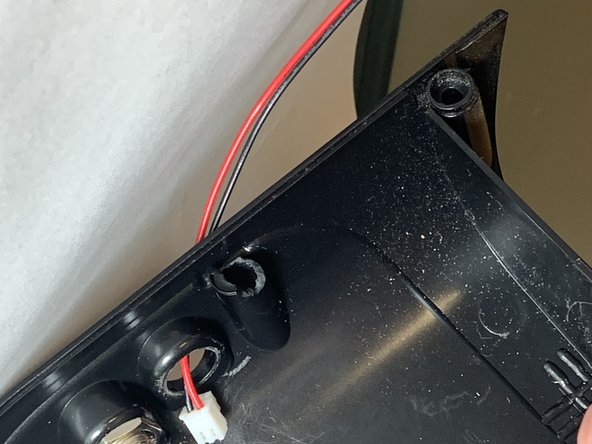
  3. Hover-1 Ultra Power Button Replacement: 3 단계, 이미지 3개 중 1개 Hover-1 Ultra Power Button Replacement: 3 단계, 이미지 3개 중 2개 Hover-1 Ultra Power Button Replacement: 3 단계, 이미지 3개 중 3개
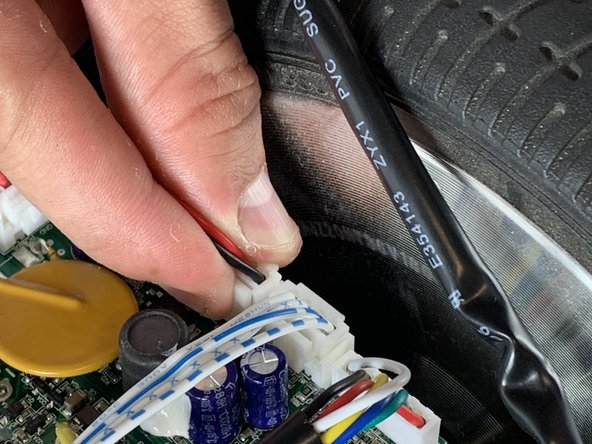
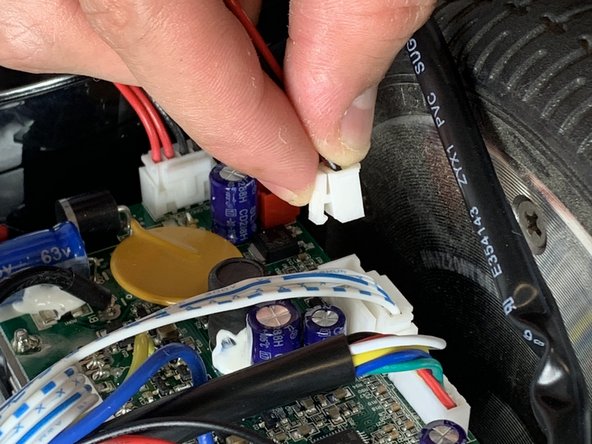
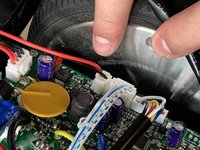
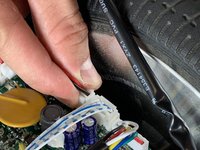
    • Unclip the red and black power cables that are attached to the port from the motherboard.

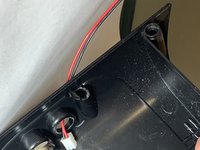
  4. Hover-1 Ultra Power Button Replacement: 4 단계, 이미지 2개 중 1개 Hover-1 Ultra Power Button Replacement: 4 단계, 이미지 2개 중 2개
    • Remove the power button from the hoverboard assembly.

결론

To reassemble your device, follow the instructions for step 1 in reverse order.

다른 한 분이 해당 안내서를 완성하였습니다.

작성자

2다른 기여자 명과 함께

Camron Clifton

회원 가입일: 10/22/18

409 평판

안내서 3개를 작성함

UC Davis, Team S7-G5, Lore Fall 2018 UC Davis, Team S7-G5, Lore Fall 2018 회원

UCD-LORE-F18S7G5

3 회원들

안내서 3개를 작성함

0가이드 댓글

댓글 쓰기

조회 통계:

지난 24시간: 3

지난 7일: 4

지난 30일: 7

전체 시간: 709