주요 콘텐츠로 건너뛰기

How to Bypass Activation Lock with iRemove Tools

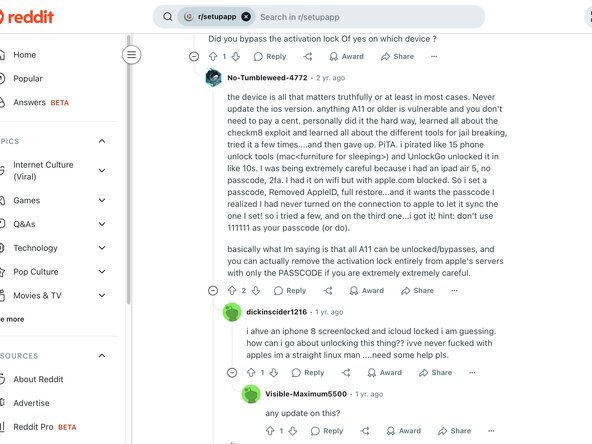
  1. How to Bypass Activation Lock with iRemove Tools, WARNINGS: 1 단계, 이미지 1개 중 1개
    • BEFORE WE BEGIN, DO NOT SCROLL PAST THIS

    • While I have successfully unlocked iPhones in the past, I cannot guarantee success for you. This guide only shows my personal experience, and I only recommend you following it AT YOUR OWN RISK.

    • Why? Because this will cost you money. And, if you are trying to unlock a new iPhone model, it will cost you hundreds of dollars. That's right, hundreds. The Activation Lock is one of the most difficult things to remove, especially from an iPhone.

    • FURTHERMORE: Your iPhone may not function correctly even after paying hundreds of dollars. In fact, every iPhone I bypassed the Activation Lock from disabled cellular systems because of disabling the BaseBand.

    • If you follow this guide and something horribly wrong happens, I cannot be held responsible. Use at your own risk.

    • Before continuing, try the free method I discovered using Lockra1n. If this does not work (or is supported), you can continue. How to Bypass Activation Lock with Lockra1n

  2. How to Bypass Activation Lock with iRemove Tools, Background: 2 단계, 이미지 1개 중 1개
    • This step, isn't a step. It is background explaining why the Activation Lock is so hard to remove. You can skip to step three if you like.

    • I have spent hours and hours doing countless amounts of research attempting to figure out exactly what the Activation Lock is, and why no one has really found a way to bypass it.

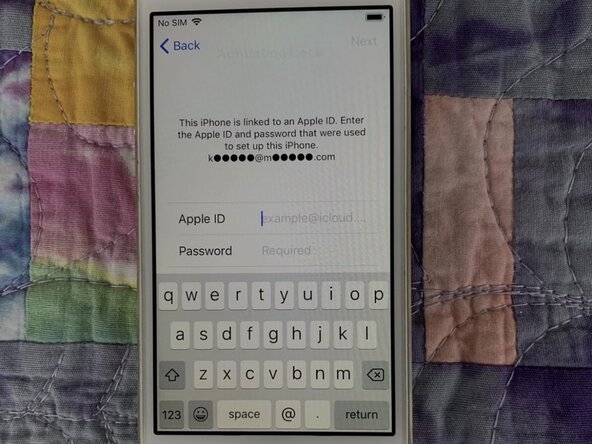
    • Apparently Apple took this Activation Lock to the extreme. An iPhone must be activated in order to work, there is no way around this. That's why upon purchasing any iPhone, you will see a message after entering your network information that says "It may take a few minutes to activate your iPhone."

    • When you purchase a new iPhone, it will not activate until you power it on. Then it connects to cell services and delivers the IMEI, and your phone is activated. The Activation Lock denies activation if previously signed into an Apple Account.

    • So, the only possible way to bypass this lock is to add the IMEI to a temporary database, and activate the iPhone using a third-party provider.

    • Hundreds of applications and services claim they can do this, and they are all scam. Do not go searching for an application and then waste your money. Trust me on this!

    • The service that I have used, and the only service with good reviews is iRemove Tools, and that is what we will be using in this guide.

    • And like I said before, I would highly recommend checking out Lockra1n first to see if you can do this for free!

  3. How to Bypass Activation Lock with iRemove Tools, Downloading the Program: 3 단계, 이미지 1개 중 1개
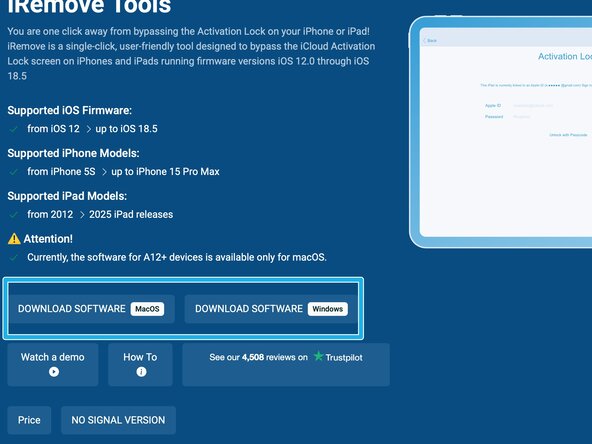
    • This works on both Windows and Mac... to a degree. Any devices with the A12 chip (iPhone XS, XR) or newer will not work on a Windows platform.

    • Go to this website and download the latest program:

    • iRemove Tools - Bypass Activation Lock

    • This will take you to a site called mega, similar to WeTransfer, DropBox, Google Drive, etc. Then you can download the ZIP.

  4. How to Bypass Activation Lock with iRemove Tools: 4 단계, 이미지 1개 중 1개
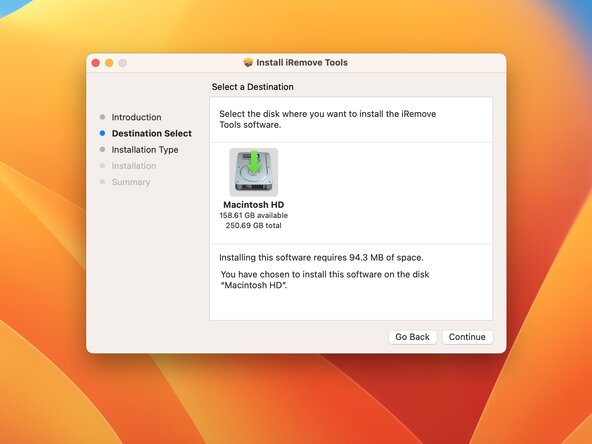
    • Install the package on a Mac.

  5. How to Bypass Activation Lock with iRemove Tools, Preparing the iPhone: 5 단계, 이미지 2개 중 1개 How to Bypass Activation Lock with iRemove Tools, Preparing the iPhone: 5 단계, 이미지 2개 중 2개
    • Once the software is installed, we need to prepare the iPhone.

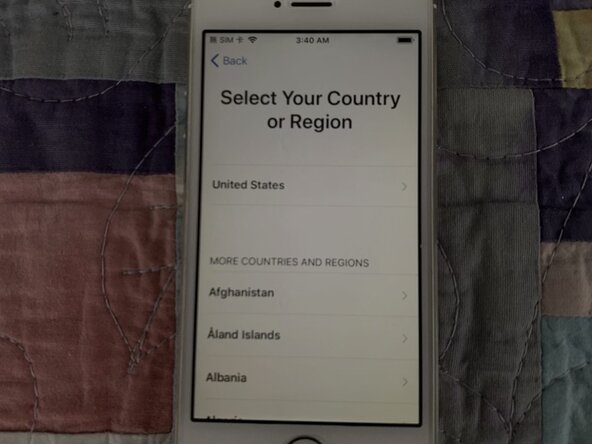
    • Assuming you have fully restored it using iTunes, you should see a welcome screen.

    • Set up the iPhone as normal until you reach the Activation Lock Screen.

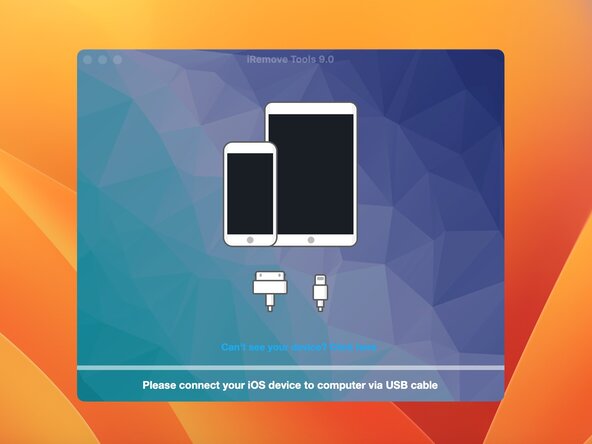
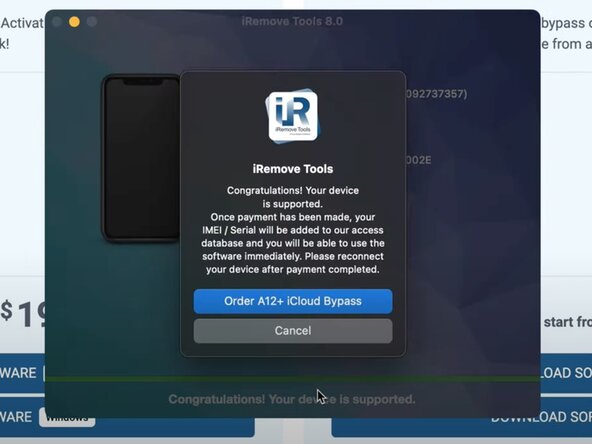
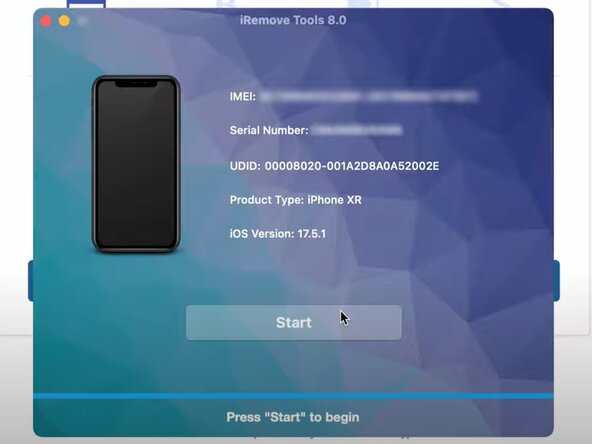
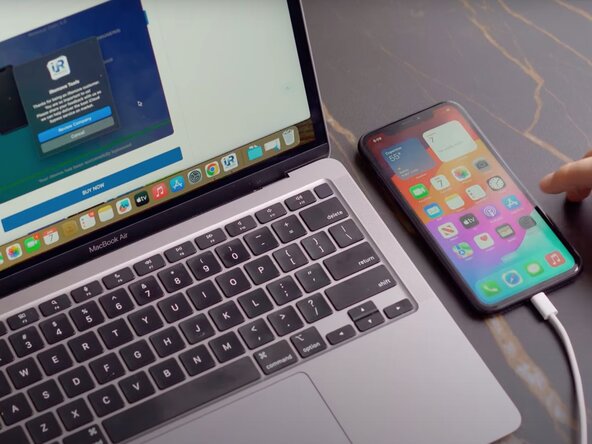
    • Now, open the iRemove Tools App and connect your iPhone to your computer.

  6. How to Bypass Activation Lock with iRemove Tools, Purchasing the Service: 6 단계, 이미지 2개 중 1개 How to Bypass Activation Lock with iRemove Tools, Purchasing the Service: 6 단계, 이미지 2개 중 2개
    • So, yeah, we now have to spend money.

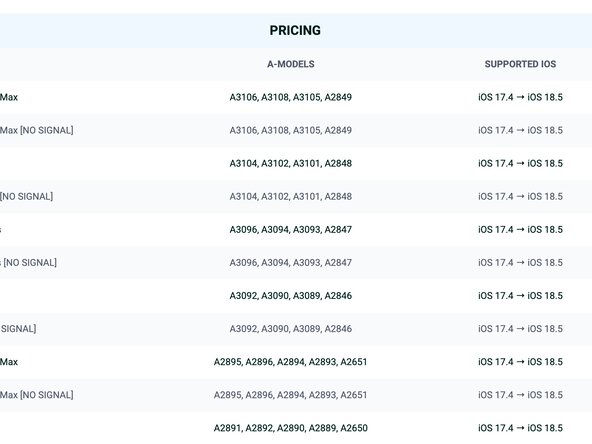
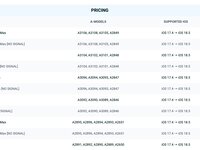
    • Every iPhone is different, and each one will cost something different depending on the model and region. So, iRemove Tools provides us with a nice list with all the prices. You can check it out here:

    • iRemove Tools - Pricing

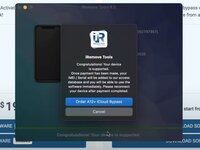
    • Your iPhone may not be supported. If it is not, the app will warn you and it will not give you a link to buy the service.

    • Last warning: try Lockra1n!

  7. How to Bypass Activation Lock with iRemove Tools, Bypassing the Activation Lock: 7 단계, 이미지 1개 중 1개
    • Once you have purchased the service, head back to the app.

    • My delivery time was instant, but newer iPhone models may not be. iRemove Tools says it may take up to 72 hours to deliver the service, so remember that.

    • Click start, and the app will bypass the Activation Lock.

  8. How to Bypass Activation Lock with iRemove Tools, Troubleshooting: 8 단계, 이미지 1개 중 1개
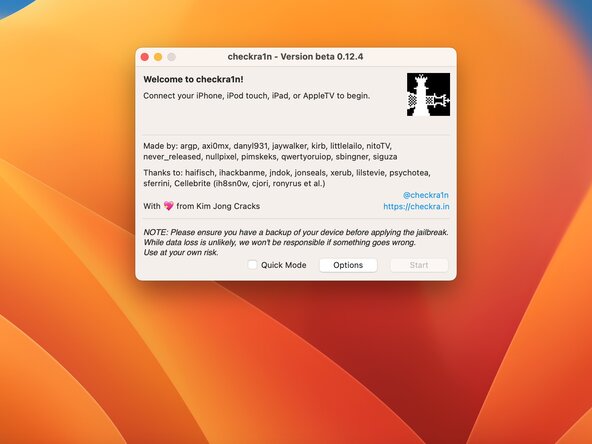
    • The app may not be able to communicate with your iPhone. If this happens, you will have to jailbrake it. Soon I will release another guide explaining in detail how to do this.

  9. How to Bypass Activation Lock with iRemove Tools, Conclusion: 9 단계, 이미지 1개 중 1개
    • While I personally have had success using this service, you may not. And, I cannot guarantee full functionality. However, you now know that bypassing the Activation Lock is possible, and if you're desperate, then use this service.

결론

If you have any questions, ask them in the comments below.

다른 3명이 해당 안내서를 완성하였습니다.

작성자

1다른 기여자 명과 함께

Jadon Lyon

회원 가입일: 09/05/23

6,660 평판

안내서 10개를 작성함

0가이드 댓글

댓글 쓰기

조회 통계:

지난 24시간: 96

지난 7일: 767

지난 30일: 1,512

전체 시간: 2,075