주요 콘텐츠로 건너뛰기

How to Deep Clean a Mechanical Keyboard

필요한 것

  1. How to Deep Clean a Mechanical Keyboard, How to Deep Clean a Mechanical Keyboard: 1 단계, 이미지 1개 중 1개
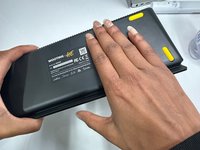
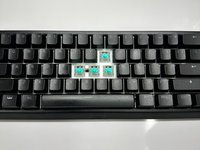
    • Take a picture of the keyboard for future reference.

    • This is to ensure that all keys return to the correct place.

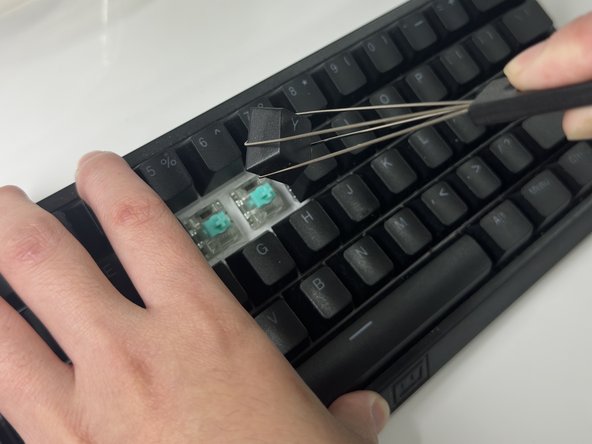
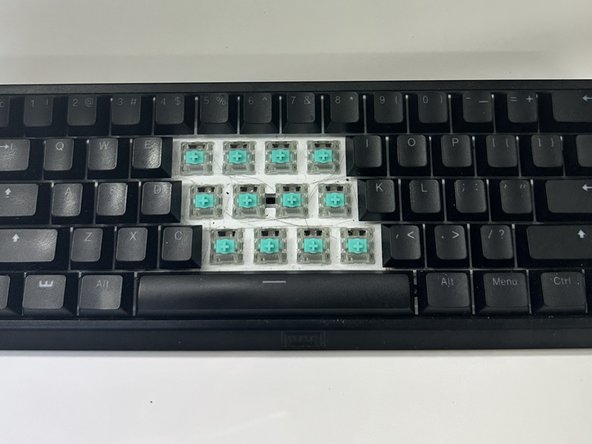
  2. How to Deep Clean a Mechanical Keyboard: 2 단계, 이미지 3개 중 1개 How to Deep Clean a Mechanical Keyboard: 2 단계, 이미지 3개 중 2개 How to Deep Clean a Mechanical Keyboard: 2 단계, 이미지 3개 중 3개
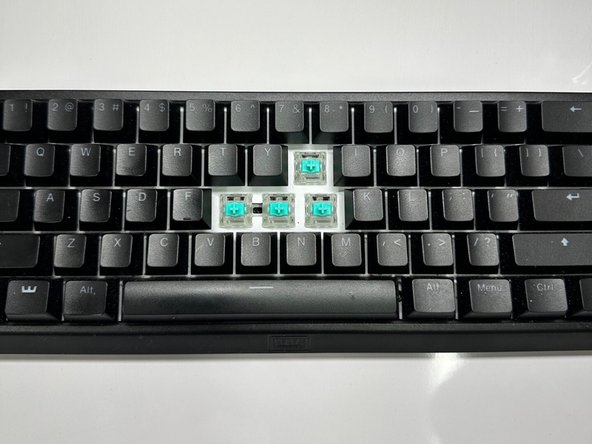
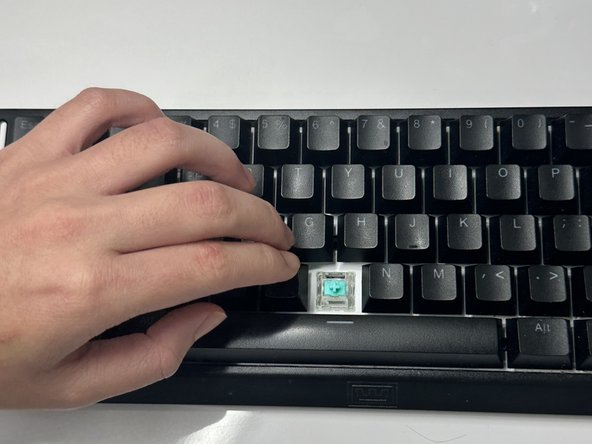
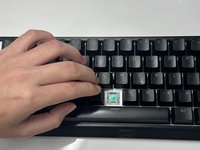
    • Use keycap puller to pull the keys off gently.

    • Some keys are harder to pull so adjust your strength accordingly.

    • Place them in the bowl.

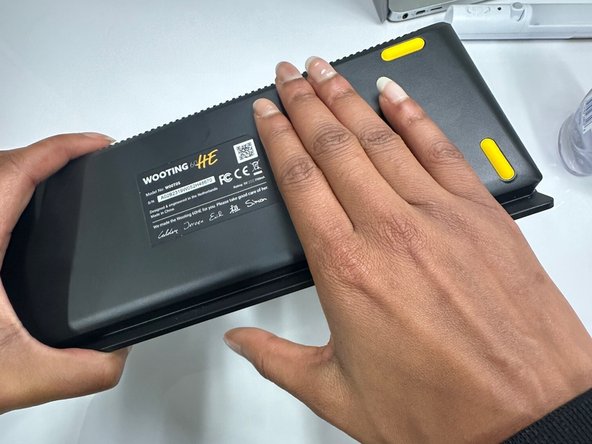
  3. How to Deep Clean a Mechanical Keyboard: 3 단계, 이미지 2개 중 1개 How to Deep Clean a Mechanical Keyboard: 3 단계, 이미지 2개 중 2개
    • Flip the keyboard over.

    • Tap it and let all the dirt fall off.

  4. How to Deep Clean a Mechanical Keyboard: 4 단계, 이미지 3개 중 1개 How to Deep Clean a Mechanical Keyboard: 4 단계, 이미지 3개 중 2개 How to Deep Clean a Mechanical Keyboard: 4 단계, 이미지 3개 중 3개
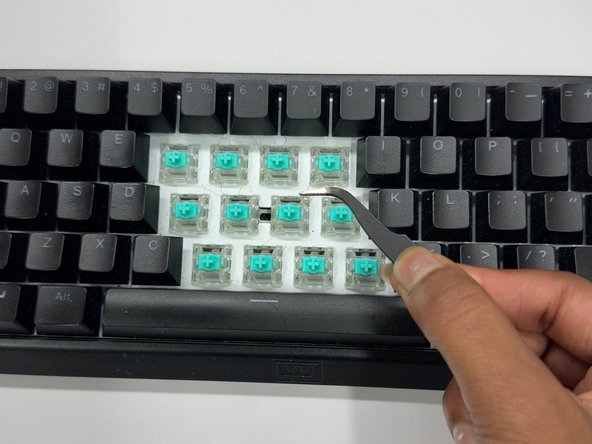
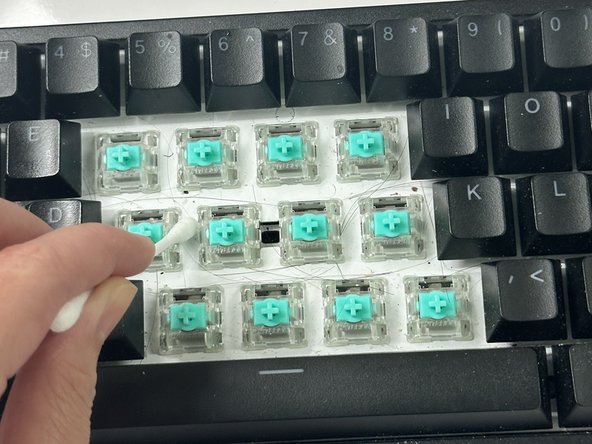
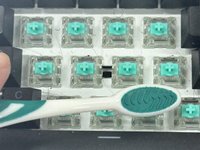
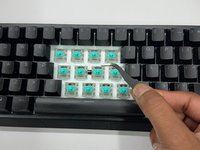
    • Scrub the rows with a dry toothbrush gently.

    • Use tweezer to get gunk out of hard to reach areas.

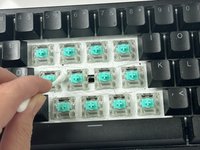
    • Scrub away any left over dirt that is still visible.

    • Use a cotton swab dipped in isopropyl alcohol for maximize cleanliness.

  5. How to Deep Clean a Mechanical Keyboard: 5 단계, 이미지 1개 중 1개
    • Use a can of compress air to further clean the keyboard.

    • Use this in tight areas such as in between key switches.

  6. How to Deep Clean a Mechanical Keyboard: 6 단계, 이미지 2개 중 1개 How to Deep Clean a Mechanical Keyboard: 6 단계, 이미지 2개 중 2개
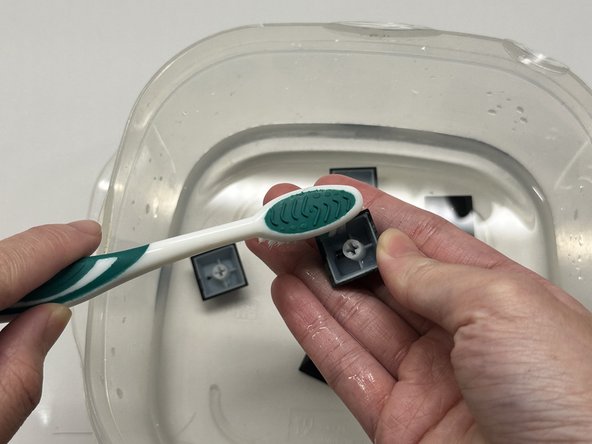
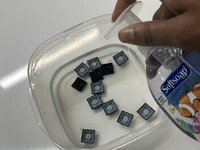
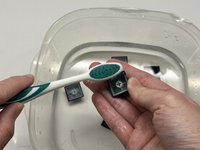
    • Fill the bowl with lukewarm water and add soap.

    • Use the toothbrush to gently scrub the keys.

    • Scrub all sides to ensure absolute cleanliness.

  7. How to Deep Clean a Mechanical Keyboard: 7 단계, 이미지 2개 중 1개 How to Deep Clean a Mechanical Keyboard: 7 단계, 이미지 2개 중 2개
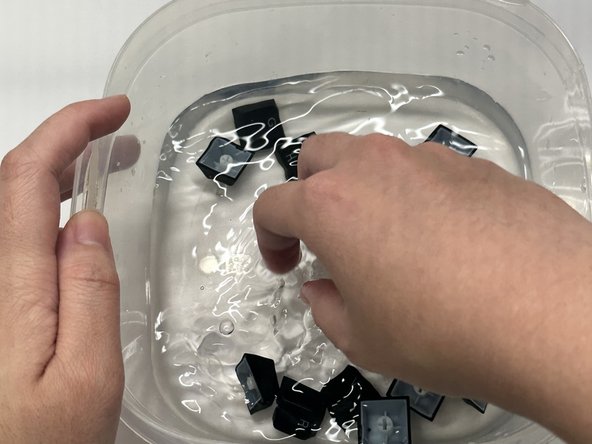
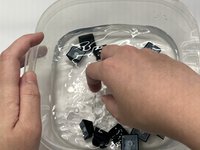
    • Soak the keys in the soap bath for 5 minutes.

    • Rinse the keys with lukewarm water.

    • Make sure there is no soap left.

  8. How to Deep Clean a Mechanical Keyboard: 8 단계, 이미지 3개 중 1개 How to Deep Clean a Mechanical Keyboard: 8 단계, 이미지 3개 중 2개 How to Deep Clean a Mechanical Keyboard: 8 단계, 이미지 3개 중 3개
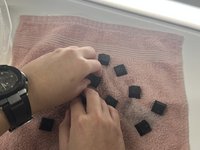
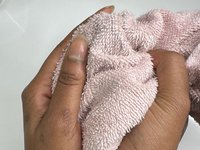
    • Lay the keys letters-side up on the towel.

    • Let them completely dry.

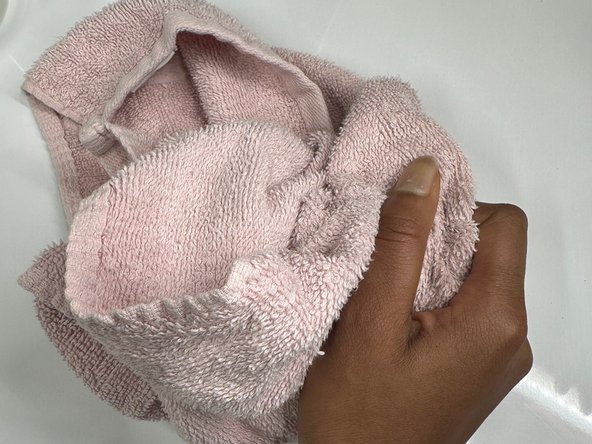
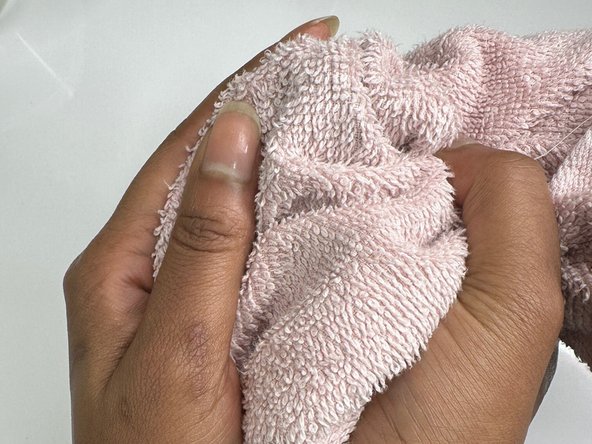
    • Gather the towel corners and make a sack.

    • Shake the keys vigorously to ensure faster dry time.

  9. How to Deep Clean a Mechanical Keyboard: 9 단계, 이미지 3개 중 1개 How to Deep Clean a Mechanical Keyboard: 9 단계, 이미지 3개 중 2개 How to Deep Clean a Mechanical Keyboard: 9 단계, 이미지 3개 중 3개
    • Use Step 1 to re-assemble the keyboard.

    • Test the keys to check for faultiness.

결론

Aye, you did it! Pat yourself on the back for the hard work you have done today. Hopefully, you will gain an understanding of how to maintain your keyboard. Thank you so much for choosing this particular guide. Have a wonderful day!

다른 2명이 해당 안내서를 완성하였습니다.

작성자

3다른 기여자 명과 함께

Capreil Joseph

회원 가입일: 10/23/23

187 평판

안내서 1개를 작성함

0가이드 댓글

댓글 쓰기

조회 통계:

지난 24시간: 0

지난 7일: 16

지난 30일: 84

전체 시간: 298