주요 콘텐츠로 건너뛰기

How to Repair a Glitchy TI-83 Plus Screen

필요한 것

  1. How to Repair a Glitchy TI-83 Plus Screen, How to Repair a Glitchy TI-83 Plus Screen: 1 단계, 이미지 2개 중 1개 How to Repair a Glitchy TI-83 Plus Screen, How to Repair a Glitchy TI-83 Plus Screen: 1 단계, 이미지 2개 중 2개
    • Remove the battery cover and the batteries that come with it.

  2. How to Repair a Glitchy TI-83 Plus Screen: 2 단계, 이미지 1개 중 1개
    • Remove the 5 mm Phillips #00 screw holding the backup battery cover.

    • Remove the backup battery cover

  3. How to Repair a Glitchy TI-83 Plus Screen: 3 단계, 이미지 1개 중 1개
    • Remove the backup battery by using the plastic opening tool. Pry it on the left of the battery where their is an opening to stick the tool into.

  4. How to Repair a Glitchy TI-83 Plus Screen: 4 단계, 이미지 1개 중 1개
    • Unscrew the six 7.5 mm T6 screws on the back shell. You will need to use a screwdriver with a long and skinny head

  5. How to Repair a Glitchy TI-83 Plus Screen: 5 단계, 이미지 2개 중 1개 How to Repair a Glitchy TI-83 Plus Screen: 5 단계, 이미지 2개 중 2개
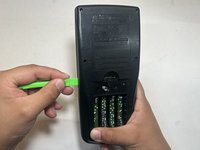
    • Pry back shell off by Inserting the plastic opening tool in the track where the protective cover slides into and pry the halves of the shell apart.

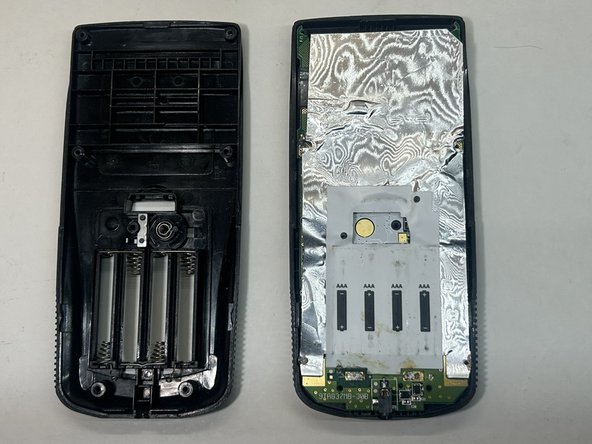
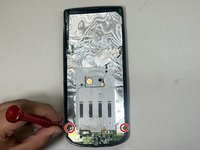
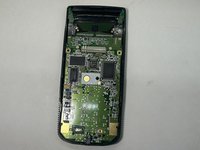
  6. How to Repair a Glitchy TI-83 Plus Screen: 6 단계, 이미지 2개 중 1개 How to Repair a Glitchy TI-83 Plus Screen: 6 단계, 이미지 2개 중 2개
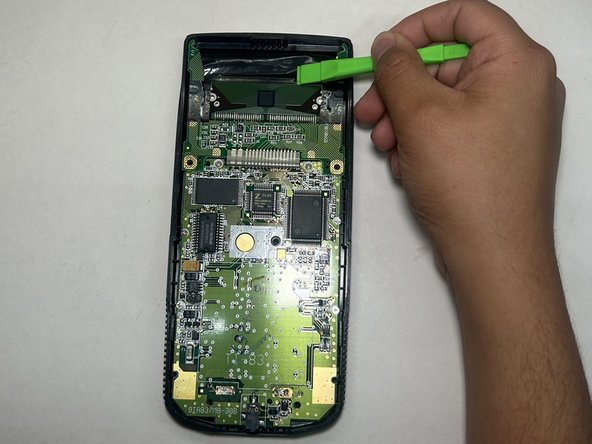
    • Remove the protective sheet from the mother board by unscrewing the two 1 mm Phillips #00 screws.

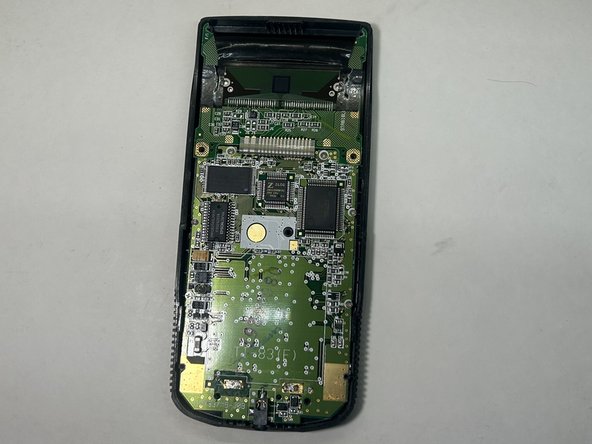
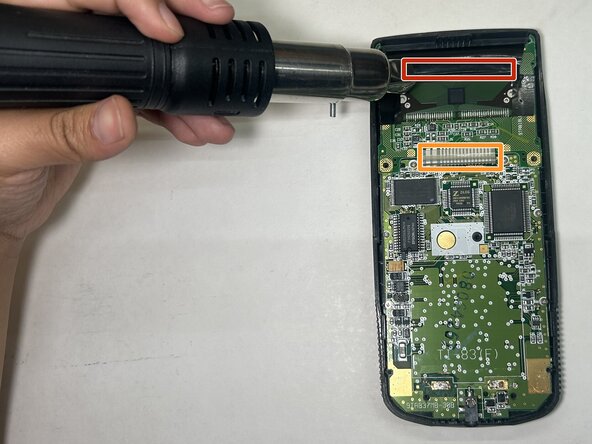
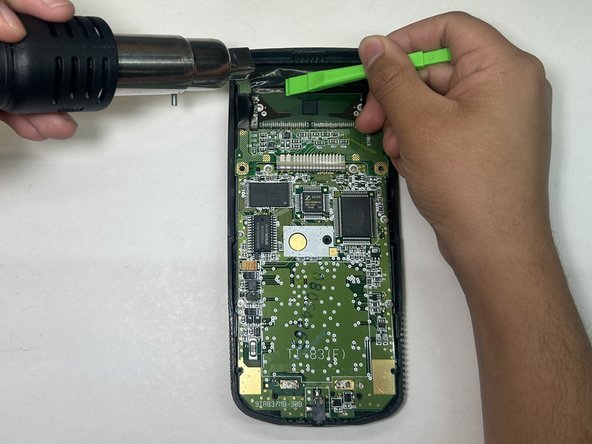
  7. How to Repair a Glitchy TI-83 Plus Screen: 7 단계, 이미지 3개 중 1개 How to Repair a Glitchy TI-83 Plus Screen: 7 단계, 이미지 3개 중 2개 How to Repair a Glitchy TI-83 Plus Screen: 7 단계, 이미지 3개 중 3개
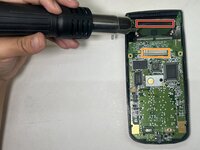
    • Set your heat gun to the lowest setting(around 150 degrees)

    • If you are missing lines on the screen, aim at the top ribbon cables and heat the cable evenly for about 5 seconds.

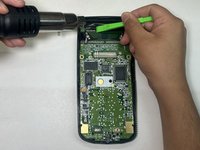
    • Then heat and apply pressure using the plastic opening tool for about 5-10 seconds, applying pressure to different sections of the ribbon cable within that timeframe.

    • Continue to apply pressure throughout the ribbons.

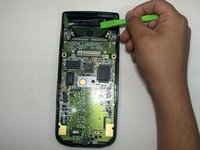
    • If the screen is Glitchy, do the same for the bottom ribbon cable.

결론

To reassemble your device, follow these instructions in reverse order.

다른 한 분이 해당 안내서를 완성하였습니다.

작성자

2다른 기여자 명과 함께

Simon Rafael

회원 가입일: 03/20/24

177 평판

안내서 1개를 작성함

0가이드 댓글

댓글 쓰기

조회 통계:

지난 24시간: 2

지난 7일: 15

지난 30일: 61

전체 시간: 1,071